The Certificate Lifecycle
When a new administrator joins, she generates her own private key and creates a certificate signing request (CSR). This CSR is then sent to the existing administrator. As the sole administrator, you review the CSR, sign it using the CA server’s private key and root certificate, and return the signed certificate. The new admin now has a valid certificate and key pair to access the cluster. Since certificates have a defined expiration period, the process is repeated when they expire. The Kubernetes API Server plays a pivotal role in the cluster but is not part of the Certificate Authority. The CA is comprised of only two files—a key and a certificate—generated during initialization. Because these files allow the signing of certificates and thus the creation of users with any privileges, they must be stored securely, typically on a dedicated CA server. In many implementations, the Kubernetes master node also serves as the CA server. For instance, the kubeadm tool creates and stores CA files on the master node.As the number of users increases, manually signing certificate requests becomes impractical. Kubernetes addresses this challenge with a built-in Certificates API that automates CSR management and certificate rotation.
Managing Certificate Signing Requests (CSRs)
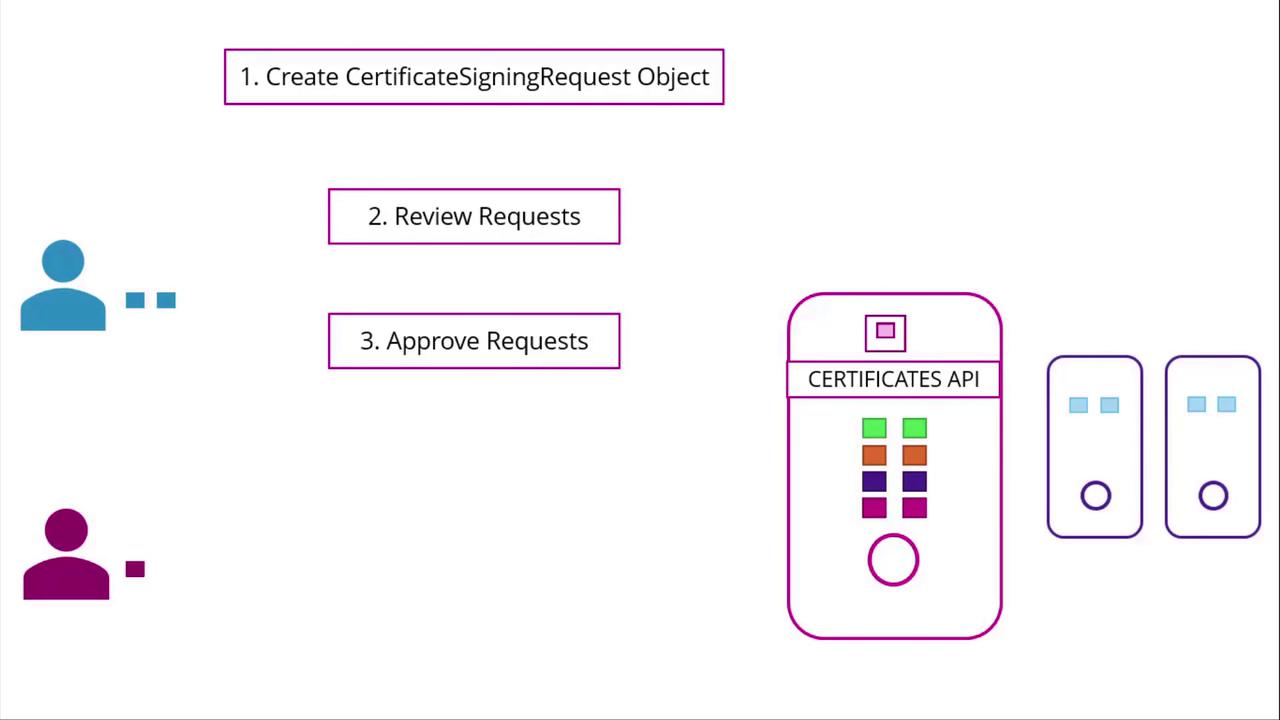
The Kubernetes Certificates API allows users to submit their CSRs via an API call, creating a CertificateSigningRequest object. Administrators can then review and approve these requests usingkubectl commands. Once approved, Kubernetes signs the certificate using the CA’s key pair. The signed certificate is then available for extraction and distribution to the requesting user.
Step 1: User Generates Private Key and CSR
A user creates a private key and generates a certificate signing request using the following command:Step 2: Administrator Creates a CSR Object
The administrator creates a CertificateSigningRequest object with a manifest file. In the manifest, thekind is set to CertificateSigningRequest, and the spec section includes the encoded certificate signing request (CSR must be encoded in base64). Below is an example manifest:
Step 3: Approving the CSR
To approve the CSR, run:The Role of the Controller Manager
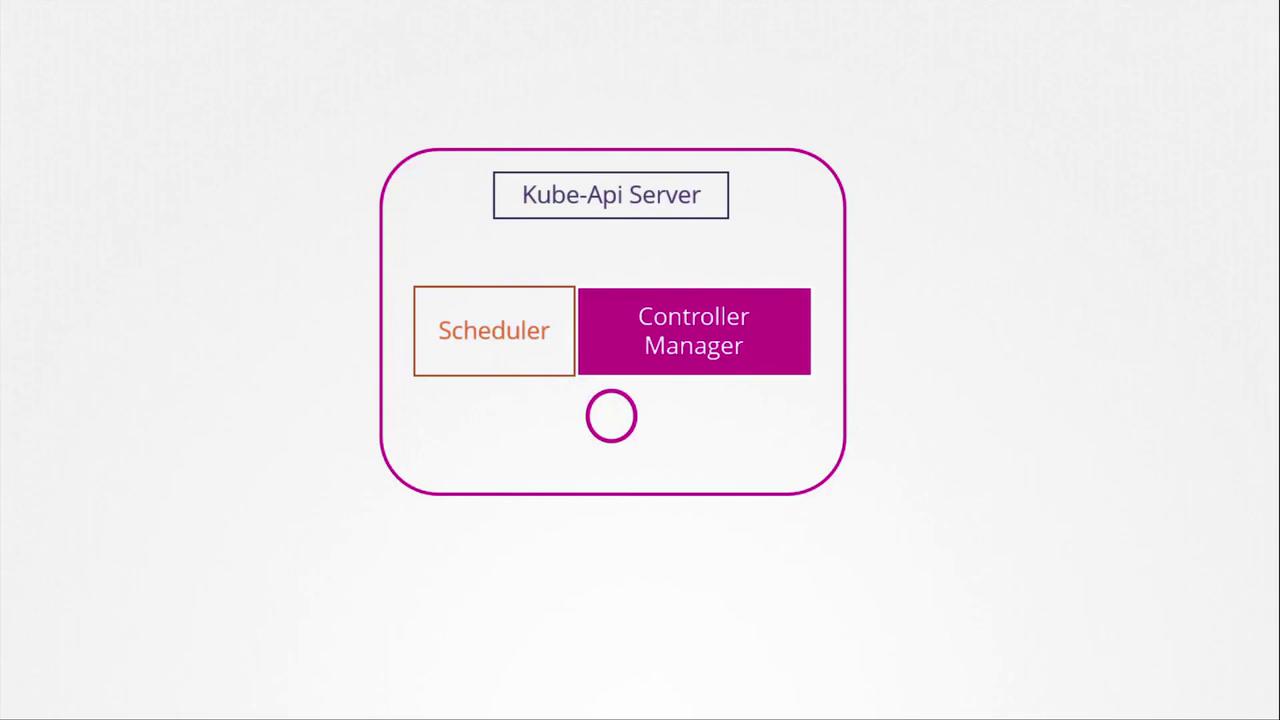
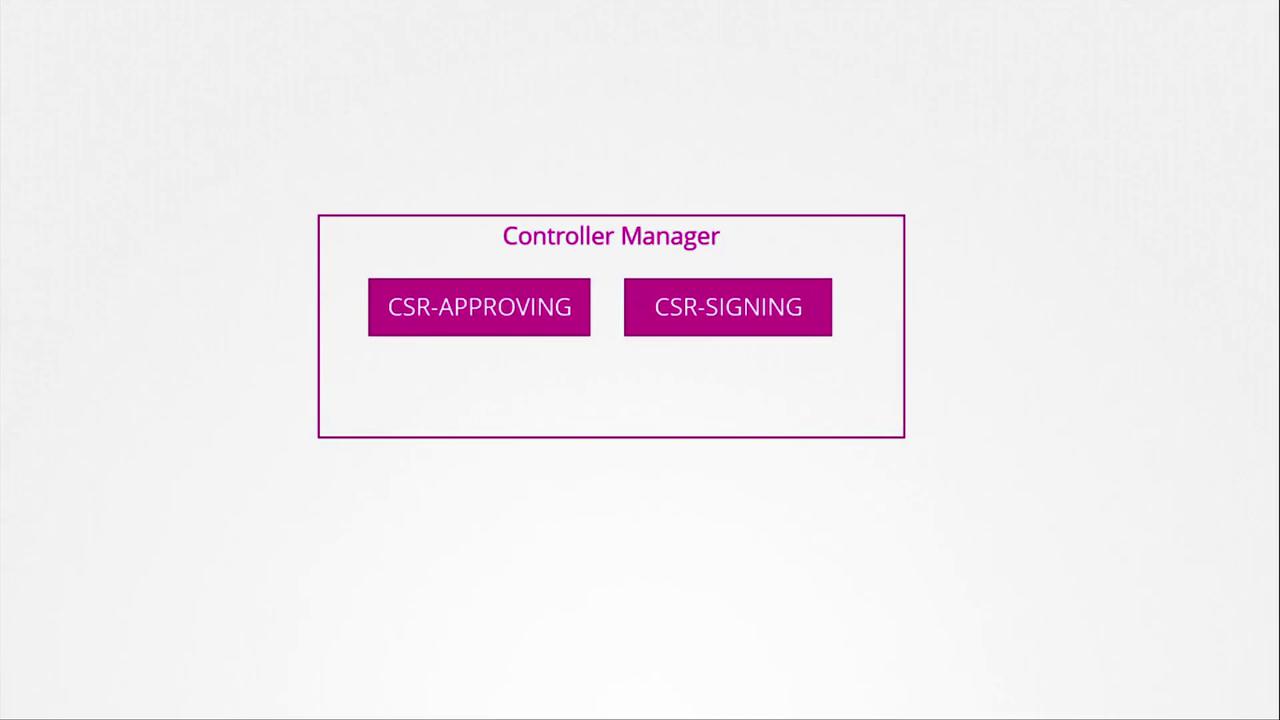
Within the Kubernetes control plane, components such as the API Server, Scheduler, and Controller Manager work together. However, all certificate-related operations—such as CSR approval and signing—are managed by the Controller Manager.