

Inspecting Existing Secrets
Question 1: How many Secrets exist in the default Namespace?
Run the following command:Question 2: How many pieces of secret data are defined in the default token secret?
Inspect the details by running:- ca.crt
- namespace
- token
Question 3: What is the type of the default token secret?
To confirm the secret type, first list the secrets:Deploying an Application with Secrets
The application deployment follows a specific architecture where required pods and services are already running. Verify their current state by running:-
List Deployments:
-
List Pods:
-
List Services:
Application Error and the Need for a New Secret
The web application is failing to connect to the MySQL database. The error message is:This error indicates that the secret containing the database credentials has not been created. To resolve this, we need to create a new secret named “db-secret” with the necessary data fields.
- DB_Host
- DB_User
- DB_Password
Creating the DB Secret
Before creating the new secret, check the help documentation:- docker-registry
- generic
- tls
Configuring the Web Application Pod to Use the New Secret
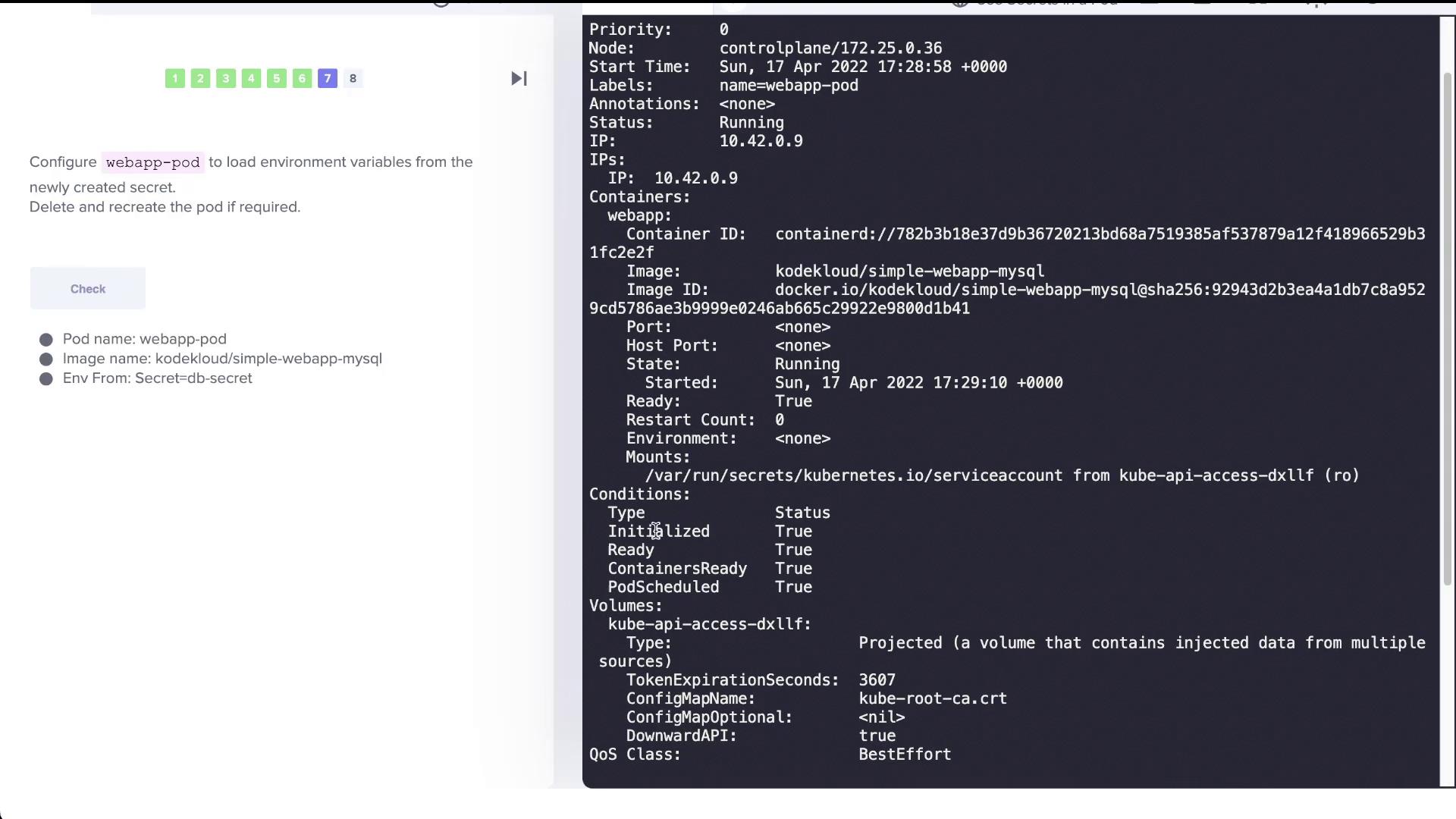
At present, the web application pod (webapp-pod) does not load the environment variables from the new “db-secret.” To pass these variables into the pod, update its configuration by referencing the secret.Example Pod Configuration
Below is an example configuration that demonstrates how to load environment variables from a secret:envFrom to reference db-secret. For example:
Reviewing Best Practices for Using Secrets
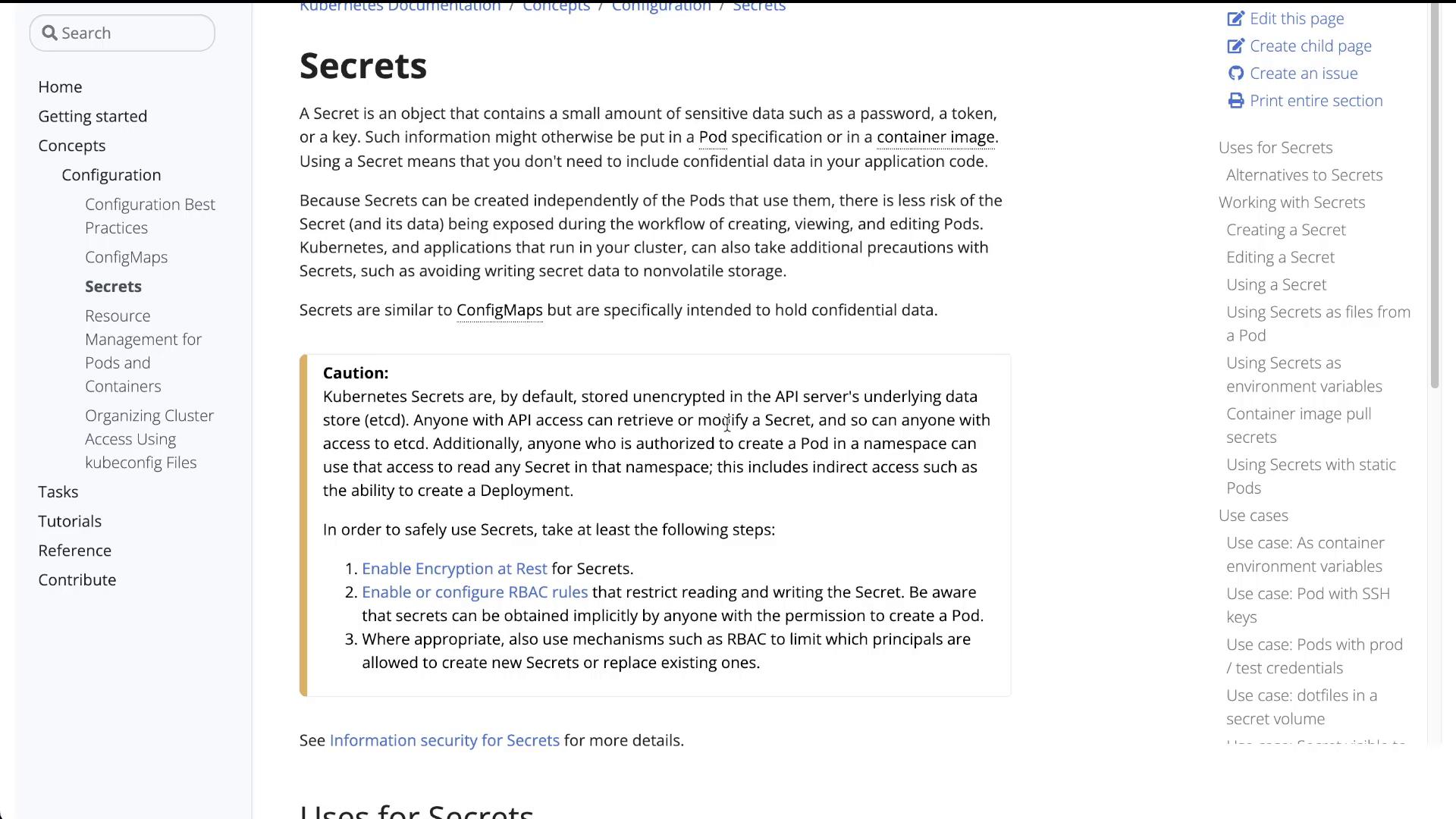
Using secrets to store sensitive data such as database credentials is a common practice. However, by default, these secrets are stored in etcd without encryption, potentially leaving them exposed to anyone with access to the Kubernetes API server or the etcd database.For enhanced security, consider enabling encryption at rest and proper role-based access controls (RBAC) to protect your secrets.
Conclusion
In this lab, you learned how to:- Inspect the default service account secret in Kubernetes.
- Create a new generic secret named “db-secret” to store database credentials.
- Configure a web application pod to load environment variables from the newly created secret.
- Understand key security considerations when working with Kubernetes Secrets.