In this lesson, we will explore storage classes in Kubernetes by reviewing their behavior and running hands-on labs. You will learn how to list storage classes, examine their properties, create persistent volume claims (PVCs), and deploy a pod to trigger volume binding. Finally, we will create a new storage class with on-demand binding.

Step 1: Checking Existing Storage Classes

Begin by determining how many storage classes exist in the cluster. Execute the following command:
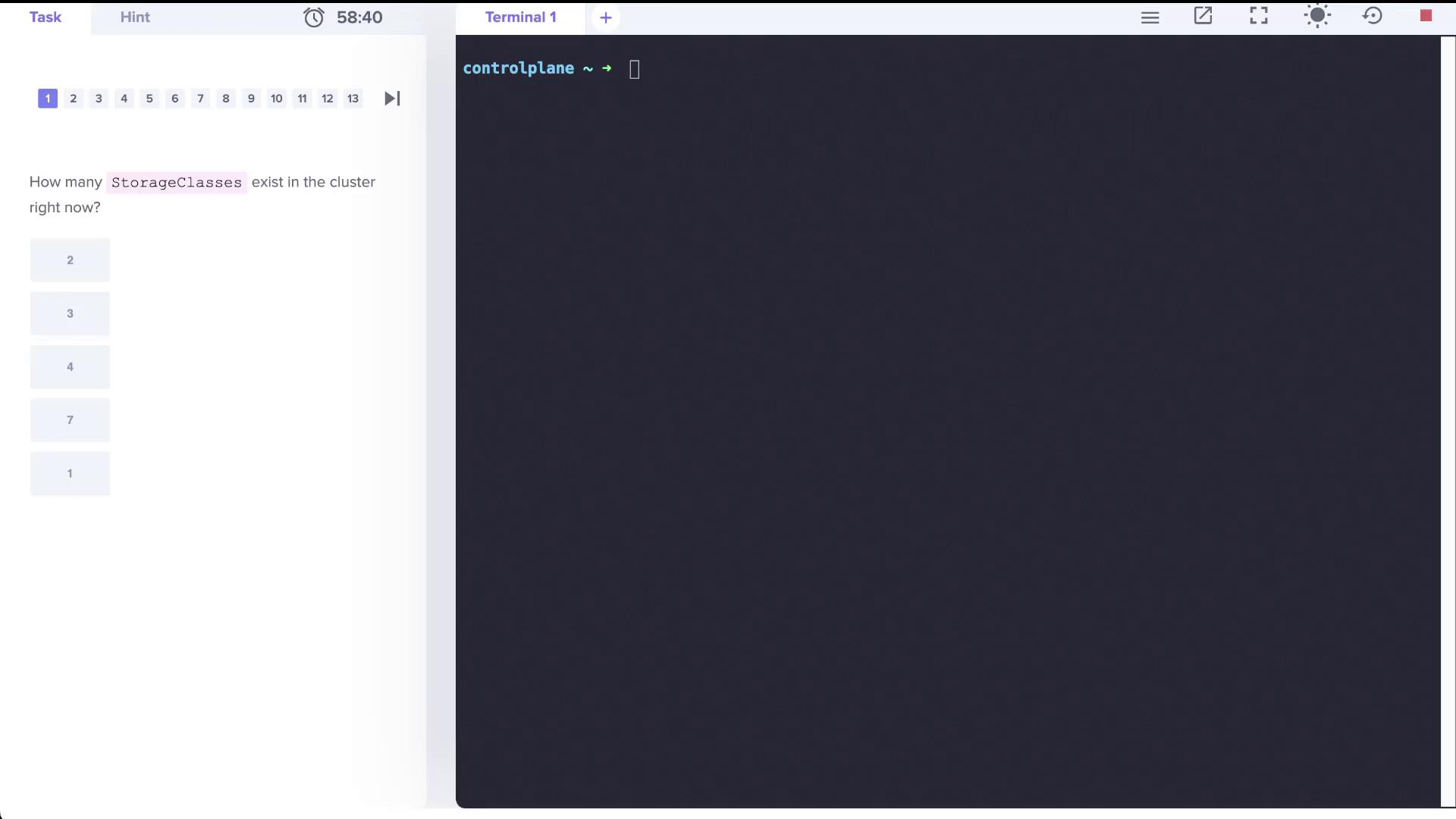
A terminal interface asks how many StorageClasses exist in a cluster, with multiple-choice options provided.
The output should display a storage class similar to:
You can also use the abbreviated command:
Both commands yield identical results.

Step 2: Reviewing Additional Storage Classes

Assume more storage classes have been created. Verify that there are now three storage classes:
or
An example output might be:
  • local-storage uses the provisioner kubernetes.io/no-provisioner, meaning it does not support dynamic volume provisioning.
  • The local-path storage class is set to bind volumes using the WaitForFirstConsumer mode.
  • portworx-io-priority-high employs the kubernetes.io/portworx-volume provisioner.

Step 3: Working with Persistent Volumes (PVs) and Persistent Volume Claims (PVCs)

First, check if there is any PVC consuming a persistent volume (PV) named local-pv:
Example output:
Next, verify that there are no PVCs created yet:
Expected output:
Since no PVC exists, create one that binds to the PV. The PVC must request 500Mi of storage, use the ReadWriteOnce access mode, and specify the local-storage storage class. Create a file named pvc.yaml with the following content:
After applying the YAML file, check the PVC status:
Initially, the PVC may display a Pending status:
For further details, inspect the PVC using:
You might see an event similar to:
This indicates that the WaitForFirstConsumer volume binding mode delays binding until a pod consumes the PVC.

Step 4: Deploying a Pod to Trigger PVC Binding

Deploy a pod named nginx that uses the PVC to initiate binding. This pod will run the nginx:alpine image and mount the PVC at /var/www/html. Refer to the image below for guidance:
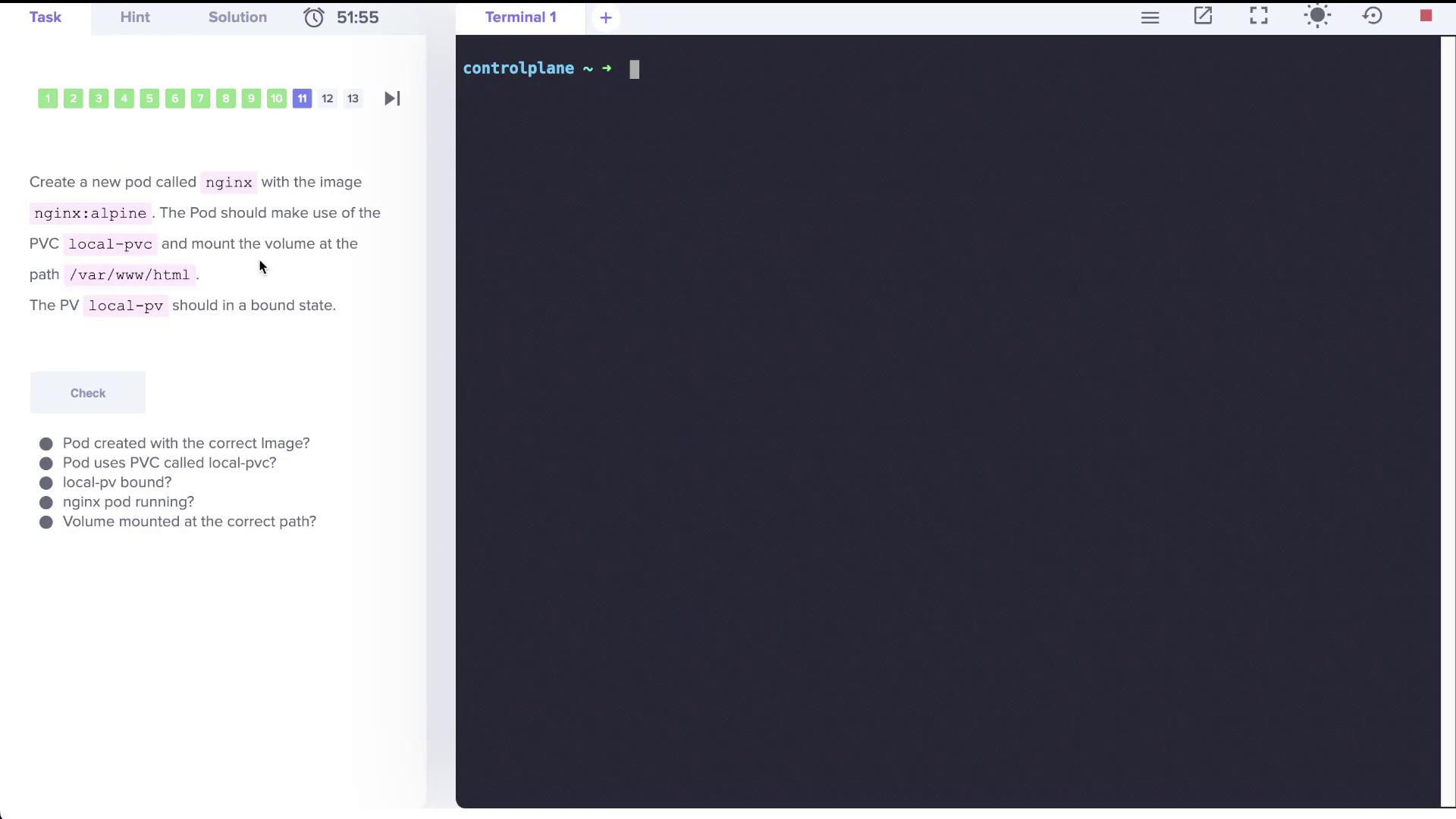
The image shows a task to create an Nginx pod using a specific image and PVC, with checks for correct configuration.
Create a file named nginx.yaml with the following configuration:
Deploy the pod with:
After a short wait, recheck the PVC status:
The output now should display that the PVC is Bound:
This confirms that creating the consumer pod triggered the binding of the PVC to the PV.

Step 5: Creating a New Storage Class with Delayed Binding

Finally, create a new storage class called delayed-volume-sc. This storage class utilizes a no-provisioner and employs the WaitForFirstConsumer volume binding mode. Prepare a file named delayed-volume-sc.yaml with the following content:
Create the storage class by running:
Verify by listing all storage classes:
Expected output:

Lab Summary

In this lab, we covered the following topics:
  • Listing and determining the number of storage classes in a Kubernetes cluster.
  • Understanding the difference between dynamic and non-dynamic volume provisioning.
  • Creating a PersistentVolumeClaim (PVC) and observing its binding behavior under the WaitForFirstConsumer mode.
  • Deploying a consumer pod (nginx) that triggers PVC binding.
  • Creating a new storage class with delayed (on-demand) volume binding.
With these steps, you are now familiar with storage class configurations and the process of volume binding in Kubernetes. Enjoy managing your storage solutions efficiently! For more details on Kubernetes storage, see Kubernetes Documentation.

Watch Video