

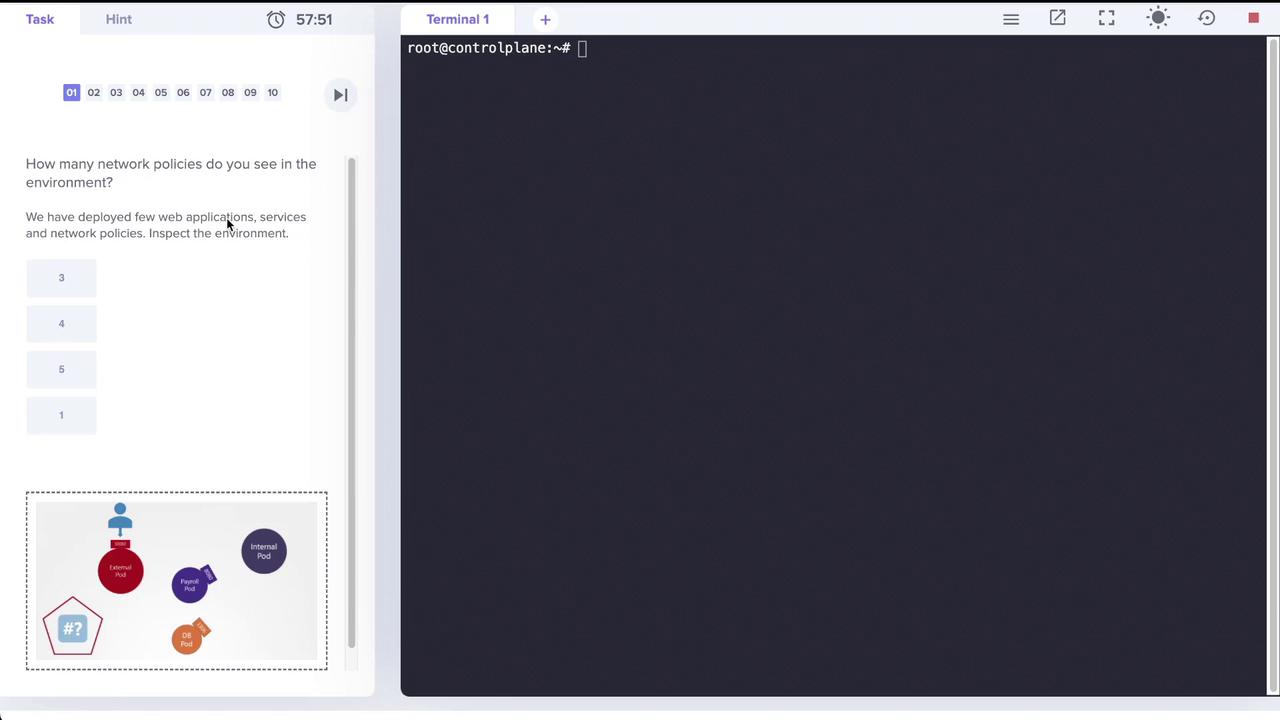
Step 1: Inspecting the Pods
First, verify the running applications by listing the pods. In this environment, four pods are running: external, internal, mysql (the database), and payroll. Execute the following command:Step 2: Checking the Associated Services
Next, inspect the services that expose these pods on different ports. Note that:- The payroll service is exposed on port 8080.
- Both the external and internal services also use port 8080.
- The MySQL (DB) service is available on port 3306.
Step 3: Identifying Network Policies
The next step is to check the applied network policies. Initially, running:name=payroll.
The payroll network policy allows ingress TCP traffic on port 8080 to the payroll pod, but only from pods with the
name=internal label. Outbound traffic (egress) is not restricted.Step 4: Reviewing the Payroll Network Policy
Inspect the details of the network policy with the following command:name=internal is permitted to access the payroll pod on TCP port 8080.
Step 5: Connectivity Tests
Connectivity tests via the provided application interfaces validate that:- The internal-facing application successfully accesses the payroll service on port 8080.
- The external-facing application times out when attempting to access the same service.
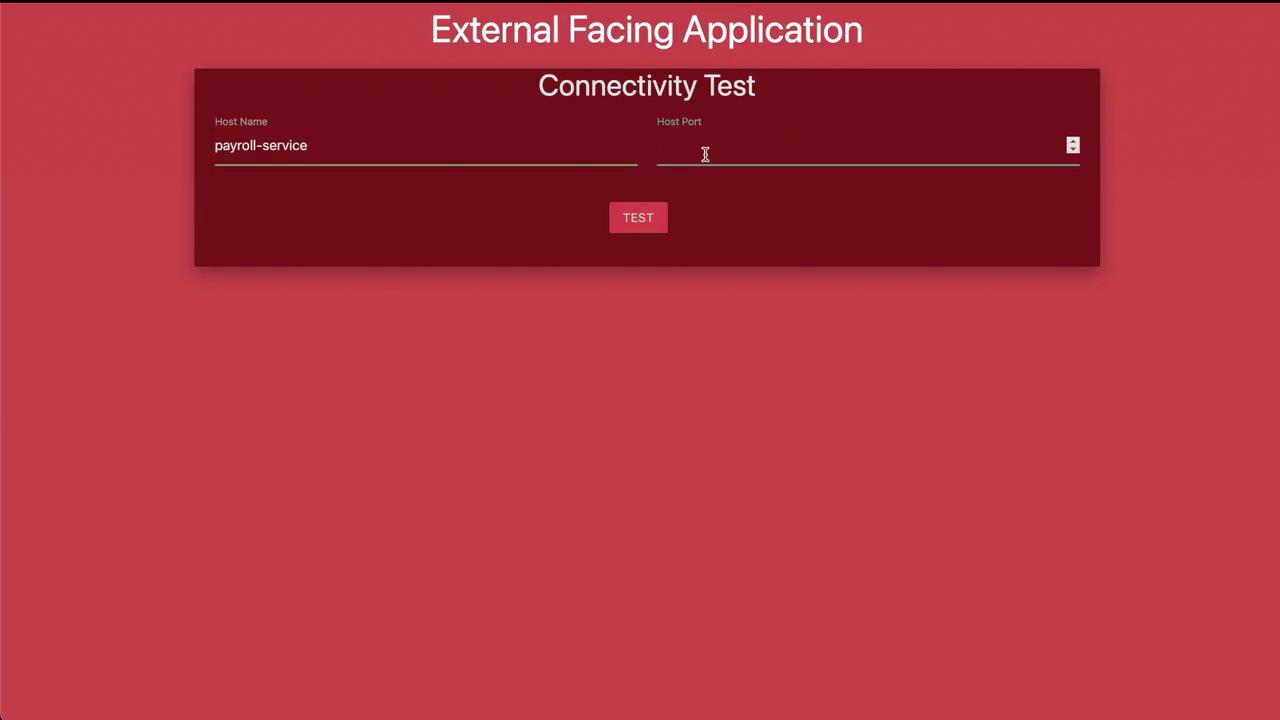
Step 6: Creating a New Network Policy for Internal Pod Egress
The next task is to create a network policy that further restricts the internal pod’s egress traffic. The goal is to allow the internal pod only to access:- The payroll pod on port 8080.
- The MySQL (DB) pod on port 3306.
internal-policy.yaml with the following content:
The internal policy ensures that the internal pod can only send egress traffic to the payroll pod on port 8080 and the MySQL pod on port 3306, effectively blocking any other outbound connections.