

default) and control access only within that namespace.
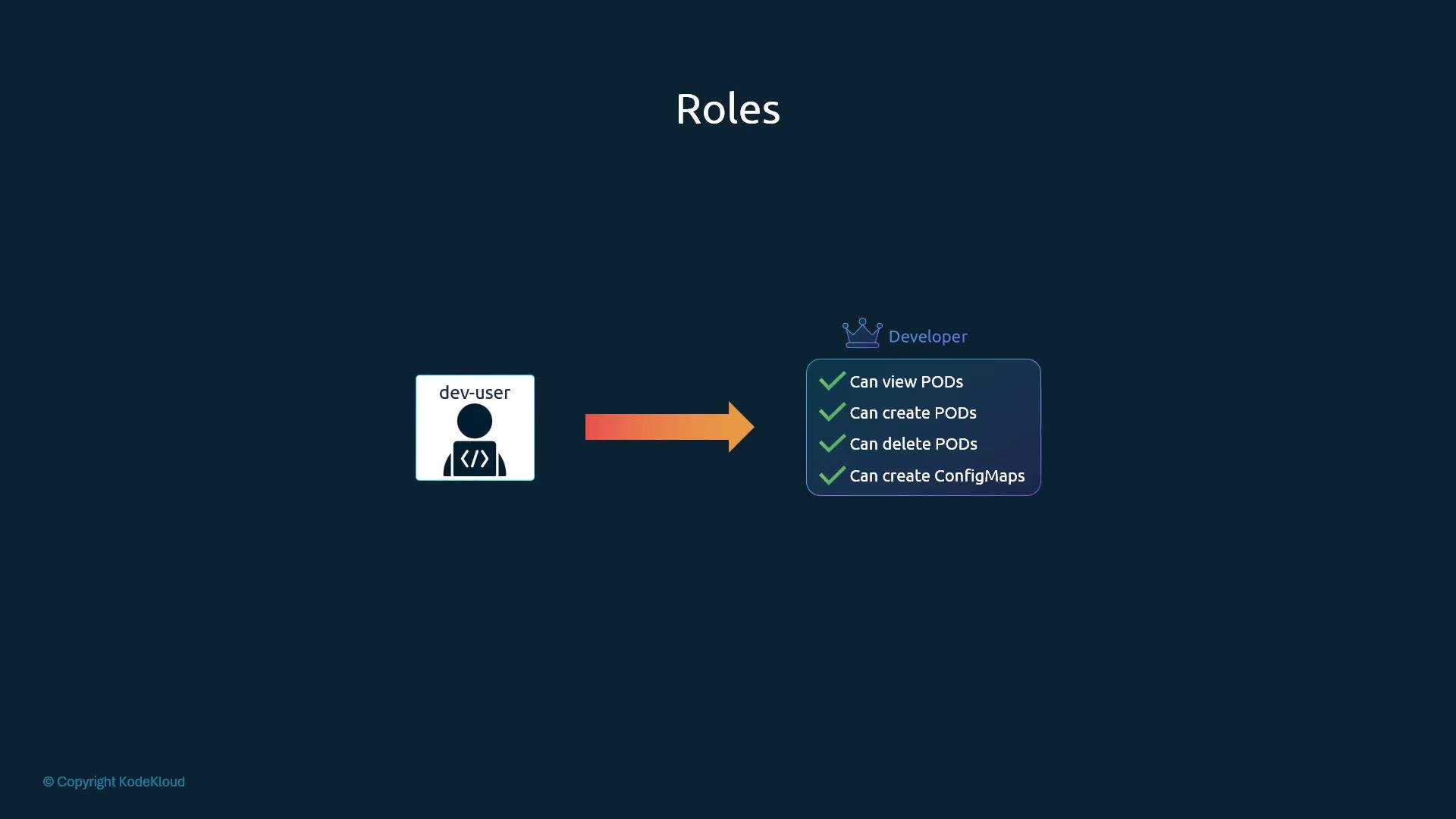
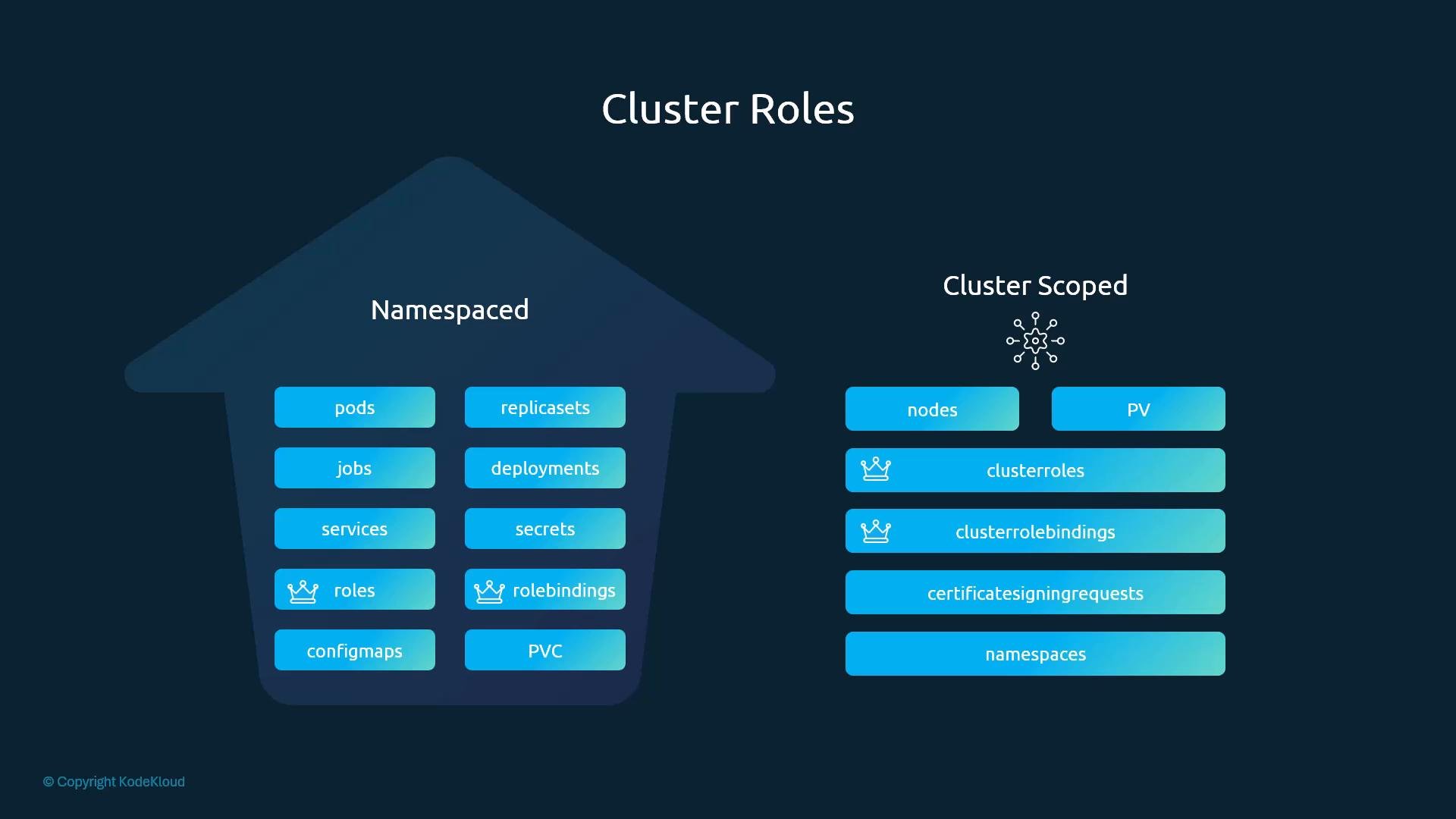
node01 is part of the dev namespace) because these resources exist at the cluster scope.
Cluster-scoped resources cannot be created inside a namespace. To list which API resources are namespaced (or not), run
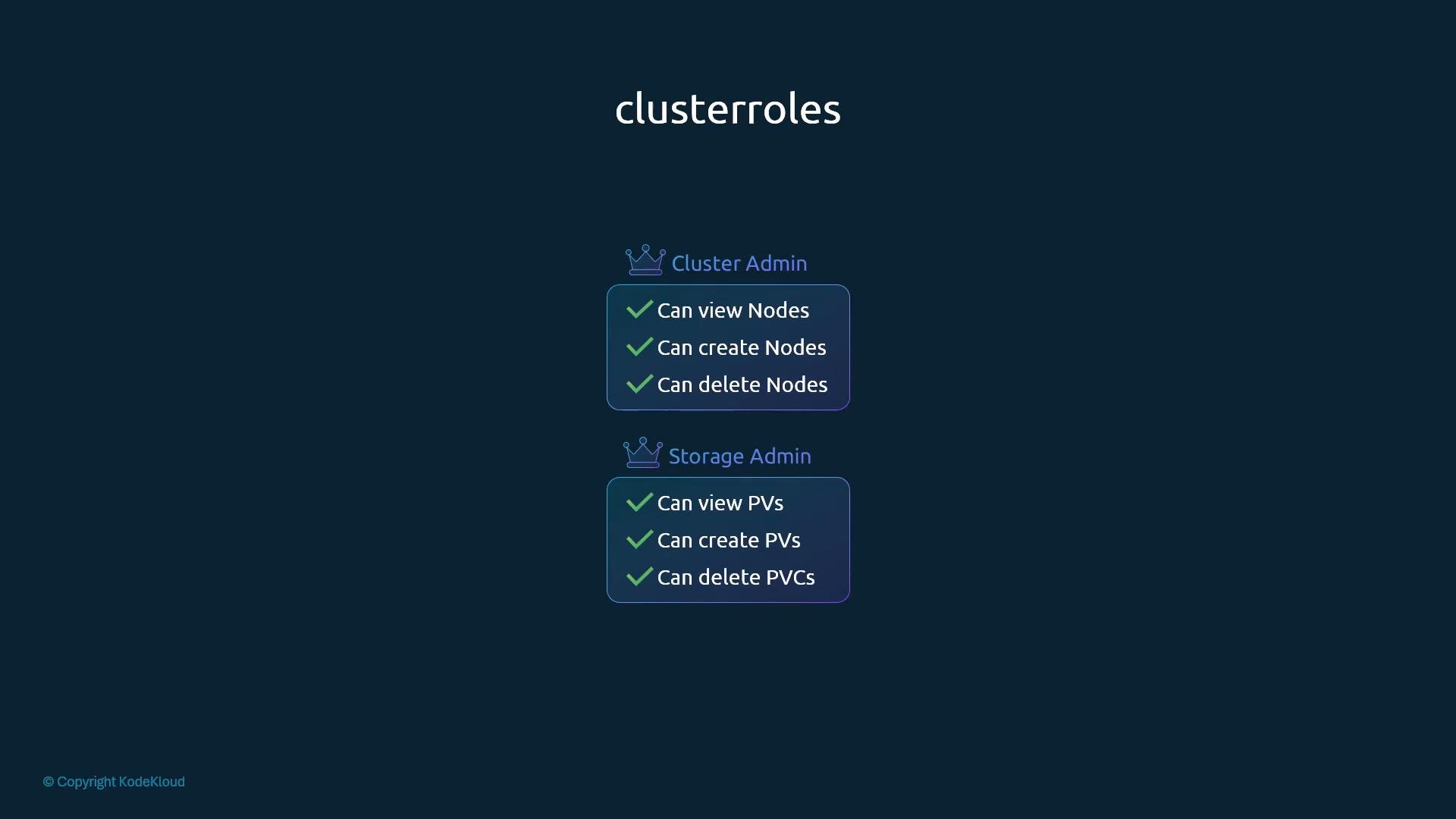
kubectl api-resources -o wide and check the NAMESPACED column. See the Kubernetes API resources documentation for more details.- A ClusterRole for a cluster administrator might grant permissions to list, get, create, and delete
nodes. - A storage administrator ClusterRole might grant permissions to manage
persistentvolumesandpersistentvolumeclaims.
---:
pods). When such a ClusterRole is bound using a ClusterRoleBinding, the permissions it grants apply across all namespaces in the cluster (unlike a Role which confines access to a single namespace).
Granting namespaced permissions through a ClusterRole (for example, access to
pods) gives the subject access across every namespace. Be deliberate and follow the principle of least privilege when creating ClusterRoles and ClusterRoleBindings.cluster-admin, system:node, system:masters) are used by the system and can be referenced by ClusterRoleBindings. Understanding the built-in roles helps when designing RBAC policies for cluster operators and service accounts.
Comparison at a glance
- Kubernetes RBAC documentation: https://kubernetes.io/docs/reference/access-authn-authz/rbac/
- kubectl api-resources:
kubectl api-resources -o wide - Guide to RBAC best practices: https://kubernetes.io/docs/reference/access-authn-authz/rbac/#rbac-and-best-practices