

- First — cluster architecture: nodes, control plane components, and how they interact.
- Next — API primitives: Pods, ReplicaSets, and Deployments (what they represent and when to use each).
- Finally — Services and network primitives: exposing workloads, service types, and basic networking patterns.
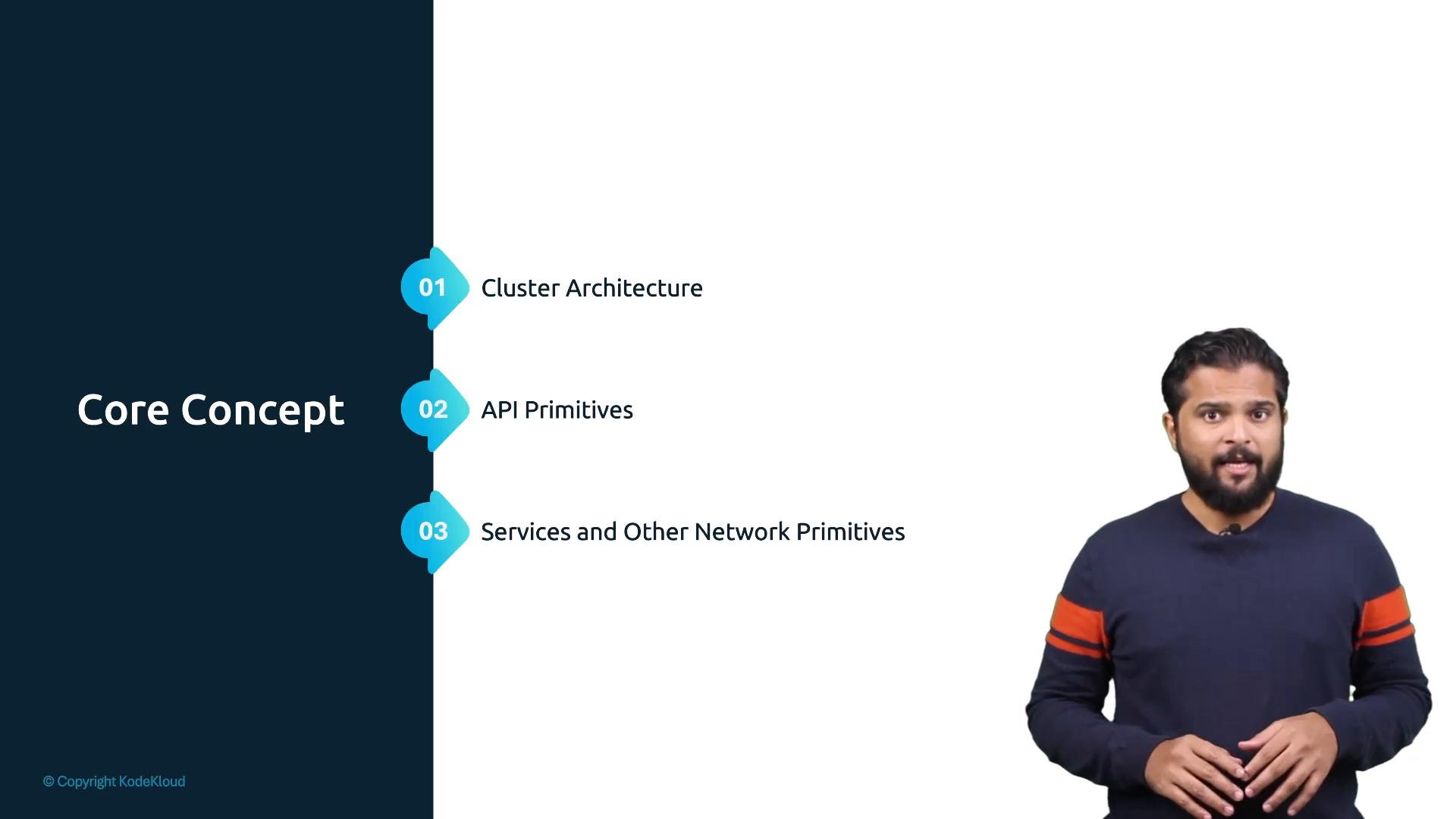
Suggested approach: follow the sequence — architecture → API primitives → networking — so you understand why objects exist before learning how to use them. Keep
kubectl access to a test cluster ready for the hands-on exercises.- Describe the high-level components of a Kubernetes cluster (control plane, nodes, etcd, kubelet, kube-proxy).
- Explain Pods, ReplicaSets, and Deployments and the lifecycle differences among them.
- Configure Services to expose workloads and understand service types (ClusterIP, NodePort, LoadBalancer).
- Apply basic
kubectlcommands to inspect resources and troubleshoot common issues.
- Cluster architecture — control plane and worker node responsibilities.
- API primitives — Pod anatomy, ReplicaSet scaling, Deployment rollouts and rollbacks.
- Services & networking — service discovery, basic network policies, and common exposure patterns.
Recommended prerequisites
- Basic familiarity with containers and Docker.
kubectlconfigured to target a Kubernetes cluster (minikube, kind, or a cloud cluster).- Command-line access to perform
kubectloperations.
Hands-on tip: never run commands against a production cluster unless you understand the object being changed. Use namespaces and test clusters for practice.