

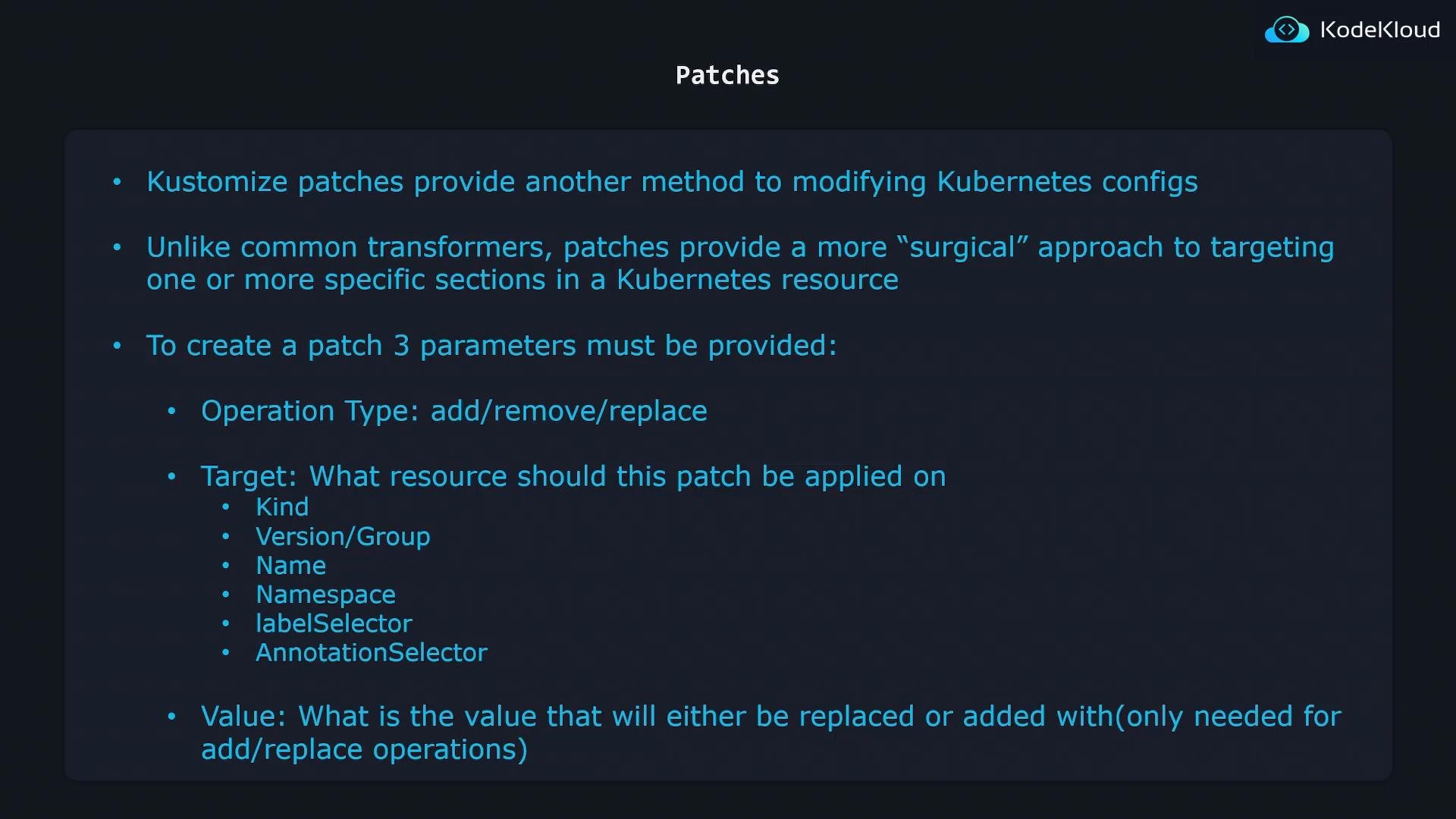
- Operation type — the action to take (add, remove, replace, etc.).
- Target — criteria to match the resource(s) to patch (fields such as
kind,apiVersion/group,name,namespace,labelSelector,annotationSelector). - Value — the new data to add or replace (not required for
removeoperations).
For a remove operation you only need to specify the target and the path to remove — no
value is required.- add — insert a value (for example, add a container to a Pod spec list).
- remove — delete a value (for example, remove a label or an element from a list).
- replace — swap an existing value with a new one (for example, change
replicasfrom5to10).
/metadata/name, /spec/replicas) indicate where in the YAML tree the operation applies.
Examples
Below are two common patch scenarios using JSON Patch (RFC 6902) inline patches in akustomization.yaml. These demonstrate how to target and change specific fields in a Deployment.
Example 1 — Replace metadata.nameGoal: change a Deployment named
api-deployment to web-deployment.
Base Deployment:
kustomize build:
- The
patch:entry uses the YAML block scalar|-to embed the patch content inline. - The patch content is a JSON Patch (RFC 6902) represented in YAML: a list of operations with keys
op,path, and optionallyvalue. - JSON Patch supports other operations as well (
move,copy,test), butadd,remove, andreplaceare the most common.
spec.replicasGoal: change
replicas from 1 to 5 on the same Deployment.
Base Deployment (same as above, with replicas: 1).
kustomization.yaml using a JSON 6902 inline patch:
kustomize build:
Two patch styles supported by Kustomize
Kustomize supports two primary patch formats. Choose the one that best fits your use case.
Example of a strategic merge patch:
- Kustomize uses the metadata (for example,
name,namespace) to identify which resource to patch. - The YAML snippet contains only the fields you want to change; Kustomize merges them into the original object to produce the final manifest.
- Strategic merge patches are often easier to author because they look like normal Kubernetes YAML.
Be careful with list merging when using strategic merge patches. Lists are merged using merge keys defined for the resource (often
name), and incorrect assumptions about merging can unintentionally replace or duplicate list entries. Use JSON 6902 when you need predictable, element-level operations on lists.- Use JSON 6902 patches for explicit, targeted operations using JSON Pointer paths.
- Use strategic merge patches for readability and when changing conventional Kubernetes fields.
Quick reference and links
- RFC 6902 (JSON Patch): https://datatracker.ietf.org/doc/html/rfc6902
- Kustomize documentation: https://kubectl.docs.kubernetes.io/references/kustomize/
- Kubernetes resource merging behavior: https://kubernetes.io/docs/tasks/manage-kubernetes-objects