This lesson builds on the basic concept of volumes and explains how Kubernetes provides cluster-scoped storage that can outlive individual Pods. When you declare volumes directly inside a Pod spec, the storage configuration (volume type, IDs, filesystem, etc.) is embedded in each Pod manifest:
In small examples this works, but in larger clusters this approach is hard to manage: every Pod author must know and repeat the storage configuration, and any change to the storage backend requires updating many manifests. PersistentVolumes (PVs) solve this by enabling central storage management at the cluster level. An administrator provisions a pool of storage as PVs (or enables dynamic provisioning via a StorageClass). Users request storage by creating PersistentVolumeClaims (PVCs). The Kubernetes control plane will bind PVCs to matching PVs based on capacity, access modes, and other constraints.
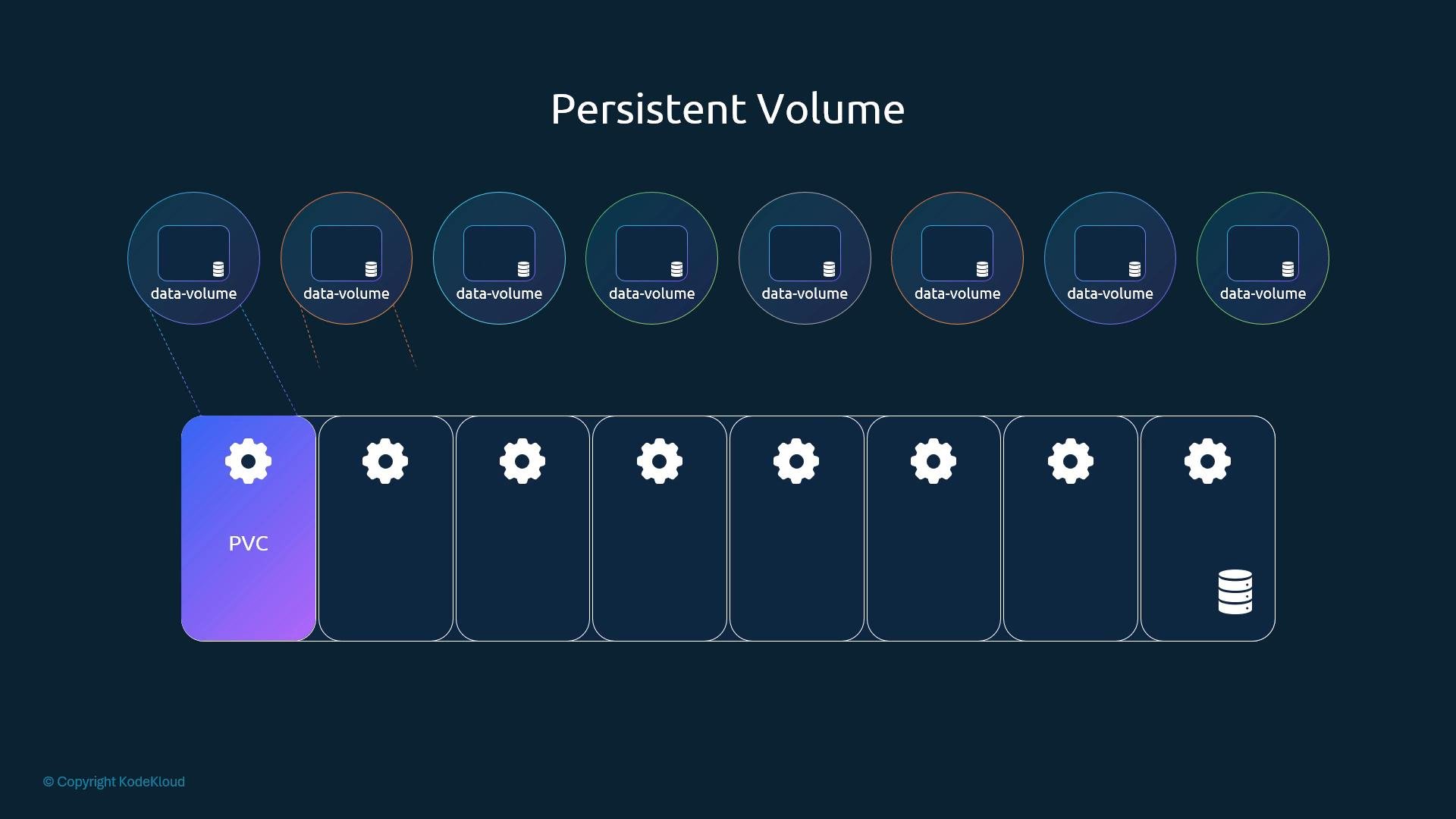
A diagram titled "Persistent Volume" illustrating a PVC block on the left connected to a row of pods, with multiple circular "data-volume" icons above representing storage volumes. The graphic visualizes how persistent volumes are attached to containers/pods.
Key concepts at a glance:
  • PersistentVolume (PV): a cluster-scoped resource representing a piece of storage.
  • PersistentVolumeClaim (PVC): a user request for storage that gets bound to a PV.
  • StorageClass: optional resource to enable dynamic provisioning of PVs.
  • Binding: the process that matches PVCs to available PVs based on size, access mode, and selectors.
Access modes determine how a volume can be mounted by Pods. Common modes include ReadWriteOnce, ReadOnlyMany, and ReadWriteMany. See the table below for concise descriptions and typical use cases. Let’s create a simple PV manifest to see the structure. This example uses hostPath for demonstration:
Important notes about hostPath:
hostPath mounts storage from the node’s local filesystem. It’s useful for local development or single-node clusters. For production, use a networked or cloud-backed volume type (for example, AWS EBS, GCE Persistent Disk, NFS, or a CSI-backed driver configured via a StorageClass).
For safety in production environments:
Do not use hostPath in multi-node or production clusters—data will not be portable between nodes and can be lost if the Pod is rescheduled to a different node. Use a networked volume or a CSI driver for durability and portability.
Create the PV from a file (for example pv-definition.yaml) with kubectl:
List PVs in the cluster:
Common PV provisioning approaches: Next steps
  • Create a PersistentVolumeClaim (PVC) to request storage from the cluster pool.
  • Observe the PV/PVC binding process and how Pods mount the resulting volume.
  • Consider using a StorageClass and a CSI driver for dynamic provisioning in production.
References

Watch Video