

Manual vertical scaling (what you do today)
When you scale a workload vertically by hand, you update the Deployment’s Pod template to change container resource requests/limits. Typical steps:- Inspect the Deployment manifest to view current requests/limits.
- Monitor real resource usage using the Metrics API (requires metrics-server).
- Edit the Deployment; saving the change causes the Deployment controller to replace Pods with new ones using updated resource values.
Ensure the
metrics-server is installed and healthy in the cluster. VPA and other resource-aware controllers rely on metrics from the Kubernetes Metrics API.What VPA does
The Vertical Pod Autoscaler continuously observes container resource usage, computes recommended CPU and memory requests, and can apply those recommendations depending on configuration. VPA helps reduce over-provisioning by aligning Pod resource requests to actual usage.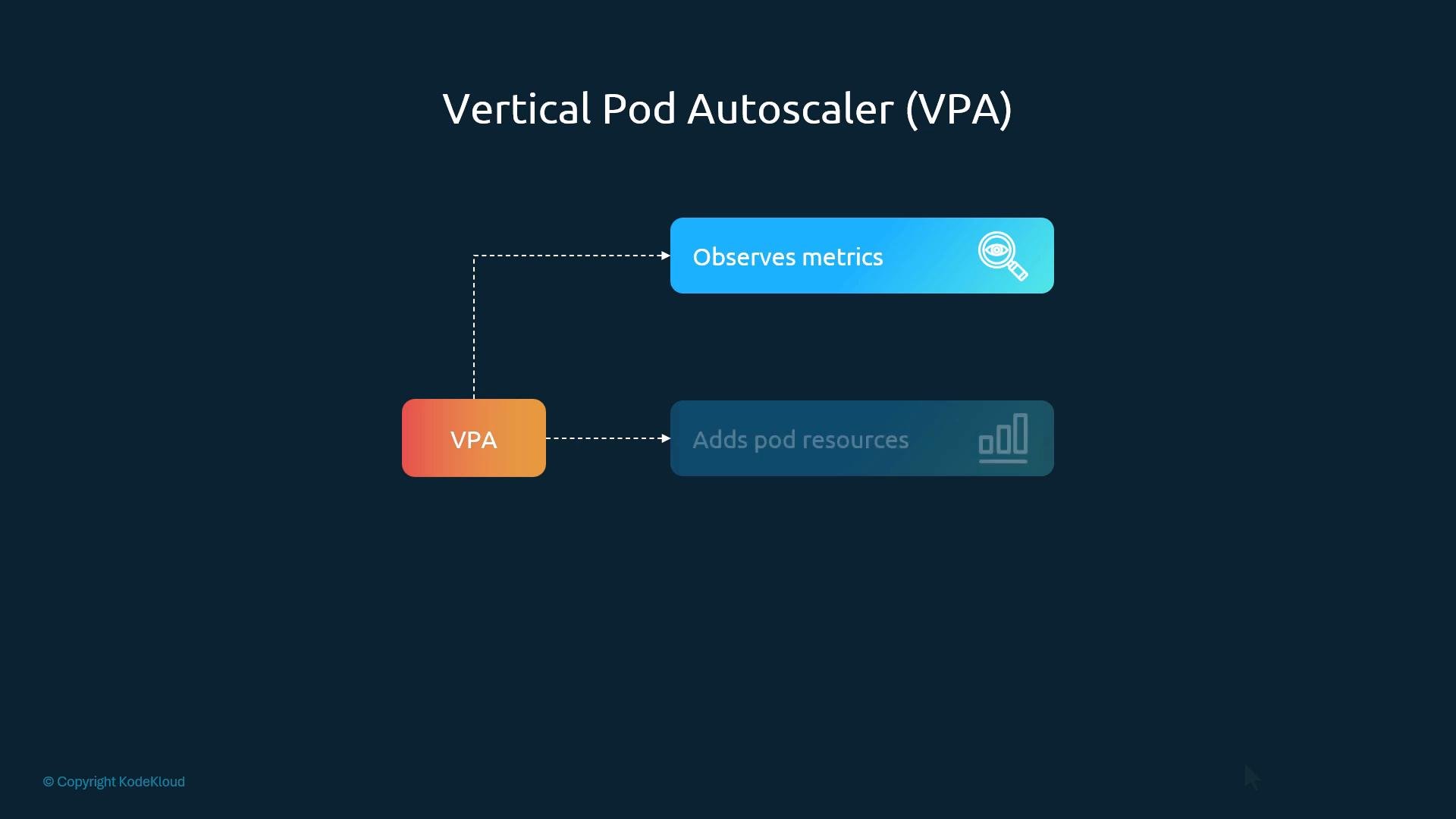
Deploying VPA
VPA is not part of the core Kubernetes distribution. Install it from the autoscaler project manifests and confirm the VPA pods appear in thekube-system namespace.
Install:
VPA components and roles
You can think of the VPA as three cooperating parts. The table summarizes responsibilities:Creating a VPA resource
VPA is a Kubernetes Custom Resource. Create it by applying a YAML manifest (there is nokubectl autoscale equivalent for VPA).
Example VPA manifest:
VPA update modes (how recommendations are applied)
VPA has multiple update modes to control whether and how recommendations are enforced:-
Off
- Only the recommender runs and records recommendations. The updater and admission controller do not apply changes. Use when you want visibility into recommended values without impacting running Pods.
-
Initial
- Admission controller applies recommended requests only at Pod creation time. Existing Pods are not evicted by the updater.
-
Recreate
- Updater evicts running Pods considered suboptimal; higher-level controllers recreate them with new requests. Admission controller also applies recommendations to new Pods.
-
Auto
- Current behavior is the same as Recreate (evicts & recreates). Intention is to support in-place resource adjustments in the future when the Kubernetes runtime and workloads support safe in-place resizing.
Using
Recreate or Auto can cause Pod evictions and restarts. Ensure your controllers and Pod disruption budgets are configured to maintain availability during updates. Test in a non-production cluster first.Inspecting VPA recommendations
View recommendations and policy details withkubectl describe:
VPA vs HPA — quick decision guide
Use this table to decide between VPA and HPA or when to combine them:
When combining: use VPA to recommend sane requests for Pods and HPA to scale the replica count. Test combinations and tune update modes and Pod Disruption Budgets to avoid conflict.
Summary and next steps
- VPA automates vertical tuning of Pod resource requests; HPA changes the replica count.
- Choose VPA for workloads that need tuned per-Pod resource allocation; choose HPA for fast horizontal scaling.
- Combining both is powerful but requires careful configuration to avoid conflicting behavior.
- Vertical Pod Autoscaler (autoscaler repo): https://github.com/kubernetes/autoscaler/tree/master/vertical-pod-autoscaler
- Kubernetes HorizontalPodAutoscaler docs: https://kubernetes.io/docs/tasks/run-application/horizontal-pod-autoscale/
- Kubernetes Metrics Server: https://github.com/kubernetes-sigs/metrics-server