

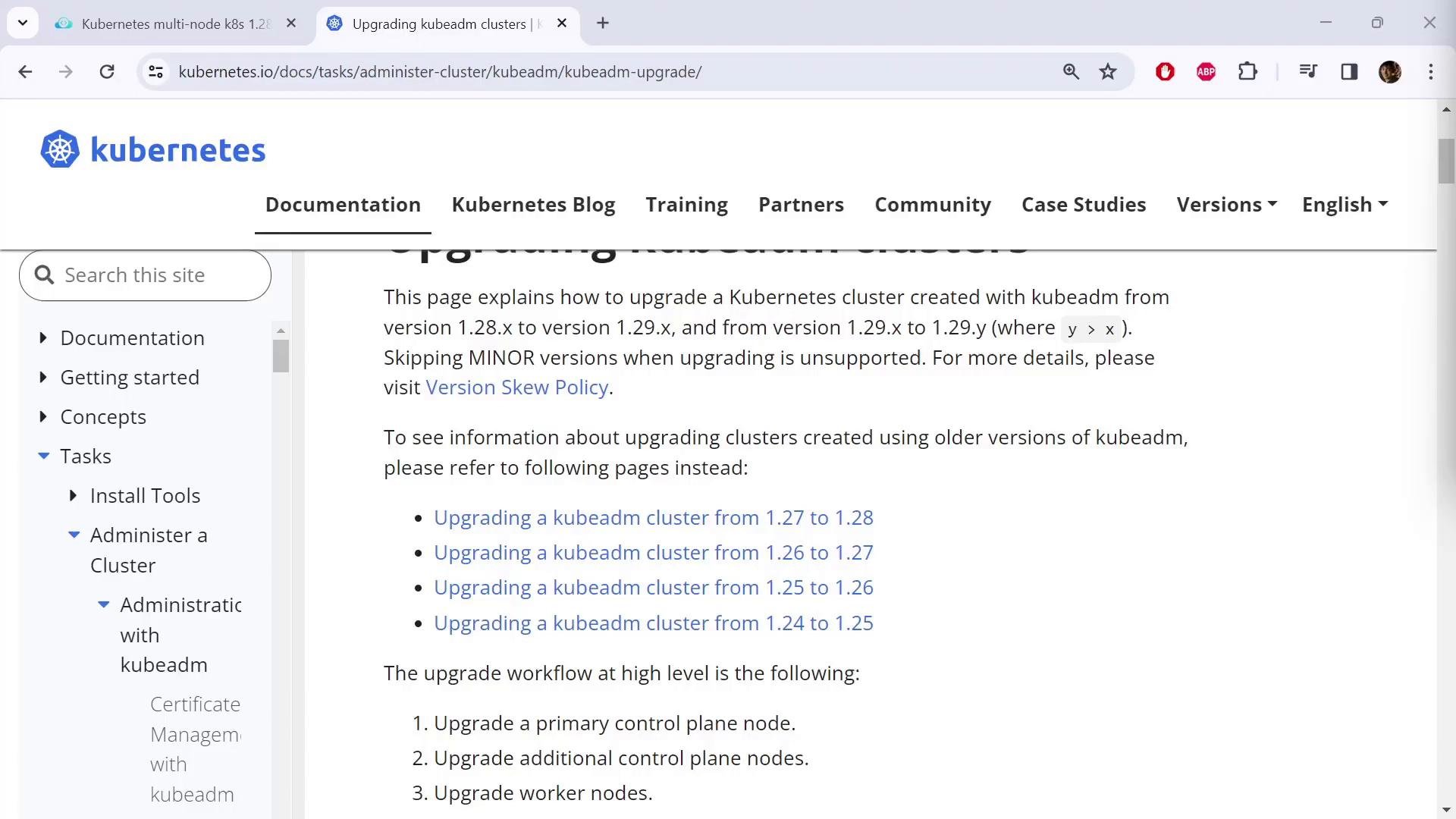
Pre-upgrade checks
- Confirm cluster node health and current Kubernetes versions:
- Verify the OS/distribution on each node (some package steps differ by OS):
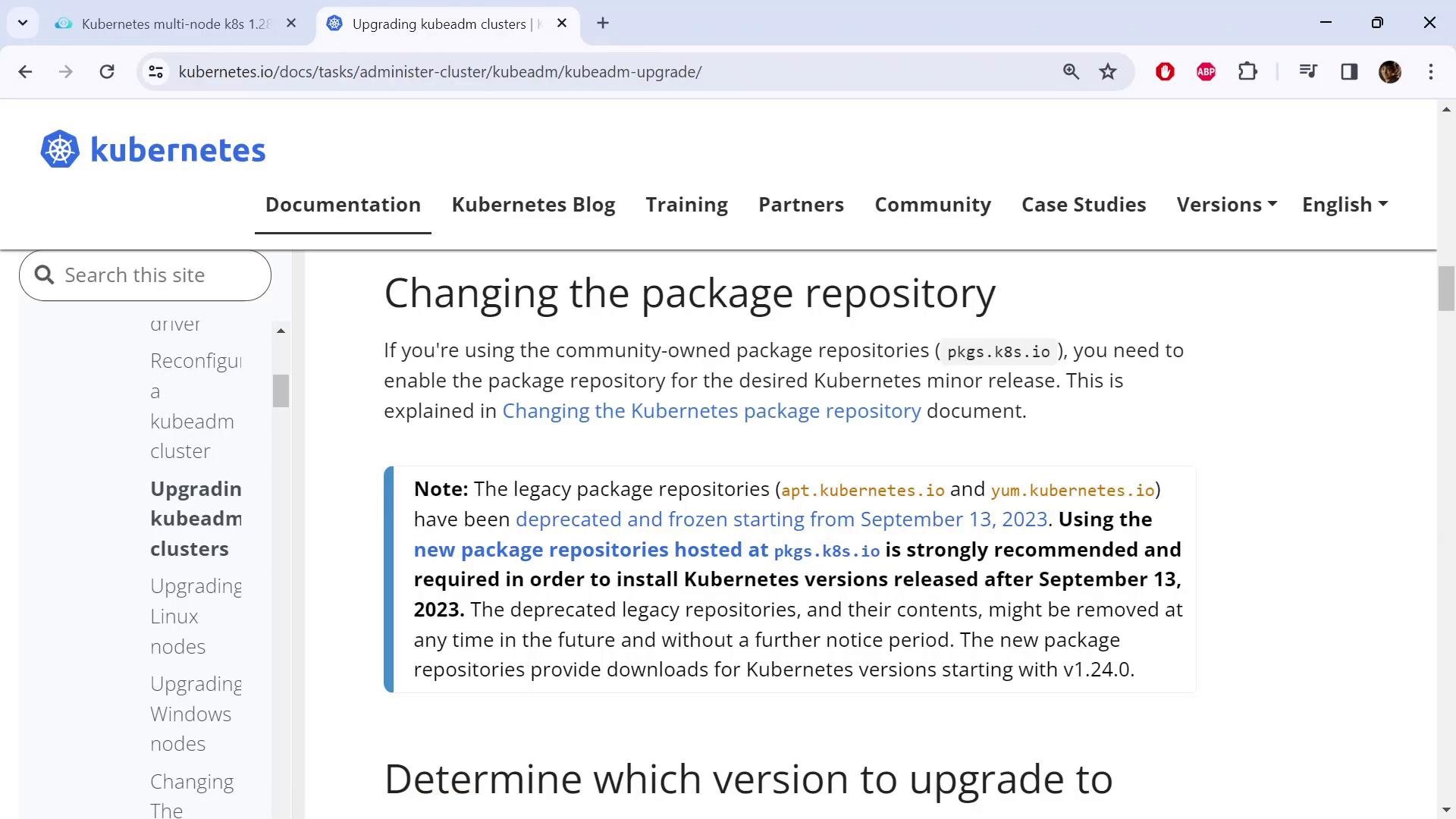
Package repository update (pkgs.k8s.io)
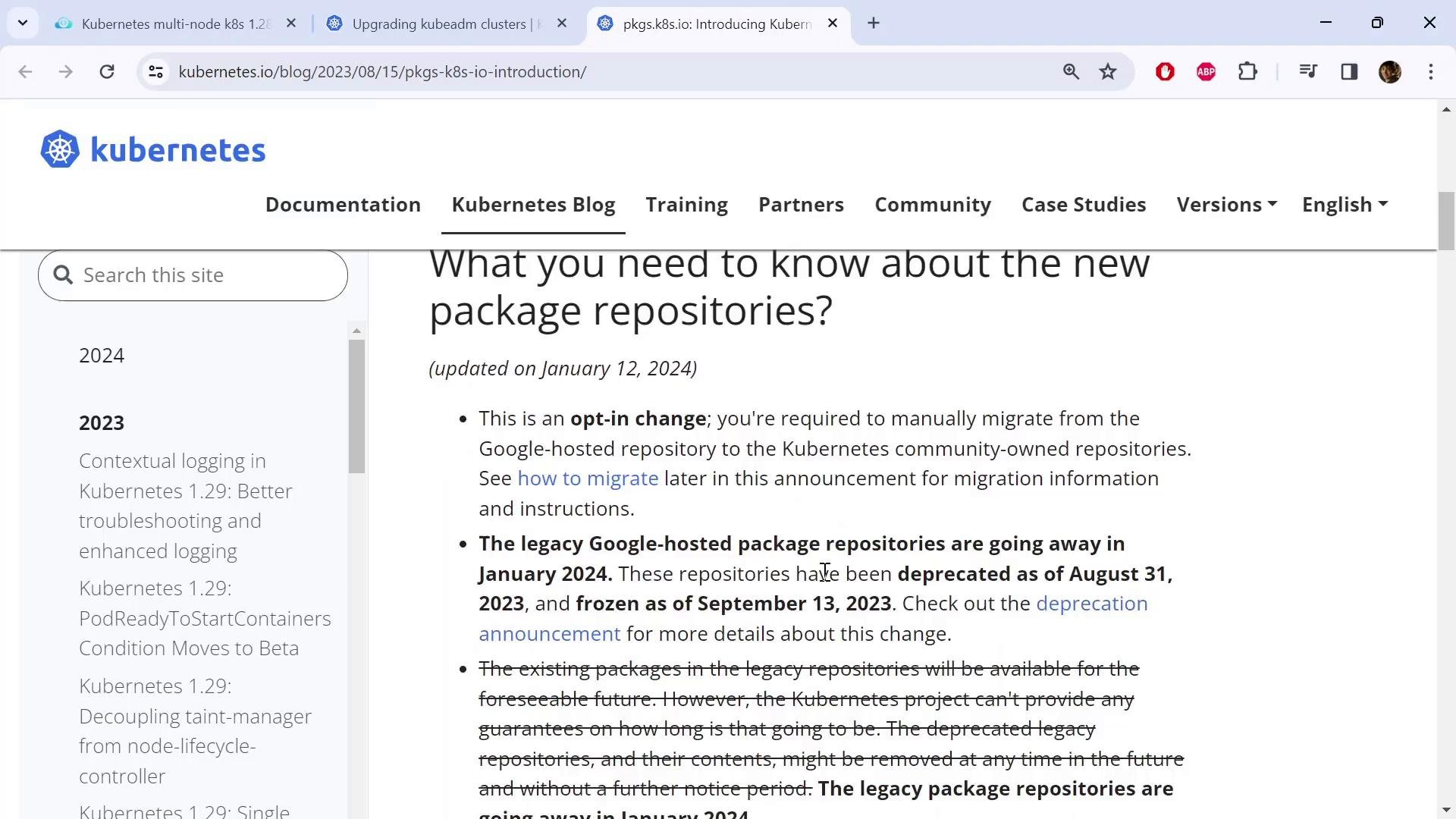
The old Google-hosted repos (apt.kubernetes.io / yum.kubernetes.io) are deprecated. Kubernetes packages are now published at pkgs.k8s.io and you must point your package manager to the target minor-series repo (for example v1.29) and import the Release key before installing kubeadm, kubelet, and kubectl.
Kubernetes packages are now hosted at pkgs.k8s.io. Update your package repository entries and import the Release.key for the target minor series before upgrading
kubeadm, kubelet, and kubectl.v1.29 with your target minor series if different.
1.29.3-1.1) — you will use it when installing kubeadm, kubelet, and kubectl.
Upgrade sequence (high-level)
Follow one node at a time to preserve control-plane availability and workload continuity.
Upgrade kubeadm on a control-plane node
On a control-plane node, unhold kubeadm, install the exact kubeadm package, and hold it again:- current cluster version (e.g., v1.28.0),
- local
kubeadmversion (e.g., v1.29.3), - available target version(s),
- components to upgrade manually after
kubeadm(kubelet, etc.).
Apply the control-plane upgrade
From the same control-plane node:kubeadm upgrade apply does:
- backs up cluster control-plane config,
- updates control-plane static pods (kube-apiserver, kube-controller-manager, kube-scheduler),
- applies required addon changes (CoreDNS, kube-proxy, etc.) if applicable.
After
kubeadm upgrade apply completes, the control plane components are upgraded but the kubelet is not. Nodes will still report their old version until you upgrade the kubelet and restart it on each node.Upgrade kubelet on the control-plane node
Before upgrading kubelet on a node, drain it so workloads are safely evicted (run from a machine with kubectl configured):kubelet and kubectl packages, then hold, reload systemd, and restart kubelet:
SchedulingDisabled. Re-enable scheduling:
Upgrade worker nodes
Perform worker upgrades one node at a time to minimize disruption.- On the worker node, update the package repo entry and install the chosen
kubeadmversion:
- From a control-plane node (or any node with cluster-admin kubectl), run the node-level upgrade and then drain the worker:
- On the worker node, upgrade
kubelet(and optionallykubectl), then restart kubelet:
- Uncordon the worker node to resume scheduling:
Final notes and best practices
- kubeadm upgrades control-plane static pods and in-cluster components, but the kubelet must be upgraded separately on every node.
- Always pick the latest patch release within your target minor series (for example, choose the latest
1.29.x) and install that exact package string when using apt. - Upgrade nodes one at a time to keep the control plane and workloads highly available.
- If using a CNI provider or other cluster add-ons, consult their documentation for any version-specific upgrade steps.
- Test the upgrade in a staging environment before applying to production.
Links and references
- Kubeadm upgrade documentation: https://kubernetes.io/docs/tasks/administer-cluster/kubeadm/kubeadm-upgrade/
- Kubernetes package repositories: https://pkgs.k8s.io/
- Kubernetes concepts and node lifecycle: https://kubernetes.io/docs/concepts/