

- Resource configuration (object manifests)
- etcd cluster (Kubernetes datastore)
- Persistent Volumes (application data)
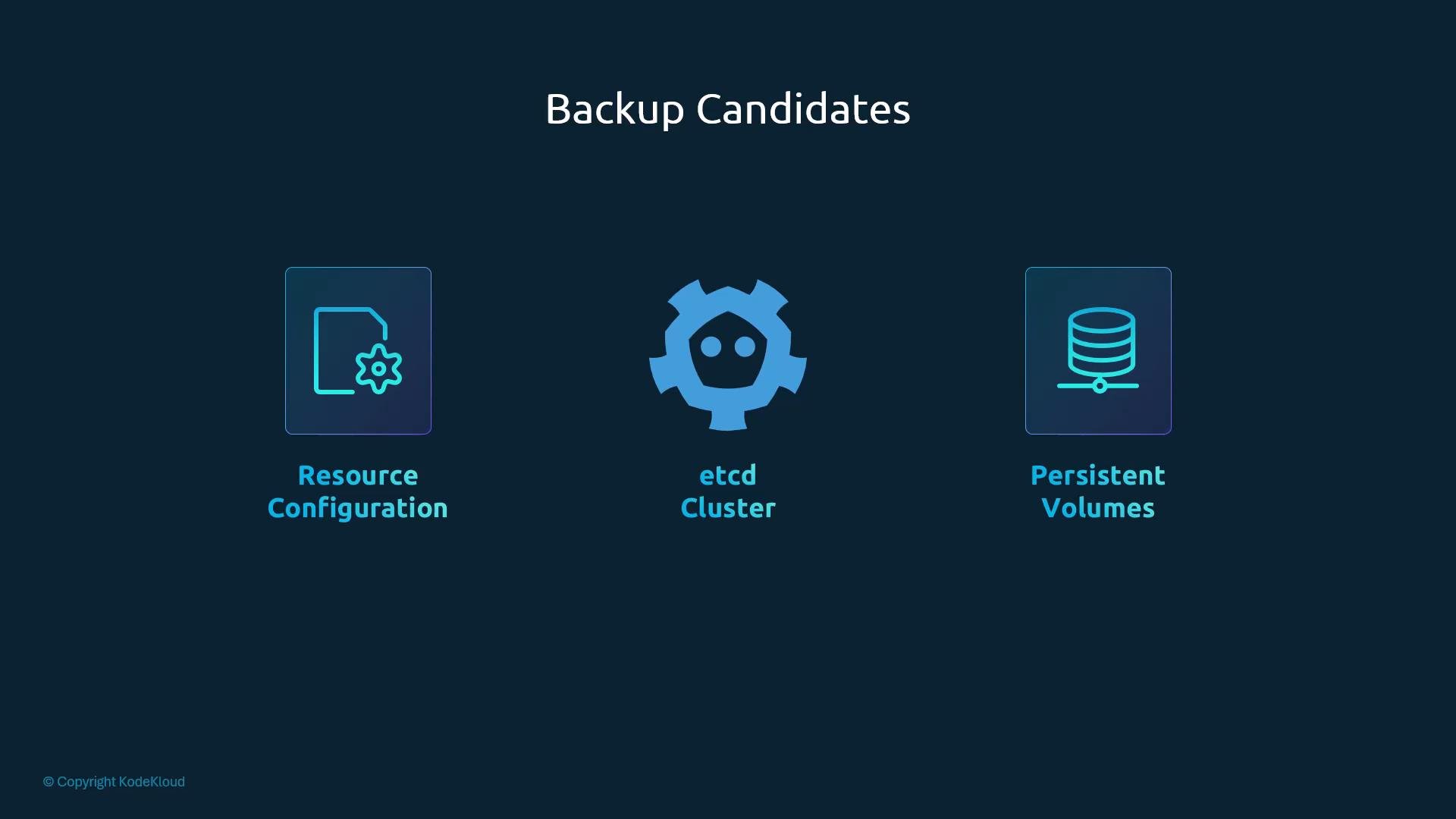
- Resource manifests let you redeploy and recreate objects in a new cluster or namespace.
- etcd snapshots capture the authoritative cluster state (including secrets) at a point in time.
- Persistent Volumes contain application data that must be restored separately from object definitions.
Resource configurations
Kubernetes objects can be created imperatively (kubectl create) or declaratively (apply manifest files). The declarative approach—storing manifests in version control—is the recommended best practice because it enables reproducible deployments, audit history, and CI/CD automation (GitOps). Example Pod manifest (save aspod-definition.yml):
- Not every team follows declarative manifests. When objects are created imperatively, you can export the current API state and persist it as YAML files.
- A simple capture of common workload objects:
kubectl get all is a convenience resource and does not include every resource type (for example, PersistentVolumeClaims, PersistentVolumes, CustomResourceDefinitions, ClusterRoleBindings, etc.). A comprehensive backup requires enumerating the resource types you need or using a purpose-built tool.
Recommended options:
- Use provider or community tools (for example, Velero) to automate resource and persistent volume backups: https://velero.io
- If you build scripts, enumerate resources using
kubectl api-resourcesand capture each resource type you depend on.
etcd backups
etcd is the authoritative key-value store for Kubernetes cluster state. Backing up etcd (via filesystem copies or snapshots) gives you a full point-in-time capture of object definitions, node membership, and most cluster metadata. This can be crucial for disaster recovery. Create a snapshot (basic example):etcdctl binaries, ensure you use the v3 client (for example via ETCDCTL_API=3), and confirm compatibility with the etcd server version.
Secure example with explicit endpoints and certificate files:
- Stop kube-apiserver so it does not try to communicate with etcd during restore.
- Use
etcdctl snapshot restoreto create a new data directory from the snapshot. - Reconfigure the etcd service (or static-pod manifest) to point to the restored directory, set correct cluster bootstrap parameters, restart etcd, and then start kube-apiserver.
- If control plane components are run as static pods (kubeadm managed), the kube-apiserver and etcd may be defined as static pod manifests—stop or replace those manifests appropriately.
etcdctl snapshot restoreinitializes a new data directory and generates fresh cluster metadata (new member IDs). Do not assume a restored data directory will automatically rejoin an existing cluster. Carefully set--initial-cluster,--name, and--initial-cluster-stateto match whether you intend to form a new cluster or rejoin nodes.
--data-dir points to the restored directory and bootstrap flags are correct. Example systemd unit snippet (update --data-dir accordingly):
When running
etcdctl in a TLS-enabled cluster, always specify the --endpoints and the CA, client certificate, and key files (--cacert, --cert, --key). Without these flags, etcdctl cannot connect to a secured etcd endpoint.Choosing a method
Both backing up resource manifests and backing up etcd snapshots have trade-offs. Use the table below to choose the right approach for your environment.
Additional considerations
- Managed Kubernetes (EKS, GKE, AKS): You may not have etcd access. Use provider-managed backup features or export manifests and PV snapshots as supported by the cloud provider.
- Secrets: Secrets stored in etcd are captured by etcd snapshots. If you only export manifests you must take care not to lose secret data (store secrets in external secret stores or securely back them up).
- Consistency: For a consistent restore of application state, coordinate etcd snapshots with PV snapshots (application-consistent backups require quiescing or using storage-provider volume snapshots).
- Velero (backup and restore for Kubernetes resources and PVs): https://velero.io
- etcd snapshot guide: https://etcd.io/docs/v3.5/op-guide/snapshot/
- Kubernetes documentation: https://kubernetes.io/docs/