

kustomization.yaml.
Problem statement: imagine you have multiple resource files (for example, a Deployment and a Service) and you need to apply the same metadata or naming convention to all of them (for example, add an org: KodeKloud label to every resource, or append -dev to every resource name). Editing each manifest by hand is error-prone and does not scale.
Example original manifests:
kustomization.yaml so that every resource referenced by that kustomization receives the same transformations.
Here is the desired output after applying common transformers (what Kustomize will emit):
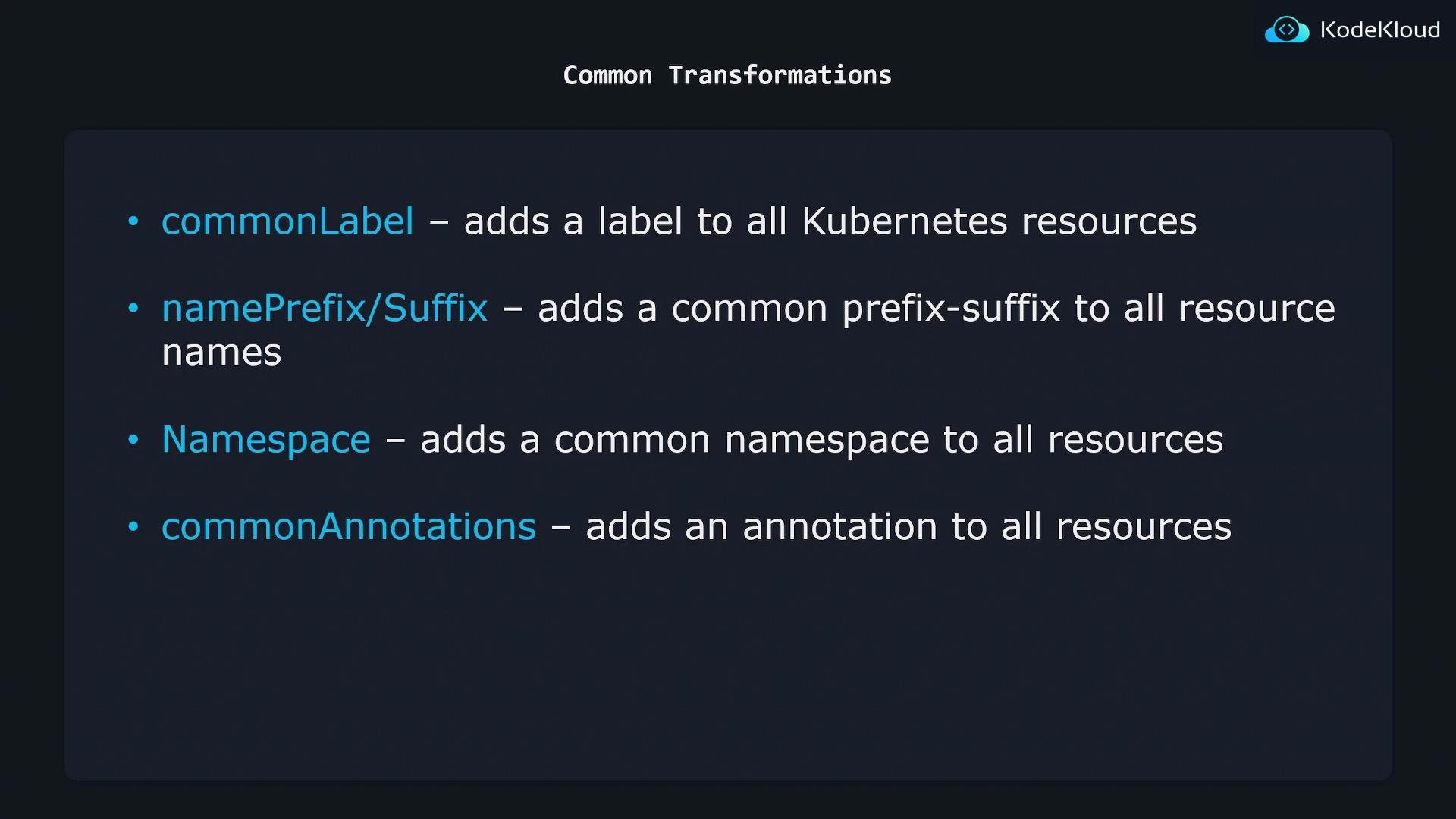
When you run
kustomize build (or kubectl apply -k) from a directory containing a kustomization.yaml, the common transformers in that file are applied to the set of resources referenced by that kustomization.kustomization.yaml. Use these snippets directly in the directory that contains the referenced resource files (for example deployment.yaml, service.yaml).
- commonLabels
org: KodeKloud into each resource’s metadata.labels and into pod template labels where applicable (for example, Deployment.template.metadata.labels).
- namespace
namespace field in the kustomization:
kustomization.yaml:
metadata.namespace: lab. Note that Kustomize will not create a Namespace object for you unless you include a Namespace manifest explicitly.
- namePrefix and nameSuffix
metadata.name: api-service, the resulting name after kustomize will be KodeKloud-api-service-dev.
- commonAnnotations
metadata.annotations.branch: master.
Putting them together
You can include multiple common transformers in a single kustomization.yaml. For example:
kustomization.yaml:
kustomize build (or kubectl apply -k .) in that directory will emit the resources with the namespace, prefixed/suffixed names, labels, and annotations applied consistently across all referenced resources.
Keep in mind: transformers defined in a
kustomization.yaml only affect the resources referenced by that kustomization. Use overlays, separate kustomizations, or different kustomization directories if you need environment-specific transformations.- Kustomize documentation: https://kubectl.docs.kubernetes.io/references/kustomize/
- kubectl apply -k: https://kubernetes.io/docs/reference/generated/kubectl/kubectl-commands#apply
- Kubernetes concepts: https://kubernetes.io/docs/concepts/overview/what-is-kubernetes/