

- TLS protects data in transit so sensitive information (passwords, session tokens, financial data) cannot be read by eavesdroppers.
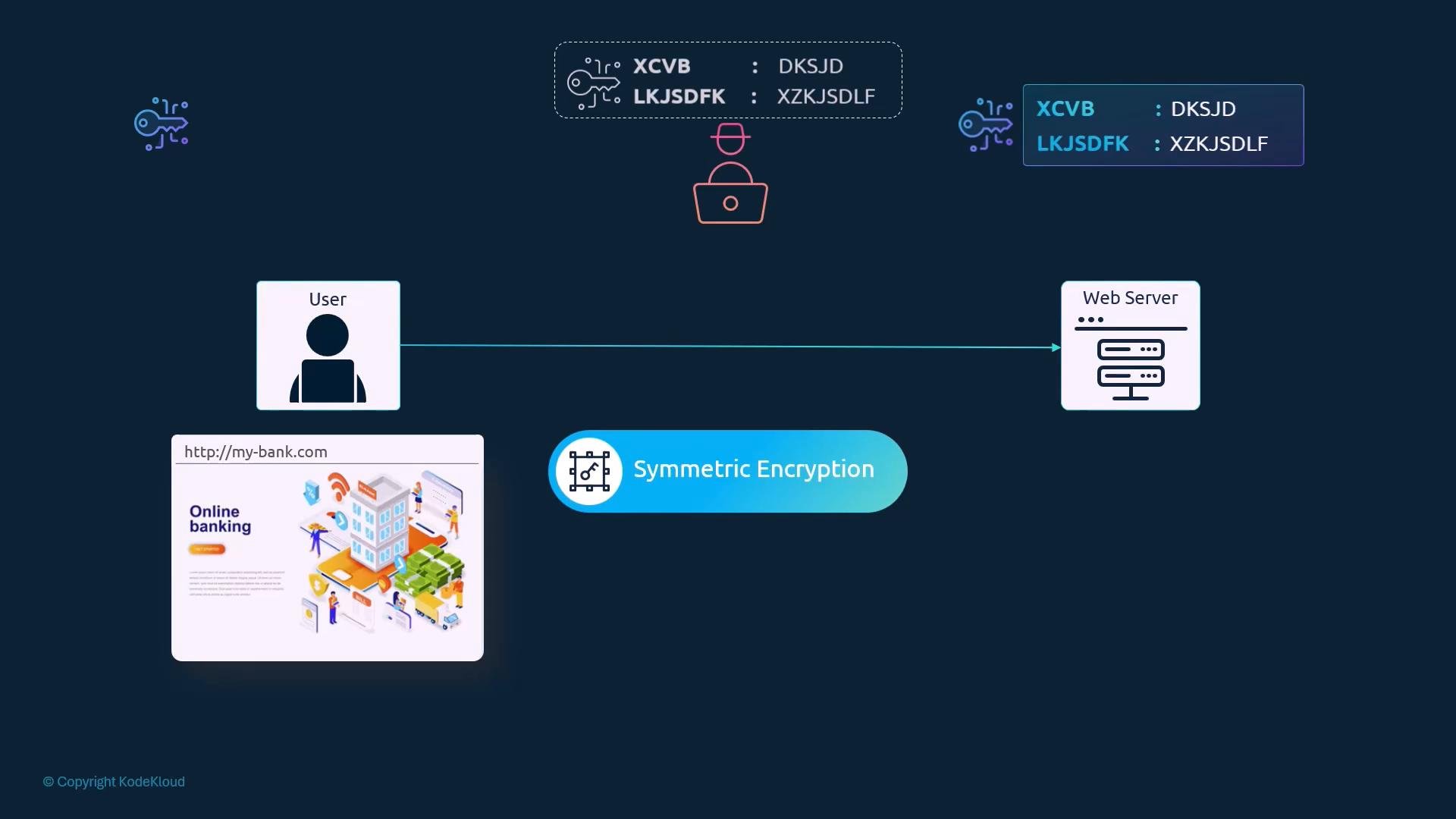
- Without encryption, credentials typed into an online banking app would travel as plaintext across the network and could be intercepted.
- Uses a single shared key to both encrypt and decrypt data.
- Efficient for bulk data transfer, but secure key distribution is a challenge: if the shared key is intercepted, confidentiality is broken.
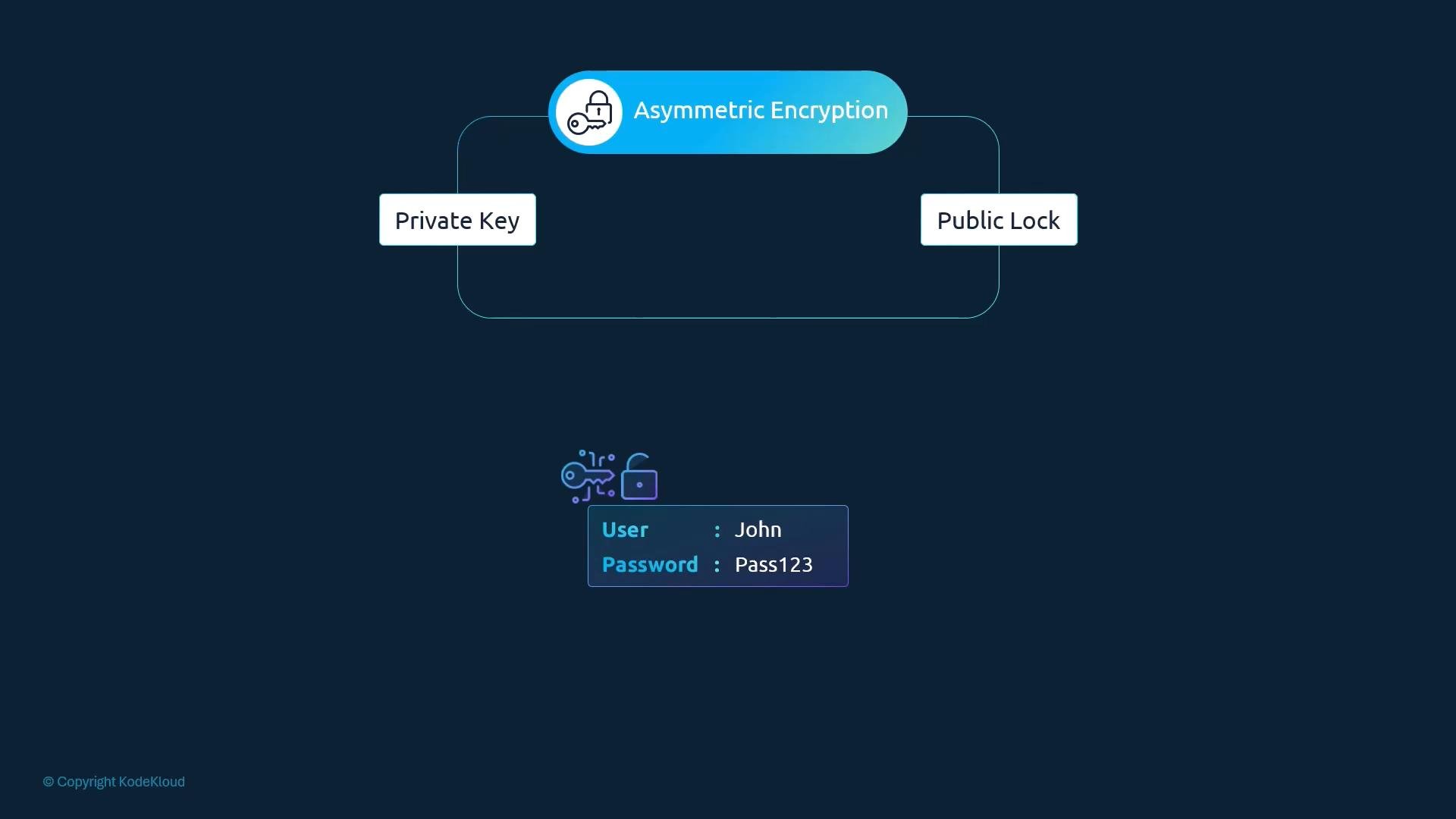
- Uses a key pair: a private key (kept secret) and a public key (shared freely).
- Anything encrypted with the public key can only be decrypted by the corresponding private key.
- Solves the key-distribution problem: you can securely exchange symmetric keys over an insecure channel and then use symmetric encryption for the session.
- SSH uses asymmetric key pairs for authentication. You generate a key pair locally and place the public key on the server (e.g., in
~/.ssh/authorized_keys). - The private key remains on your machine and authenticates you to the server.
Keep your private keys safe. If someone gains access to your private key, they can authenticate as you.
- Web servers present an asymmetric key pair (public key inside a certificate).
- The client verifies the certificate and negotiates a symmetric key:
- Either by encrypting a symmetric key with the server’s public key (RSA key transport), or
- By performing an ephemeral Diffie-Hellman key exchange (e.g., ECDHE) that both authenticates (via the server’s certificate) and produces a shared symmetric key.
- Both sides then use the symmetric key for efficient encrypted communication.
- Modern TLS prefers ephemeral Diffie-Hellman (ECDHE) because it provides forward secrecy.
- Client connects and requests a secure session.
- Server responds with its certificate (contains the server’s public key and identifying info).
- Client validates the certificate chain and domain names (SANs).
- Client and server perform the agreed key-exchange (RSA or ECDHE) to derive a symmetric session key.
- All subsequent data is encrypted with the symmetric key.
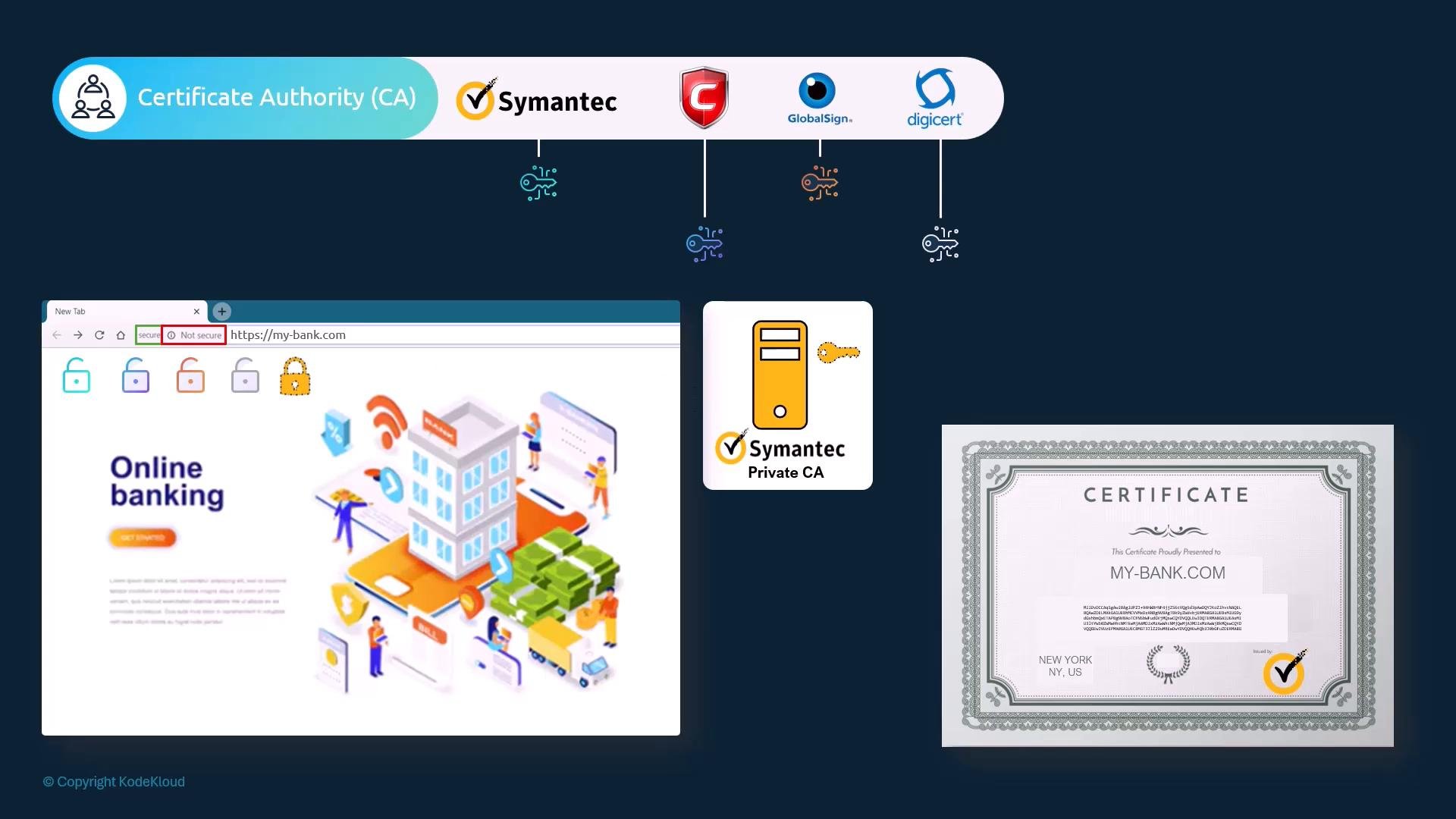
- Anyone can generate a certificate that claims to be for any domain — but the browser must trust who signed it.
- Browsers and operating systems contain a trust store of CA public keys. If a certificate is signed by a trusted CA, the browser accepts it; otherwise, the user sees a warning.
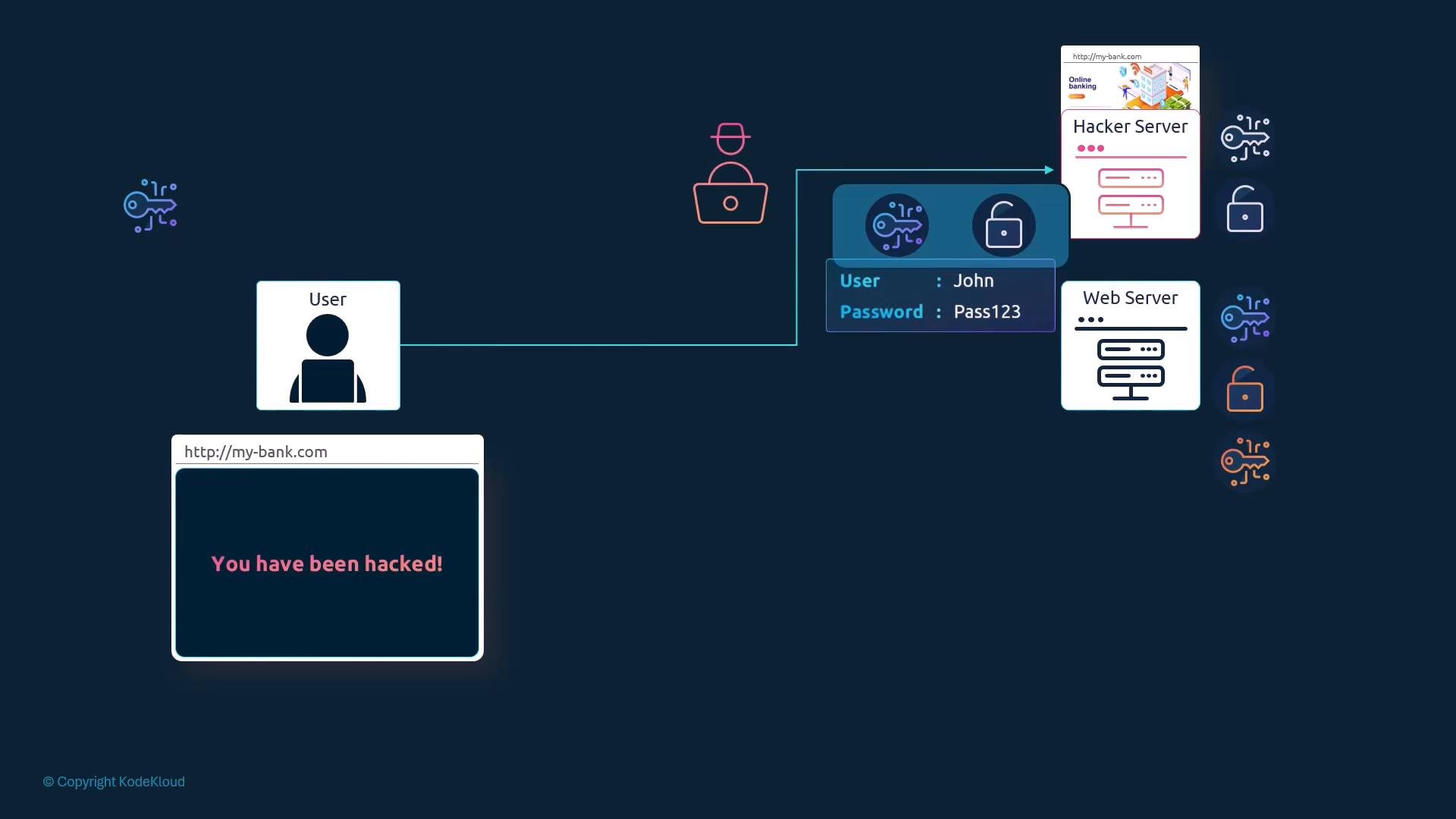
- Self-signed certificates: created and signed by the same entity; not trusted by browsers by default.
- Public CAs (e.g., Symantec, DigiCert, GlobalSign) sign certificates for public-facing sites.
- Private/internal CAs: used inside organizations; the organization’s CA public certificate must be distributed to clients for them to trust issued certificates.
- When a certificate is invalid, expired, or signed by an untrusted CA, browsers display warnings such as “Your connection is not private.”
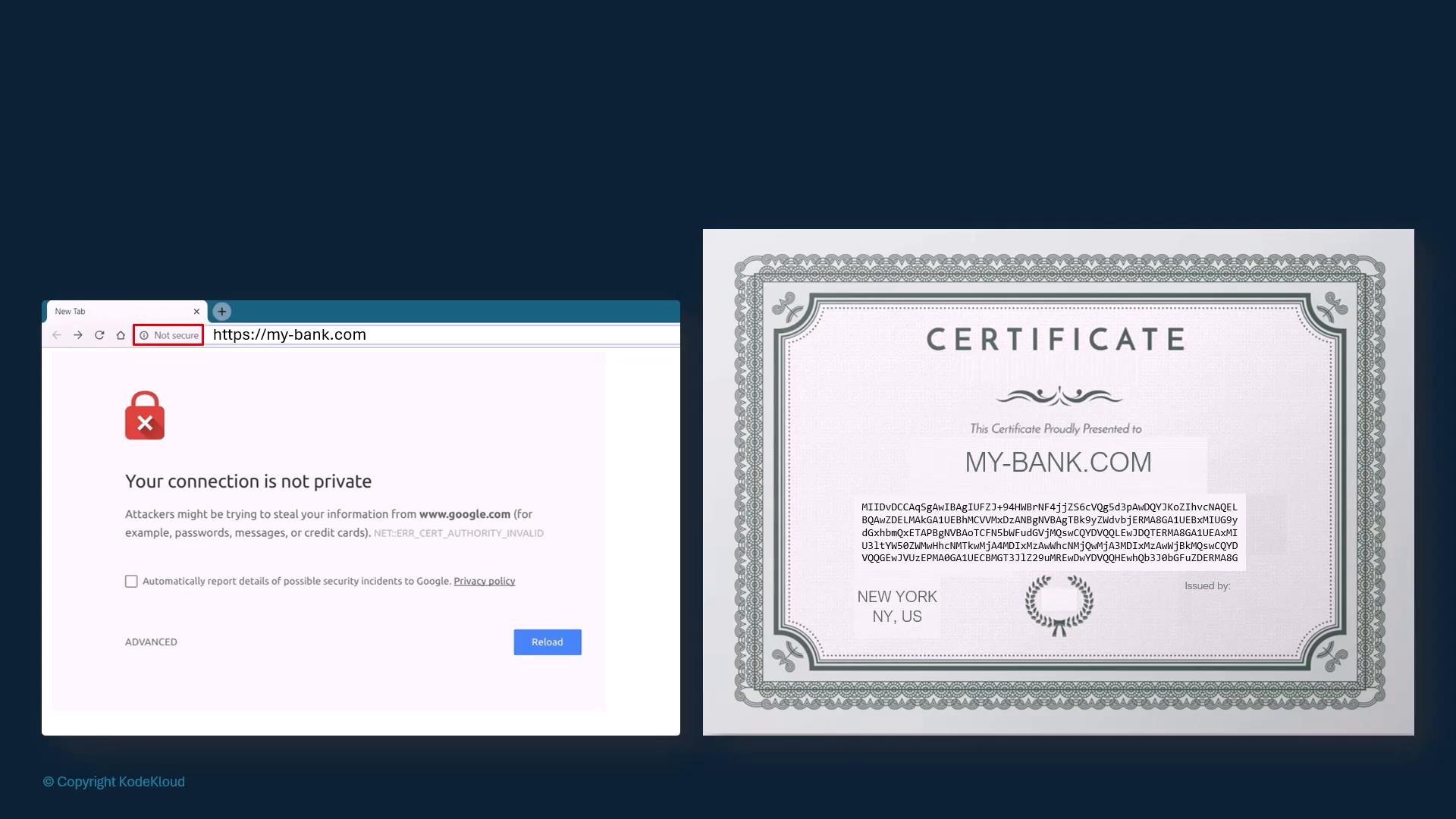
- Generate a private key and a Certificate Signing Request (CSR).
- Submit the CSR to a CA. The CA verifies identity/domain ownership and signs the CSR to issue a certificate.
- The browser trusts the certificate because it trusts the CA’s public key in its trust store.
- The CA signs the certificate using the CA’s private key.
- Browsers validate that the server certificate is signed by a trusted CA (or by a chain leading to a trusted CA) and that the certificate is valid for the requested domain.
Core concepts summary
- Use asymmetric (public/private) keys to authenticate and securely exchange symmetric session keys.
- Symmetric encryption is used for fast bulk encryption after a secure key exchange.
- SSH uses asymmetric keypairs for authentication (private key kept private; public key on servers).
- HTTPS uses server certificates (public key in a signed certificate) so clients can verify server identity and negotiate a symmetric key.
- CAs sign certificates with a private key; clients trust certificates signed by CAs in their trust store.
- The ecosystem of keys, certificates, CAs, issuance, and validation is called Public Key Infrastructure (PKI).
- Servers can require client certificates to authenticate clients (client must present a cert signed by a CA trusted by the server).
- mTLS is common in internal/enterprise systems and APIs for strong mutual authentication, but rare for public websites.
- Public/private keys are mathematically linked.
- Confidentiality: encrypt with recipient’s public key so only the recipient can decrypt with their private key.
- Authentication and integrity: sign (hash) data with your private key; recipients verify the signature using your public key.
- Signing is not the same as encrypting an entire message with a private key — do not share private keys.
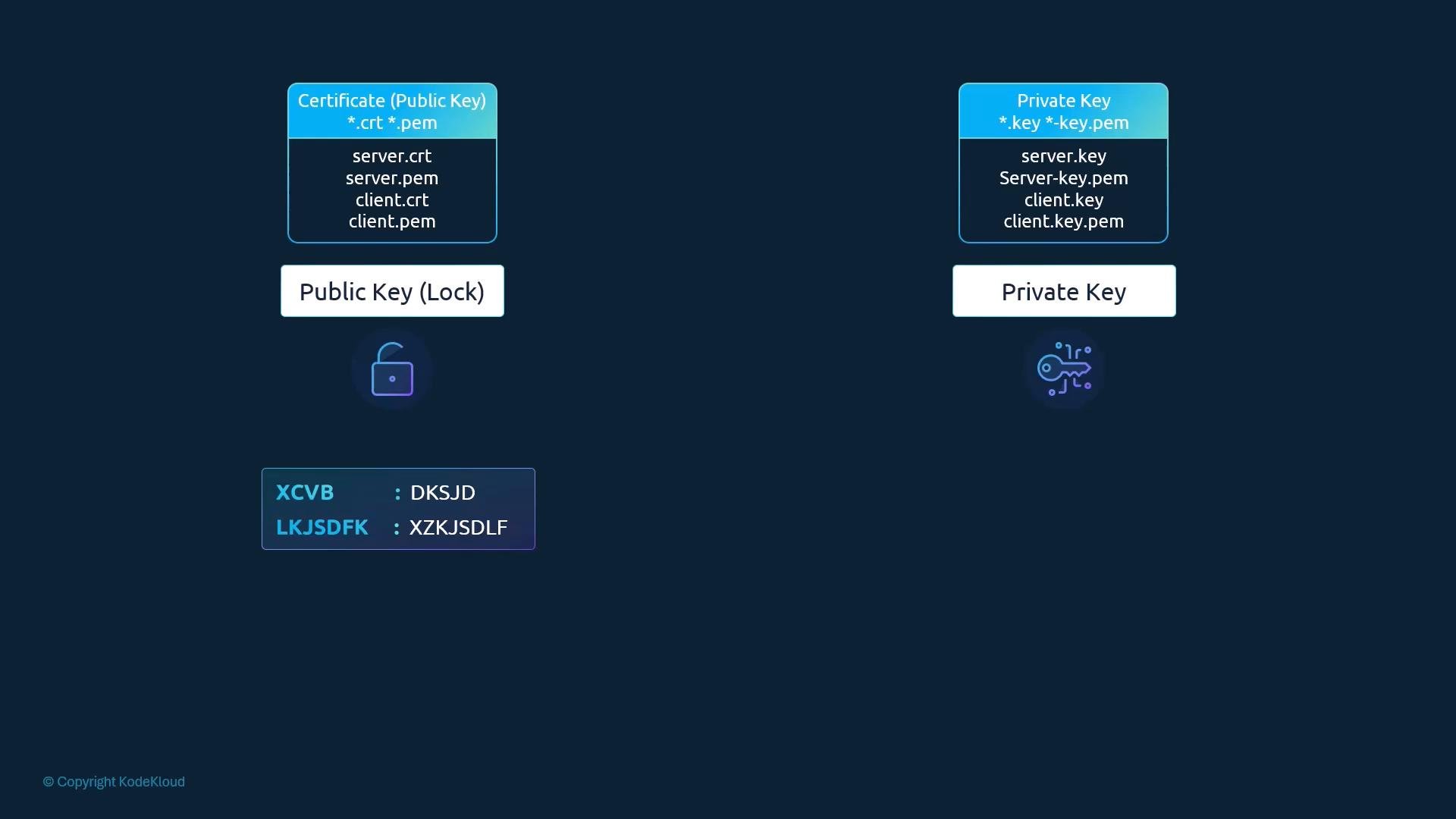
- Protect private keys at all costs — compromise of a private key breaks authentication and can expose encrypted traffic.
If an attacker obtains your private key, they can impersonate your server or decrypt previously intercepted sessions (if forward secrecy is not used). Use secure key storage and rotate keys if suspected compromised.
- OpenSSH: https://www.openssh.com
- OpenSSL: https://www.openssl.org
- TLS / SSL concepts: search for “TLS handshake”, “ECDHE”, and “PKI” for deeper dives