

Helm overview
Helm is a Kubernetes package manager that uses Go templating to inject values into manifests. Beyond templating, Helm provides a packaging format (charts), release lifecycle management (install, upgrade, rollback), and a registry-centric distribution model similar to apt or yum. Key Helm concepts:- Chart: a packaged Kubernetes application.
- Templates: manifest files with Go templating markers (
{{ ... }}). - Values: user-supplied configuration stored in
values.yamland overridden via-for--set. - Releases: deployed instances of a chart in a cluster.
Example: Helm Deployment template
This simple Deployment template demonstrates Go templating variables. The placeholders such as{{ .Values.replicaCount }} are substituted with concrete values from values.yaml when Helm renders the chart.
values.yaml:
replicas becomes 1 and the container image becomes nginx:2.4.4.
Chart layout with environment-specific values
A typical Helm chart layout that supports per-environment overrides might look like:templates/contains Kubernetes manifests with Go templating.values.yamlprovides default values.environments/can contain environment-specific values files that overridevalues.yaml.
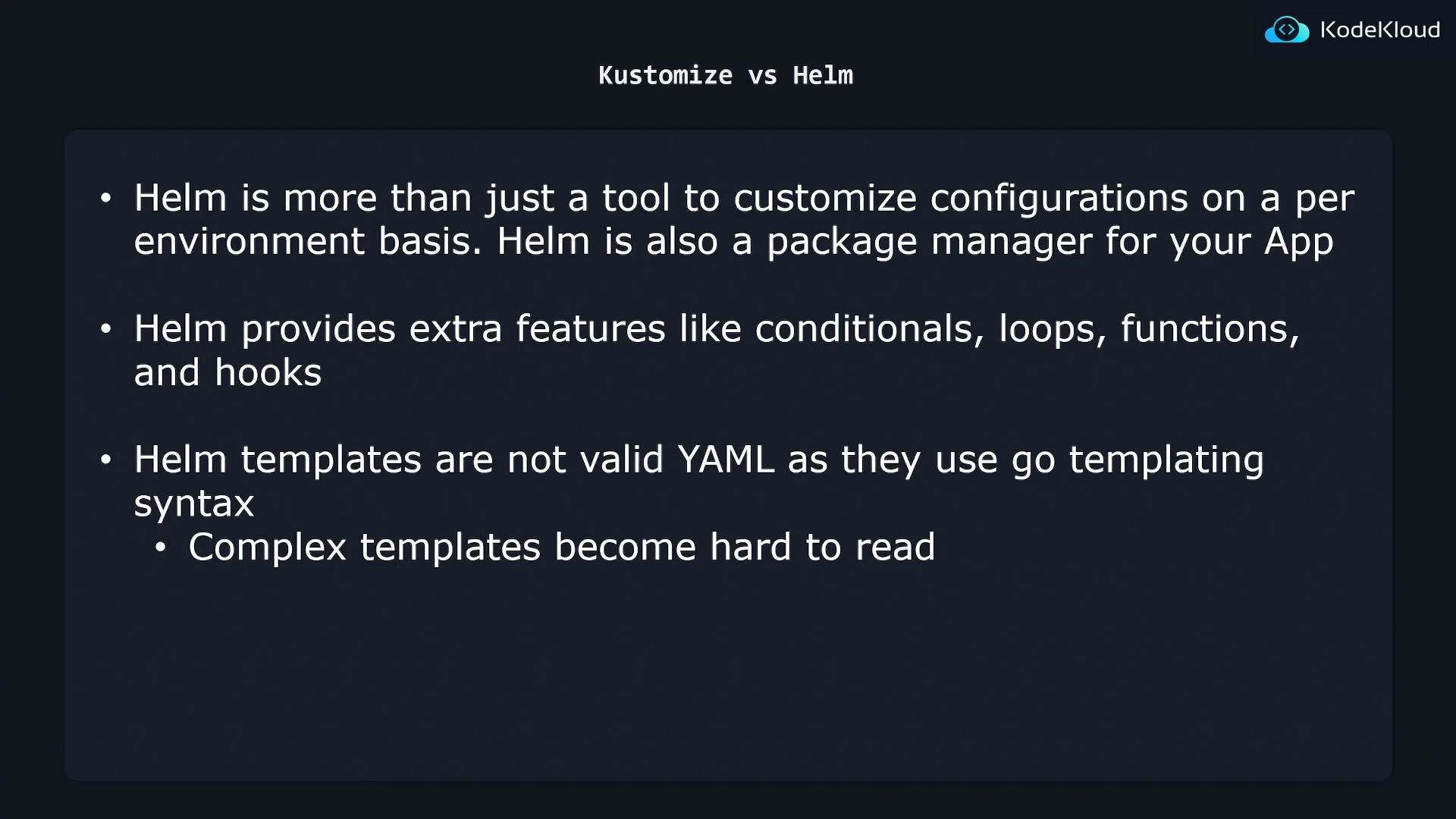
Helm templates contain Go templating markers and therefore are not plain YAML until rendered. Complex charts with many conditionals and variables can become difficult to read and reason about.
Kustomize vs Helm — trade-offs
Kustomize and Helm take different approaches to environment-specific configuration. Below is a compact comparison to help you evaluate which tool better matches your requirements.
Consider these trade-offs when choosing a tool for your project and team. For example, if you prioritize readable, plain YAML and minimal tooling complexity, Kustomize may be preferable. If you need advanced templating, packaging, and lifecycle features, Helm is likely a better fit.
Practical tips
- Use Helm when you need packaging, templating complexity, and release management.
- Use Kustomize when you prefer simple overlays and YAML-native workflows.
- You can combine tools: use Helm charts for packaged apps and Kustomize for overlaying environment-specific patches in GitOps pipelines.
- To validate Helm output without installing, run
helm templateto render the manifests locally:
Links and references
- Helm documentation: https://helm.sh/docs/
- Kubernetes concepts: https://kubernetes.io/docs/concepts/overview/what-is-kubernetes/
- Kustomize documentation: https://kubectl.docs.kubernetes.io/references/kustomize/