

CMD and ENTRYPOINT. This is a foundational topic for predictable container behavior—important for application reliability and signal handling—even if it’s not always covered in certification exams.
- A container’s lifecycle is tied to its main process: when the main process exits, the container exits.
- Containers are typically designed to run a single service or job (for example, a web server, database server, or a short-lived batch task), not act as a full interactive OS.
- Many images declare a default process in their Dockerfile using
CMDorENTRYPOINT. Official images for services (nginx, MySQL, etc.) typically start the service daemon, while base images (like Ubuntu) often default to an interactive shell.
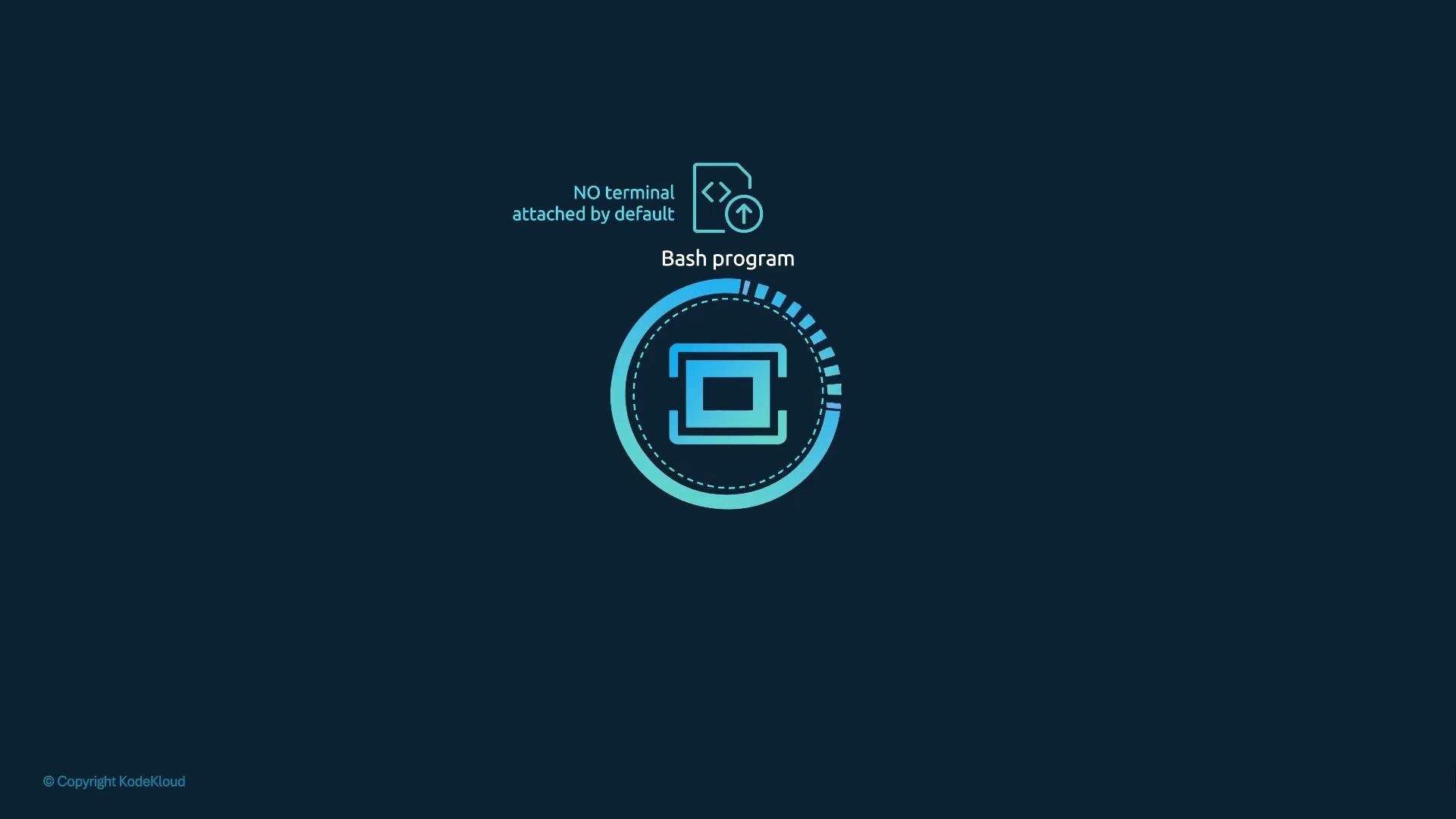
bash). Since bash expects a TTY and Docker does not attach a TTY by default, the shell exits immediately and the container stops.
Common Dockerfile snippets
- Nginx (simplified): CMD specifies the default program to run:
- MySQL (simplified): often uses an entrypoint script plus CMD for the server:
- Ubuntu base image example (defaults to a shell):
bash expects a TTY, running this image without a terminal attached results in an immediate exit.
- Appending a command to
docker runreplaces the image’sCMD(or is appended toENTRYPOINT, see below). - Example:
sleep 5 inside the container, so the container stays up for 5 seconds then exits.
Make the change permanent in a derived image
If you want a custom image that always runs a particular command by default, set CMD or ENTRYPOINT in a Dockerfile.
Two common forms for CMD:
- Shell form (runs via a shell):
- Exec (JSON) form (recommended; no shell, executable receives signals directly):
["sleep 5"] — that will not be parsed as an executable plus args.
Build and run a simple Ubuntu-based image that sleeps:
CMDdefines a default command or default arguments; these can be completely overridden by arguments passed todocker run.ENTRYPOINTconfigures a fixed executable. Arguments provided on thedocker runcommand line are appended to theENTRYPOINTcommand.
Example Dockerfile using
ENTRYPOINT + CMD (exec form — recommended):
ENTRYPOINT sleep (shell form), Docker will invoke a shell to run that command. This changes signal propagation and argument handling. For reliable signal handling (so the executable receives signals like SIGTERM directly) and predictable argument behavior, prefer the exec/JSON form:
-
Preferred:
ENTRYPOINT ["executable", "arg1"]CMD ["default", "args"]
-
Avoid:
ENTRYPOINT executable arg1(shell form)
Best practice: specify
ENTRYPOINT and CMD in the exec/JSON form (for example, ENTRYPOINT ["sleep"] and CMD ["5"]) so the executable receives signals directly and arguments are handled predictably.- A container runs as long as its main process runs; when that process exits, the container exits.
- Use
CMDto provide defaults that are easy to override at runtime. - Use
ENTRYPOINTto enforce a fixed executable and accept runtime arguments appended to it. - Prefer the exec/JSON form to avoid shell layers and to get correct signal handling.