
Hello everyone — Vijay Palani from KodeKloud here. Welcome to the Ultimate CKA Mock Exam Series. Before we begin, a quick note on prerequisites. If you’re seeing this lesson, I expect you’ve already completed the core Certified Kubernetes Administrator (CKA) course including the included mock exams and lightning labs. If not, complete the CKA course first and then return to this mock exam series for the best results.
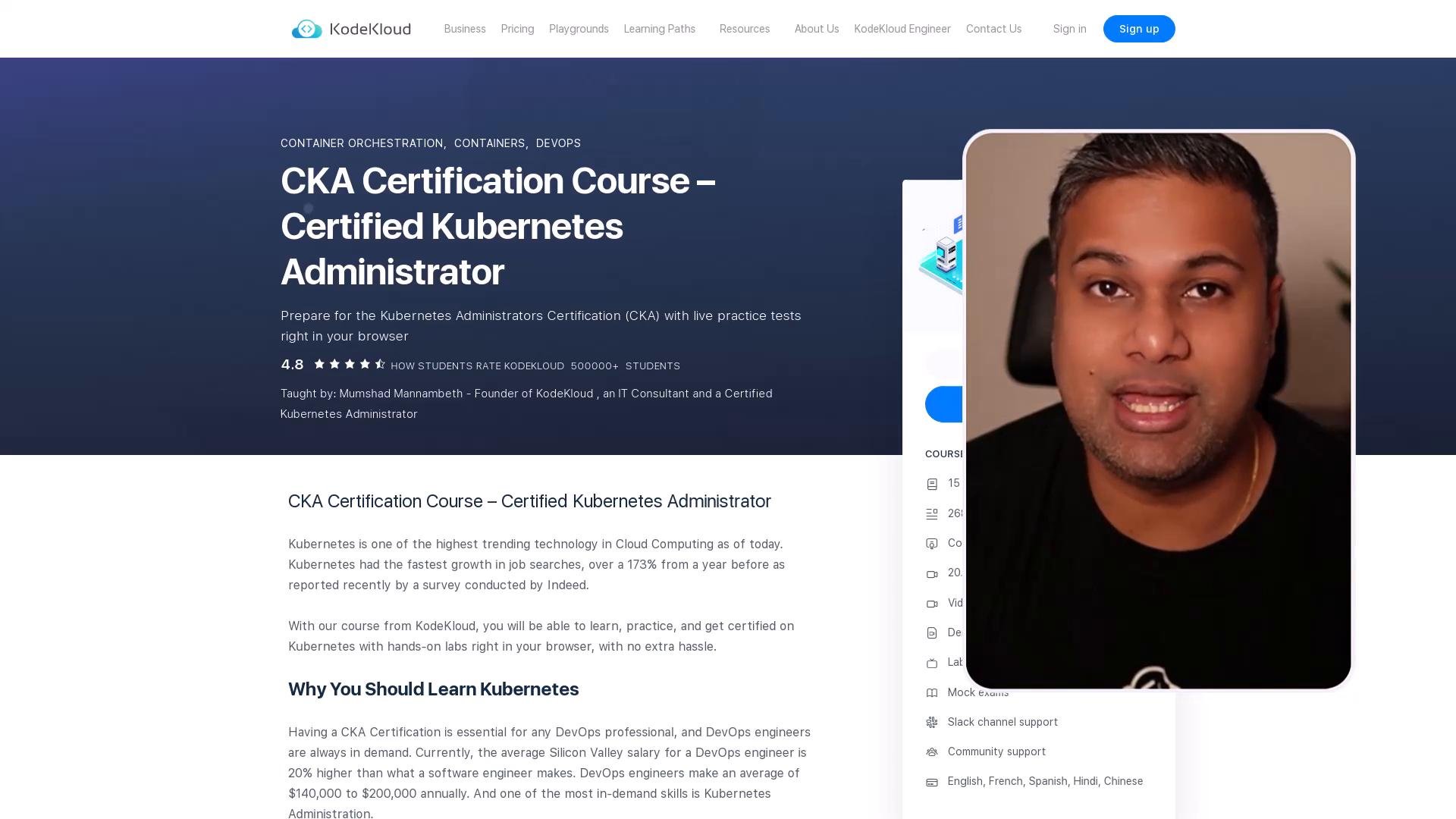
A webpage for a "CKA Certification Course — Certified Kubernetes Administrator" on KodeKloud, showing the course title, description and ratings on the left. On the right is a rounded video thumbnail overlay featuring a man speaking.
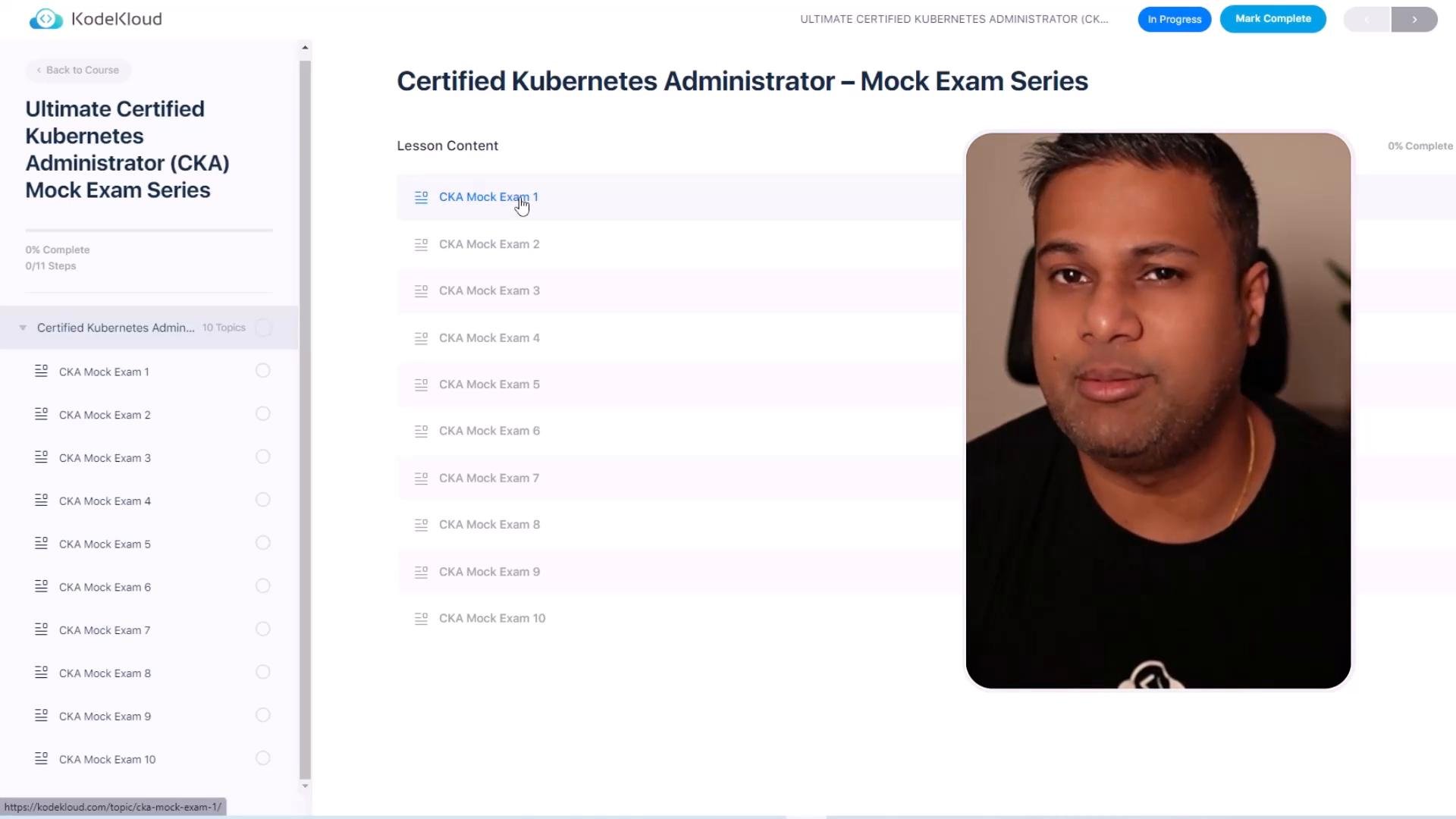
If you need the course, you can find it here: Certified Kubernetes Administrator (CKA) — KodeKloud. This mock exam series is built to simulate the real CKA experience: realistic tasks, time pressure, and multiple clusters to practice on. Each mock test is intentionally challenging to improve your hands-on skills and exam readiness.
A screenshot of an online course page titled "Certified Kubernetes Administrator – Mock Exam Series" showing a sidebar list of CKA mock exams and lesson content. On the right is a large portrait/video thumbnail of a man.
Exam domains and approximate weightage
A man is speaking directly to the camera in a dimly lit room. To his right is a colorful donut chart graphic labeled "Troubleshooting 30%".
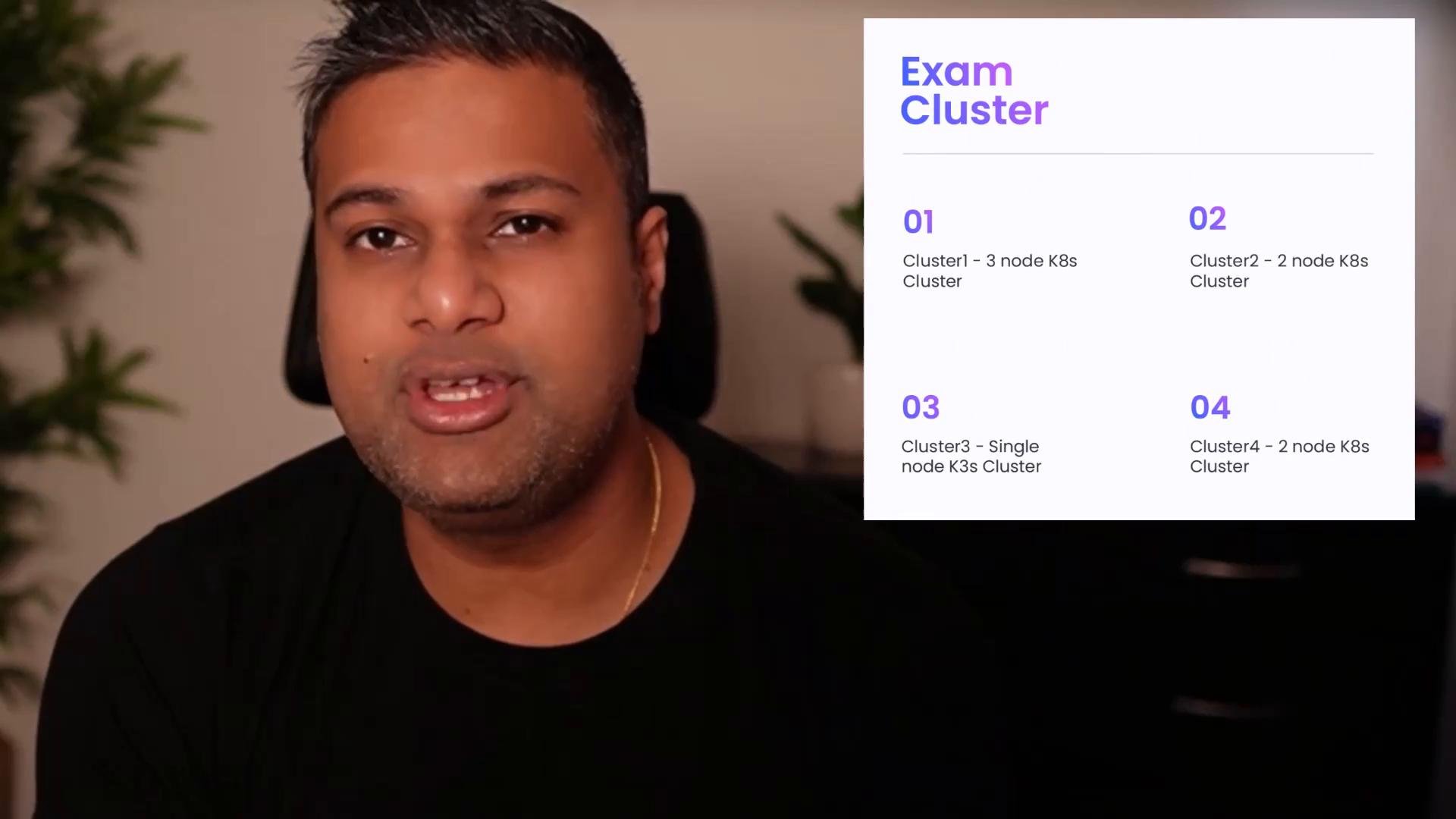
Each mock respects these weightages so your practice is aligned with the real CKA focus. The lab environment uses multiple Kubernetes clusters (four in total). Some clusters are dedicated to specific knowledge areas to mirror the official exam layout.
A close-up of a man speaking to the camera with a presentation slide on the right titled "Exam Cluster" listing four numbered Kubernetes cluster setups. The background includes a blurred plant and a neutral wall.
By default you will start on the student node (a client shell). From there you can:
  • Use kubectl to change contexts between clusters.
  • SSH to control-plane or worker nodes when an individual task requires node-level access.
The student node is a client shell where you start. To access control-plane or worker nodes directly, use SSH as directed by individual tasks.
All right — that was a quick introduction to the Ultimate CKA Mock Exam Series.
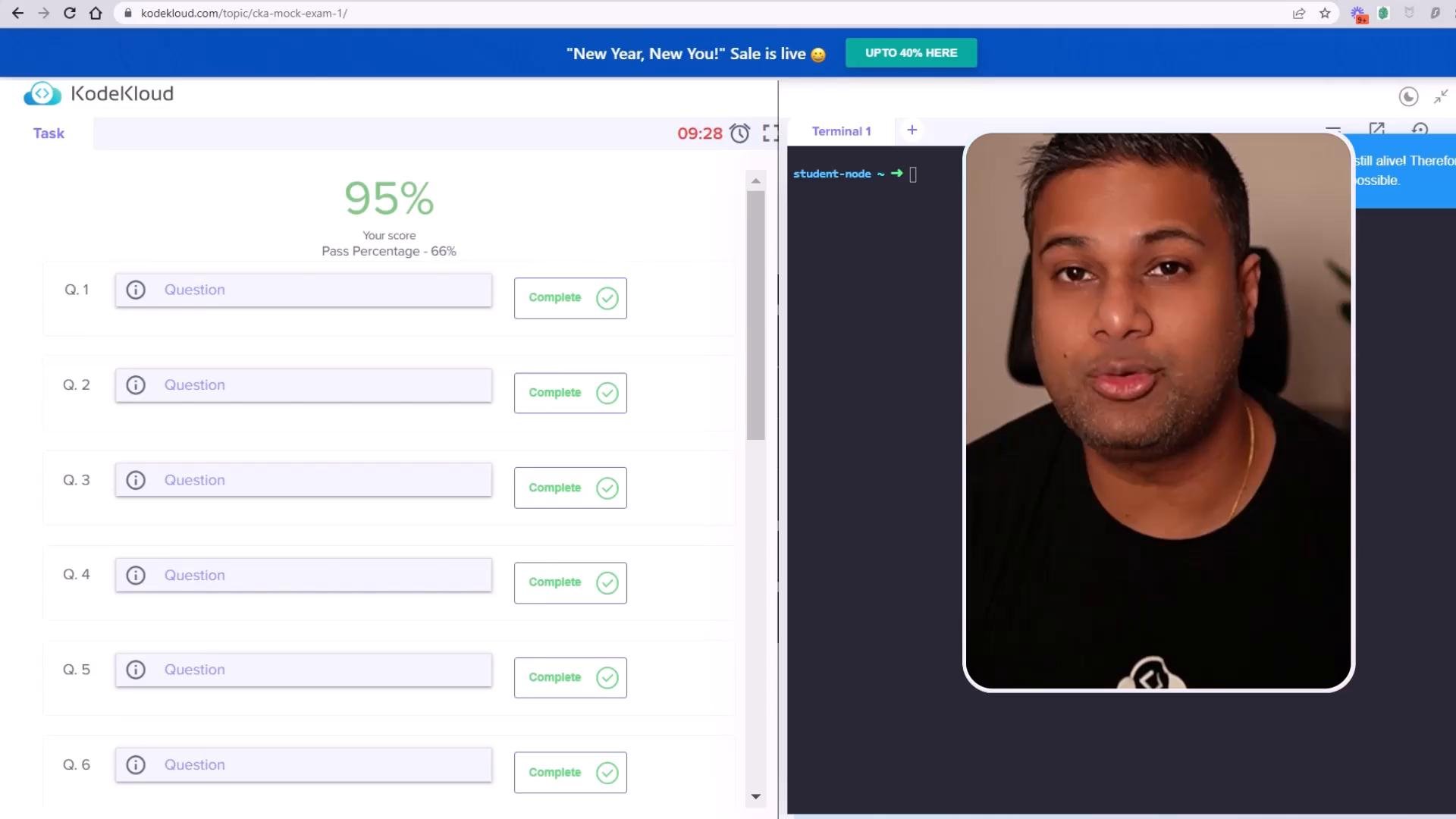
A split-screen shows a KodeKloud exam page on the left displaying a 95% score and completed question list, while the right side shows a webcam-style video of a man speaking.
Let’s jump into a lab example: CKA Mock Exam 1. Loading the lab
  • Click the lab to start. Typical load time is ~30 seconds, but sometimes it may take 1–2 minutes.
  • Once loaded, the question list appears (usually ~20 questions for this lab).
Example workflow for question 1 The first task in this example requires you to work in cluster3 and decode a Secret named beta-sec-cka14-arch located in the beta-ns-cka14-arch namespace. Follow these steps:
  1. Confirm which clusters are configured.
  2. Switch context to cluster3.
  3. Verify nodes in the selected cluster.
  4. Inspect the Secret, decode the base64 value, and save the decoded secret to a file on the student node such as /opt/beta-sec-cka14-arch.
Commands to use List configured clusters:
Example output (student node):
Switch to cluster3:
Confirm the nodes in the selected cluster:
Example output (when on cluster1 context):
Note: When you switch to cluster3 you might see a single-node control plane (for example, cluster3-controlplane). Always set the correct context per question — many tasks will explicitly tell you which cluster to use. Inspecting and decoding the Secret First, list namespaces to confirm the target namespace exists:
Example output:
List Secrets in the namespace:
Example output:
Retrieve the Secret YAML to view the base64-encoded value:
Example YAML (truncated):
Decode the base64 string and verify the value:
Example output:
Save the decoded value to a file on the student node:
That completes the task for question 1. Navigating between questions and time management
  • The exam interface allows scrolling between questions. Use the question list to jump back and forth.
  • Each question belongs to one domain (architecture, scheduling, networking, storage, troubleshooting).
  • Troubleshooting usually forms the largest share of questions (~30%).
  • Complete the exam within the allotted time. If time expires, the exam is automatically submitted and validated.
  • You can manually click End Exam to finish early and trigger validation.
Manage your time carefully. If the timer hits zero the exam will be auto-submitted and validated immediately.
Working across clusters and nodes Many questions require setting the correct kubectl context or using --context on commands. Others require SSH to control-plane or worker nodes for node-level changes. Example — create a service account with limited permissions on cluster1:
Example output:
Final tips
  • Read each task carefully to confirm which cluster and namespace to use.
  • Use kubectl --context <context> when working across clusters to avoid accidental changes.
  • Practice common troubleshooting patterns: logs, events, describing pods, and node-level checks.
  • Familiarize yourself with file locations on the student node (e.g., /opt) when tasks require saving outputs.
Good luck — keep practicing with these mock exams to build speed and confidence for the real CKA exam.

Watch Video