

dev vs prod).
Analogy
Imagine two boys both named Mark. To tell them apart, you use last names: Mark Smith and Mark Williams. They each live in their own household (the Smiths and the Williams). Inside a household, people use only first names (e.g., the Smith father calls his son “Mark”). To refer to the Mark in the other household or from outside, you use the full name. In Kubernetes, each household maps to a namespace. Resources within a namespace can refer to each other by simple names; resources outside the namespace must use the full name (namespace-qualified).What is a namespace?
Every object you create in this course—Pods, Deployments, Services—lives inside a namespace. If you didn’t specify one, it defaults to thedefault namespace created automatically when the cluster is provisioned.
Kubernetes also creates a few other namespaces by default:
For small clusters or experiments you can work in
default. In larger or production clusters, namespaces are useful for:
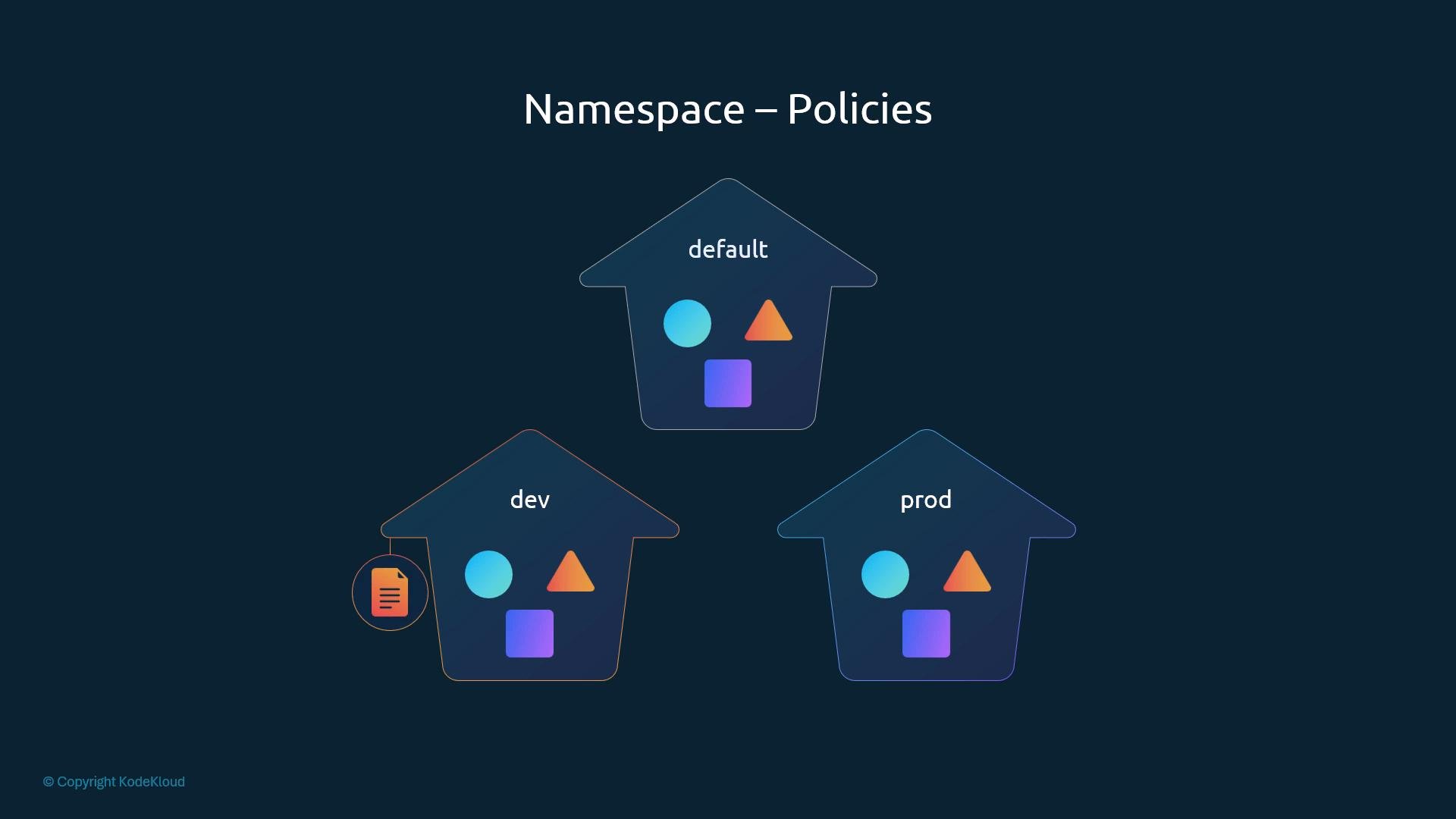
- Resource isolation (e.g.,
dev,staging,prod). - Applying resource quotas.
- Assigning different policies and RBAC rules per namespace.
Resource quotas
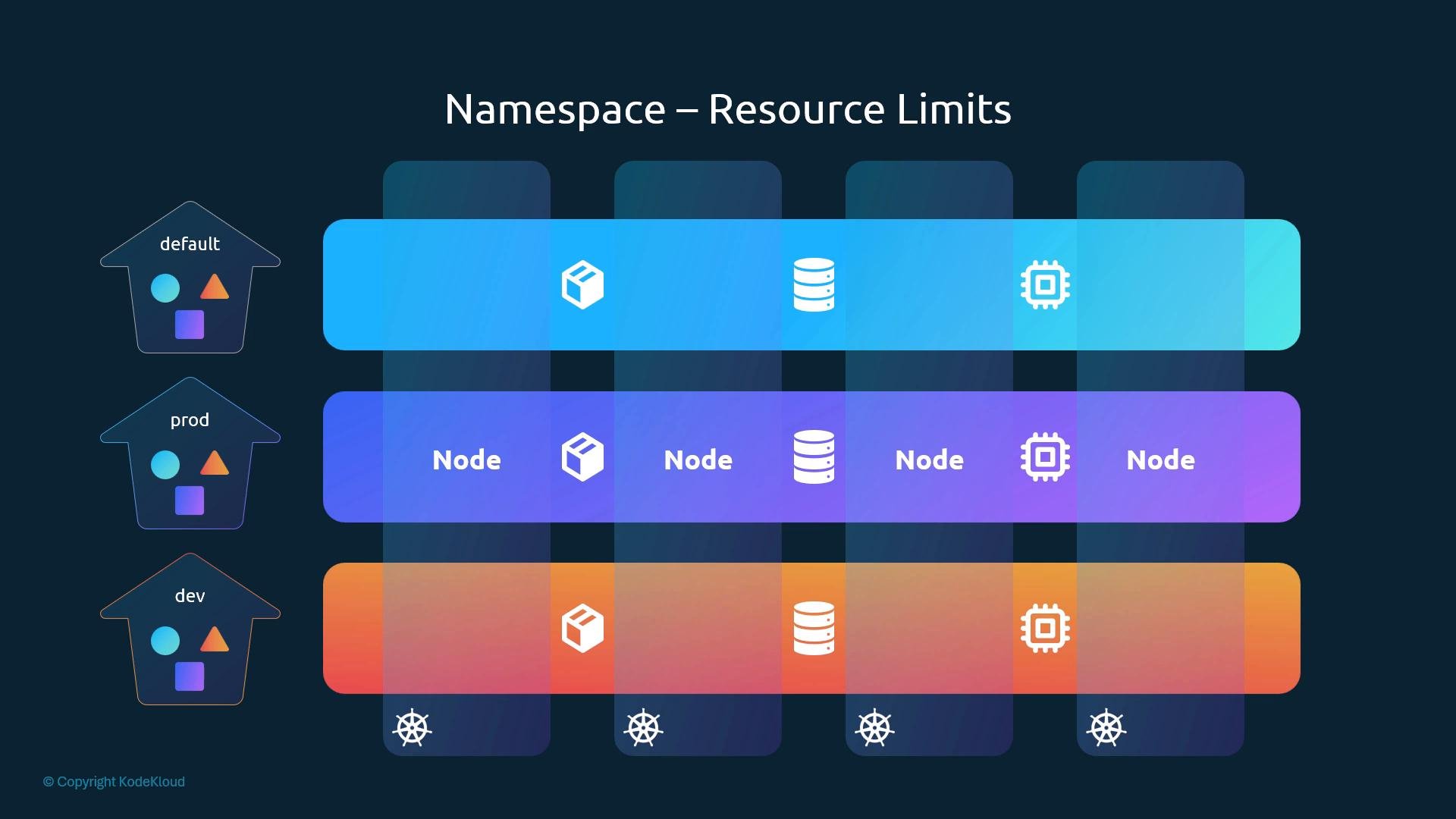
Namespaces let you limit what workloads inside them can consume. AResourceQuota applied to a namespace ensures workloads cannot exceed allocated resources (CPU, memory, pod count, etc.), which helps prevent a noisy tenant from starving other namespaces.
DNS and cross-namespace Service access
Within a namespace, resources can address other resources by simple names. For example, a Pod in thedefault namespace can reach a Service named db-service using only the hostname db-service.
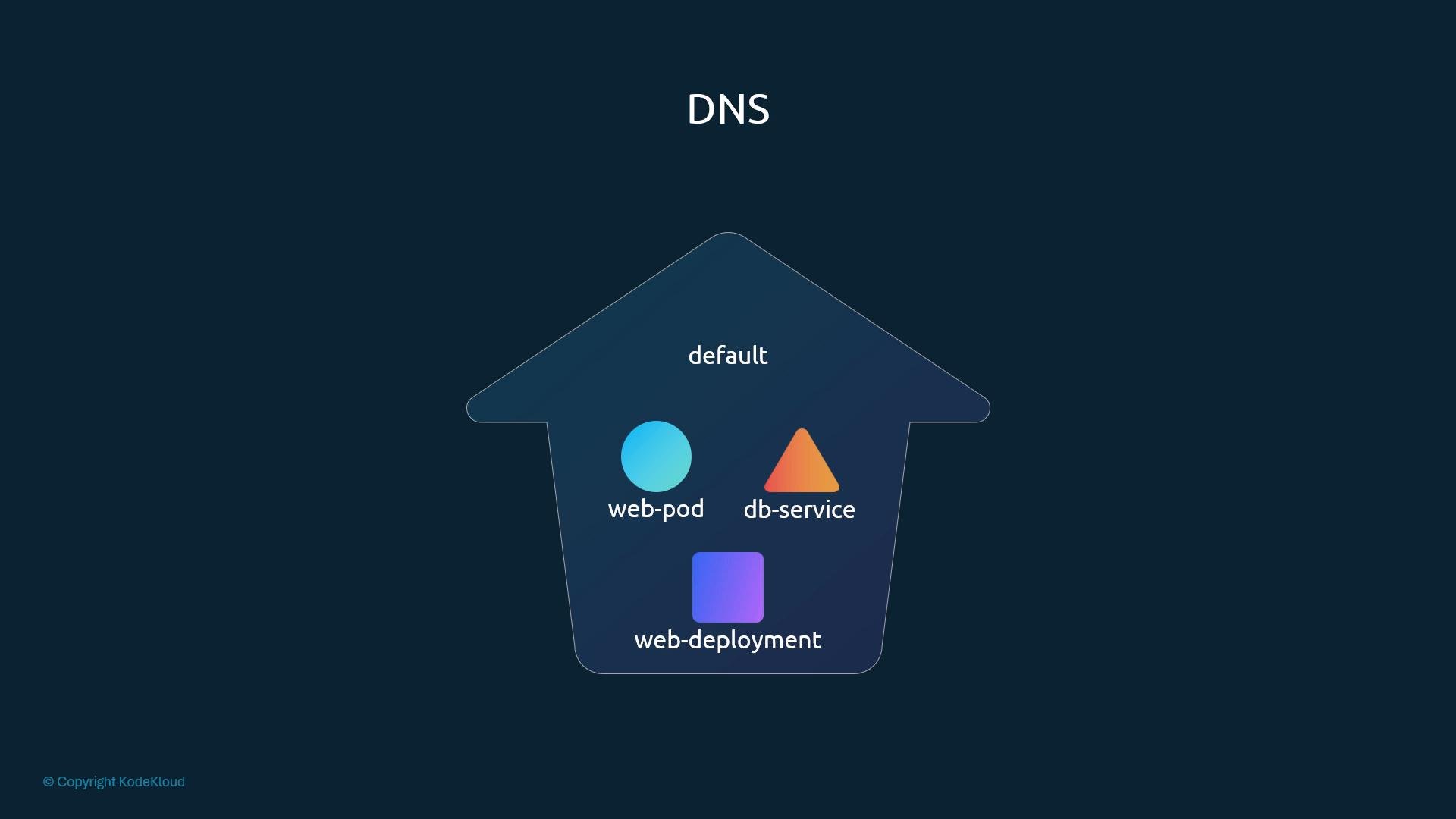
service-name— the Service namenamespace— the namespace where the Service livessvc— subdomain used for Servicescluster.local— default cluster domain
kubectl and namespaces — common operations
By default, kubectl operates against the current namespace (which defaults todefault). Here are common operations and examples.
List Pods in the current namespace
List Pods in a specific namespace
List resources across all namespaces
Common kubectl namespace commands
Tip: Set the namespace on your kubectl context if you work primarily in one namespace. This saves you from repeatedly passing
--namespace or -n.kubectl config set-context only affects that context.
Creating resources in a specific namespace
When a manifest omitsmetadata.namespace, the resource is created in the current namespace. You can override this on the command line or include the namespace in the manifest.
Create using the default namespace (current context):
dev namespace:
Creating a namespace
Namespace manifest:ResourceQuota example
To limit resources inside a namespace, apply aResourceQuota object that sets hard limits for that namespace:
Namespaces are NOT a strong security boundary by themselves. To enforce isolation, combine namespaces with RBAC, NetworkPolicies, and Admission Controllers. Resource quotas only limit consumption within a namespace — they do not prevent misconfigured workloads from impacting cluster stability.