

envFrom: secretRef. The lab uses kubectl commands and pod manifest examples.
1) How many Secrets exist in the default namespace?
Run:
default-token-cr4sr Secret contains three data keys: ca.crt, namespace, and token.
2) What is the type of the default token Secret?
From thekubectl describe output above, the Type is:
3) Which of the following is not a Secret data defined in the default token?
The data keys present areca.crt, namespace, and token. Any other key would not be present in this Secret.
Application deployment state
The sample application in this lab comprises awebapp pod and a mysql pod with their respective services. Confirm the current resources:
webapp is failing because its database connection parameters are missing (environment variables are not set). Example runtime error from the webapp:
4) Create a Secret for the database credentials
Create a generic Secret nameddb-secret using kubectl create secret generic with literal key/value pairs. kubectl create secret generic supports --from-literal, --from-file, and --from-env-file. This lab uses --from-literal.
Create the Secret:
db-secret contains the three keys required by the webapp.
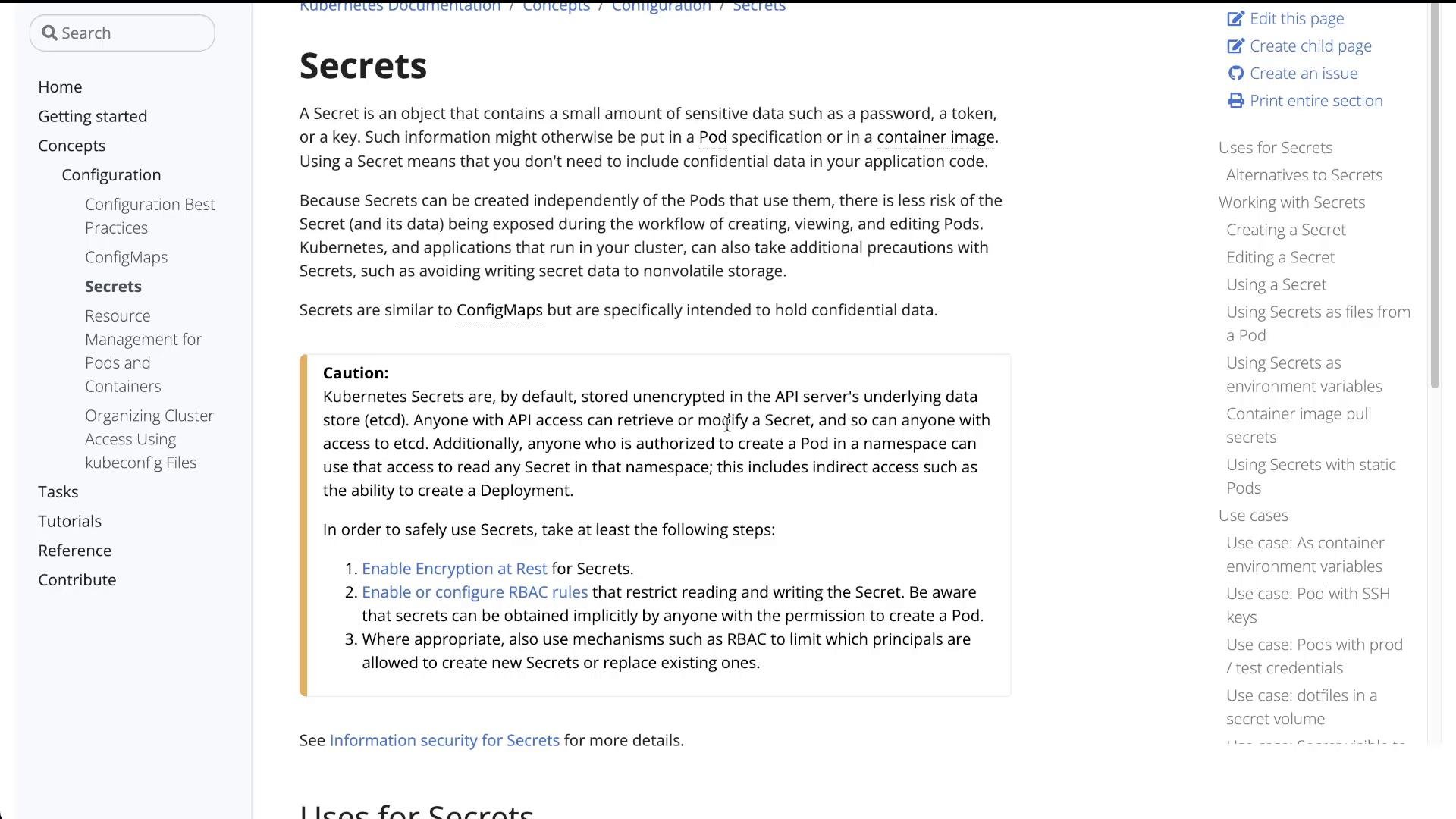
By default, Kubernetes stores Secrets in etcd unencrypted. Do not rely on Secrets alone for highly sensitive data. Consider enabling encryption at rest for etcd and using RBAC to limit access to Secrets.
5) Configure the webapp pod to read environment variables from the Secret
Kubernetes can inject all keys from a Secret into a container as environment variables usingenvFrom with secretRef. Below is a minimal Pod manifest that demonstrates exposing all keys in db-secret as environment variables inside the container:
envFrom snippet into the webapp container spec so it receives DB_Host, DB_User, and DB_Password from the db-secret.
Using
envFrom: secretRef maps each key in the Secret to an environment variable in the container. If you only need specific keys, prefer env with valueFrom.secretKeyRef to avoid exposing unnecessary values.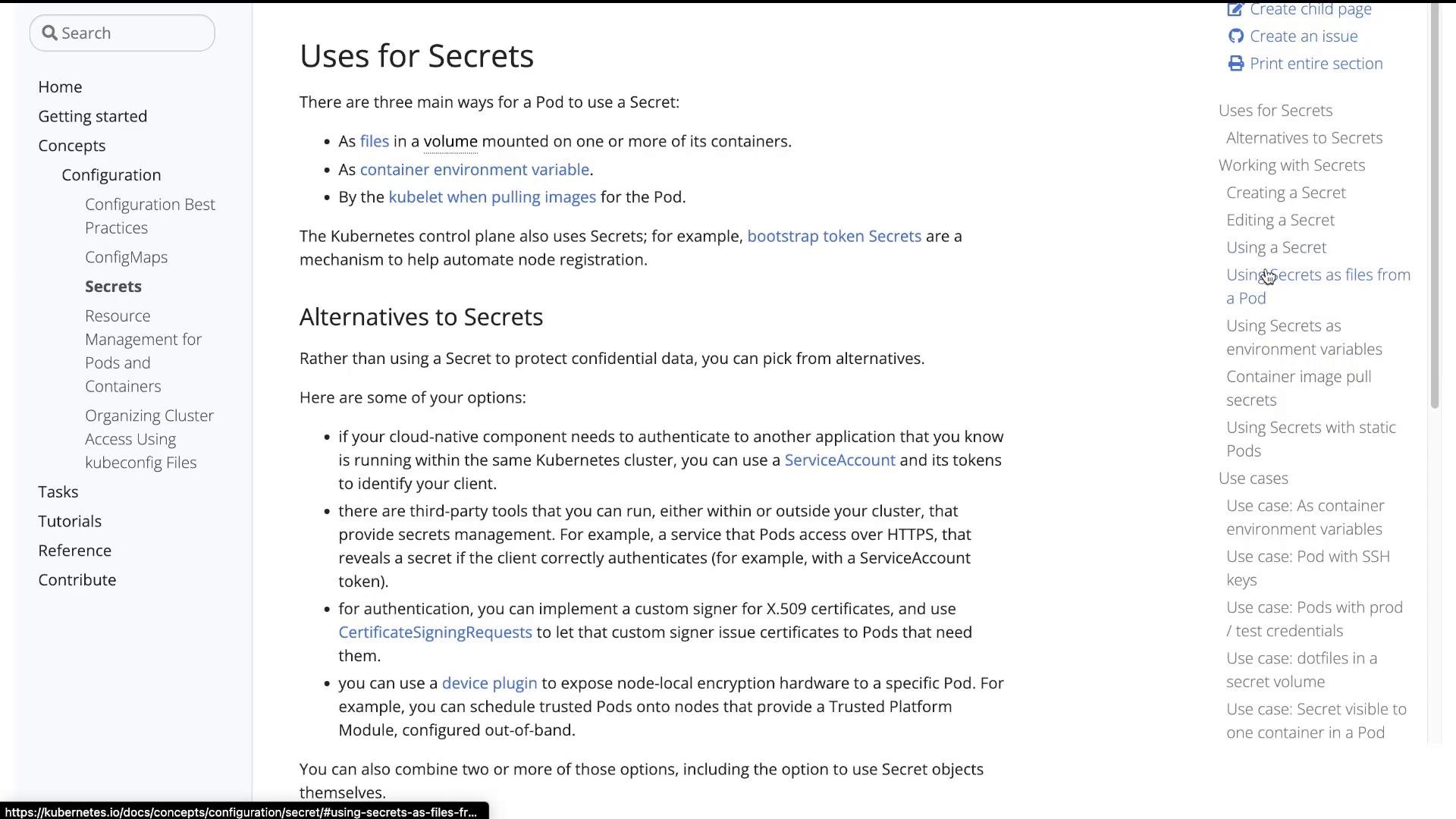
webapp-pod you can edit the Pod manifest or update the Deployment/ReplicaSet (if the app were managed). For unmanaged Pods you must recreate the Pod so the new spec takes effect.
Example flow used in this lab:
- Edit the Pod YAML locally (or create a new Pod manifest that includes
envFrom). - Apply/replace the Pod. One way to force recreation is:
kubectl describe pod webapp-pod:
db-secret.
6) Verify application can now connect
After the Pod restarts and reads its environment variables from the Secret, check the web application logs or status. The webapp should be able to connect to MySQL: Example success output from the application:This completes the lab: you created a Secret and consumed it in a Pod using
envFrom: secretRef.
Quick reference and further reading
Further resources: