

- All green animals →
color = green - All green birds →
color = greenANDclass = bird
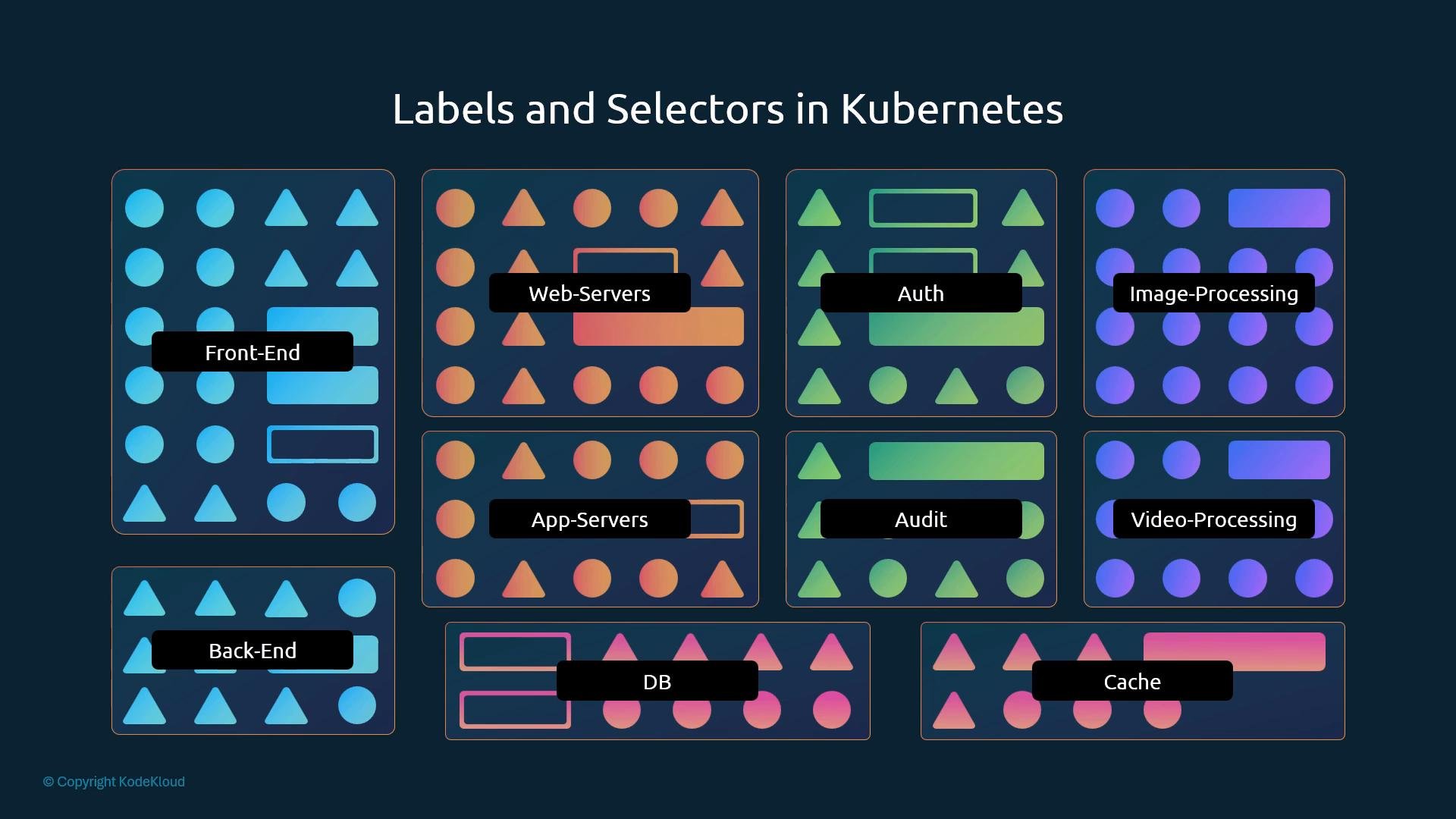
- Attach labels in an object’s
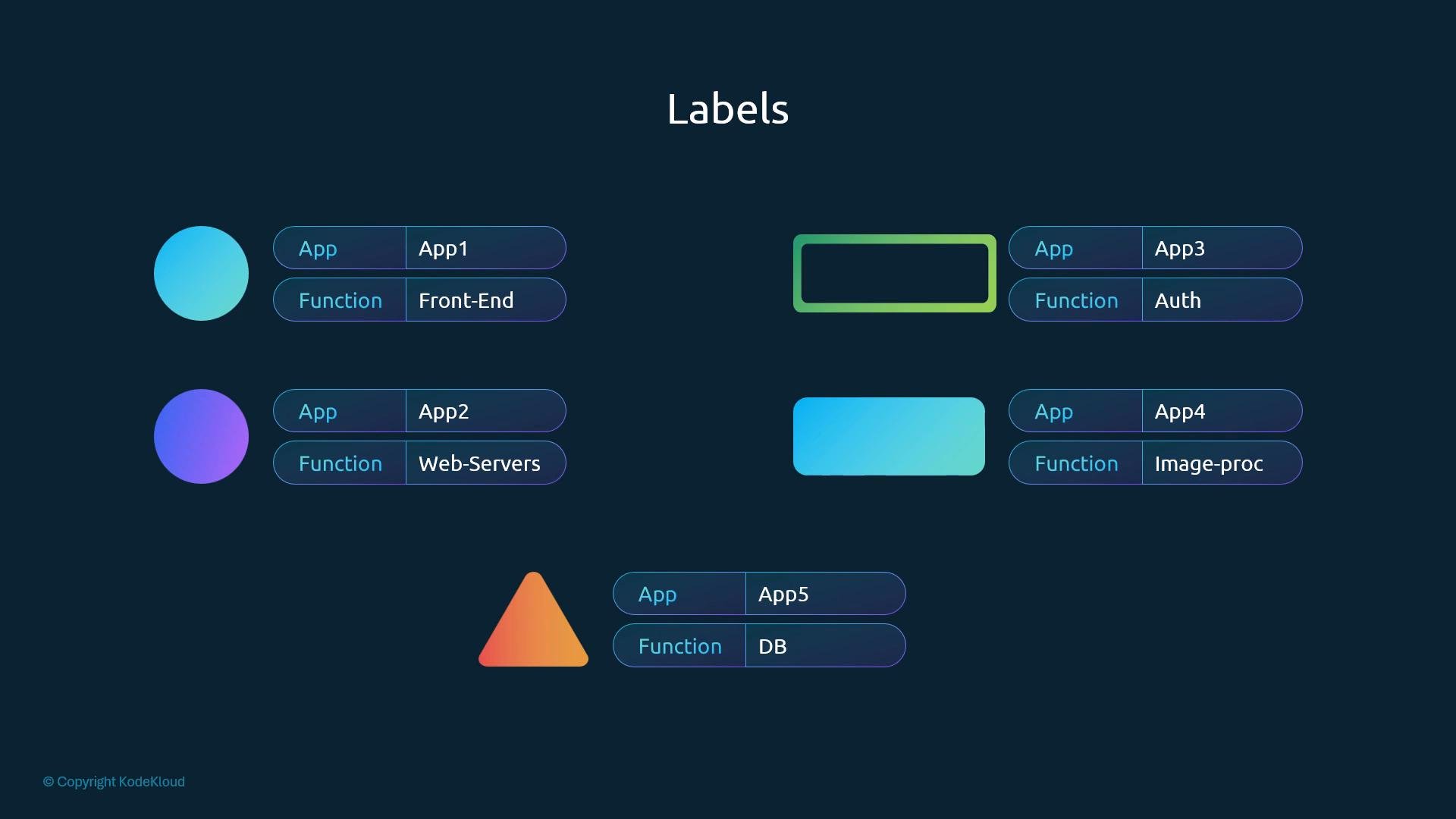
metadata.labelsfield. - Labels are arbitrary key/value pairs (strings) and you can add as many as needed.
- Use selectors to query those label values when listing or operating on objects.
metadata:
kubectl and the --selector or -l flag to filter resources:
metadata.labels— labels on the ReplicaSet object itself (useful for selecting ReplicaSets).spec.template.metadata.labels— labels applied to Pods created by the ReplicaSet.spec.selector.matchLabels(orspec.selector.matchExpressions) — defines which Pods the ReplicaSet manages and must match the pod template labels exactly.
spec.selector.matchLabelsis used by the ReplicaSet to find Pods.- The pod template labels must satisfy the selector.
- Top-level
metadata.labelson the ReplicaSet are separate; they let other objects orkubectlselect the ReplicaSet itself.
spec.selector that matches Pod labels. The Service routes traffic to all Pods whose labels satisfy that selector.
Best practices and constraints
Best practices and constraints:
- Label keys and values are typically lowercase. Use qualified keys (for example:
example.com/key) when necessary. - A label key optionally includes a DNS prefix and a name separated by a slash. The name (after the slash or the whole key if no prefix) must be ≤ 63 characters. If a DNS prefix is present it must be a valid DNS subdomain (≤ 253 characters).
- Label values must be ≤ 63 characters and may be empty. They should start and end with an alphanumeric character and may contain dashes, underscores, or dots in between.
- Use labels only for identifying and selecting objects. Use annotations for non-identifying, descriptive metadata (e.g., build info, contact details).
- Create a Pod manifest with labels and apply it:
kubectl apply -f pod.yaml. - List and filter:
kubectl get pods -l app=app1,function=front-end. - Create a ReplicaSet that selects those labels and observe how Pods are managed.
Links and references
- Kubernetes Labels and Selectors: https://kubernetes.io/docs/concepts/overview/working-with-objects/labels/
- Kubernetes API conventions: https://kubernetes.io/docs/concepts/overview/working-with-objects/common-labels/