

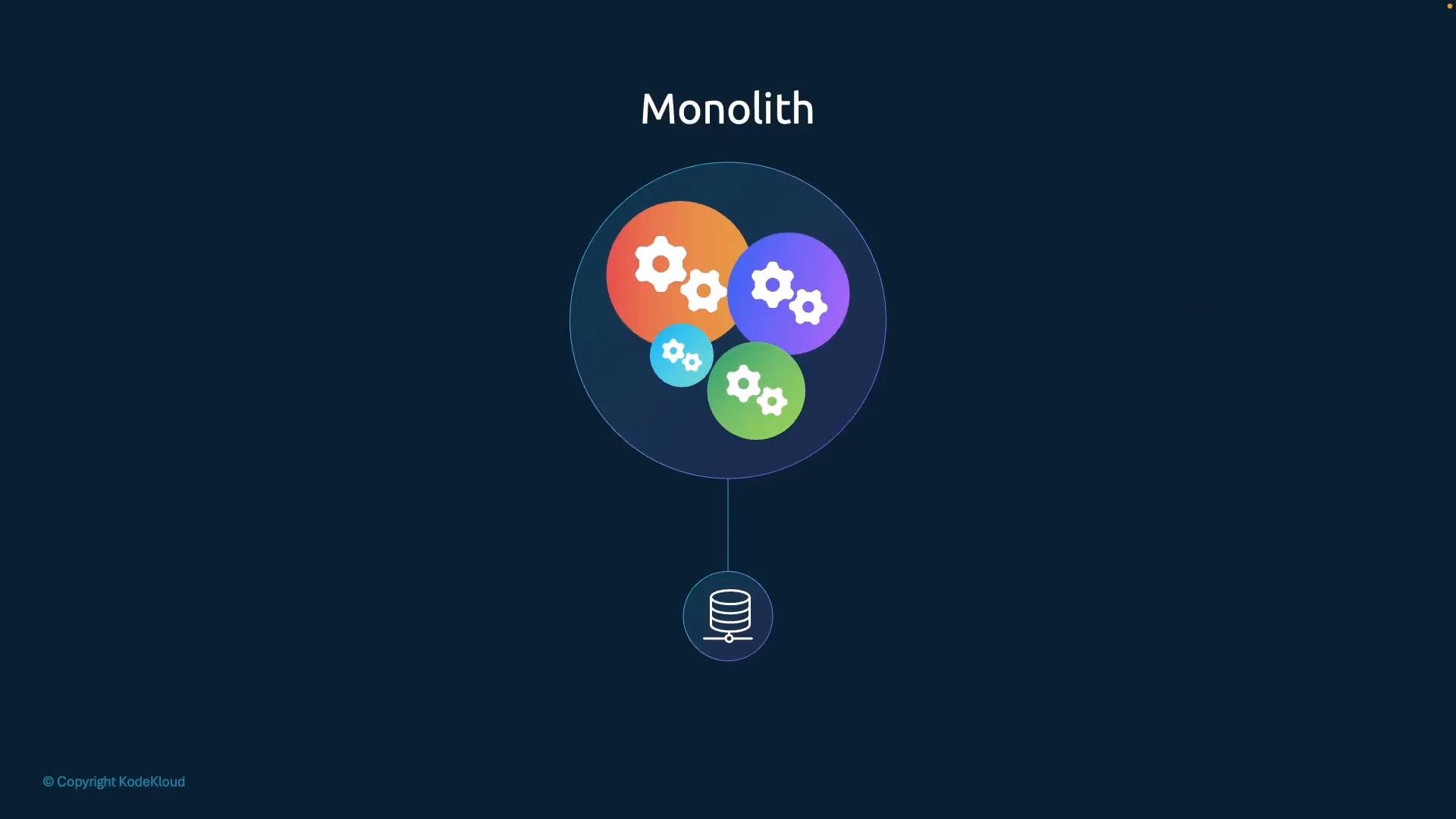
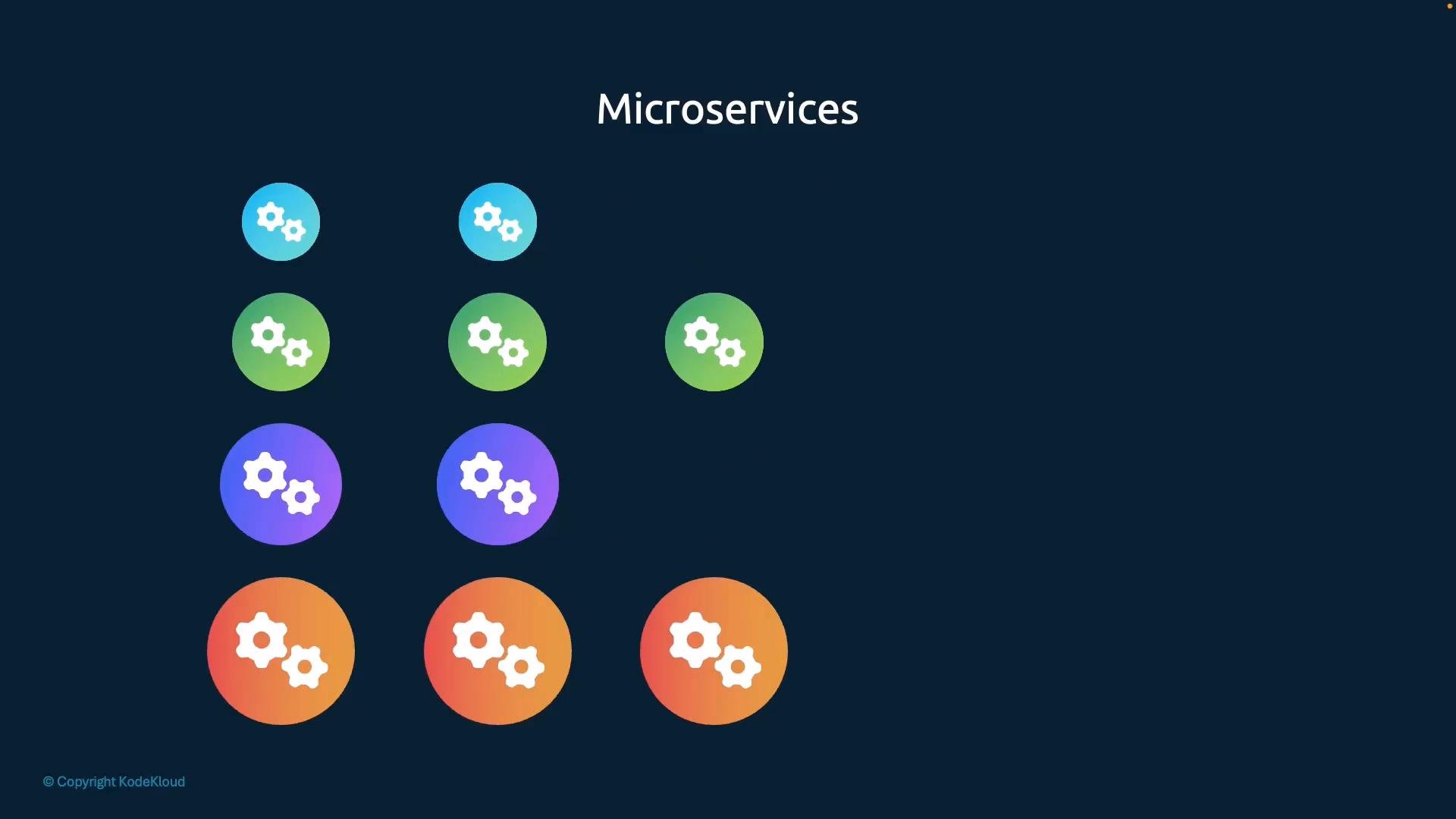
- Be maintained and deployed independently (different images, separate build pipelines).
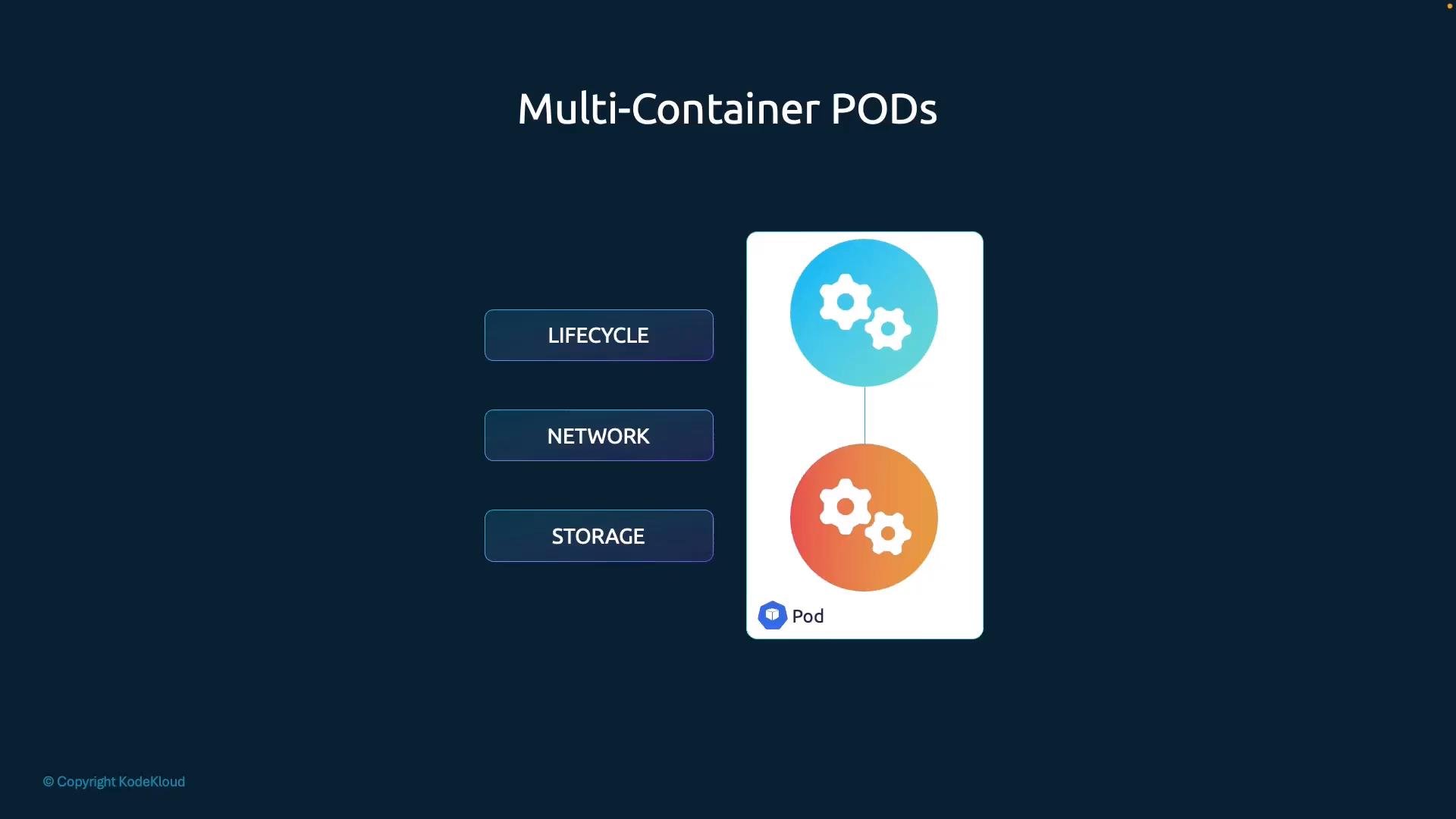
- Still run together so they scale, start, and stop as a unit.
- Share network and storage resources without extra services or cross-Pod networking.
Important note about ports and resources
Containers share the Pod IP and network namespace. Avoid binding multiple containers to the same port on the same Pod IP (port collisions will prevent containers from starting). Also define CPU/memory
resources and limits per container to prevent resource contention inside the Pod.web-app container exposing port 8080.
Multi-container Pod (two containers in the same Pod)
web-app and main-app together. Because they share the Pod network namespace, main-app can reach web-app at localhost:8080. Use Pod-level volumes when you need file sharing between containers.
Best practices and common patterns
- Sidecar pattern: run helpers like log shippers, proxies, or agents alongside the main app.
- Ambassador/adapter: run a container that translates or proxies requests between the main app and external services.
- Resource limits: always set
resources.requestsandresources.limitsfor each container to avoid noisy-neighbor issues. - Health and readiness probes: configure individual
livenessProbeandreadinessProbefor each container to ensure proper Pod health signals.
Remember: containers inside the same Pod share the Pod’s network namespace. If
web-app listens on port 8080, main-app can reach it at localhost:8080. Use Pod-level volumes to share files between containers, and configure resource requests/limits and probes per container for reliable operation.- Kubernetes Pods — official documentation on Pods and container sharing
- Patterns: Sidecar, Ambassador, Adapter — common multi-container Pod patterns
- Kubernetes Networking Concepts — understanding Pod networking and namespaces