

The problem: duplicated manifests across environments
Consider a simple NGINX Deployment that defaults to one replica:- dev: 1 replica (local)
- stg: 2 replicas
- prod: 5 replicas
replicas value in each file. For a small repo this might work, but it quickly becomes unmanageable as the number of resources grows (Services, ConfigMaps, Secrets, etc.). Keeping all copies synchronized is error-prone.
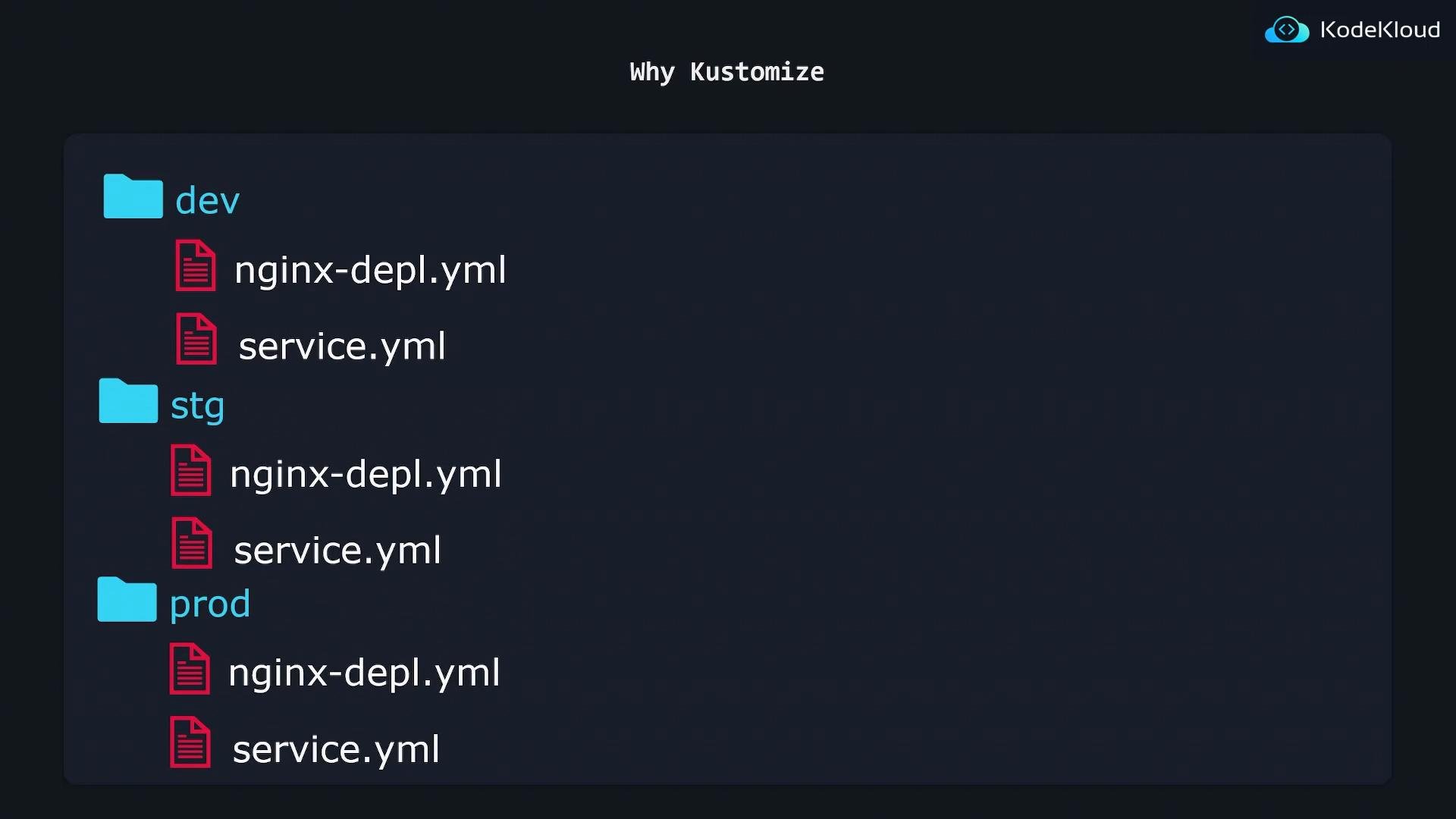
Kustomize: base + overlays
Kustomize was created to solve exactly this problem: reuse common manifests and apply environment-specific modifications without duplicating entire files. Core concepts- Base: the shared, environment-agnostic resources.
- Overlay: small, environment-specific patches or additions applied on top of the base.
- No templating language — plain YAML is preserved and remains valid.
- DRY — put common resources in a base; overlays only modify what changes.
- Predictable output — Kustomize emits a final manifest you can inspect and apply.
Example: single base, multiple overlays
Base deployment (k8s/base/nginx-depl.yaml):Workflow and commands
Kustomize composes the final manifest from base + overlay and emits a merged YAML you can apply. Common commands:
Example:
kubectl includes a built-in Kustomize implementation. However, it may lag behind the standalone Kustomize project in features. If you need newer Kustomize functionality, install the standalone
kustomize binary or ensure your kubectl version supports the desired features.Quick comparison: base vs overlay
Why choose Kustomize?
- Keeps YAML readable and valid — no templating syntax injected into manifests.
- Promotes reuse and reduces duplication by layering environment changes.
- Produces a final manifest you can inspect, validate, and apply like any other YAML.
- Kustomize docs: https://kubectl.docs.kubernetes.io (or https://github.com/kubernetes-sigs/kustomize for the standalone project)
- kubectl kustomize: https://kubernetes.io/docs/reference/kubectl/kustomize/