

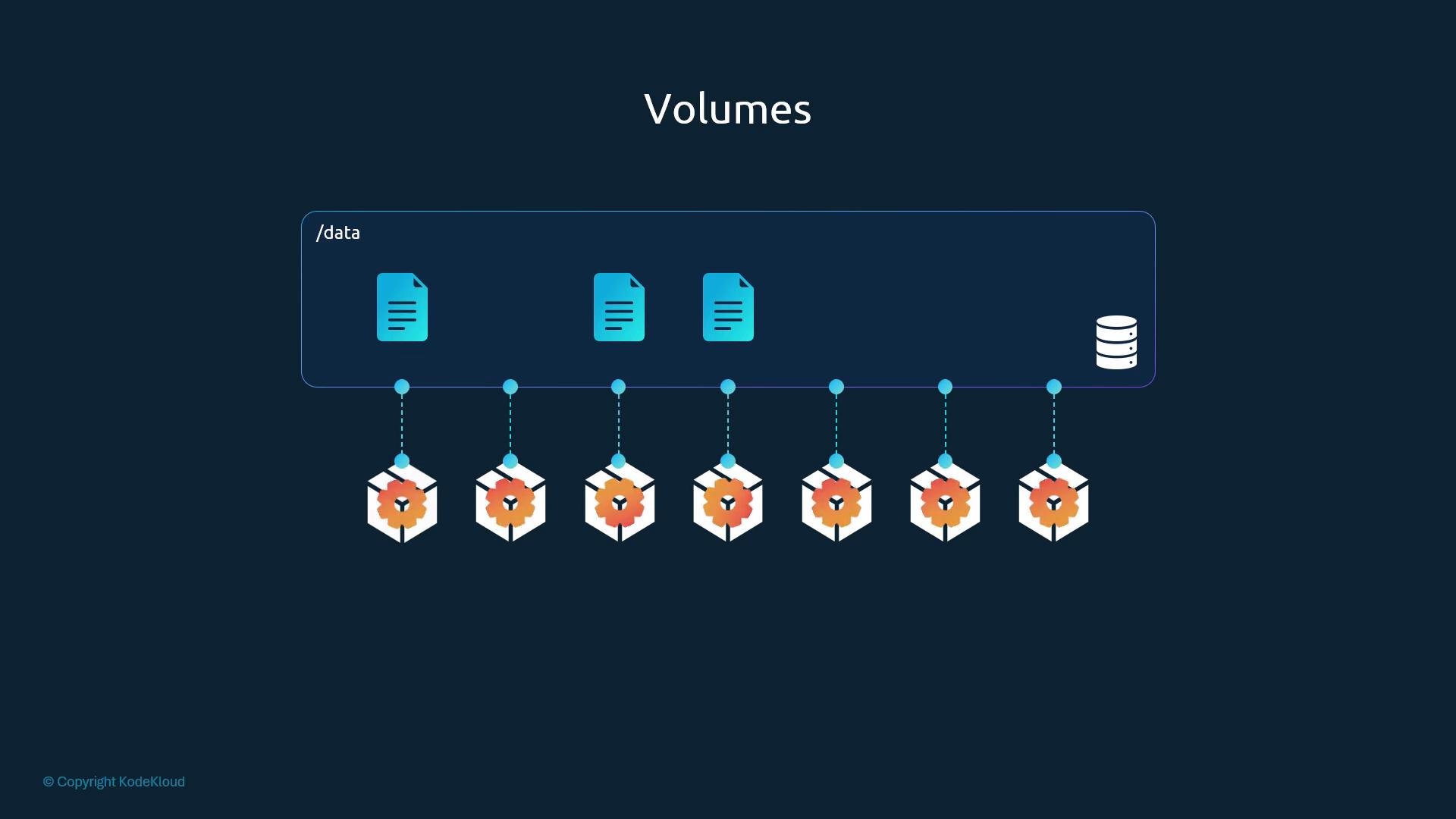
emptyDir, for example, is ephemeral and deleted when the pod is removed. To retain data beyond a pod’s lifetime, use a backing store that persists independently of the pod: e.g., hostPath (node filesystem), network-backed storage (NFS, GlusterFS, CephFS), cloud block/file storage (AWS EBS, Azure Disk/File, GCP PD), or Kubernetes PersistentVolumes (PV) provisioned via a CSI driver.
Example: ephemeral pod (no volume)
This pod writes a random number to /opt/number.out. Because no volume is mounted, the file disappears once the pod is removed.
Note: The Alpine base image may not include the
shuf utility by default. For this example you may need an image that contains shuf or install the appropriate package (e.g., coreutils or shuf) in the container./data) on the node as the backing storage and mounts it at /opt inside the container. Anything written to /opt is stored on the node under /data.
/opt/number.out. Because /opt is backed by the node path /data, the file persists on the node at /data/number.out. Deleting the pod does not delete that host file.
Using
hostPath directly ties storage to a specific node’s filesystem. This is acceptable for single-node clusters or development/testing, but it is not recommended for production multi-node clusters because the data is not automatically shared or replicated across nodes.
Example: AWS EBS block storage (in-tree volume type shown for illustration)
- Prefer dynamic provisioning via PersistentVolume and PersistentVolumeClaim (PV/PVC) backed by a CSI driver for production workloads.
- Select storage based on access mode requirements: if multiple nodes need RW access, use shared network or file storage (ReadWriteMany).
- Avoid
hostPathfor production multi-node clusters. - Use Kubernetes StorageClasses to define performance tiers and dynamic provisioning policies.
- Kubernetes Volumes
- Persistent Volumes
- Container Storage Interface (CSI)
- Cloud provider storage docs: AWS EBS, Azure Disk/File, Google Persistent Disk