

- You might think a simple approach is to add entries to each Pod’s
/etc/hosts:- On the first Pod:
web->10.244.2.5 - On the second Pod:
web->10.244.1.5
- On the first Pod:
/etc/hosts updates are impractical. Kubernetes centralizes name resolution using a DNS server and configures each Pod’s /etc/resolv.conf to point at that DNS server IP.
Example (illustrative):
- When Pod-based records are enabled, CoreDNS can create hostnames by converting a Pod IP like
10.244.2.5into10-244-2-5. This behavior is controlled by thepodssetting of thekubernetesplugin and is disabled by default.
- Kubernetes deploys DNS servers as Pods in the
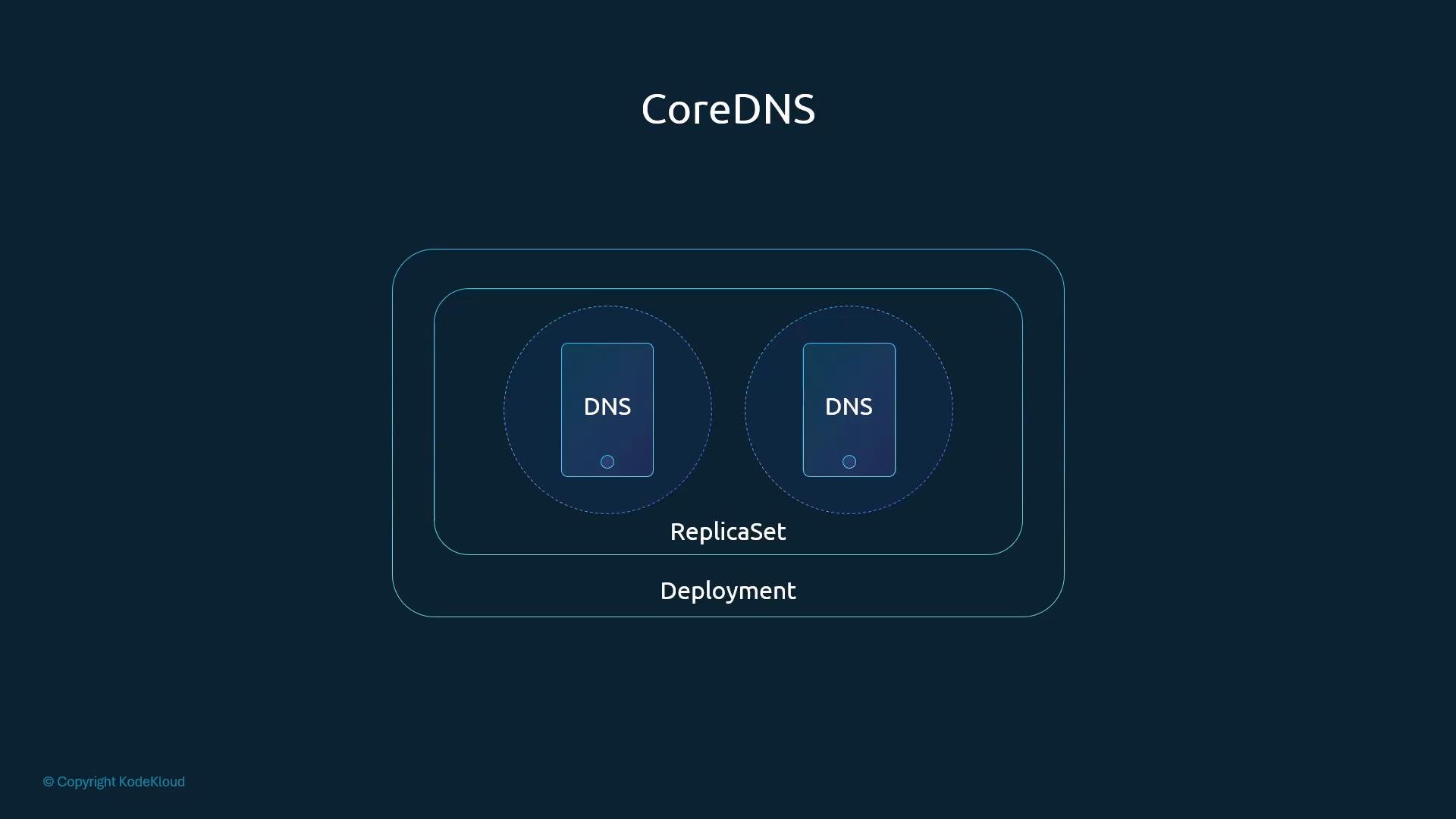
kube-systemnamespace. CoreDNS is the default DNS implementation since Kubernetes 1.12 (previously kube-dns). - CoreDNS is typically deployed as a Deployment backed by a ReplicaSet, giving multiple CoreDNS Pods for redundancy.
/etc/coredns/Corefile) that defines how DNS queries are handled. The Corefile configures plugins for logging/health, Kubernetes integration, forwarding to upstream servers, metrics, caching, and reload behavior.
Example Corefile (common layout; modern CoreDNS tends to use forward for upstreams):
.:53— listen on port 53 for all zones.errors/health— logging and health endpoints.kubernetes cluster.local in-addr.arpa ip6.arpa { ... }— integrates CoreDNS with the Kubernetes API;cluster.localis the cluster domain.pods insecure— enables creating dashed-IP hostnames for Pods (optional and disabled by default).upstream/forward— forward queries CoreDNS cannot resolve (e.g., external names) to the upstream nameservers listed in the CoreDNS Pod’s/etc/resolv.conf.fallthrough in-addr.arpa ip6.arpa— allow reverse lookup fallthrough for PTR queries.
prometheus :9153— expose metrics.forward . /etc/resolv.conf— forward unresolved queries to node-configured nameservers.cache 30— cache TTL in seconds.reload— automatically reload when the ConfigMap changes.
The Corefile used by CoreDNS in Kubernetes is typically provided via a ConfigMap mounted into the CoreDNS Pods. To change CoreDNS behavior (for example, enabling
pods), you edit the CoreDNS ConfigMap in the kube-system namespace and CoreDNS will reload the configuration.- Kubernetes exposes CoreDNS through a Service (commonly named
kube-dns) with a stable ClusterIP (often10.96.0.10in many cluster setups). That ClusterIP becomes thenameserverentry in each Pod’s/etc/resolv.conf. - The kubelet is responsible for generating the Pod
/etc/resolv.conf. It reads cluster-level settings (oftenclusterDNSandclusterDomain) and writes:- the DNS server IP (ClusterIP of the DNS Service), and
- the
searchdomains used for short-name resolution.
default.svc.cluster.localsvc.cluster.localcluster.local
web-serviceweb-service.defaultweb-service.default.svc
web-service.default.svc.cluster.local (the Service FQDN). Pod names usually require the full FQDN unless pods (dashed IP hostnames) is enabled in CoreDNS.
Quick reference: who does what?
Search behavior and resolution order
- Short service names are resolved by successively appending search domains.
- If a name can’t be resolved by CoreDNS, it will forward the query to the upstream nameservers (as configured by
forward/upstream), typically those set on the node and visible inside the CoreDNS Pod’s/etc/resolv.conf.
- CoreDNS runs in-cluster and is exposed via a Service (
kube-dnsby default). - CoreDNS watches the Kubernetes API and creates DNS records for Services; Pod records are optional and use a dashed-IP format if enabled.
- The kubelet configures each Pod’s
/etc/resolv.confto use the cluster DNS Service IP and populatessearchdomains to enable short Service names. - Unresolved queries are forwarded to upstream nameservers configured on the node.