

- Administrators create and manage PersistentVolumes (PV).
- Users create PersistentVolumeClaims (PVC) to request storage.
- Kubernetes binds a PVC to a matching PV based on capacity, access modes, storage class, and other properties.
How binding works
A PVC is bound to a single PV. During binding, Kubernetes searches for a PV that:- Has sufficient capacity for the requested storage.
- Supports the requested
accessModes. - Matches other requested properties such as
volumeModeandstorageClass.
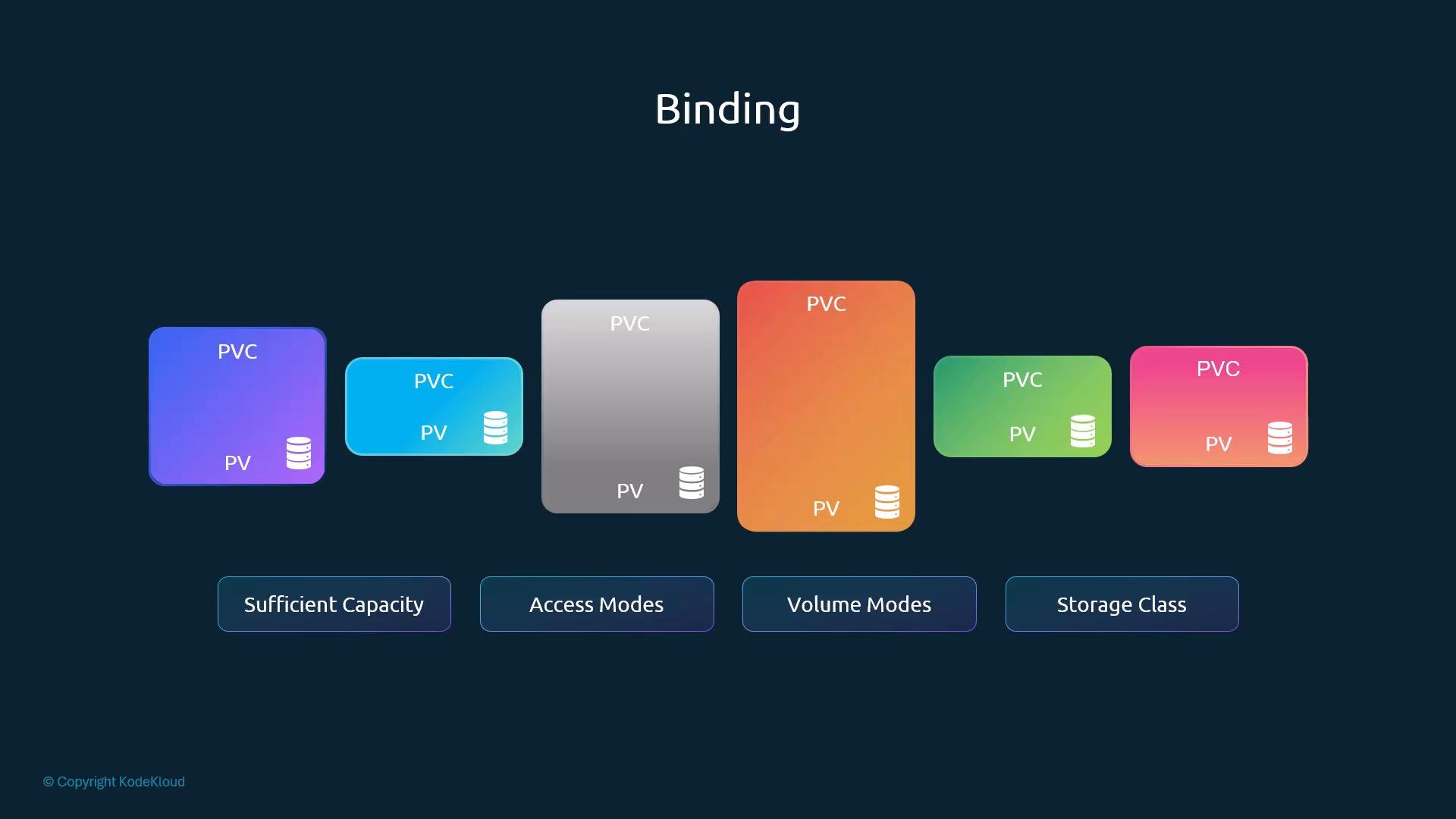
Pending state until a matching PV is created or dynamically provisioned.
Creating a PersistentVolumeClaim
Steps to create a PVC:- Create a new YAML file for the PVC.
- Set
apiVersion: v1andkind: PersistentVolumeClaim. - Provide
metadata.name(for examplemyclaim). - Under
spec, setaccessModesandresources.requests.storage.
pvc-definition.yaml):
1Gi and ReadWriteOnce), Kubernetes will bind the PVC to that PV even though the PV is larger than the requested 500Mi.
Example PV definition (previously created as pv-definition.yaml):
persistentVolumeReclaimPolicy is set on the PV (not the PVC) and controls what happens to the PV after its bound PVC is deleted.
Also note: The awsElasticBlockStore example above is an in-tree volume plugin example. Many in-tree cloud plugins have been superseded by CSI drivers and dynamic provisioning through StorageClasses. Prefer CSI-backed volumes or dynamically provisioned PVs when possible.
After binding, confirm status:
Deleting a PVC and reclaim policy behavior
To delete a claim:persistentVolumeReclaimPolicy. Common policies:
Recycle is deprecated. Use dynamic provisioning with StorageClasses and CSI drivers for provider-supported lifecycle and cleanup operations instead of relying on the old recycle behavior.
Why recycle was deprecated
- The old recycler performed a best-effort file delete and could not guarantee secure erasure.
- It did not handle snapshots, provider metadata, or encrypted volumes correctly.
- It worked only for some in-tree volume plugins.
- Proper cleanup typically requires unmount/detach, filesystem reformat, snapshot handling, or provider-level deletes — operations the recycler did not perform reliably.
Recommended modern approach
Use StorageClasses and CSI drivers for dynamic provisioning and lifecycle management:- StorageClasses let Kubernetes dynamically create PVs with specified parameters.
- CSI drivers (or cloud provisioners) handle creation, deletion, and advanced lifecycle operations such as snapshots, encryption, and resizing.
- Dynamic provisioning avoids manual PV creation and reduces administrative overhead.
Quick reference & next steps
- Use a selector if you must bind a PVC to a specific PV by label.
- Prefer dynamic provisioning via StorageClass + CSI for cloud or production workloads.
- Inspect
kubectl get pv,pvcandkubectl describe pv <name>/kubectl describe pvc <name>when troubleshooting binding problems.