

Default behavior: delete-and-recreate
By default, changing resource requests or limits in a Deployment’s Pod template causes Kubernetes to terminate the existing Pod and create a new one with the updated resources. This can be disruptive for stateful or long-running workloads. Example Deployment manifest with explicit resource requests and limits:resources.requests or resources.limits in the Pod template will normally trigger a Pod replacement (delete + recreate).
In-place resizing: what it does
In-place resizing allows certain resource fields on running containers to be changed without deleting the Pod. When supported and enabled, kubelet applies the change on the running container (or restarts only the container if required by policy) instead of recreating the entire Pod. To control this behavior the Pod spec gains aresizePolicy field (when in-place scaling is available). The resizePolicy can be used to indicate whether changes to a specific resource require restarting the container.
Example: allow CPU changes without a container restart, but require restarts for memory changes:
NotRequired) while memory updates will restart the container (RestartContainer).
Enabling the feature
In-place pod vertical scaling is gated by theInPlacePodVerticalScaling feature gate in many Kubernetes releases. You must enable it on control-plane components (e.g., kube-apiserver) and on kubelet processes where applicable.
Example startup flag:
Enable the
InPlacePodVerticalScaling feature gate on both control-plane components (kube-apiserver) and kubelet processes where applicable. Exact steps depend on how your cluster is provisioned (kubeadm, managed control plane, kind, minikube, etc.).Updating the Pod template (example)
Once the feature gate is enabled and theresizePolicy allows it, patching the Deployment’s Pod template can request a resource change that kubelet attempts to apply in-place.
Example patch to increase the CPU request:
restartPolicy and whether the new limit is feasible relative to current usage.
How in-place resizing behaves in practice
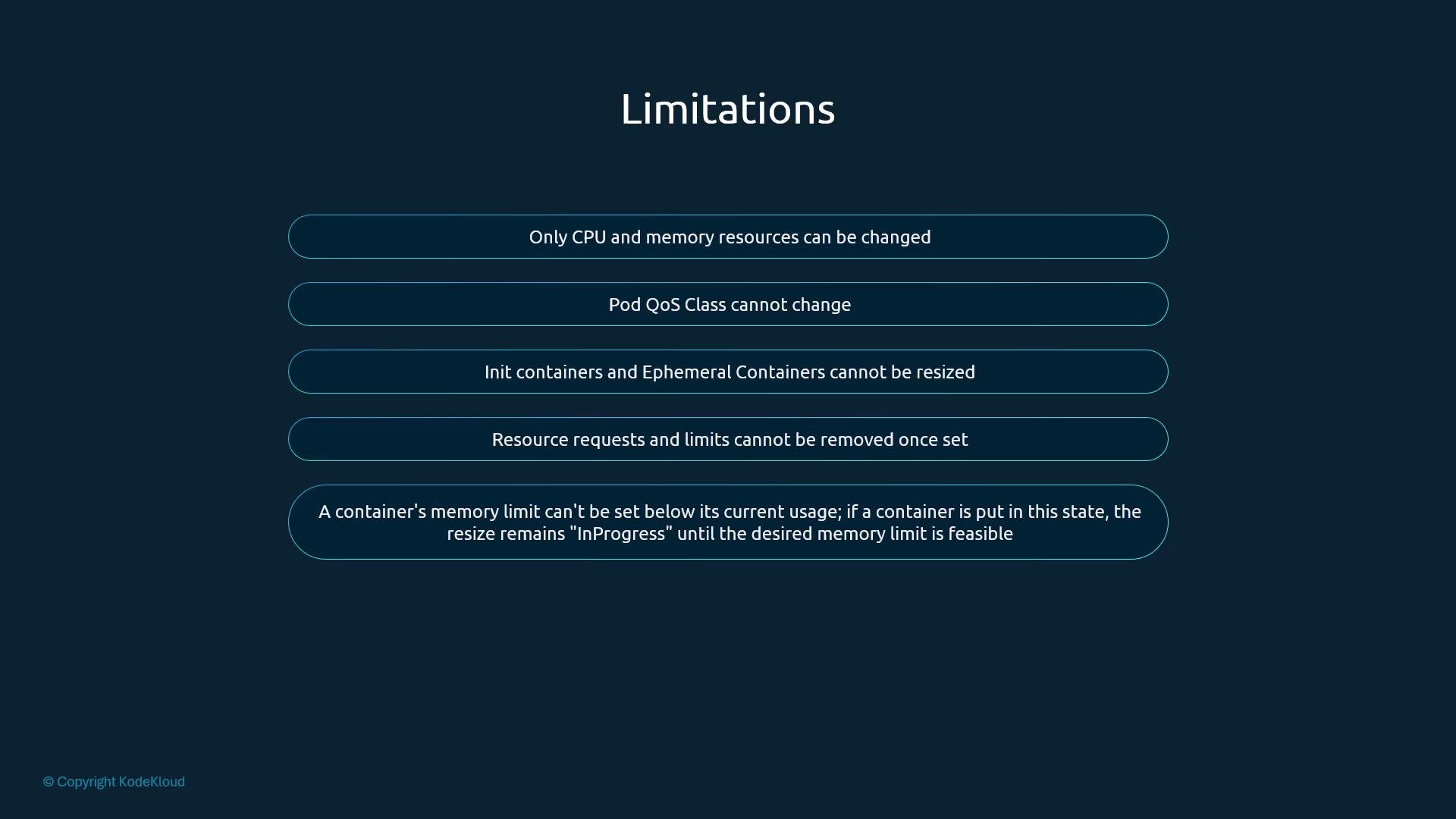
- Only CPU and memory are supported for in-place updates.
- Pod QoS class is not changed by in-place updates (QoS remains the same).
- You cannot remove or unset previously set resource requests/limits via in-place updates.
- A requested decrease in memory that would set the limit below current usage cannot be applied until usage falls below the requested limit; the resize may remain pending.
- Init containers and ephemeral containers are not supported by the in-place resizing mechanism.
Limitations and considerations
Important: As of current upstream support, Windows Pods are not supported for in-place resizing. Also verify whether your cluster (especially managed control planes) exposes the
InPlacePodVerticalScaling feature gate or provides an alternative configuration mechanism.