

securityContext field. Containers run inside Pods, and security settings can be defined either at the Pod level or at the container level. Pod-level settings apply to all containers in the Pod; container-level settings override Pod-level values for the same fields.
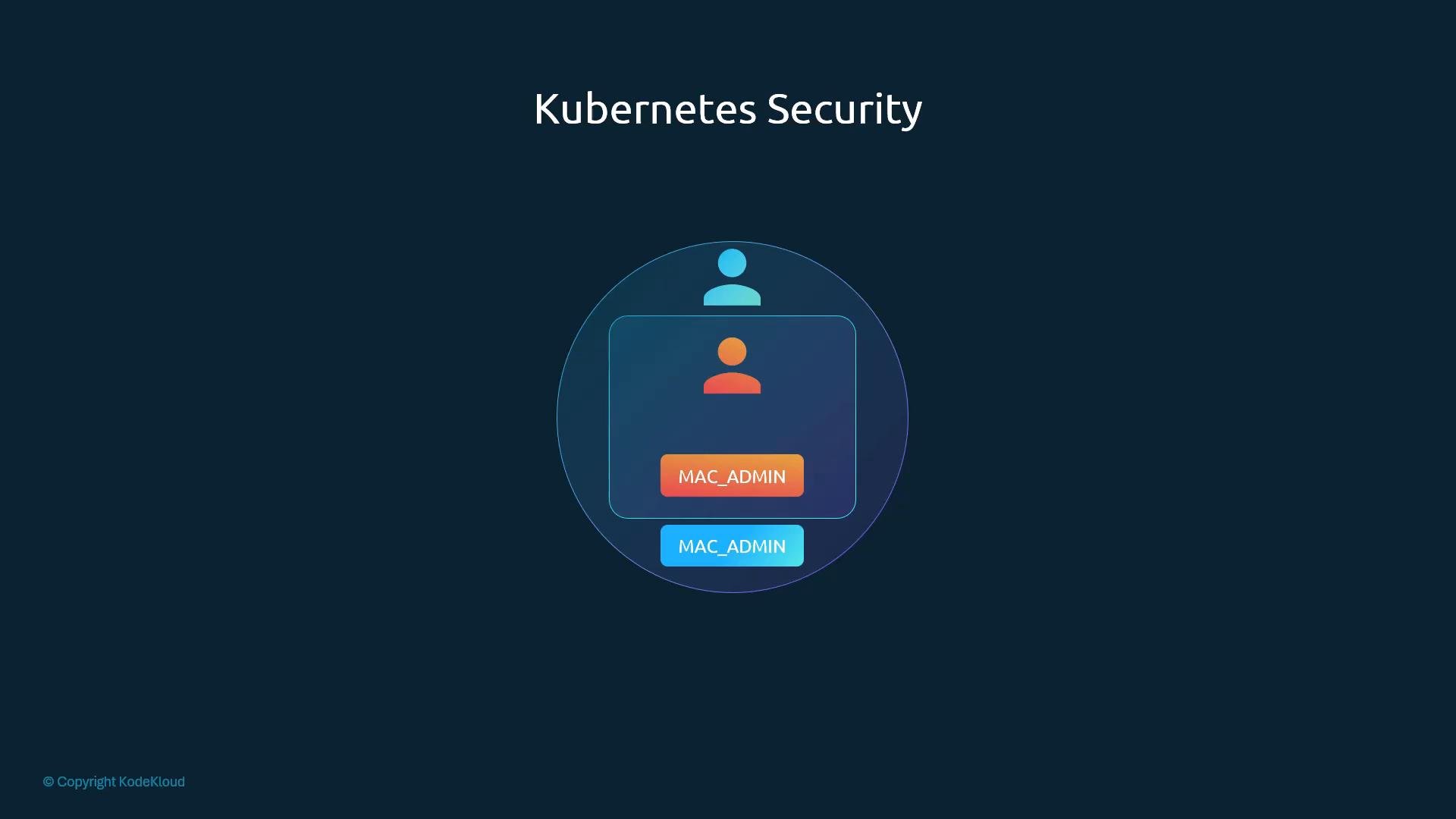
Container-level
securityContext values take precedence over Pod-level values for the same fields.securityContext fields.
Quick field reference
For full details, see the Kubernetes docs on security contexts: https://kubernetes.io/docs/tasks/configure-pod-container/security-context/
Examples
- Pod-level
securityContext(applies to all containers in the Pod)
- Container-level
securityContext(overrides Pod-levelrunAsUser)
- Adding Linux capabilities to a container
Best practices
- Always use numeric UIDs/GIDs for
runAsUser,runAsGroup, andfsGroupin manifests. - Prefer
runAsNonRoot: truewhenever your application is compatible — this prevents accidental UID 0 execution. - Apply the least-privilege principle: only add capabilities that your workload truly requires and explicitly drop capabilities you do not need.
- Capabilities are applied per container; set them at the container level to avoid granting unnecessary privileges to other containers in the same Pod.
- Enforce cluster-wide security posture using PodSecurity admission, Gatekeeper, or another policy controller—these provide consistent rules across your cluster. See Pod Security Standards: https://kubernetes.io/docs/concepts/security/pod-security-standards/
runAsNonRoot: true will fail pod creation if the container image has no declared non-root user and the process would run as UID 0. Ensure your image defines a non-root user or set runAsUser explicitly.Viewing and troubleshooting
- Inspect the resolved security context of a running Pod (full manifest):
- See a human-readable summary and events:
- If a Pod fails to start due to security validation, check the Pod events and admission controller logs (if configured).