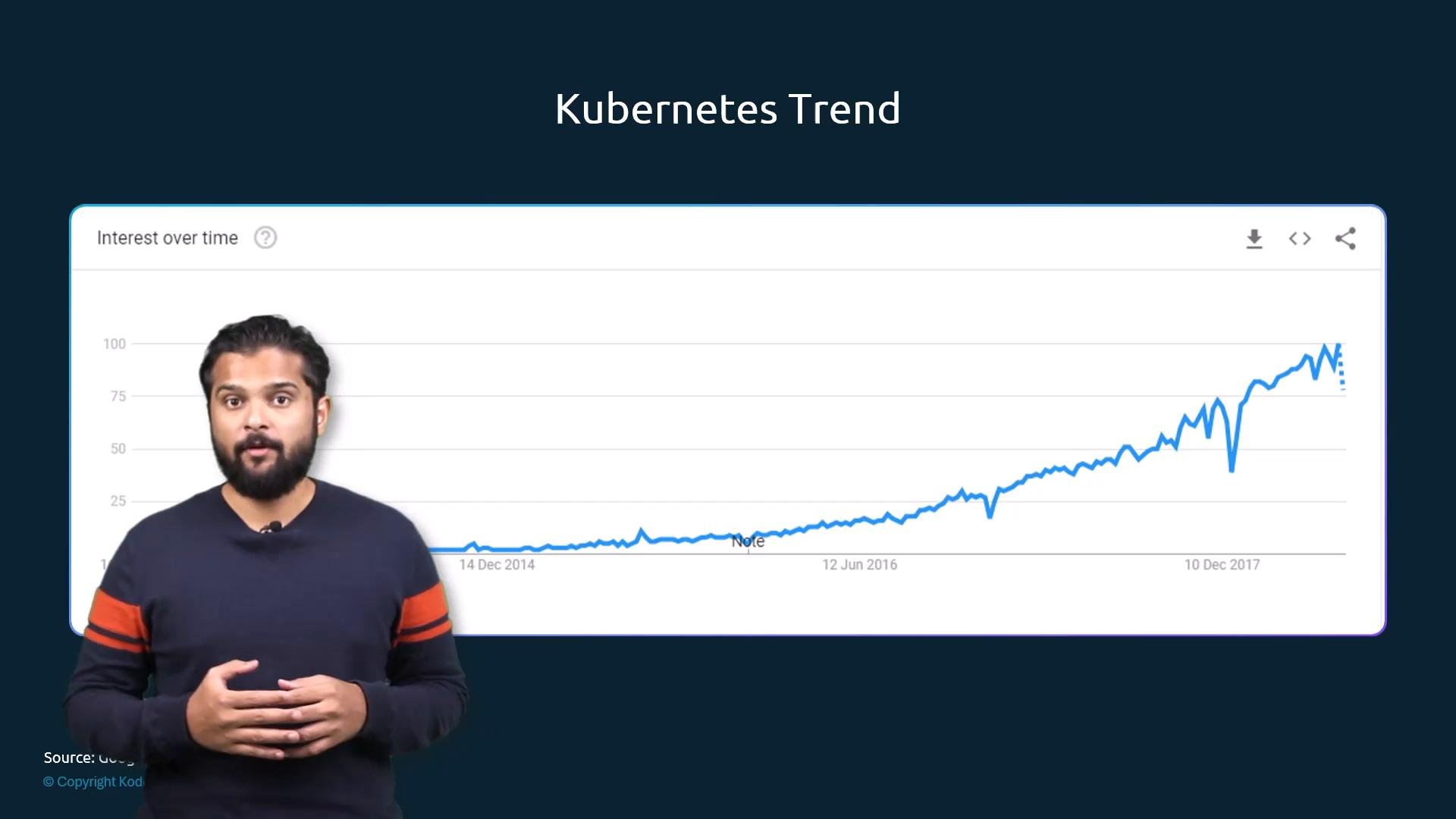
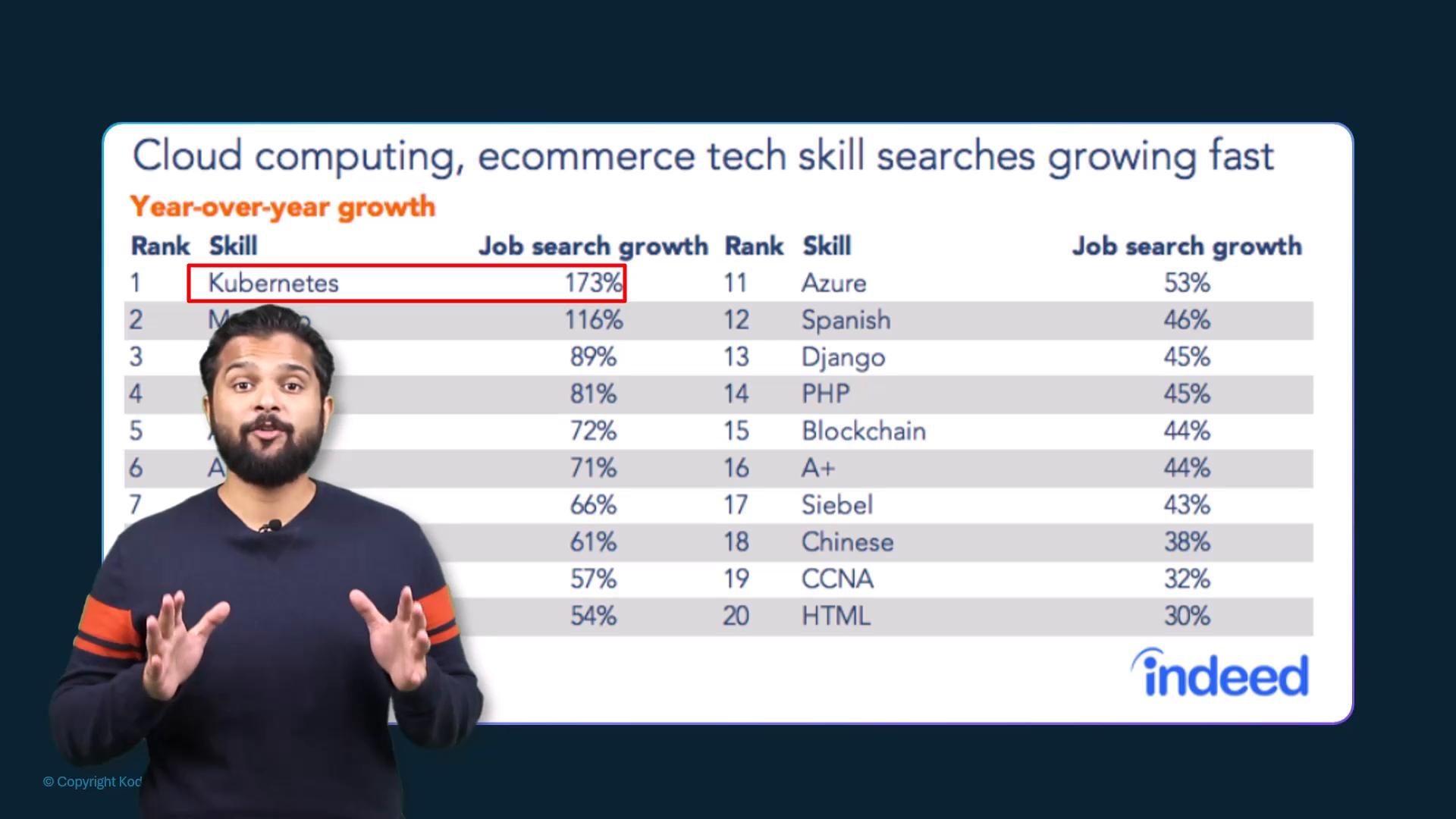
- Validates practical skills in designing, building, and maintaining production-grade Kubernetes clusters.
- Helps you stand out to employers hiring platform, DevOps, and site reliability engineers.
- Demonstrates hands-on ability — not just theoretical knowledge.
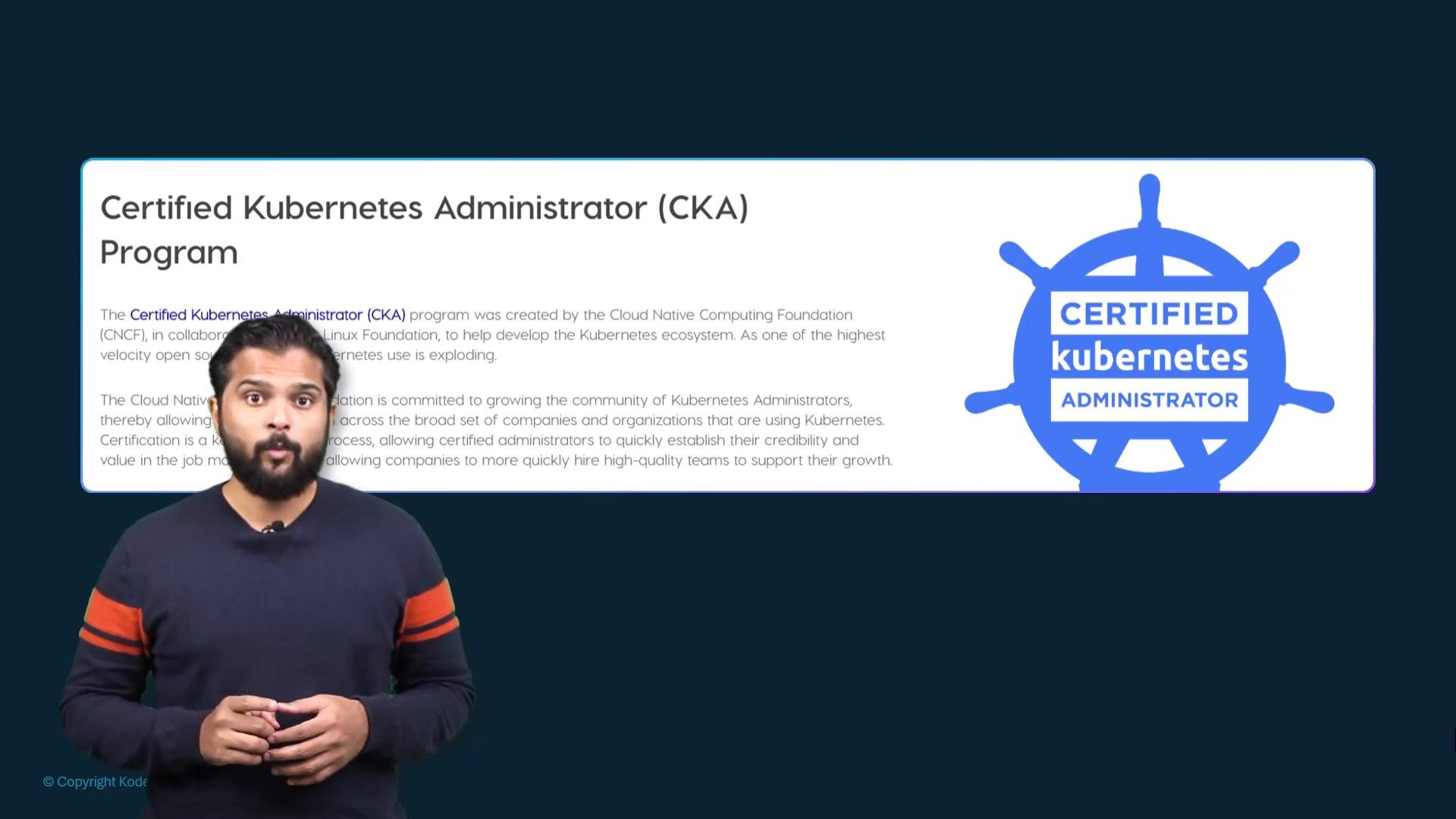
- The CKA is delivered online and proctored; you can take it from home or an approved location.
- You must meet workspace and system requirements (webcam, microphone, environment) described in the candidate handbook.
- The exam is performance-based: you complete real tasks on a live Kubernetes cluster under time constraints (exam duration: three hours).
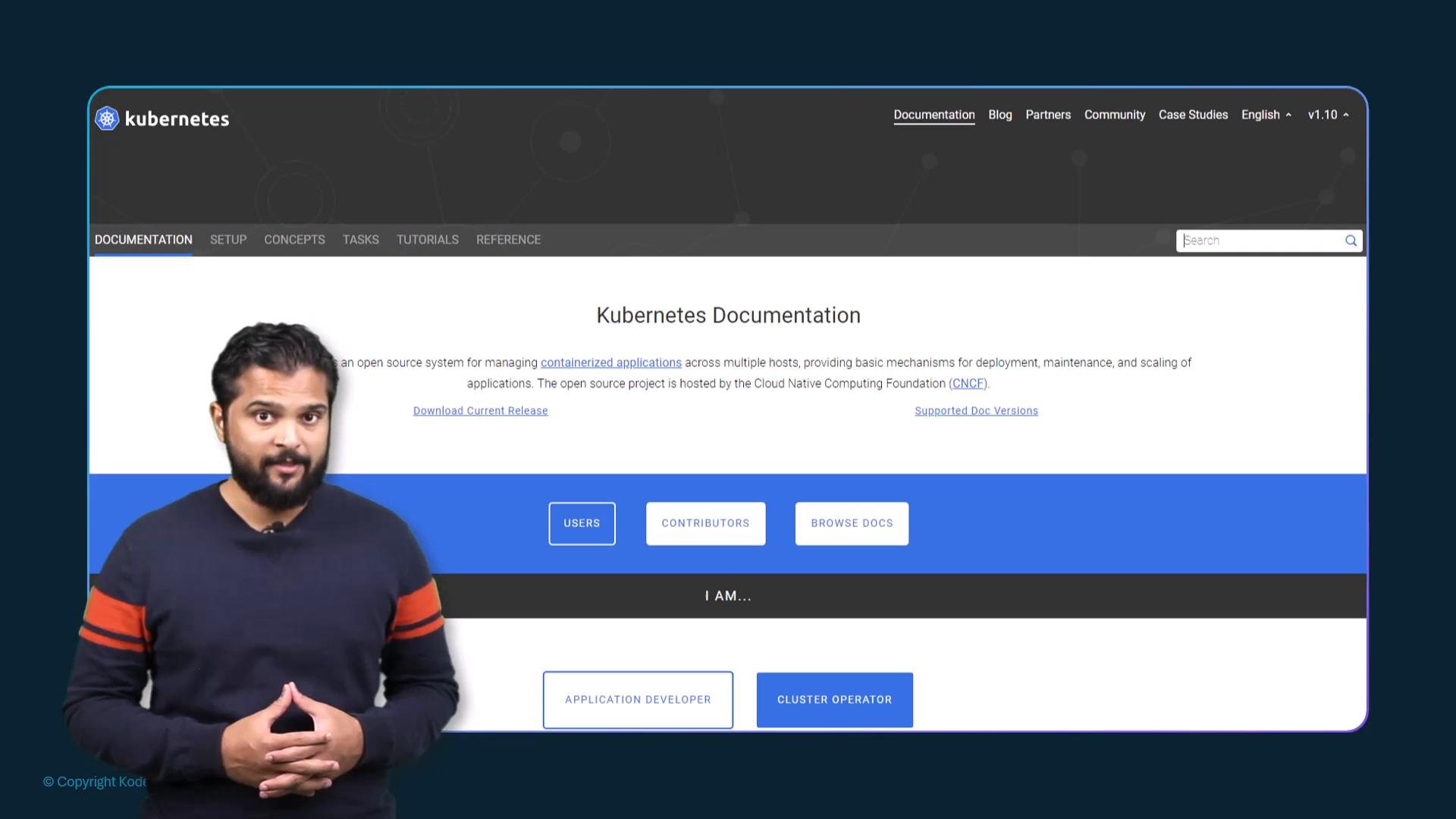
- The official Kubernetes documentation is allowed during the exam — learn how to navigate it quickly to save time.
Before the exam, review the candidate handbook on the certification website for detailed rules about workspace, system requirements, allowed resources, and proctoring procedures.
- Format: Hands-on, task-driven problems (no multiple-choice).
- Time: 3 hours.
- Allowed resources: Official Kubernetes documentation (online). Personal notes and other external websites are typically not allowed — confirm in the candidate handbook.
- Focus areas: cluster architecture, installation, configuration, workloads & scheduling, services & networking, storage, troubleshooting, and security.
- Practice frequently on real clusters (minikube, k3s, kind, or cloud-managed clusters).
- Learn to quickly find relevant sections in the Kubernetes docs (use the table of contents, search, and anchor links).
- Time management: skip and flag tasks that are taking too long, then return later.
- Memorize often-used kubectl commands, YAML snippets, and labels/selectors syntax.
- Automate repetitive tasks with scripts in practice, but verify any automation is allowed per exam rules.
Practical study plan (8–12 weeks suggested)
- Weeks 1–2: Core concepts — Pods, Deployments, Services, basic networking, and persistent storage. Practice kubectl and YAML manifests.
- Weeks 3–5: Cluster administration — nodes, kubeadm installs, kubelet, control-plane components, and RBAC.
- Weeks 6–8: Advanced topics — networking plugins, ingress, storage classes, PV/PVC lifecycle, and troubleshooting scenarios.
- Final 2–4 weeks: Mock exams and timed labs. Focus on speed and efficient use of the docs.
- Confirm system, workspace, and proctoring requirements in the candidate handbook.
- Set up at least one local test cluster and one cloud-managed cluster to practice.
- Practice with timed scenarios to improve speed.
- Review common command syntax:
kubectl get,kubectl apply -f,kubectl describe,kubectl edit,kubectl logs,kubectl exec. - Be comfortable editing YAML quickly and validating manifests.