

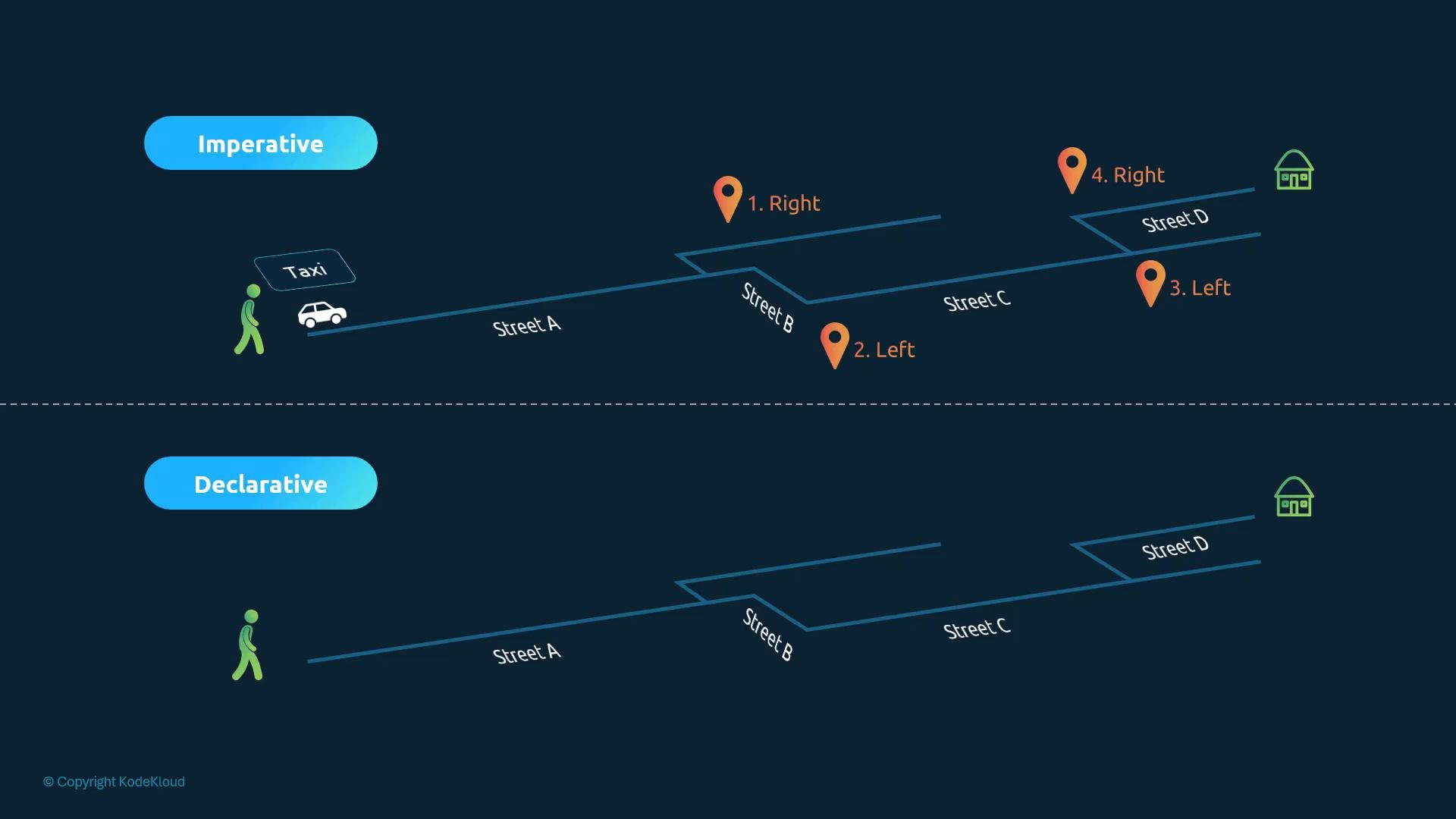
- In the past you might hire a taxi and give the driver explicit turn-by-turn directions (turn right on Street A, left on Street C…). This is the imperative approach: you specify each step.
- Today, with a rideshare app you simply set the destination and let the system compute the route for you. This is declarative: you state the desired end state (arrive at Tom’s house) and let the controller handle the steps.
What this means for infrastructure-as-code
- Imperative: you run commands that perform a sequence of actions (create VM → install nginx → configure → start). Good for quick changes or one-off tasks.
- Declarative: you describe the desired final state (a VM named
web-serverrunningnginx:1.18on port8080serving files from/var/www/nginx, pulling code from a Git repo). Automation tools reconcile the live state to that declared state.
- Declarative-first tools: Terraform, Puppet (common for IaC and orchestration).
- Flexible tools: Ansible and Chef can be used imperatively or declaratively depending on how you author playbooks/recipes.
Imperative vs Declarative in Kubernetes
Imperative workflows in Kubernetes are typically executed withkubectl commands that create, modify, or delete objects directly. These are fast and convenient for ad-hoc tasks (especially during time-limited lab or exam scenarios) but are ephemeral unless you capture them in source control.
Common imperative kubectl commands:
Notes about the imperative approach:
- Fast for simple tasks and quick experimentation.
- Not ideal for complex configurations (multi-container pods, many env variables, advanced volumes).
- Commands are ephemeral (only in shell history) and harder to track across teams.
Using object configuration files (manifests)
Storing object definitions in YAML manifests and applying them is a declarative workflow. Manifests are stored in source control, enabling auditability, code review, and repeatable deployments. Example: a local manifest to create a Pod:Editing live objects with kubectl edit
kubectl edit opens the server-side resource in your configured editor. It shows the current, live representation of the object (including runtime status and other server-managed fields). Remember: edits made this way update the live object but do not automatically update your local manifest.
Example server-side view after kubectl edit pod myapp-pod:
Changes made with
kubectl edit modify the live object but are not recorded in your local manifest. If you later apply the original manifest (which still has the old values), those live edits can be overwritten. Always update your repository/manifests after making live edits you want to keep.Replace or apply via manifest
A safer, auditable pattern is to update the local manifest and then use eitherkubectl replace -f nginx.yaml or kubectl apply -f nginx.yaml. This ensures changes are recorded in source control and can be tracked or rolled back.
Declarative workflow with kubectl apply
kubectl applyreads your local desired state, compares it to the server-side state, and performs the minimal changes necessary.- If the resource doesn’t exist,
applywill create it; if it does,applywill patch/update it.
image: nginx → image: nginx:1.18 in your local manifest and run kubectl apply -f nginx.yaml, the cluster updates to match the manifest, with kubectl handling existence checks and diffs.
Use YAML manifests and
kubectl apply for repeatable, version-controlled, and team-friendly workflows. Use imperative commands for quick, ad-hoc tasks or during time-boxed exercises (e.g., practice labs or exam questions).Quick comparison
Common exam tips
- For short, simple tasks (create a Pod or Deployment quickly), imperative commands like
kubectl run,kubectl create deployment, andkubectl exposecan save time. - Use
kubectl editfor quick live edits, but remember to update your local manifest or repository afterward. - For complex or long-term work — multi-container pods, many env vars, config maps, secrets, volumes — author YAML manifests and use
kubectl apply -fso changes are version-controlled and repeatable. - Practice both workflows so you can pick the most efficient method under exam time pressure.
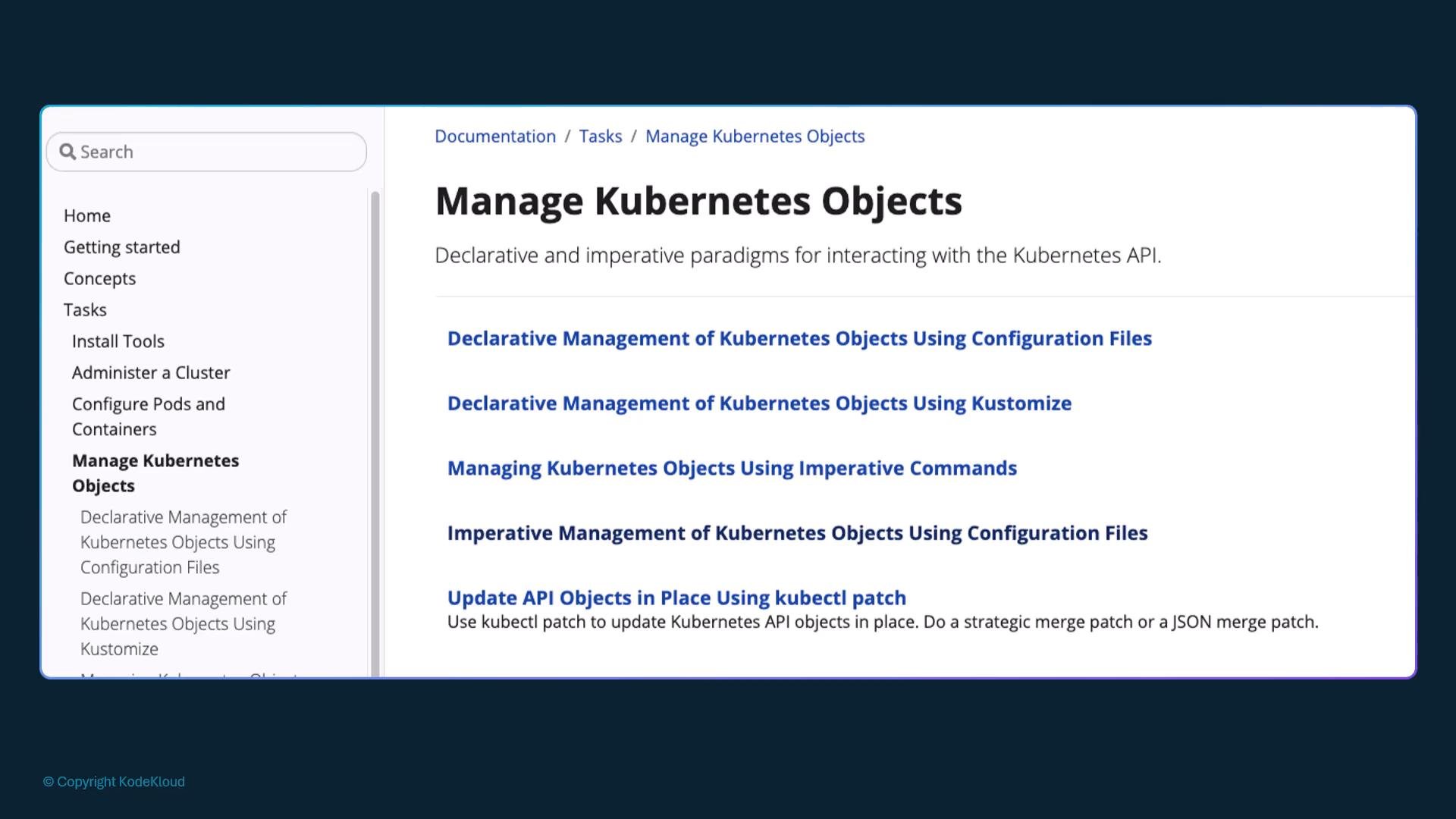
kubectl apply for longer-lived or more complex changes—this combination mirrors real-world workflows and helps you develop both speed and reproducibility.