

- Developers can deploy and manage applications, but should not modify cluster networking or add/remove nodes.
- Monitoring and CI systems should receive the minimum permissions needed to operate.
- Namespace isolation: restrict users to resources in specific namespaces.
Authorization determines what an authenticated user or service account may do. In production clusters, prefer fine-grained controls (RBAC + Webhook) over global permissive modes.
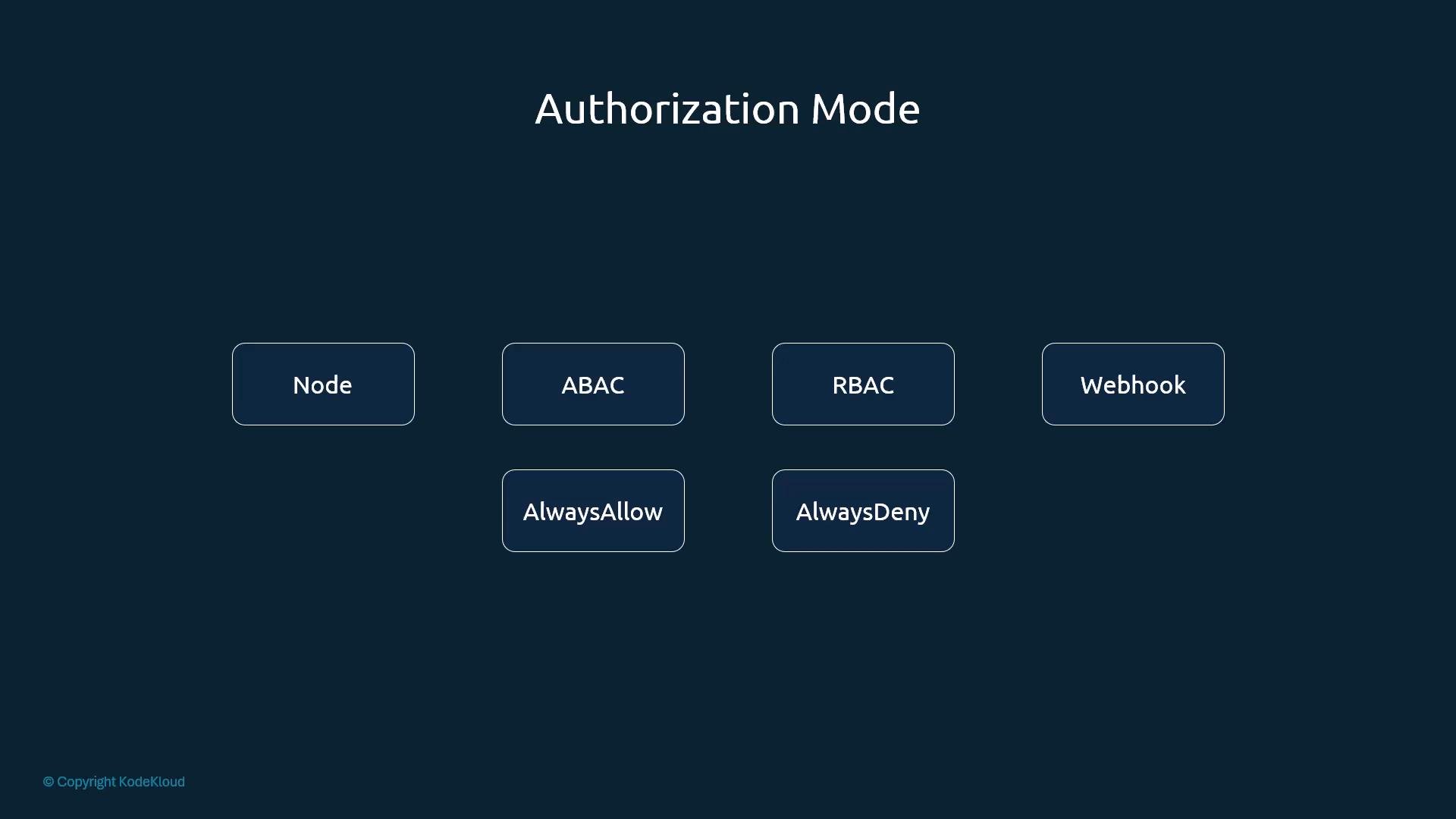
Authorization mechanisms overview
- Node Authorizer
- Attribute-Based Access Control (ABAC)
- Role-Based Access Control (RBAC) — recommended for most clusters
- Webhook authorization (external policy enforcement)
- AlwaysAllow / AlwaysDeny (for testing/bootstrap only)
Node Authorizer
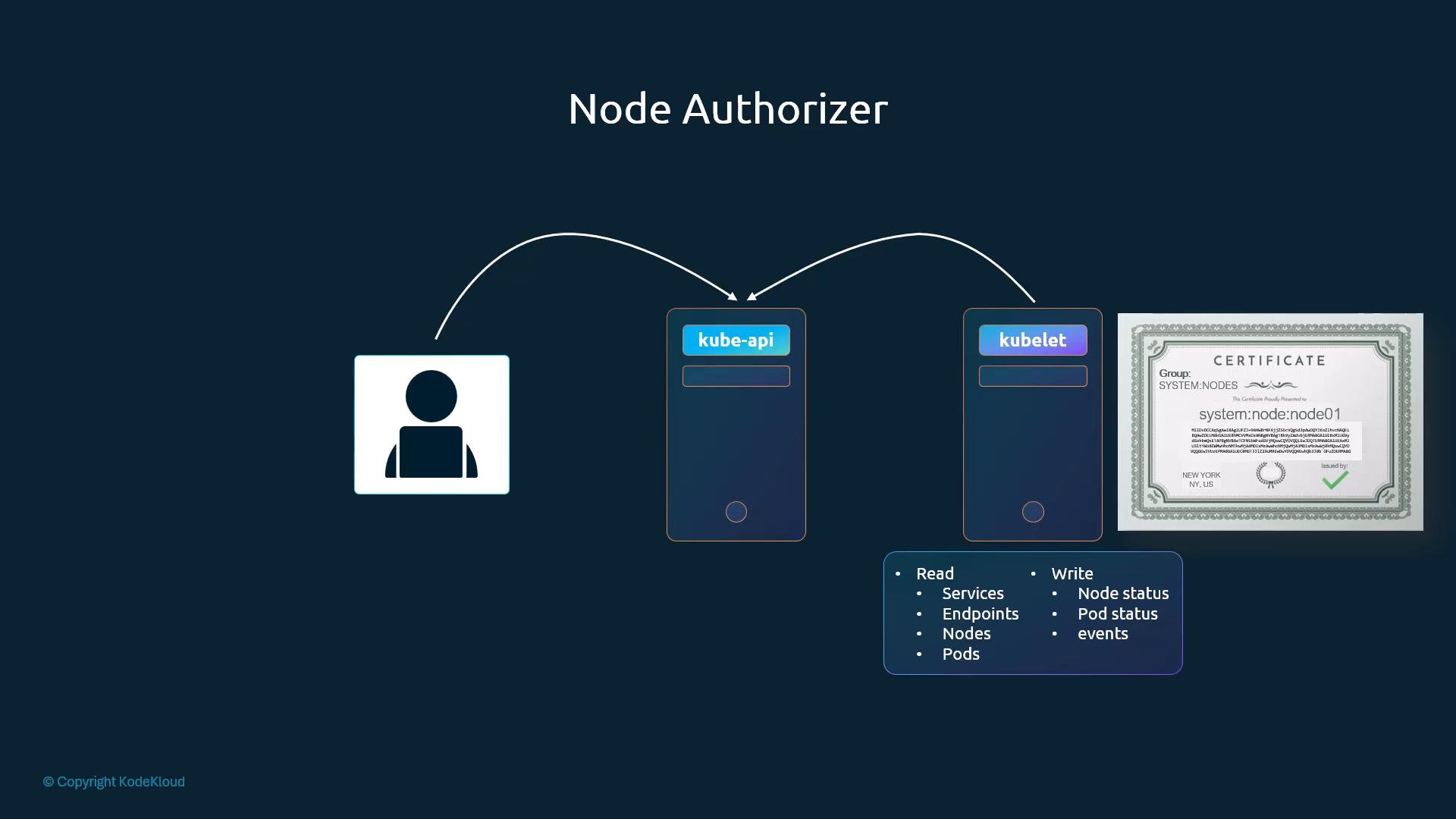
The kube-apiserver handles requests from both external clients and in-cluster components such as kubelets. Kubelets contact the API server to read information (services, endpoints, pods) and to report node status. Requests originating from kubelets are evaluated by the Node Authorizer. When kubelets authenticate with TLS client certificates they typically present usernames prefixed withsystem:node: and belong to the system:nodes group. The Node Authorizer grants only the specific, limited permissions kubelets need to manage node-level resources. This authorizer applies exclusively to node-originated requests.
Attribute-Based Access Control (ABAC)
ABAC uses policy files (typically JSON) that associate attributes (user, group, namespace, resource, etc.) with allowed actions. You supply this JSON policy file to the API server, which evaluates entries to determine whether a request is permitted. ABAC is straightforward to start with, but it becomes harder to maintain at scale because policy changes require editing the file and restarting the API server. Example ABAC policy entries (newline-separated JSON objects):Role-Based Access Control (RBAC)
RBAC is the recommended and most scalable approach for most clusters. Instead of granting permissions directly to users, you define Roles (namespace-scoped) or ClusterRoles (cluster-scoped) that list allowed actions, then bind users, groups, or service accounts to those roles using RoleBindings or ClusterRoleBindings. Advantages of RBAC:- Centralized, declarative permission management
- Easy to change permissions by editing roles (bindings automatically inherit changes)
- Works well with CI/CD and service-account-based automation
Webhook Authorization
Webhook authorization lets the API server delegate decisions to an external service. The API server posts details of the request to the configured webhook and enforces the allow/deny response returned by that service. A common webhook-based policy engine is Open Policy Agent (OPA), which evaluates fine-grained policies and returns decisions to the API server. Webhook mode is useful when you want centralized policy management outside the cluster or when policies are complex and dynamic.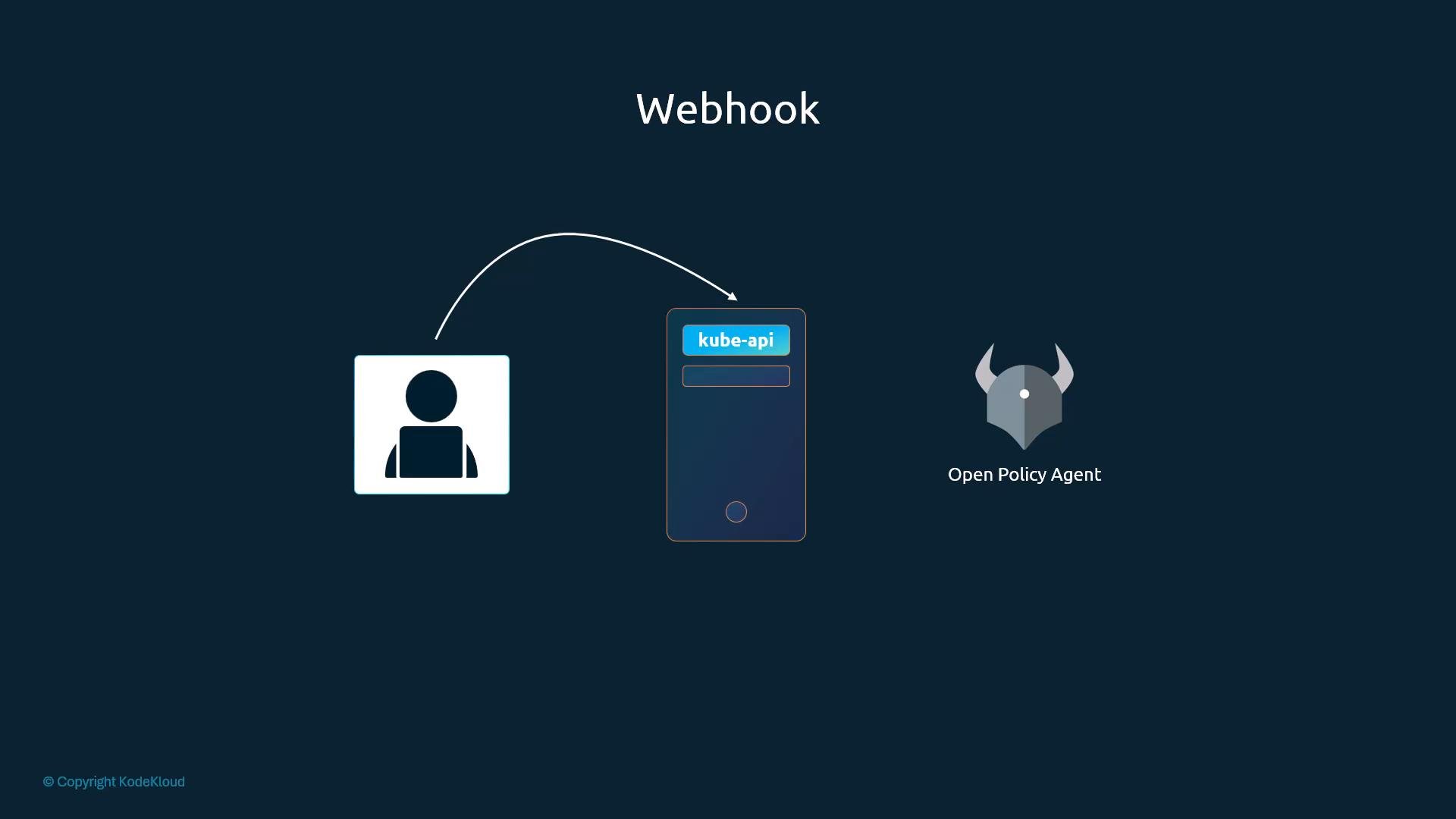
AlwaysAllow and AlwaysDeny
Kubernetes also supports two simple, built-in modes:- AlwaysAllow — permits all requests (no authorization enforcement).
- AlwaysDeny — rejects all requests.
AlwaysAllow is insecure for production clusters — it permits any authenticated user to perform any action.
Choosing an authorization strategy
Below is a quick comparison of the common modes to help choose the right approach:How the API server evaluates multiple authorizers
Authorization modes are configured on the kube-apiserver using the--authorization-mode option. If unspecified, the default is AlwaysAllow.
The API server accepts a comma-separated list of modes. When multiple modes are configured, they are evaluated in the listed order. Each authorizer returns one of:
- Allow — the request is permitted and evaluation stops.
- Deny — the request is rejected immediately.
- No opinion — evaluation continues to the next authorizer.
--authorization-mode=Node,RBAC,Webhook
- Requests from kubelets are normally handled by the Node authorizer first.
- If Node has no opinion, RBAC is evaluated.
- If RBAC has no opinion, the Webhook authorizer is queried.
- As soon as an authorizer returns Allow or Deny, evaluation stops and that decision applies.
Example: configure authorization modes in kube-apiserver
A typical systemd ExecStart fragment for kube-apiserver (note the--authorization-mode flag). The default shown below uses AlwaysAllow (insecure for production):
--authorization-mode value, restart the kube-apiserver process (or its systemd unit) so the new configuration takes effect.
Further reading and references
- Kubernetes Authorization Concepts
- Role-Based Access Control (RBAC) in Kubernetes
- Open Policy Agent (OPA) + Kubernetes