

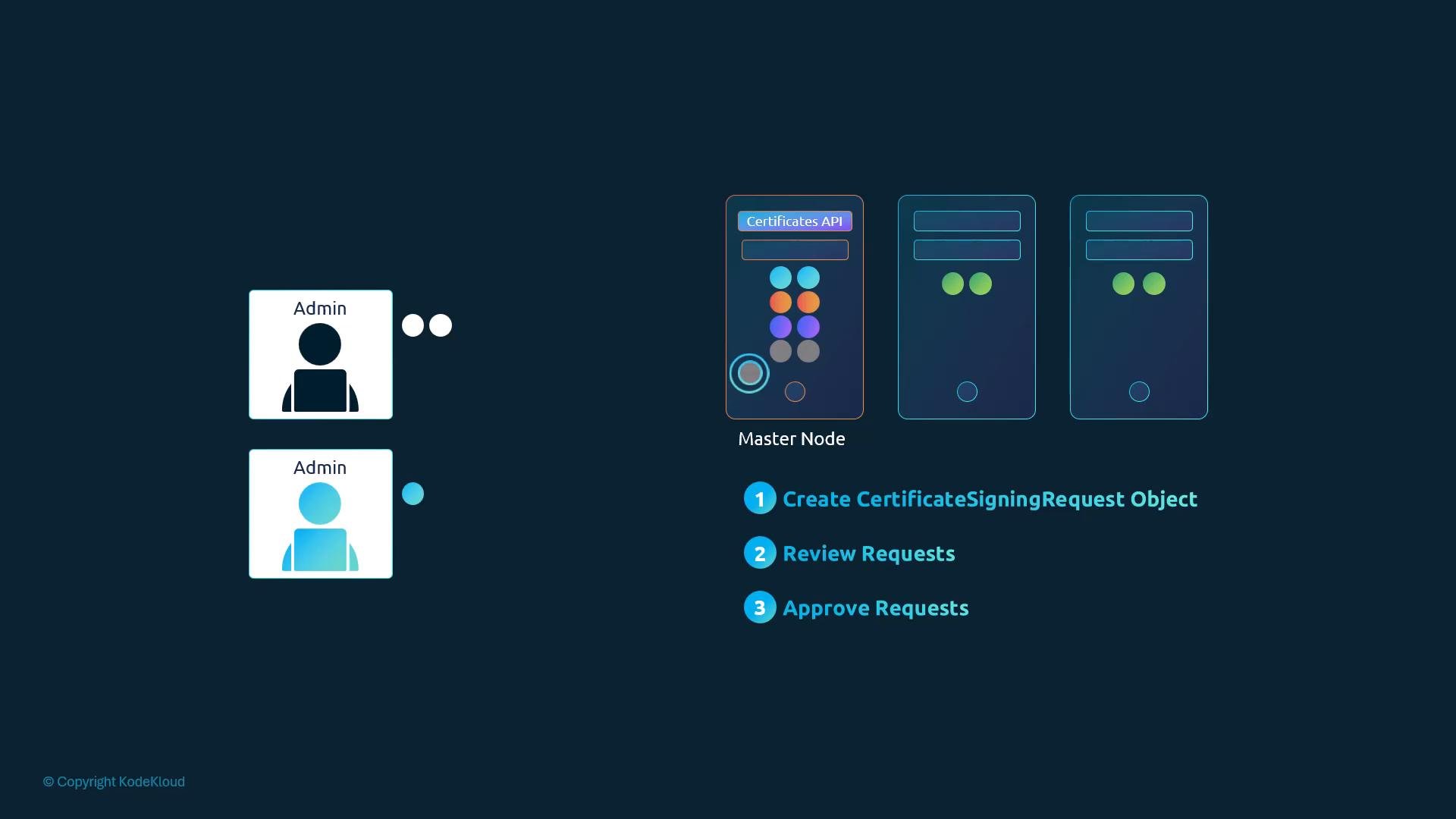
- A user generates a private key locally and creates a CSR.
- The user submits the CSR to the Kubernetes API as a
CertificateSigningRequestobject. - Administrators list and review pending CSR objects, then approve or deny them (for example, with
kubectl). - If approved and if the controller manager is configured to sign, Kubernetes signs the CSR with the cluster signing CA and stores the issued certificate in the CSR object’s
status.certificatefield. - The user or administrator extracts the issued certificate and combines it with the private key for authentication or TLS.
jane.key):
jane.csr):
request field in the manifest):
- The
requestfield must contain the base64-encoded CSR. - Choose an appropriate
signerNameandusagesfor the CSR’s purpose.
Choose
signerName and usages that match the intended purpose. For client authentication, use kubernetes.io/kube-apiserver-client. For serving certificates (TLS for an API endpoint), use a serving signer such as kubernetes.io/kube-apiserver-serving. Check your cluster’s available signers and your security policy before approving CSRs.status.certificate field is base64-encoded) and save it as jane.crt:
jane.key and jane.crt to the user for client authentication or TLS.
Common signerName and usages examples
Controller behavior and where signing happens
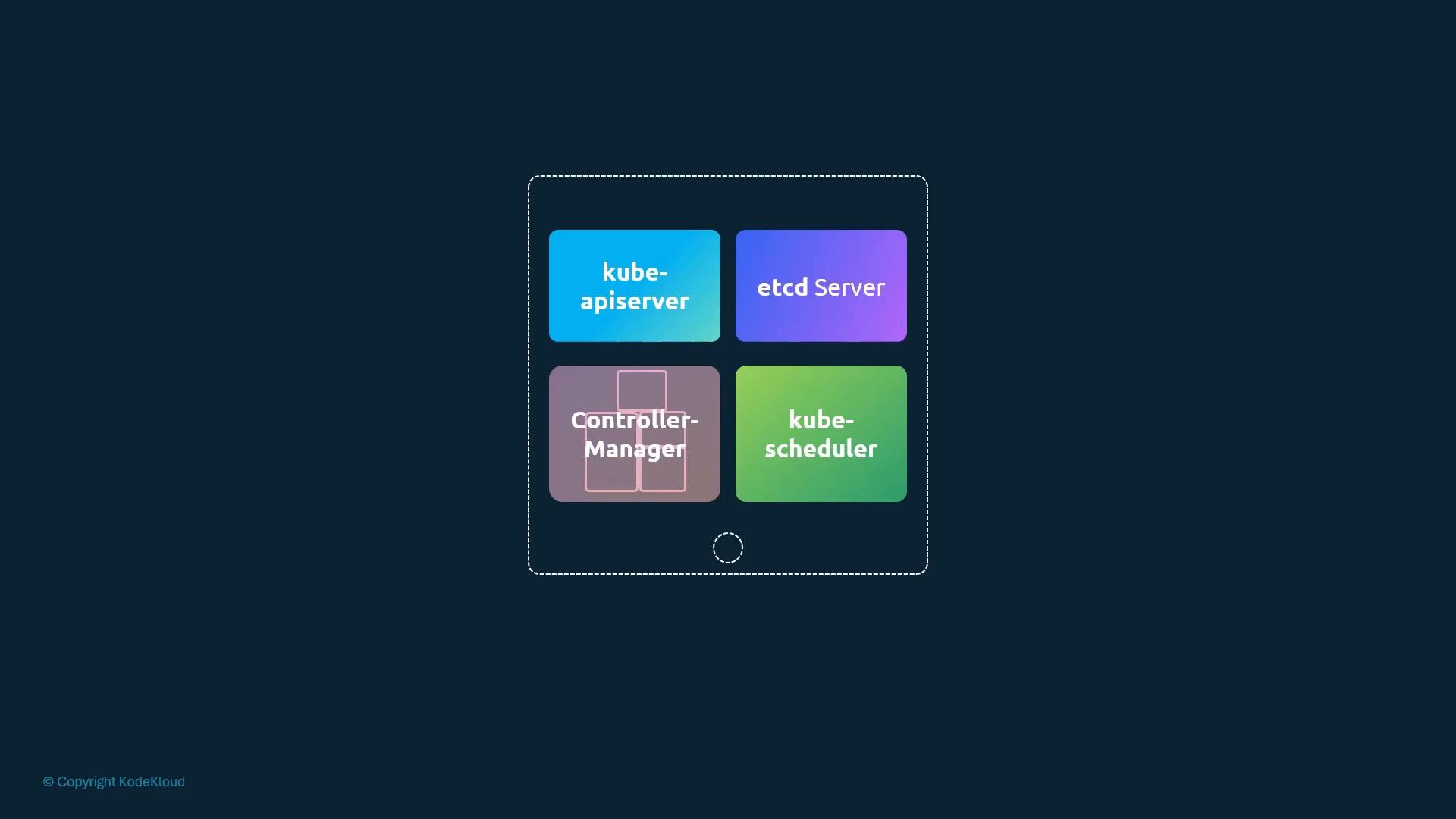
All certificate automation is implemented by controllers in the kube-controller-manager. These controllers:
- Expose pending
CertificateSigningRequestobjects for administrators to review. - Optionally auto-approve CSRs based on configured rules.
- Sign CSRs using the cluster signing CA when allowed.
--cluster-signing-cert-file and --cluster-signing-key-file). Because possession of these files grants signing authority, they must be stored and accessed securely — preferably using a secure key-management solution and with strict access controls on the controller manager.
Summary
- The Certificates API allows users to submit CSRs as Kubernetes objects that administrators can review and approve.
- Administrators use
kubectl(or automated workflows) to approve or deny CSRs. - The kube-controller-manager can sign approved CSRs if it is configured with the cluster signing CA (
--cluster-signing-cert-fileand--cluster-signing-key-file). - Securely store and limit access to the cluster signing CA key pair — compromise of that key lets an attacker mint cluster certificates.
Store the cluster signing CA key pair securely and restrict access to the controller manager. Compromise of these files allows forging cluster identities.
- Kubernetes Certificates API: https://kubernetes.io/docs/reference/access-authn-authz/certificate-signing-requests/
- Managing Certificates in Kubernetes: https://kubernetes.io/docs/tasks/tls/managing-tls-in-a-cluster/