

helm command to get started — calling helm with no arguments or with --help prints a summary of available commands and common actions.
helm rollback is the correct command to undo an upgrade — not helm restore). You can also view help for specific subcommands; for repository operations run:
Charts are published to repositories indexed on Artifact Hub. Browse Artifact Hub to find charts that include documentation, configuration options, and installation commands. Look for charts with the “Official” or “Verified Publisher” badges to find maintained, high-quality packages.
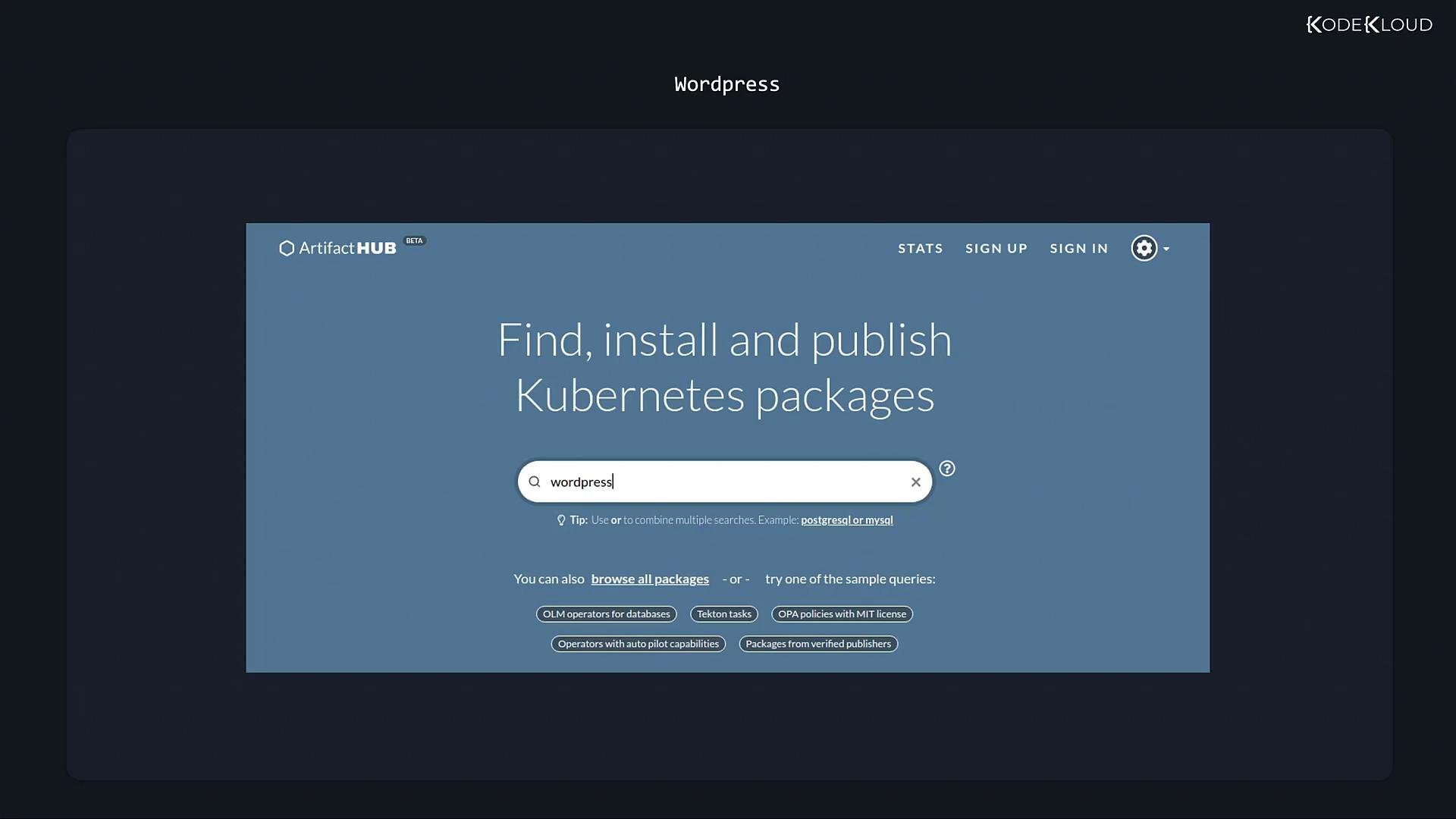
- Exact install commands and repository URLs.
- The components the chart deploys.
- Commonly configurable values and examples.
helm search command requires a subcommand: hub to query Artifact Hub or repo to search your locally configured repositories.
APP VERSION column shows the upstream application version the chart deploys (for example, the WordPress version).
Once you choose a chart (for instance, the Bitnami WordPress chart), deploy it by adding the chart repository and installing the chart. The chart’s Artifact Hub page or README typically provides the exact commands:
helm repo add— add a chart repository.helm repo list— show configured repositories.helm repo remove— remove one or more repositories.helm repo update— refresh the local cache of repository metadata.
Run
helm repo update periodically to refresh the local cache of repository information. This is similar to apt-get update on Debian/Ubuntu: it pulls the latest chart metadata from your configured repositories so searches and installs use up-to-date data.- Artifact Hub: https://artifacthub.io
- Helm documentation: https://helm.sh/docs/
- Kubernetes documentation: https://kubernetes.io/docs/