

etcd holds the authoritative cluster state. Any resource shown by
kubectl get comes from etcd. A change (for example, creating a Pod or updating a ConfigMap) is considered complete only after it is written to etcd.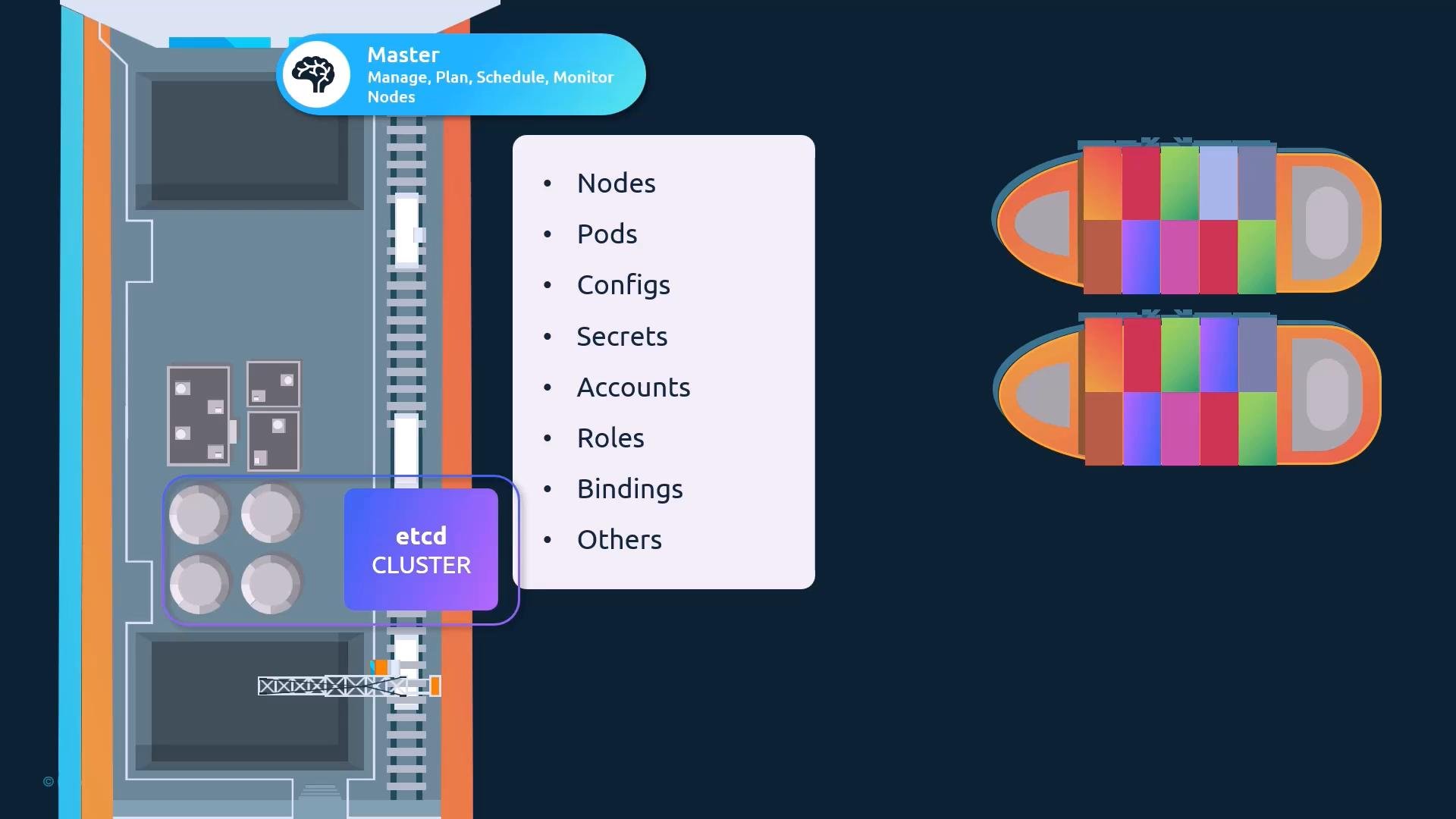
Where etcd fits in Kubernetes
- The kube-apiserver reads from and writes to etcd; it presents the Kubernetes API surface.
- All cluster objects are stored under the API server’s keyspace (Kubernetes uses
/registryas the top-level path). - Losing or corrupting etcd can make the entire cluster unusable, so availability and backups are critical.
Common etcd deployment approaches
Two common approaches you’ll encounter:- Manual installation (from scratch): you install and manage the etcd binaries and systemd service yourself.
- kubeadm-managed: kubeadm provisions etcd for you, typically as a static pod in the
kube-systemnamespace.
Quick comparison
Deploying etcd from scratch (manual)
When you manage etcd manually you typically:- Download and extract the etcd release tarball from the etcd GitHub releases page:
<version> with the chosen release (keep the placeholder in backticks in MDX).
- Configure TLS certificates for peer and client communication.
- Create an etcd configuration file and a systemd service unit to start the etcd process.
--listen-client-urls— where this etcd instance listens for client requests (e.g.,http://0.0.0.0:2379orhttps://<ip>:2379).--advertise-client-urls— the URL(s) the etcd member advertises to clients (for example, the kube-apiserver). Typically uses the server IP and default client port2379.- For clusters:
--initial-cluster,--listen-peer-urls, and--initial-advertise-peer-urls— used to define and form the member list for Raft.
--advertise-client-urls so the API server can persist and read cluster state.
Deploying etcd with kubeadm
kubeadm typically provisions etcd as a static pod on control-plane nodes, placing the pod manifest in the control-plane node’s static pod manifest directory. To inspect the running components:etcdctl:
/registry/<resource> paths; these keys reflect the objects returned by kubectl.
etcd in High-Availability (HA) environments
For HA control planes you generally run multiple control-plane nodes and multiple etcd members. The etcd members must form a Raft quorum:- Each member must know the other members (configured with
--initial-clusteror similar). - Peer communication typically uses port
2380(peer port), while clients talk on2379. - Loss of quorum (less than half of members available) prevents writes and can cause API server failures.
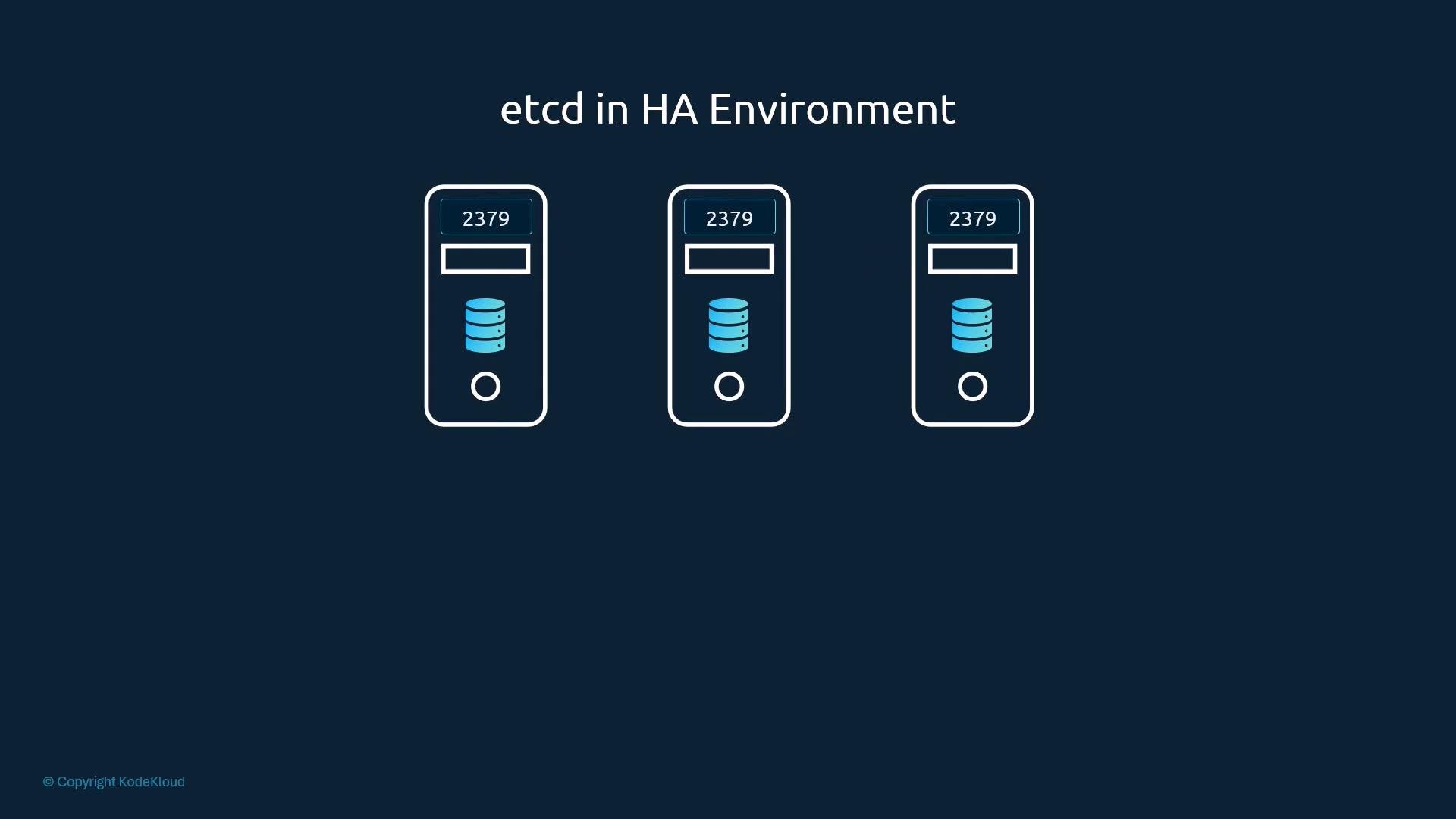
--initial-cluster="node1=https://1.2.3.1:2380,node2=https://1.2.3.2:2380,node3=https://1.2.3.3:2380"--initial-cluster-state=new- Appropriate
--listen-peer-urlsand--initial-advertise-peer-urlsfor peer communication.
- etcd must be available and consistent for kube-apiserver operations.
- Configure secure TLS-based peer and client communication.
- Monitor cluster health and maintain backups.
Useful links and references
etcd contains every object in the cluster, including Secrets. Secure etcd access with TLS and strict host/pod access controls, and maintain regular, tested backups. Loss or corruption of etcd can lead to full cluster outage and data loss.