

nodeSelector mechanism and adds more expressive operators, logical combinations, and scheduling preferences so you can describe placement rules that match your cluster topology and workload requirements.
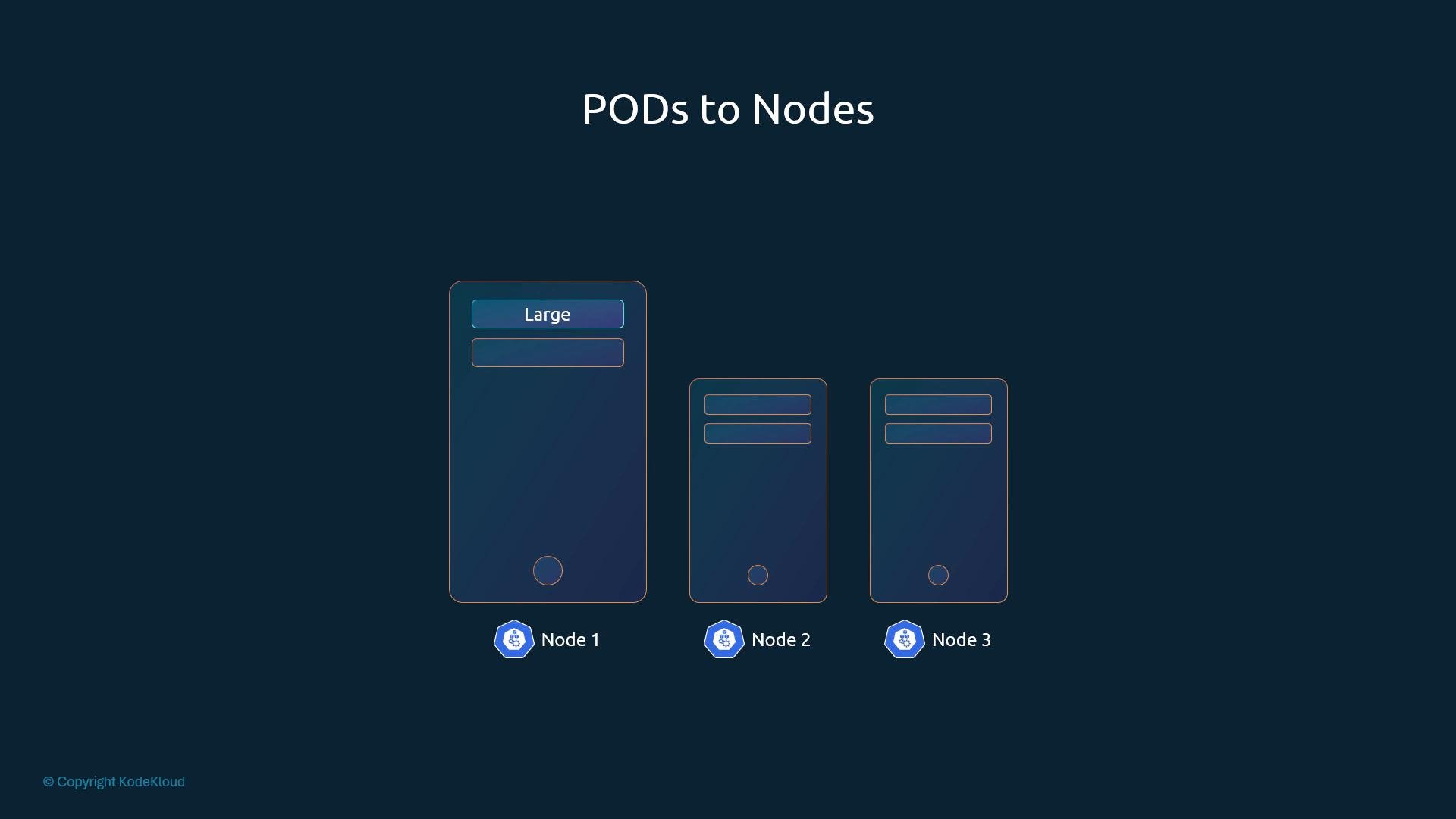
nodeSelector, but nodeSelector only supports exact-match semantics and cannot express logical operators (OR/NOT), existence checks, or weighted preferences.
Example: nodeSelector (exact-match only)
In, NotIn, Exists, DoesNotExist, Gt, and Lt. You can also mark rules as required or preferred.
Equivalent required node affinity example:
affinity.nodeAffinityholds node placement rules.requiredDuringSchedulingIgnoredDuringExecutionencodes scheduling and execution behavior (see below).nodeSelectorTermsis an array of terms; each term is a conjunction ofmatchExpressions. Multiple terms act like OR between terms.- Each
matchExpressioncontains akey, anoperator(for exampleIn,NotIn,Exists), and optionallyvalues.
- Match multiple acceptable sizes (OR via
values):
- Exclude a particular label value:
- Require label presence regardless of value:
For the complete operator semantics and examples, see the Kubernetes docs: https://kubernetes.io/docs/concepts/scheduling-eviction/assign-pod-node/#node-affinity
Affinity behavior types
The long property names encode behavior for two phases of a Pod’s lifecycle: during scheduling and during execution.
Available (and planned) node-affinity types:
preferredDuringSchedulingIgnoredDuringExecution entries accept a weight (1–100) and a preference (a nodeSelectorTerm). The scheduler attempts to maximize the sum of weights when selecting a node.requiredDuringSchedulingRequiredDuringExecution is a planned mode that would enforce affinity at runtime and could evict running Pods if node labels change. Do not rely on this behavior in production unless it is available and you understand eviction consequences.weight with a preference (a nodeSelectorTerm). The scheduler scores nodes and tries to maximize total weight.
- Use
nodeSelectorwhen you need a simple exact-match requirement (it’s compact and clear). - Use
nodeAffinitywhen you need complex logic: multiple values, logical combinations, existence checks, numeric comparisons, or scheduling preferences. - Choose
required...when the Pod absolutely must be placed on certain nodes; usepreferred...for soft preferences so workloads remain schedulable even if preferred nodes are busy. - Remember that
IgnoredDuringExecutionmeans label changes after scheduling won’t evict the Pod.
Summary
- Node affinity provides richer placement controls than
nodeSelector. - Use
In,NotIn,Exists,Gt,Lt, etc., to express complex rules. - Decide between
required...andpreferred...based on whether constraints are mandatory or best-effort. - Test affinity rules in a staging cluster to ensure correct scheduling and to understand any interactions with node label changes.
- Kubernetes Node Affinity documentation: https://kubernetes.io/docs/concepts/scheduling-eviction/assign-pod-node/#node-affinity
- Kubernetes Scheduling and Eviction concepts: https://kubernetes.io/docs/concepts/scheduling-eviction/
- Pod affinity and anti-affinity: https://kubernetes.io/docs/concepts/scheduling-eviction/assign-pod-node/#affinity-and-anti-affinity