

Local development: laptops and single-node clusters
A laptop or local machine is often the fastest way to start learning Kubernetes. On a supported Linux host you can install Kubernetes binaries and configure a cluster manually, but manual installation is tedious and error-prone for beginners. Instead, use tools that automate setup so you can get a working cluster in minutes. On Windows, you cannot run the Kubernetes Linux control plane binaries natively. While Windows supports worker nodes for Windows containers, the control plane and many core components run on Linux. On Windows hosts you typically rely on virtualization (Hyper-V, VMware Workstation, or VirtualBox) to create Linux VMs where Kubernetes runs. Some approaches run Kubernetes components as Docker containers inside those Linux VMs; in all cases the container images are Linux-based and require a small Linux runtime provided by the VM hypervisor.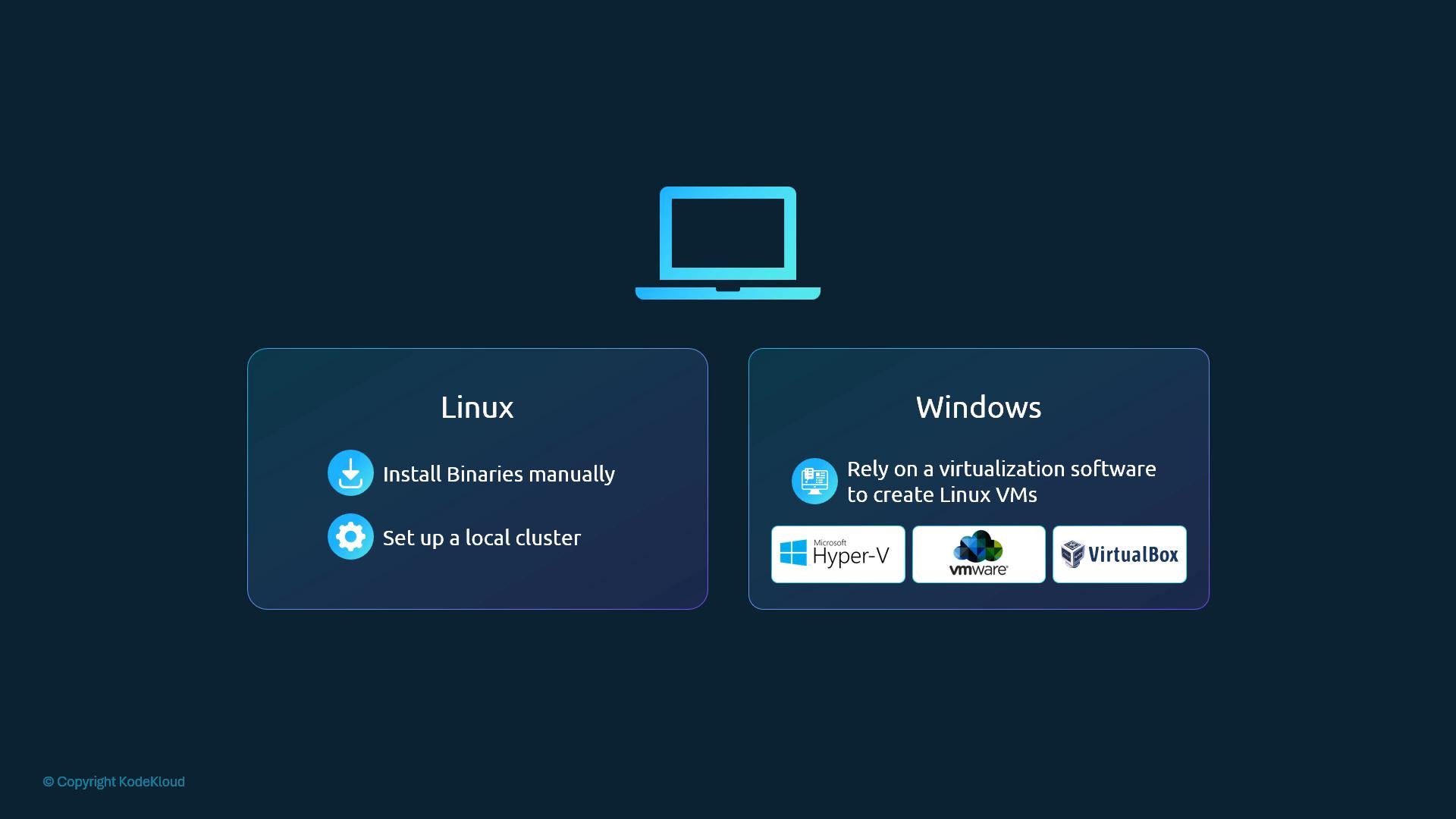
Windows machines cannot run the Kubernetes Linux control plane natively. Use virtualization (e.g., Hyper-V, VirtualBox) or a Linux VM to host control-plane components and Linux-based container images.
Practical local options
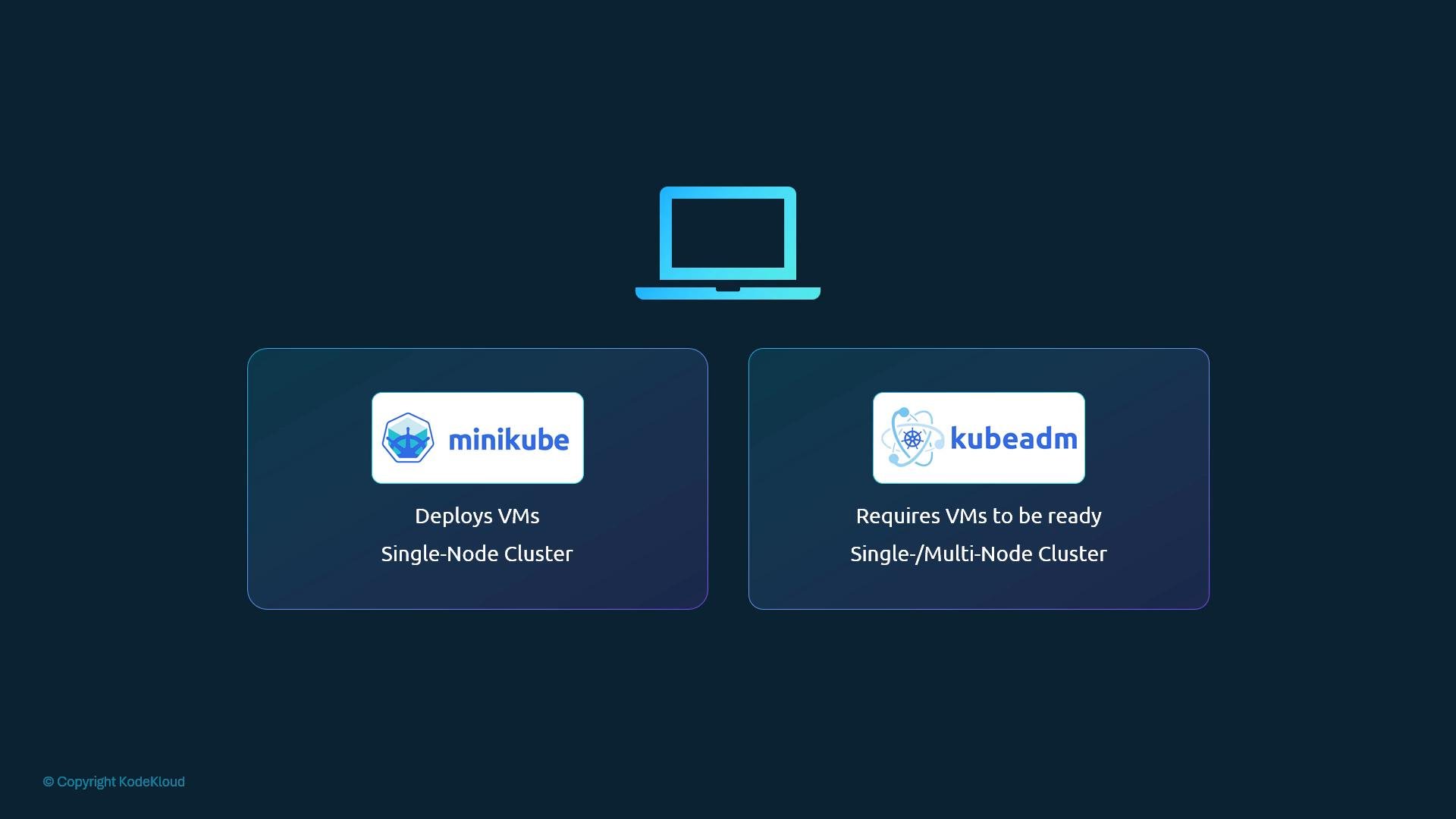
- Minikube: Quickly deploys a single-node Kubernetes cluster. Minikube runs the control plane and kubelet inside a VM or container runtime and typically relies on virtualization software such as Oracle VirtualBox, Hyper-V, or Docker. Ideal for development and learning.
- kubeadm: A toolkit to bootstrap Kubernetes clusters. kubeadm configures control-plane and worker node components but expects you to provision and prepare host VMs (or physical machines) in advance. kubeadm supports multi-node clusters and gives more control over cluster topology and lifecycle.
Local vs Production: When to use each
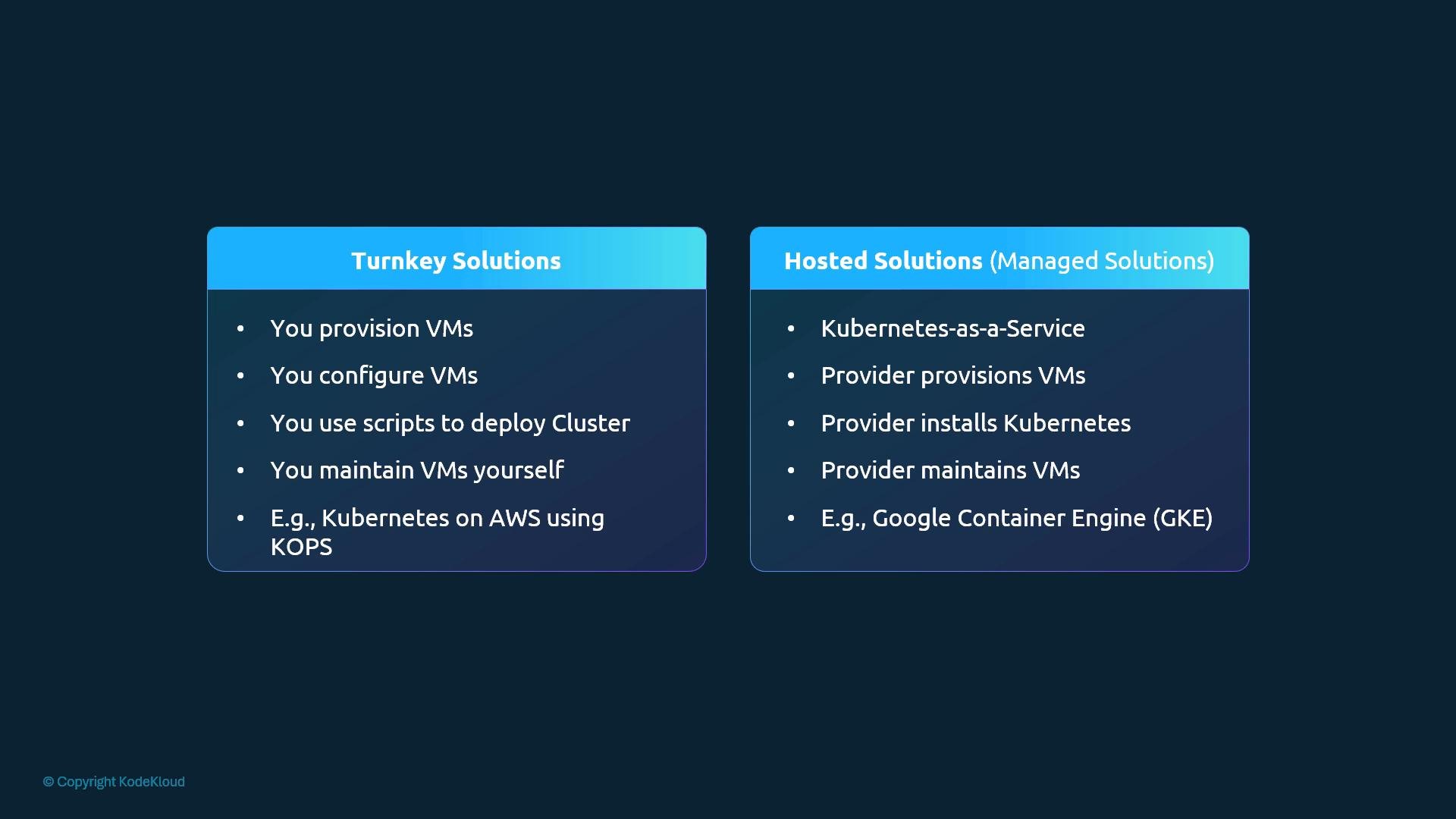
Local clusters are perfect for learning, development, and CI testing. For production deployments, you typically choose between turnkey (self-managed) solutions or hosted/managed offerings from cloud providers.- Turnkey (self-managed): You provision the required VMs or bare-metal servers, then use tools or installers to configure Kubernetes. You’re responsible for patching, upgrades, and host maintenance, but turnkey tools often simplify lifecycle tasks.
- Hosted / Managed (Kubernetes-as-a-Service): The cloud provider or platform operator provisions and maintains the VMs and the control plane for you, reducing operational burden and accelerating provisioning.
Quick comparison table
Turnkey (self-managed) platforms
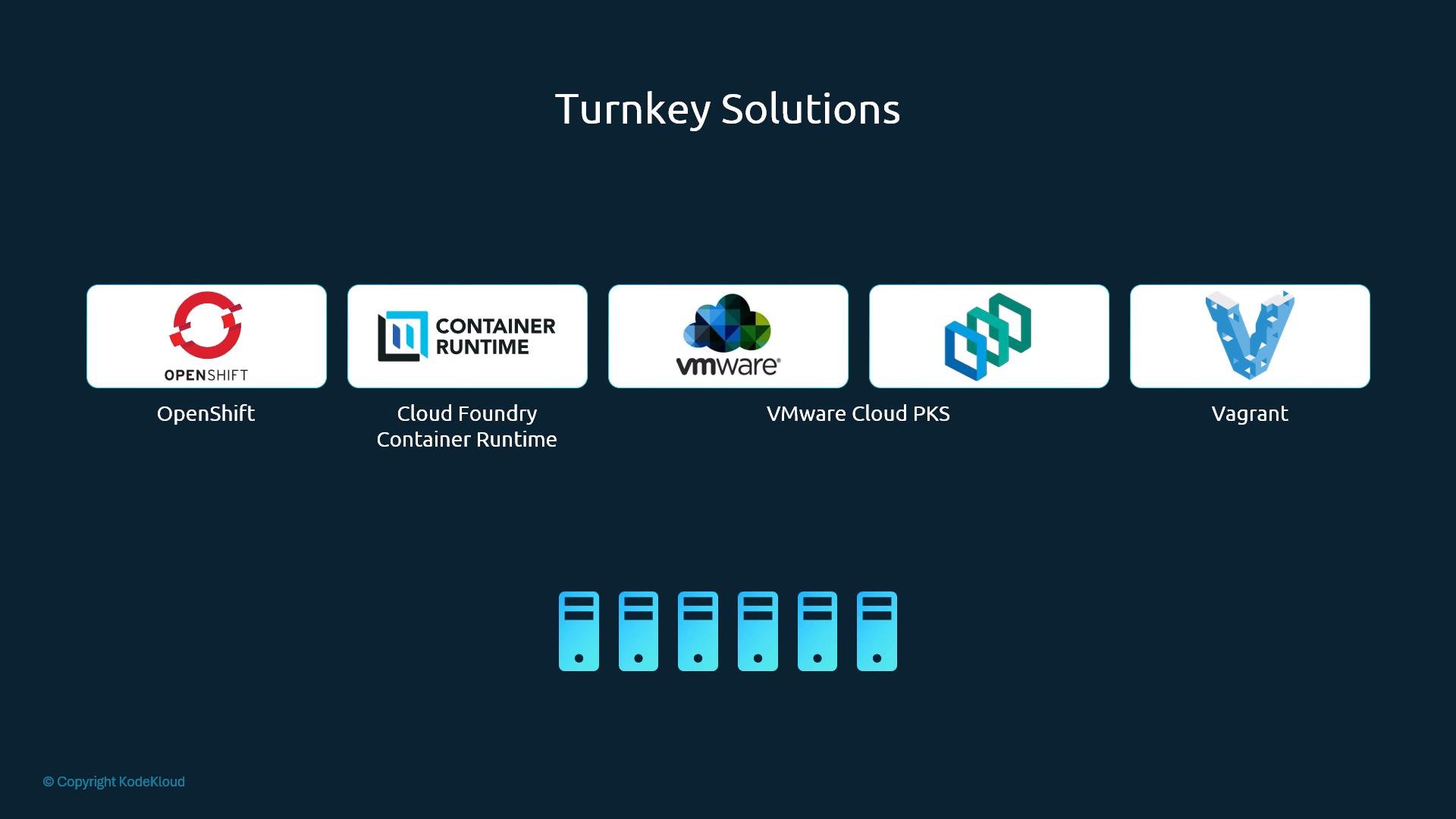
Turnkey solutions provide packaged tooling and integrations to run Kubernetes on infrastructure you control. They suit organizations that want to retain infrastructure ownership while reducing some operational complexity. Examples:- OpenShift (by Red Hat): An open source container application platform built on Kubernetes with additional tooling, GUIs, and CI/CD integrations. OpenShift resources
- Cloud Foundry Container Runtime: Uses BOSH to deploy and manage highly available Kubernetes clusters.
- VMware Cloud PKE / VMware integrations: For shops running VMware-based infrastructure.
- Vagrant: Useful for reproducible local or lab environments via scripts and Vagrantfiles.
Hosted (managed) Kubernetes offerings
Managed services remove much of the operational burden by running and maintaining the control plane. They differ in features, integrations, and pricing, so evaluate them against your application and organizational requirements. Common hosted offerings:- Google Kubernetes Engine (GKE)
- Azure Kubernetes Service (AKS)
- Amazon Elastic Kubernetes Service (EKS)
- OpenShift Online (Red Hat’s hosted offering)
Choose the approach that best fits your needs. For experimentation and learning, lightweight local clusters (Minikube,
kind, or local VMs) are convenient. For production workloads, managed services or well-supported turnkey platforms reduce operational burden and accelerate time-to-value.Hands-on learning: a local three-node cluster
Because many learners may not have a cloud account, this guidance focuses on a local deployment. The example approach is:- Create three VirtualBox VMs on a laptop.
- One control-plane (master) node.
- Two worker nodes.
- Provision each VM with the required prerequisites (container runtime, correct kernel modules, and network settings).
- Use
kubeadmto bootstrap the control plane and join worker nodes. - Install a pod network plugin (Calico, Flannel, or similar) and verify node and pod readiness.
Further reading and references
- Kubernetes official documentation: https://kubernetes.io/docs/
- Minikube: https://minikube.sigs.k8s.io/docs/
- kubeadm: https://kubernetes.io/docs/reference/setup-tools/kubeadm/
- kind (Kubernetes-in-Docker): https://kind.sigs.k8s.io/