

Namespaces and process isolation
A host running Docker contains many processes (OS daemons, the Docker daemon, SSH, etc.). Containers run their processes on the same host kernel but inside isolated Linux namespaces (PID, mount, network, IPC, UTS, user, etc.). Namespaces give containers their own view of resources such as process IDs and network interfaces. Run a simple Ubuntu container that sleeps for an hour:Users and UIDs
By default Docker runs the container process as root (UID 0) inside the container. You can run container processes as a non-root UID at runtime with--user, or bake a default user into the image with the Dockerfile USER instruction.
Run as a specific UID at runtime:
--user at runtime.
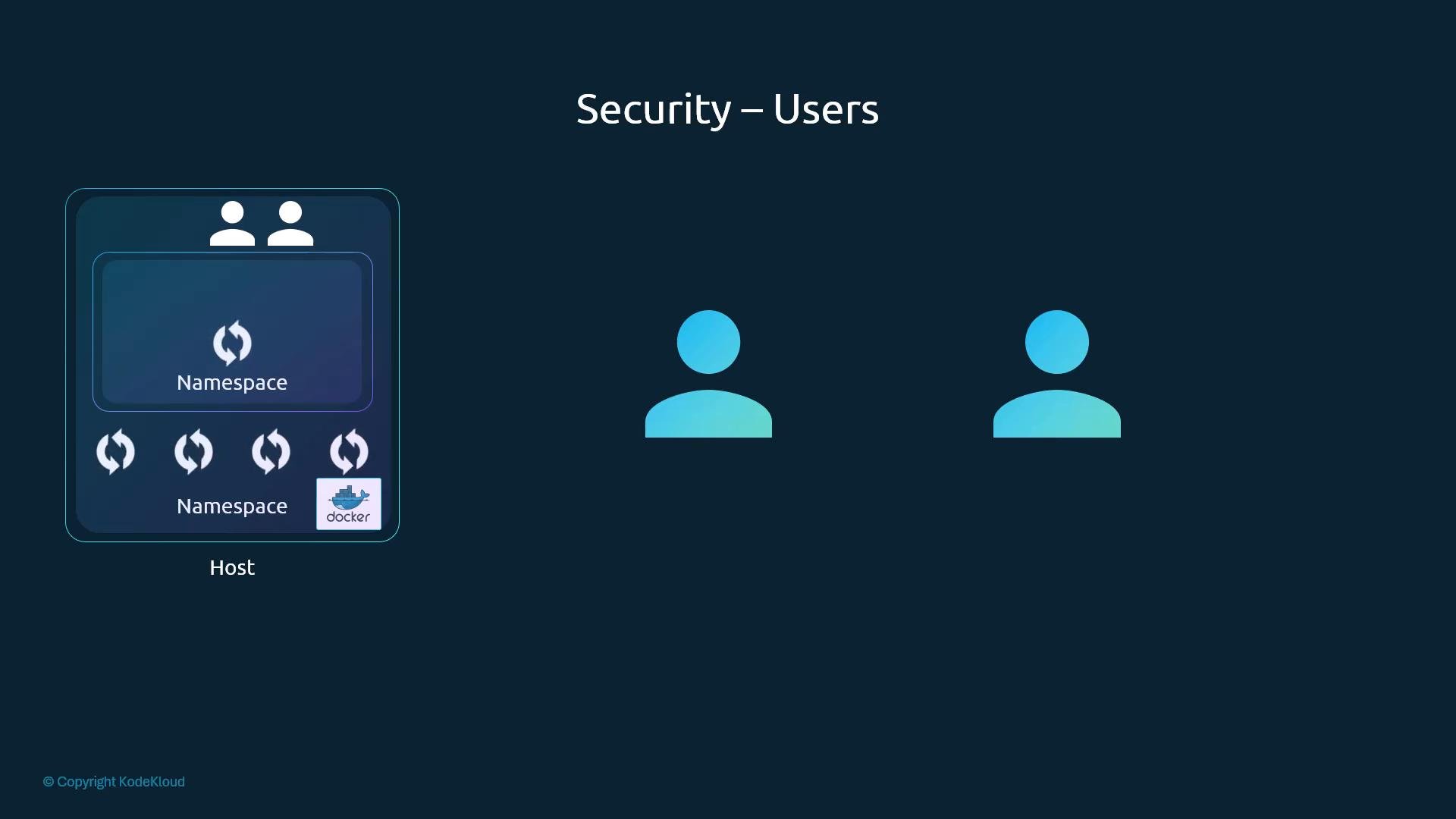
Is container root the same as host root?
A common question is whether root inside a container equals root on the host. The short answer is: not necessarily. Although a container process running as UID 0 is “root” inside the container’s namespaces, Docker and the Linux kernel reduce its effective power by dropping many Linux capabilities by default. Capabilities are fine-grained privileges defined by the kernel (see/usr/include/linux/capability.h for reference). Docker starts containers with a limited set of capabilities; this prevents the container root from performing many host-level actions (for example, manipulating host network devices or rebooting the host).
Control capabilities and privileges with:
Running a container as UID 0 inside the container does not automatically grant full host root privileges because Docker limits capabilities by default. However, using
--cap-add or --privileged can expand the container’s authority—use these sparingly and only when necessary.Quick reference: namespaces, users, and capabilities
Summary
- Containers share the host kernel but are isolated from the host and from each other using Linux namespaces (PID, network, mount, etc.).
- By default, container processes run as root (UID 0) inside the container; use
--userat runtime orUSERin the Dockerfile to run as a non-root UID. - Docker reduces the power of in-container root by dropping many Linux capabilities by default. Use
--cap-add/--cap-dropto adjust capabilities and avoid--privilegedunless absolutely necessary.
Links and references
- Docker run reference: https://docs.docker.com/engine/reference/run/
- Dockerfile reference (USER instruction): https://docs.docker.com/engine/reference/builder/#user
- Linux capabilities overview: https://man7.org/linux/man-pages/man7/capabilities.7.html
- Kubernetes container security (for further reading): https://kubernetes.io/docs/concepts/security/overview/