

- Container runtimes create network namespaces for containers.
- CNI defines how a plugin should be invoked to attach that namespace to a network.
- Kubernetes delegates the work of creating the pod network namespace and invoking CNI plugins to the kubelet (which coordinates with runtimes such as containerd or CRI-O).
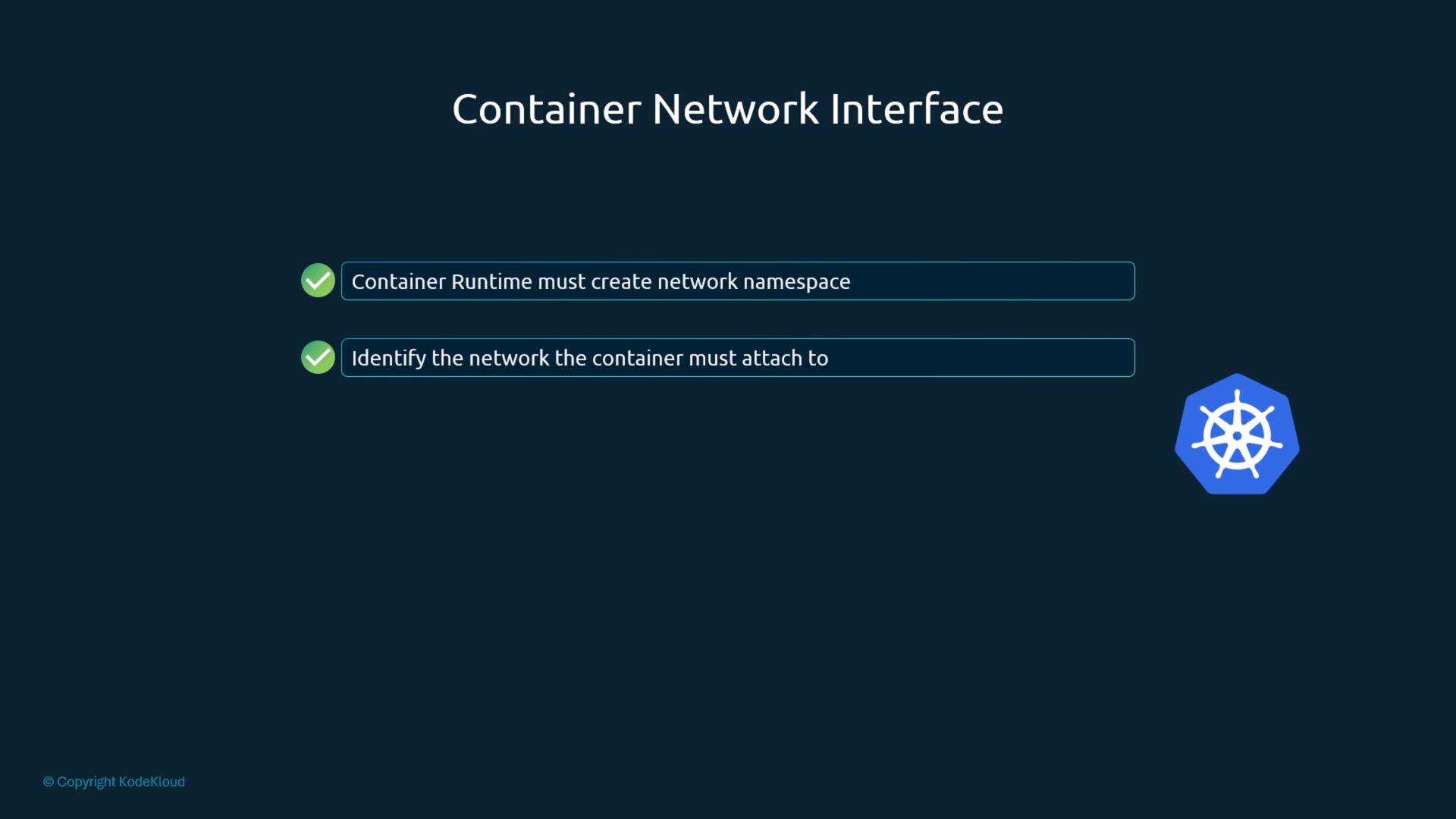
How Kubernetes wires up CNI plugins
Per the CNI specification, the component that creates the container (or pod) network namespace must invoke the appropriate plugin binary and pass the configuration. In Kubernetes:- The kubelet creates the pod’s network namespace (via the container runtime).
- After the namespace is created, the kubelet calls the configured CNI plugin binary to attach the pod to the desired network.
- The plugin creates veth pairs, attaches interfaces to host bridges or overlays, assigns IP addresses, sets up routes, and configures NAT rules if requested.
Where to place plugin binaries and configs
Kubernetes (via the kubelet) relies on two filesystem locations on each node to find CNI plugins and their configuration:
Representative output from a node:
/etc/cni/net.d to decide which plugin configuration to apply. If there are multiple files, the kubelet (and many CNI implementations) selects the configuration using lexical (alphabetical) ordering and uses the first applicable configuration file.
Place plugin configuration files in
/etc/cni/net.d. The runtime chooses the configuration based on filename ordering (typically the lowest-numbered or lexically-first file). Some systems use .conflist files when chaining multiple plugins; others use .conf.Example network configuration (bridge plugin)
A typical CNI config file is JSON and follows the CNI schema. Here is a representative bridge plugin configuration:cniVersion: Target CNI specification version.name: Logical network name for this configuration.type: Plugin type to invoke (e.g.,bridge,flannel,calico).bridge: Host bridge interface to use (e.g.,cni0).isGateway: When true, the bridge gets an IP and can act as gateway for pods.ipMasq: When true, applies SNAT (iptables masquerade) for pod egress to non-cluster destinations.ipam: IP Address Management configuration:type: Allocation method;host-localstores allocation state on the node.dhcpcan be used for external allocation.subnet: CIDR used for pod IP assignments.routes: Additional routes to add in the pod namespace (e.g., default route{"dst":"0.0.0.0/0"}).
What happens when a pod starts
- Kubelet asks the container runtime to create the container and its network namespace.
- Once the pod network namespace exists, the kubelet reads
/etc/cni/net.dto pick a configuration file (first by lexical order). - Kubelet executes the chosen plugin binary from
/opt/cni/binand provides the configuration and environment variables as required by the CNI spec. - The plugin sets up the pod interface (veth), attaches it to the host network (bridge, vlan, overlay), assigns an IP, configures routes, and applies NAT rules if requested.
- Kubelet reports the allocated IP and network state back to Kubernetes components.
Troubleshooting checklist
- Verify plugin binaries exist:
ls /opt/cni/bin - Check configuration files:
ls /etc/cni/net.dand inspect the JSON or.conflistcontent - Confirm filename ordering if multiple config files are present (the first file wins)
- Match
cniVersionand plugin versions to avoid incompatibilities
Links and references
- CNI Specification: https://github.com/containernetworking/cni
- Kubernetes networking overview: https://kubernetes.io/docs/concepts/cluster-administration/networking/
- containerd: https://containerd.io/
/opt/cni/bin and /etc/cni/net.d on a cluster node and open a CNI config file to see these fields and behavior firsthand.