

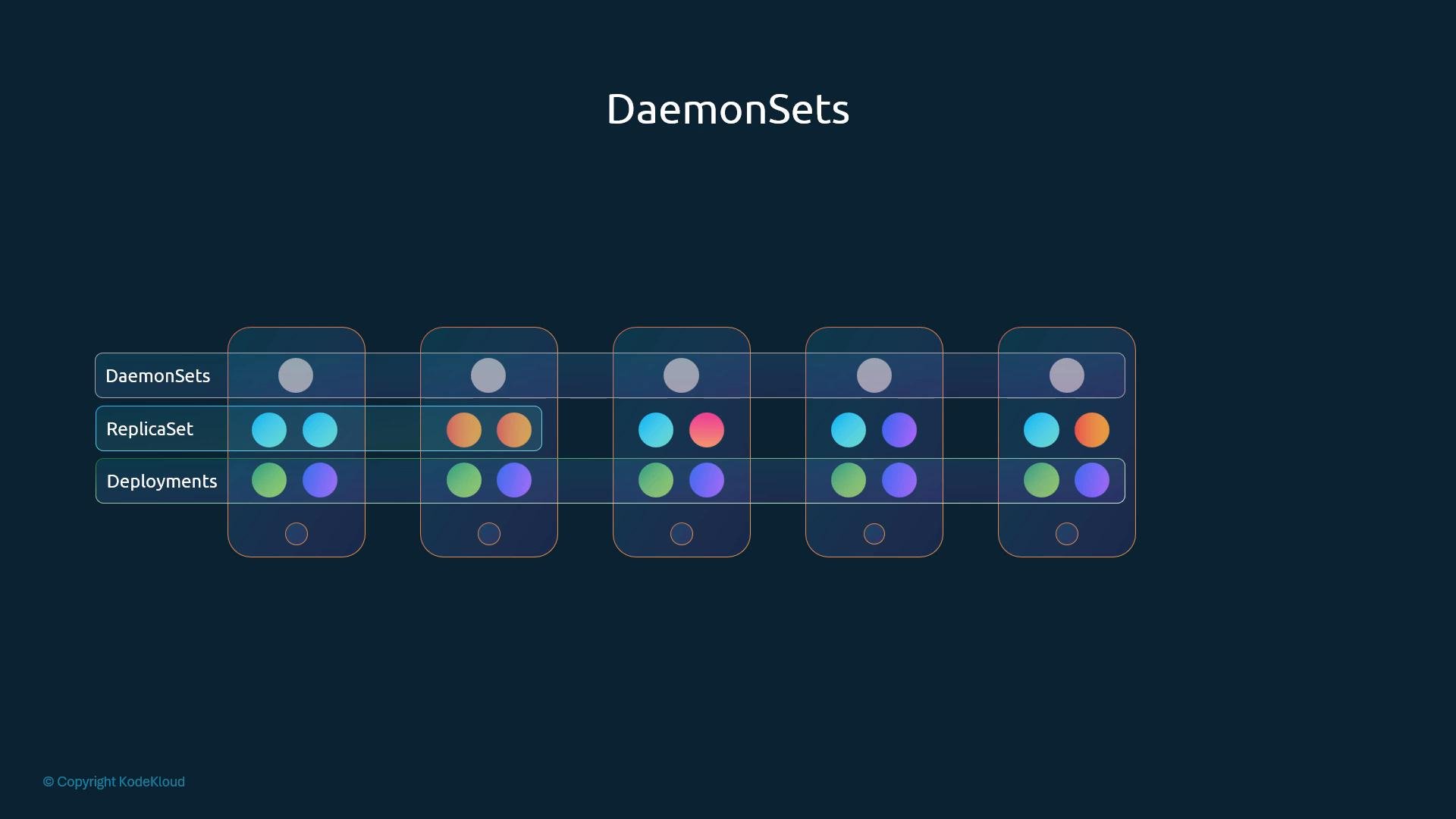
- When a new node joins the cluster, the DaemonSet controller ensures the DaemonSet’s Pod is scheduled onto that node.
- When a node is removed, the DaemonSet’s Pod on that node is deleted.
- You can target all nodes or a subset using selectors, node affinity, or tolerations.
- Node-level monitoring and metrics agents (Prometheus node-exporter, Datadog agents)
- Log collectors (Fluentd, Fluent Bit)
- Networking agents and CNI plugins (Calico, Weave Net)
- kube-proxy (commonly run as a DaemonSet)
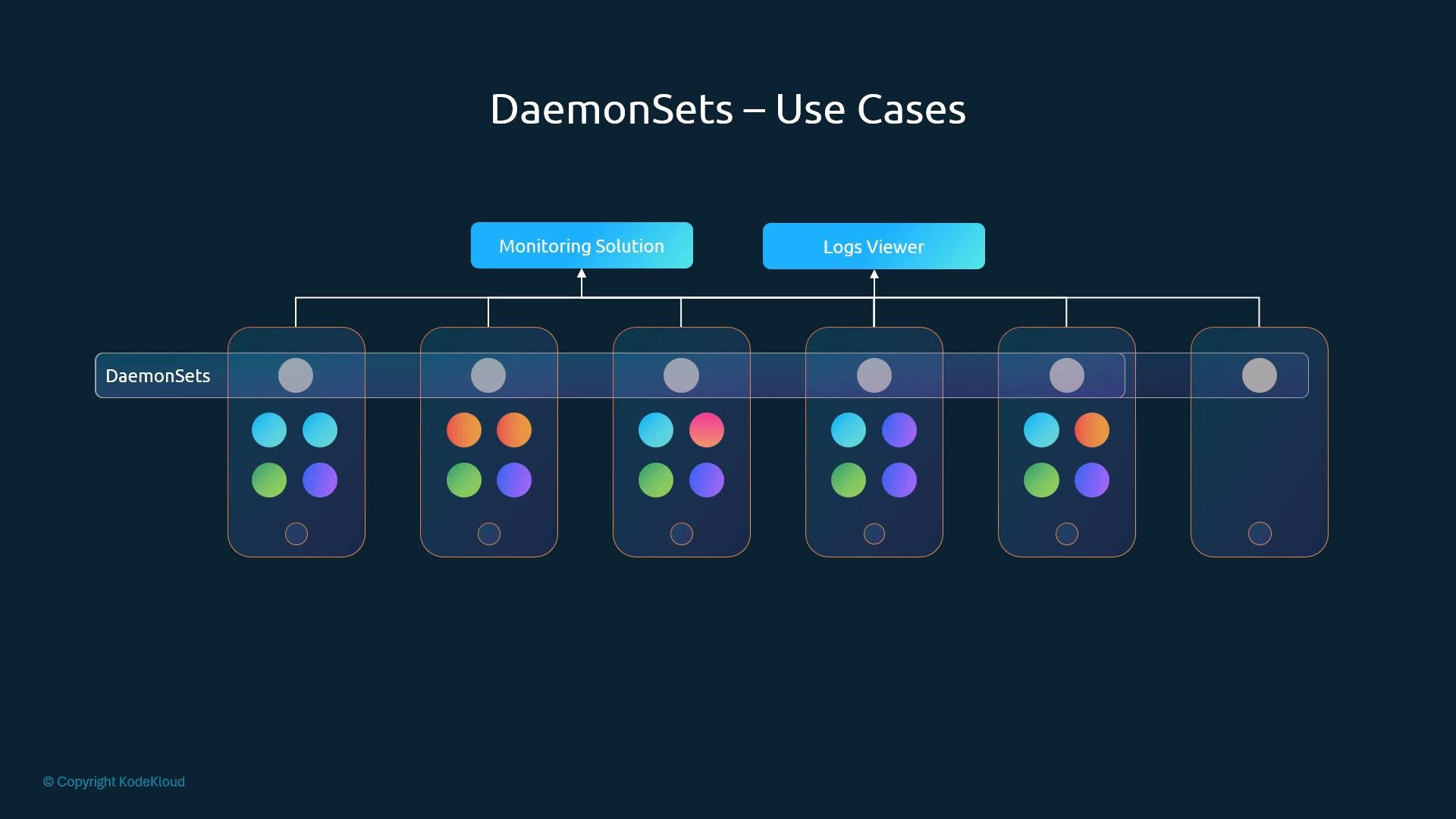
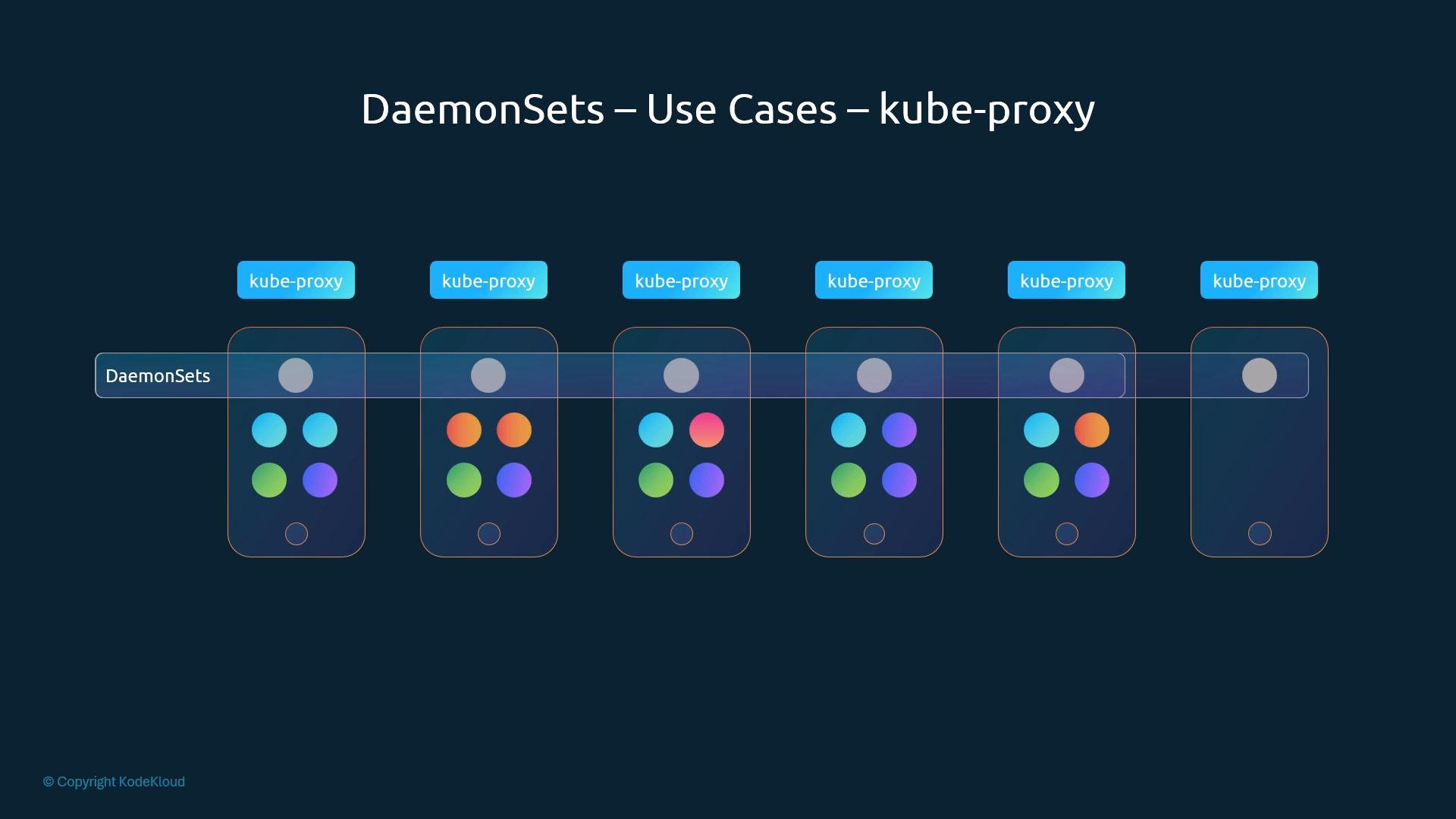
Manifest structure
A DaemonSet manifest follows the same top-level structure as other controllers:
apiVersion, kind, metadata, and spec, with a Pod template nested under spec.template. The controller requires a spec.selector that matches the labels in the Pod template when using apps/v1.
ReplicaSet (for reference):
Ensure the labels in
spec.selector.matchLabels exactly match the labels in spec.template.metadata.labels. If they don’t match, the DaemonSet controller will not manage the Pods created from that template.- Apply a manifest file:
- Create a simple DaemonSet directly:
- List DaemonSets:
- Inspect a DaemonSet:
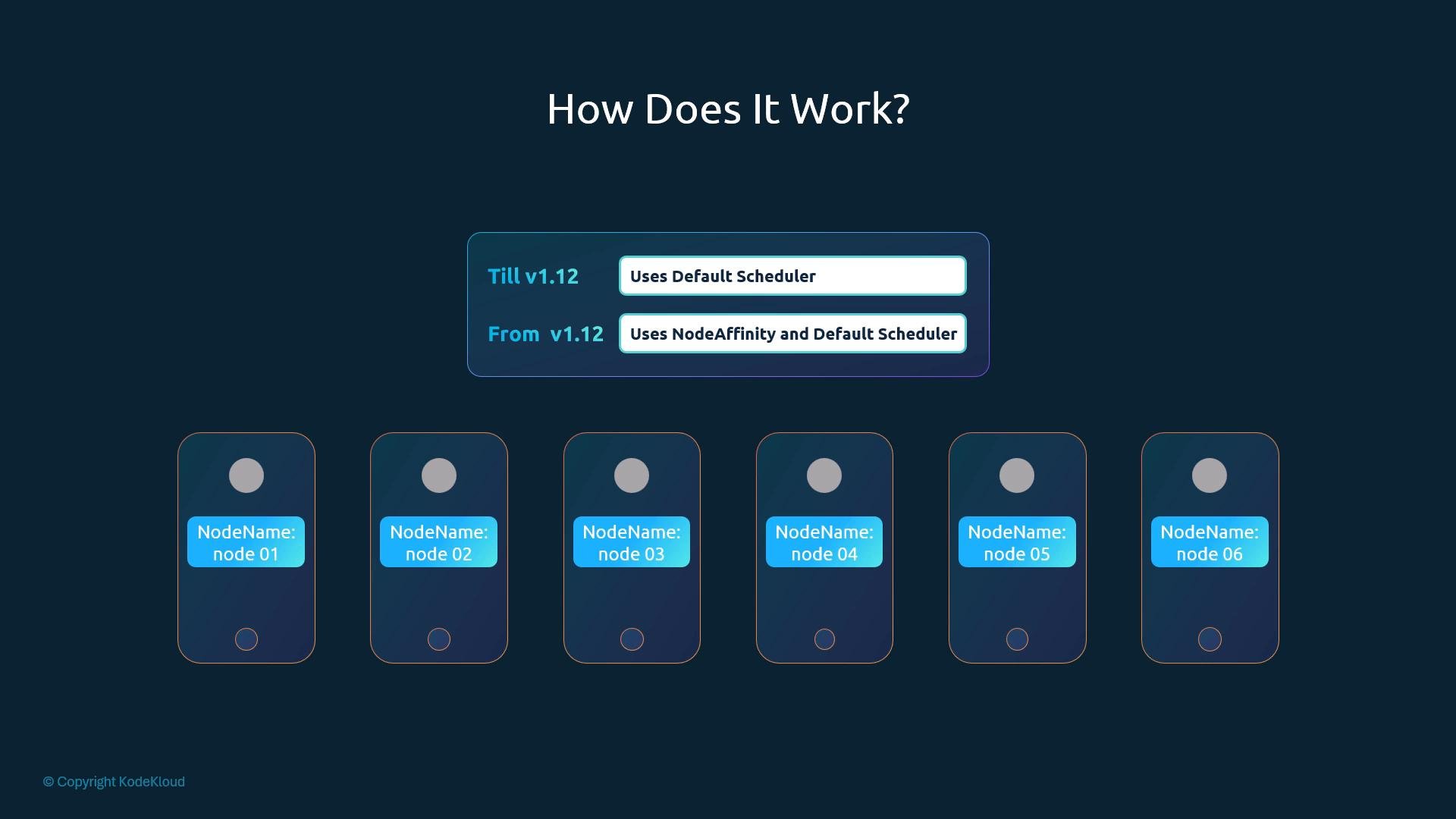
nodeName field set so they were bound directly to nodes and bypassed the scheduler. Starting in Kubernetes v1.12, the controller changed behavior: it now creates Pods without nodeName and relies on the kube-scheduler to place them. The controller uses node-affinity-like constraints and tolerations so the scheduler places DaemonSet Pods only on the intended nodes. This aligns DaemonSet scheduling with other workloads and lets the scheduler consider node conditions, taints, and other constraints.
- Use DaemonSets for node-scoped agents; use Deployments/ReplicaSets for stateless application workloads that need scaling by count.
- Combine nodeSelector, nodeAffinity, and tolerations to target specific subsets of nodes.
- For production CNI and networking agents, consult the vendor docs (for example, Calico’s docs at https://projectcalico.docs.tigera.io/) for the recommended DaemonSet manifests and configuration.
- Kubernetes DaemonSet documentation: https://kubernetes.io/docs/concepts/workloads/controllers/daemonset/
- Calico project: https://projectcalico.docs.tigera.io/