

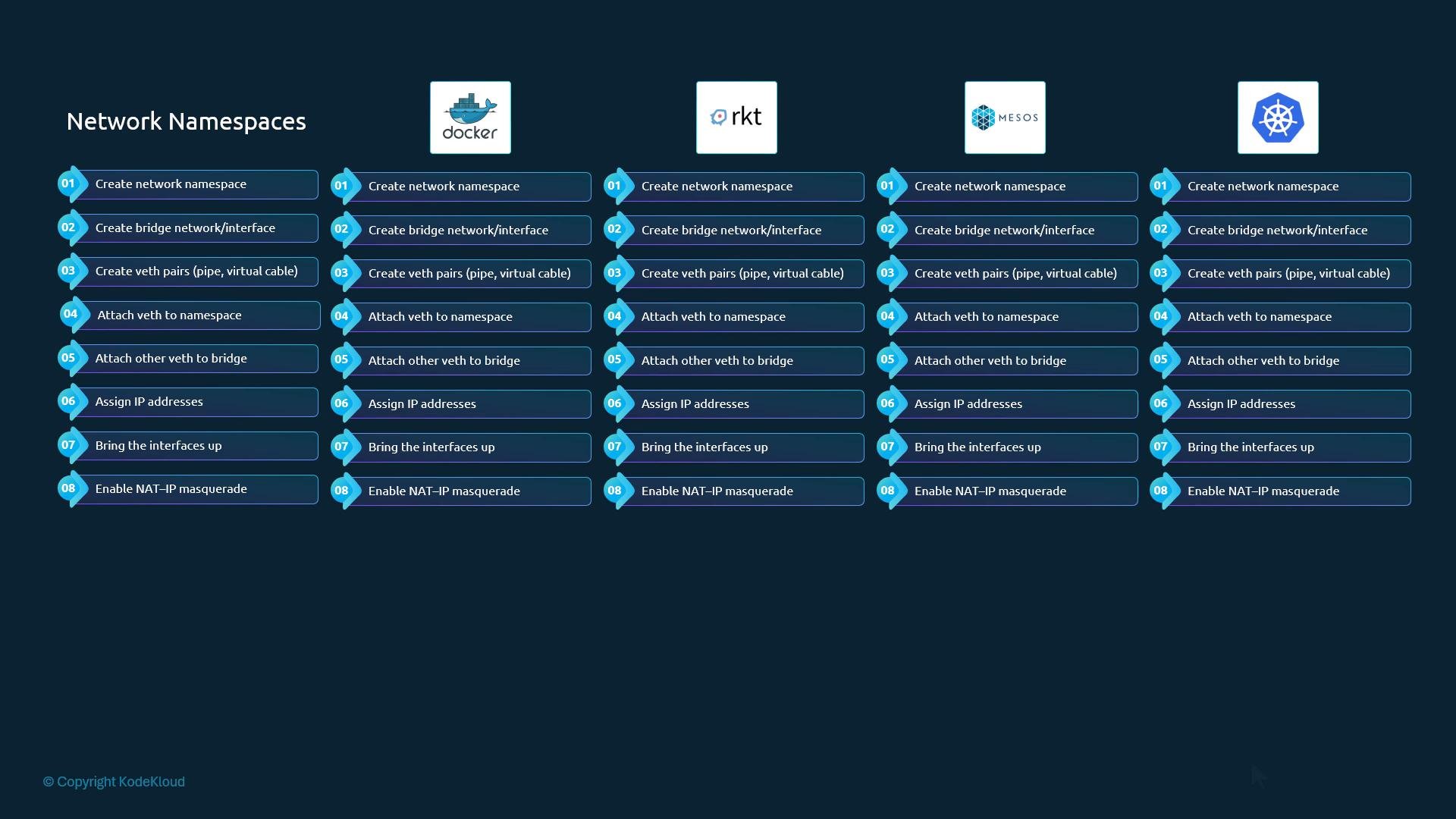
bridge) that performs the tasks necessary to attach a container to a bridge network. The container runtime would invoke that program when creating or deleting a container and provide the network namespace reference:
The command above is an illustrative simplification. In real deployments the CNI specification defines a plugin invocation model where the runtime sets environment variables (for example,
CNI_COMMAND, CNI_CONTAINERID, CNI_NETNS, CNI_IFNAME) and passes the network configuration JSON on stdin. The plugin then writes its result JSON to stdout. See the CNI spec for the exact invocation details: https://www.cni.dev/-
Container runtimes:
- Create a network namespace for each container.
- Determine which networks a container should join.
- Invoke the appropriate CNI plugin(s) when a container is created (
ADD) and removed (DEL).
-
CNI plugins:
- Support the
ADD,DEL, andCHECKcommands. - Accept parameters such as the container ID and the network namespace path.
- Configure the container’s network (create veth pairs, attach to bridges, assign IPs, configure routes).
- Return results in a defined JSON format so the runtime knows assigned IPs, routes, and interface details.
- Support the
CNI also standardizes host-side plugin configuration (commonly JSON files under
/etc/cni/net.d/) and separates IP address management (IPAM) into distinct plugins. Typical CNI networking plugins include bridge, VLAN, IPVLAN, MACVLAN and platform-specific implementations (for example, Windows), while IPAM plugins include host-local and dhcp.
Common CNI plugin types and how they are used:
There are many CNI implementations and projects built on the CNI framework — examples include Flannel, Cilium, Project Calico, Weave, and VMware NSX. Because they adhere to the CNI contract, these networking solutions can be used by any runtime that speaks CNI.
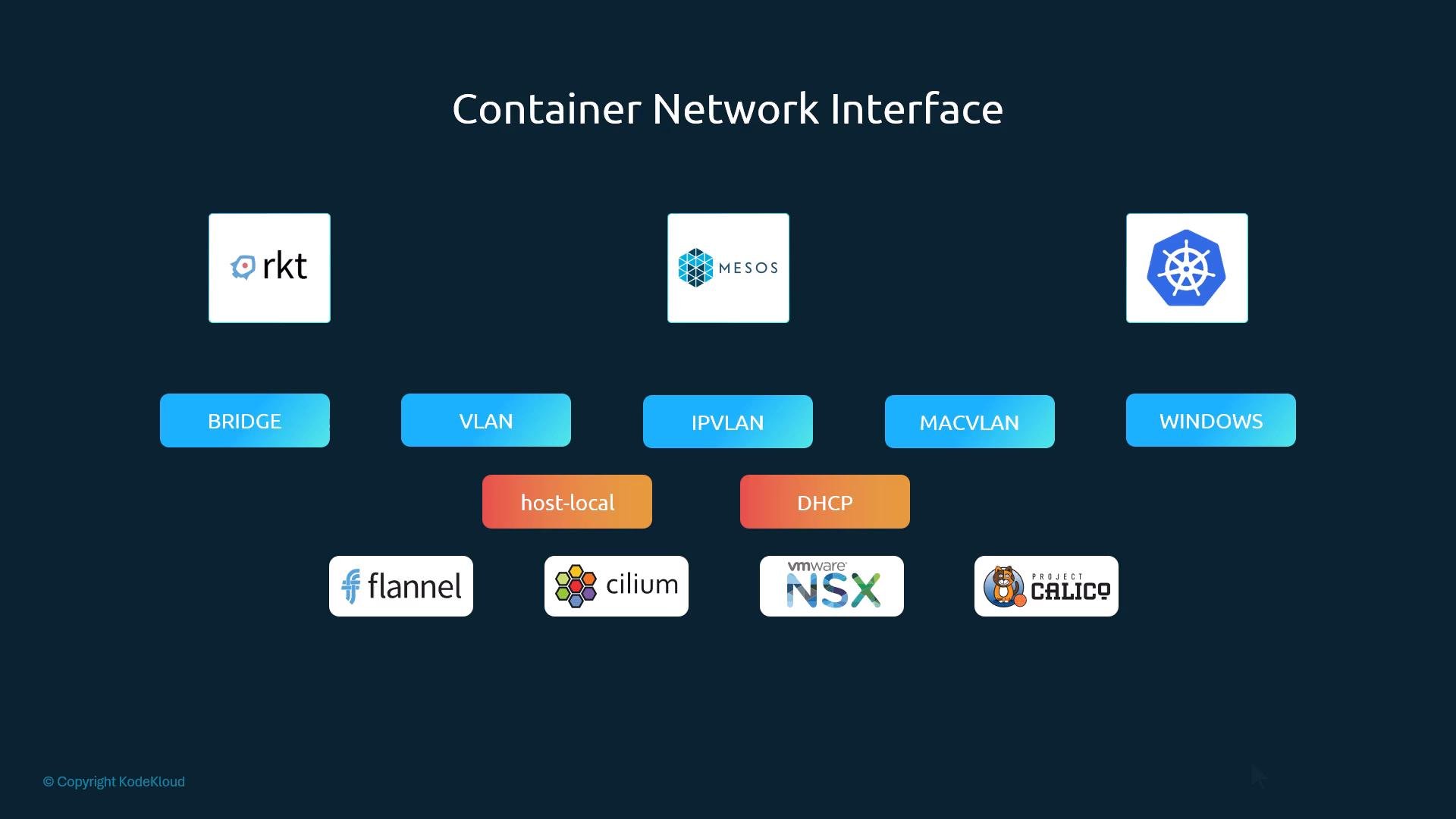
Docker does not implement CNI; it uses its own Container Network Model (CNM). Because CNM and CNI are different standards, you cannot pass a CNI plugin directly to
docker run. To use CNI plugins with Docker you must create the container without a network (for example --network=none) and then invoke CNI plugins manually against the container’s network namespace. Kubernetes uses this same approach when managing Docker containers: it creates containers with --network=none and then calls CNI plugins to complete the networking setup.stdin) is:
- CNI specification: https://www.cni.dev/
- Kubernetes networking concepts: https://kubernetes.io/docs/concepts/cluster-administration/networking/
- Flannel: https://github.com/flannel-io/flannel
- Cilium: https://cilium.io/
- Project Calico: https://projectcalico.docs.tigera.io/