

- Your application is built into Docker images.
- Those images are hosted in a registry (for example, Docker Hub) so Kubernetes can pull them.
- You have a working Kubernetes cluster (single-node or multi-node).
- Cluster services are running.
- A pod is a single instance of an application (or a logical group of tightly coupled containers).
- It is the smallest deployable object in Kubernetes.
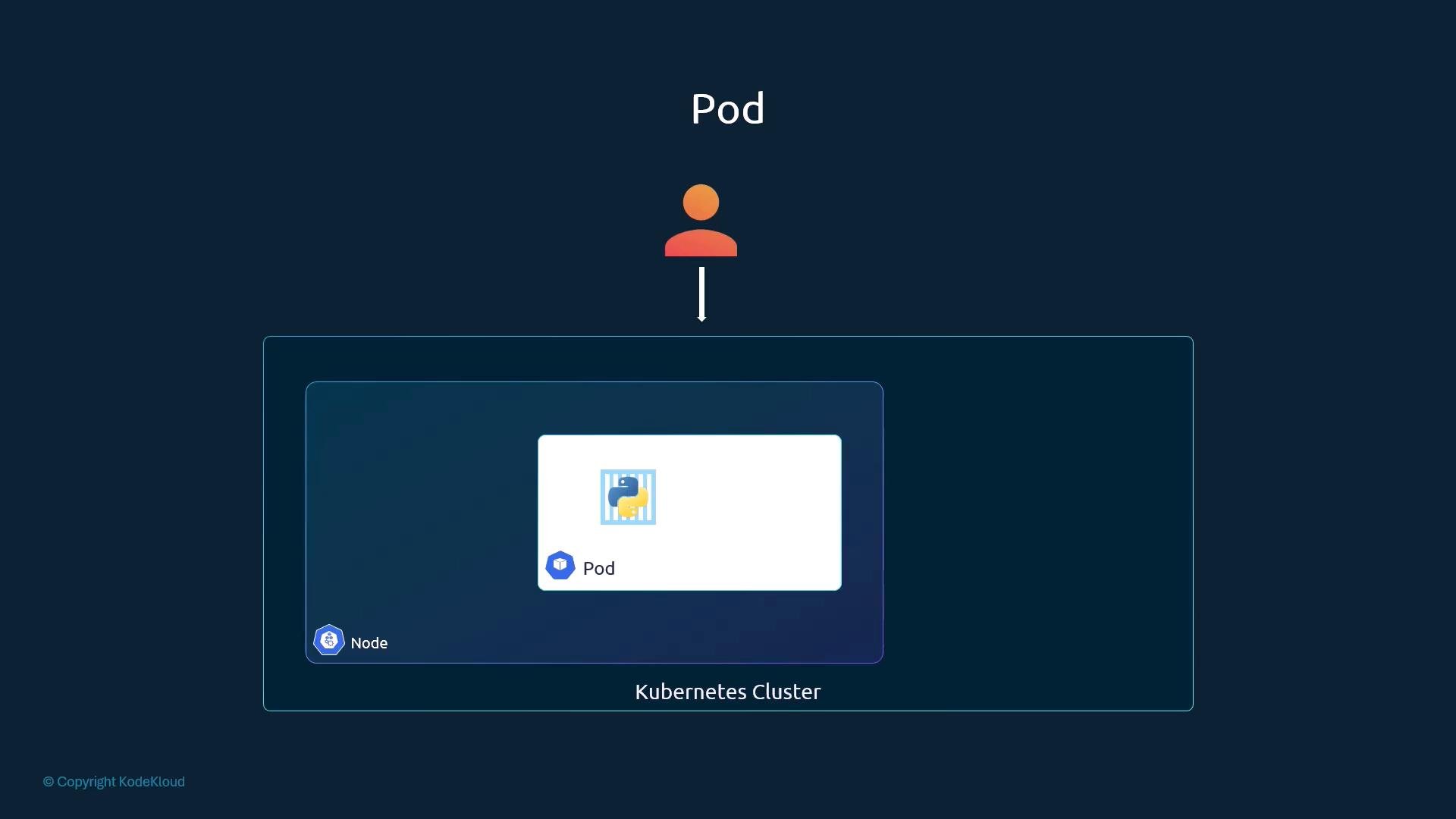
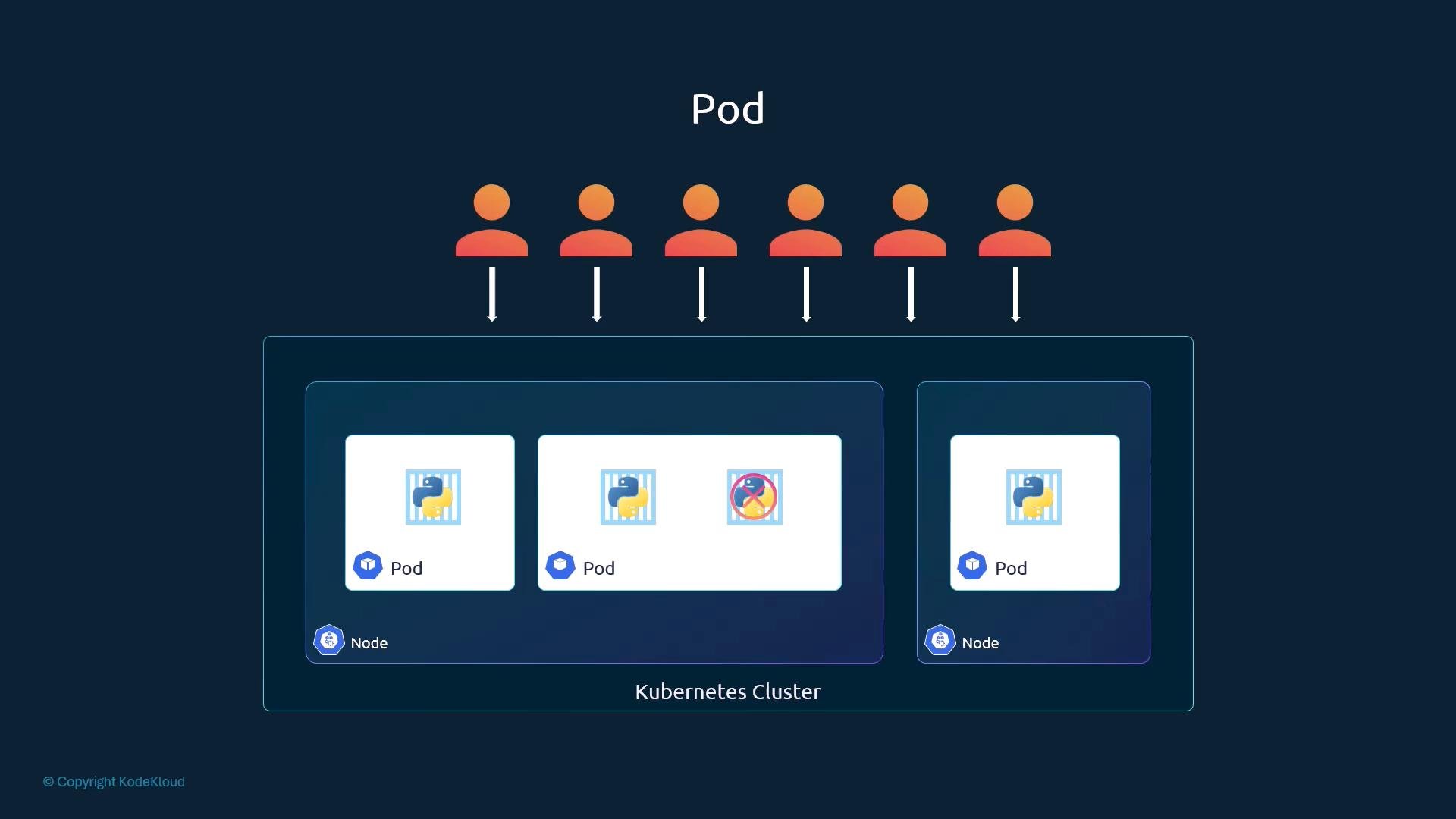
- Most pods run a single main application container.
- To scale up, create more pods; to scale down, delete pods.
- They are created and terminated together.
- They share the same network namespace (can reach each other on
localhost). - They can mount and share the same persistent volumes.
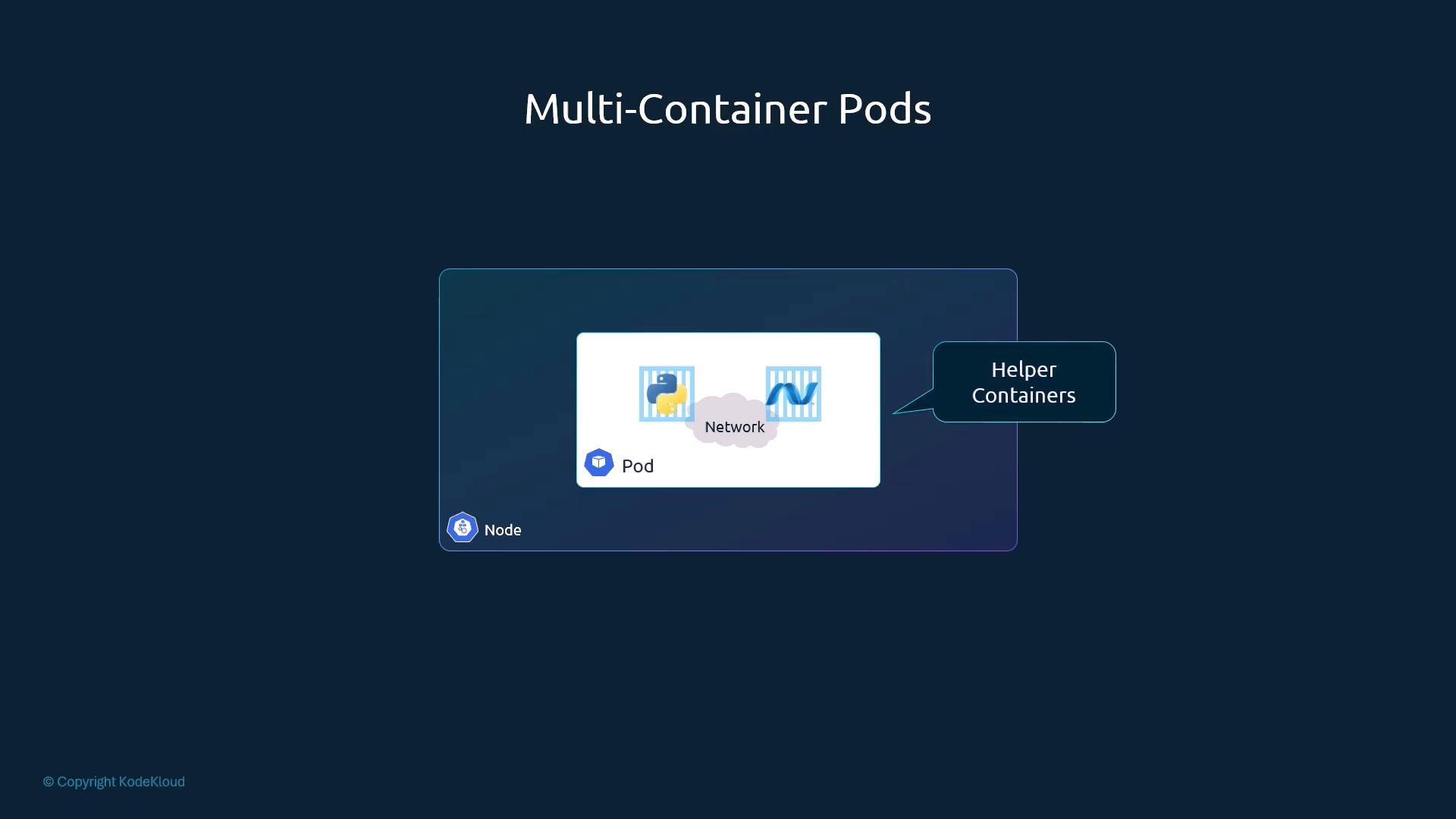
Multi-container pods (sidecars) solve problems where multiple tightly coupled processes need to share storage, network, and lifecycle. They are useful but relatively uncommon — most pods run a single main container.
If this still feels abstract, compare with plain Docker on a single host. Initially you might run only the application container:
kubectl run. Depending on kubectl and cluster versions and flags, kubectl run may create different resource types (pod vs. deployment). To request a plain pod, set --restart=Never:
Note: In newer versions of kubectl,
kubectl run may create different resource types depending on flags. To explicitly create pods, use kubectl run --restart=Never, use kubectl create with the appropriate subcommand, or apply a declarative YAML manifest with kubectl apply -f pod.yaml.- We did not expose the NGINX server externally. The pod is accessible inside the cluster (or from the node depending on your cluster networking and tools such as port forwarding).
- Networking and Services that expose pods to end users will be covered in a separate lesson.
- Create a few pods with different images to observe scheduling and pod lifecycle.
- Experiment with a simple multi-container pod spec (sidecar) and observe how containers share
localhostand volumes. - Convert imperative
kubectl runcommands into declarative YAML manifests (pod.yaml) and apply them withkubectl apply -f pod.yaml.