

CA (Certificate Authority)
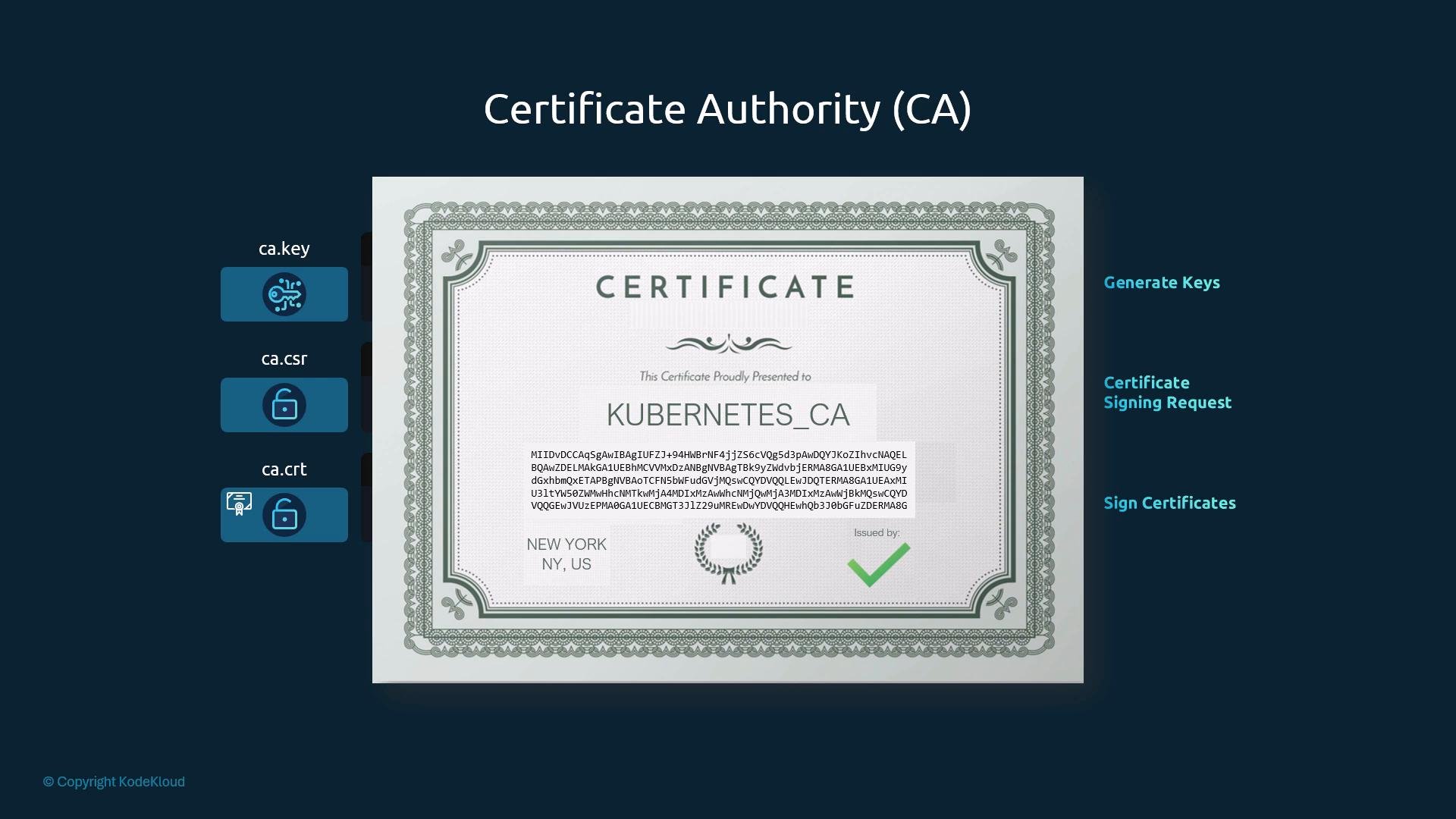
The cluster CA signs all other cluster certificates. Keep its private key secret and backed up: losing the CA key prevents signing new certs and can complicate cluster recovery.Protect your CA private key (
ca.key). If it is compromised, all certificates signed by that CA must be revoked and reissued. Use strict filesystem permissions and consider storing the CA key in a secure secret management system.CA:TRUE. Use an OpenSSL config with a v3_ca section or pass -extensions/-extfile when creating a CA certificate so TLS clients treat it as a CA.
Client certificates (users and system components)
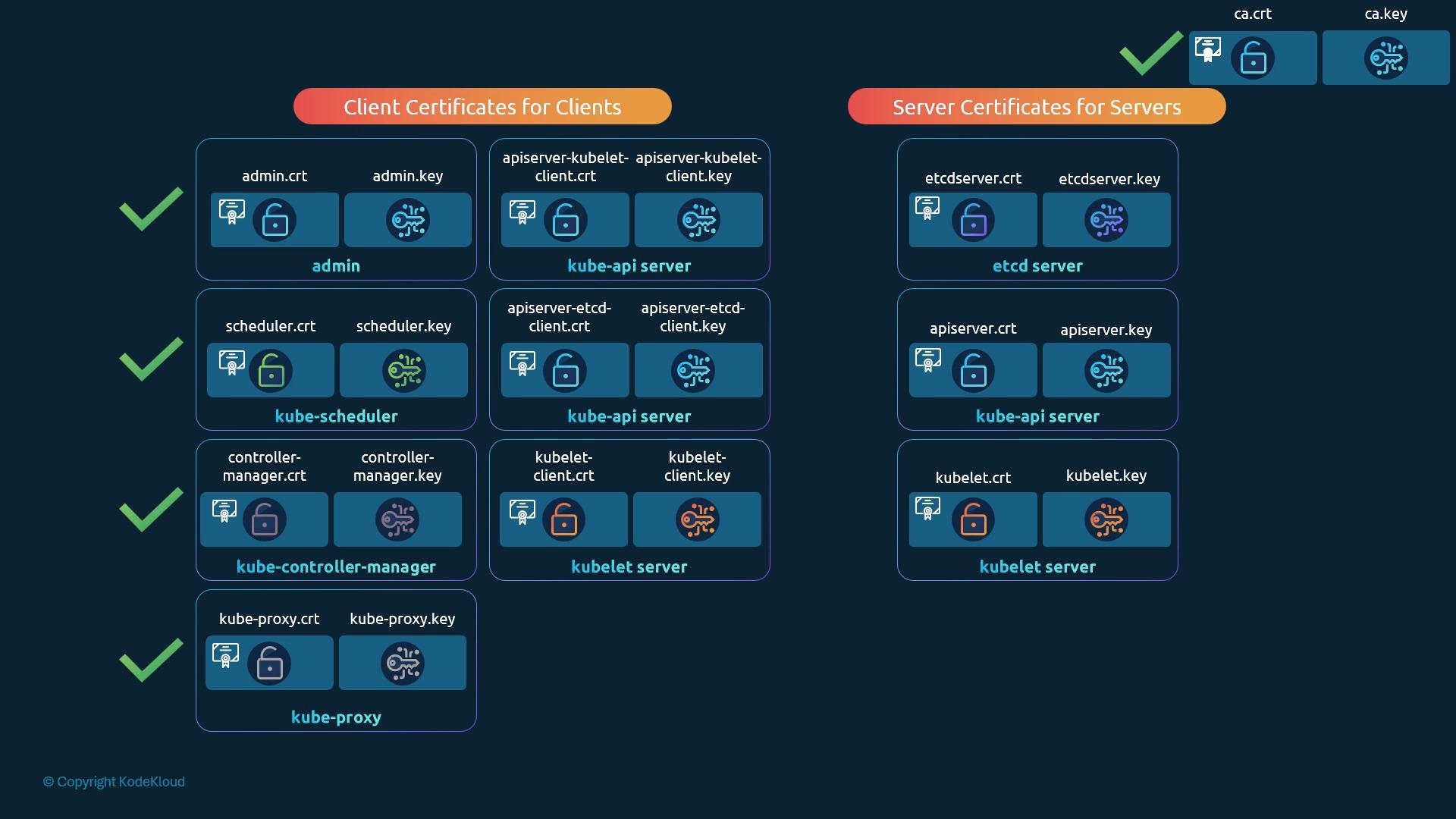
Client certificates authenticate users and components to the API server and etcd. The certificate Common Name (CN) identifies the user or component in audit logs and RBAC. For example, to make a user a cluster admin includeOU=system:masters in the CSR.
Generate an admin client certificate signed by your CA:
kubectl using the admin cert:
etcd server certificates
etcd requires TLS for both client-server and peer-to-peer communication. Create a server certificate for the etcd HTTPS endpoint and separate peer certificates for inter-member TLS if running an HA cluster. Configure etcd to require client certs (mutual TLS) so only trusted clients signed by your CA can connect. Representative etcd flags and their purpose:
Example etcd configuration flags (provide correct paths for your environment):
kube-apiserver certificate (server certificate with SANs)
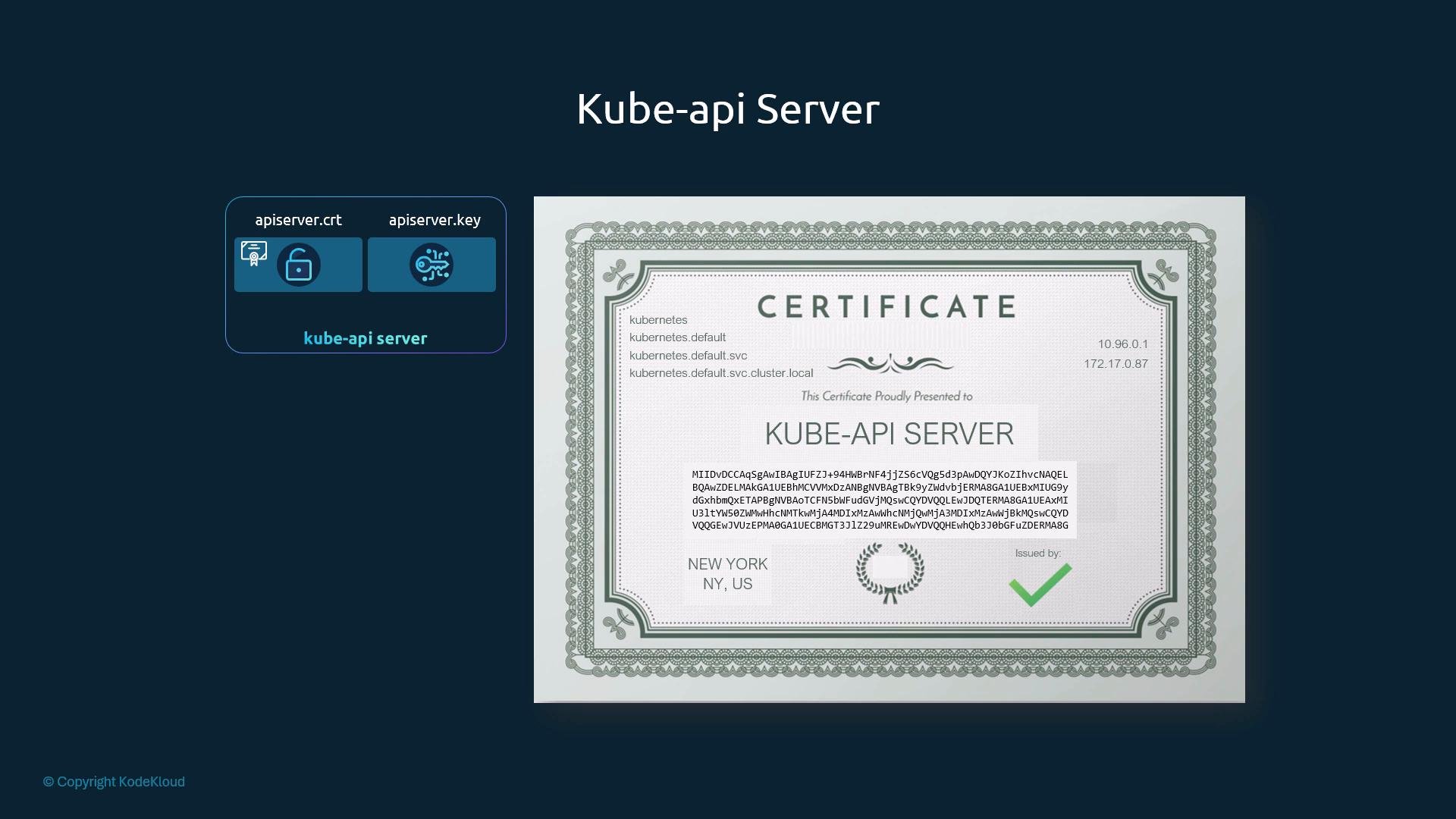
The kube-apiserver certificate must include every DNS name and IP address clients use to reach the API server in the Subject Alternative Names (SANs). Common names includekubernetes, kubernetes.default, kubernetes.default.svc, kubernetes.default.svc.cluster.local and the cluster IP (e.g., 10.96.0.1) and node IPs.
Generate the API server key, CSR using an OpenSSL config containing SANs, and sign with the CA:
openssl.cnf fragment specifying SANs:
alt_names. Modern TLS implementations prioritise SANs over CN and will reject certs that lack correct SAN entries.
kube-apiserver runtime flags and certificate locations
When starting the kube-apiserver, supply the CA and server certificate/key, plus any client certificates the API server uses to connect to etcd and kubelets. Example systemdExecStart snippet (paths correspond to the certificate files above):
--client-ca-file) to verify client (user/component) certificates and it also supplies its own server certificate (--tls-cert-file) to clients.
kubelet server and client certificates (per-node)
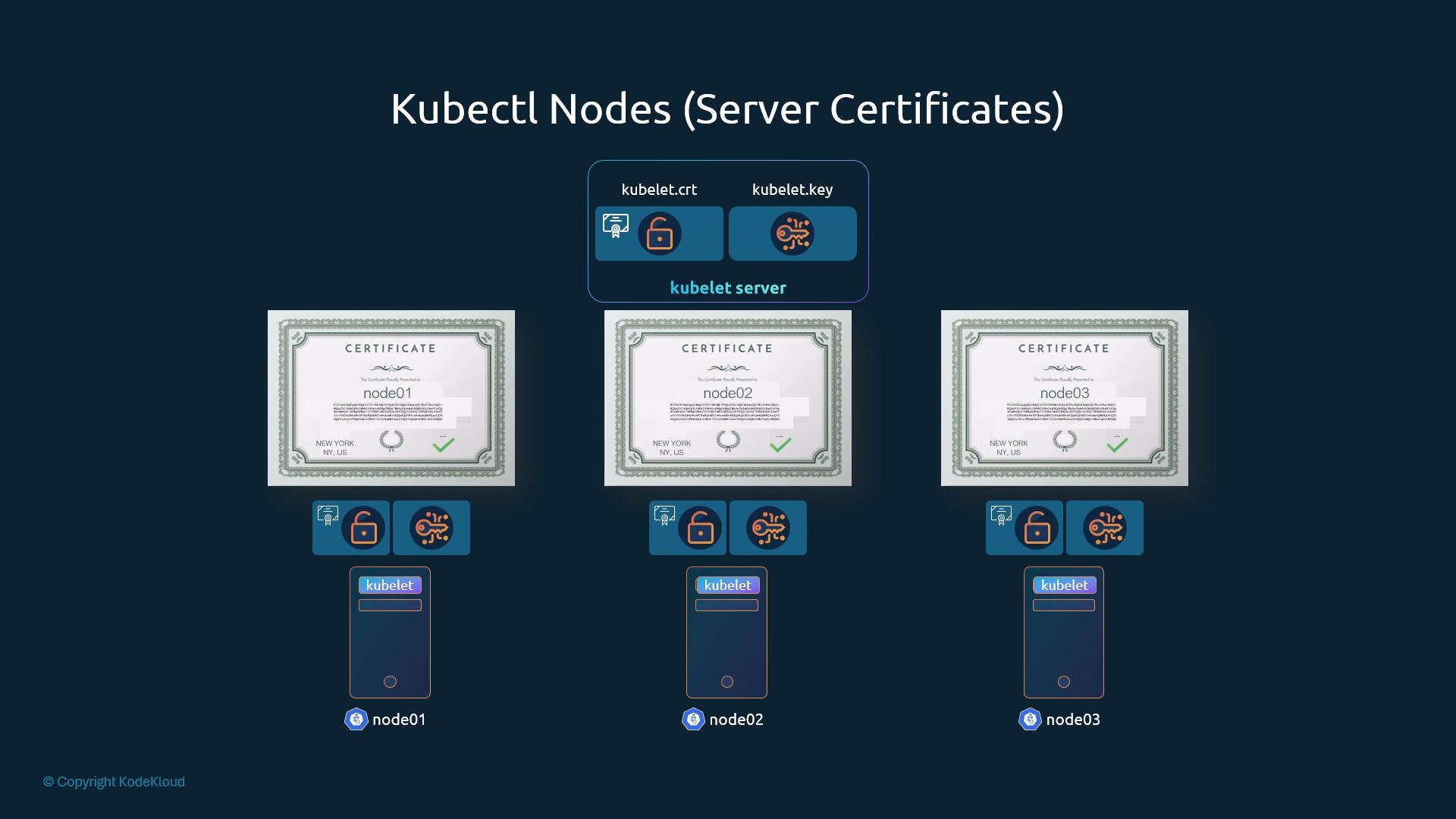
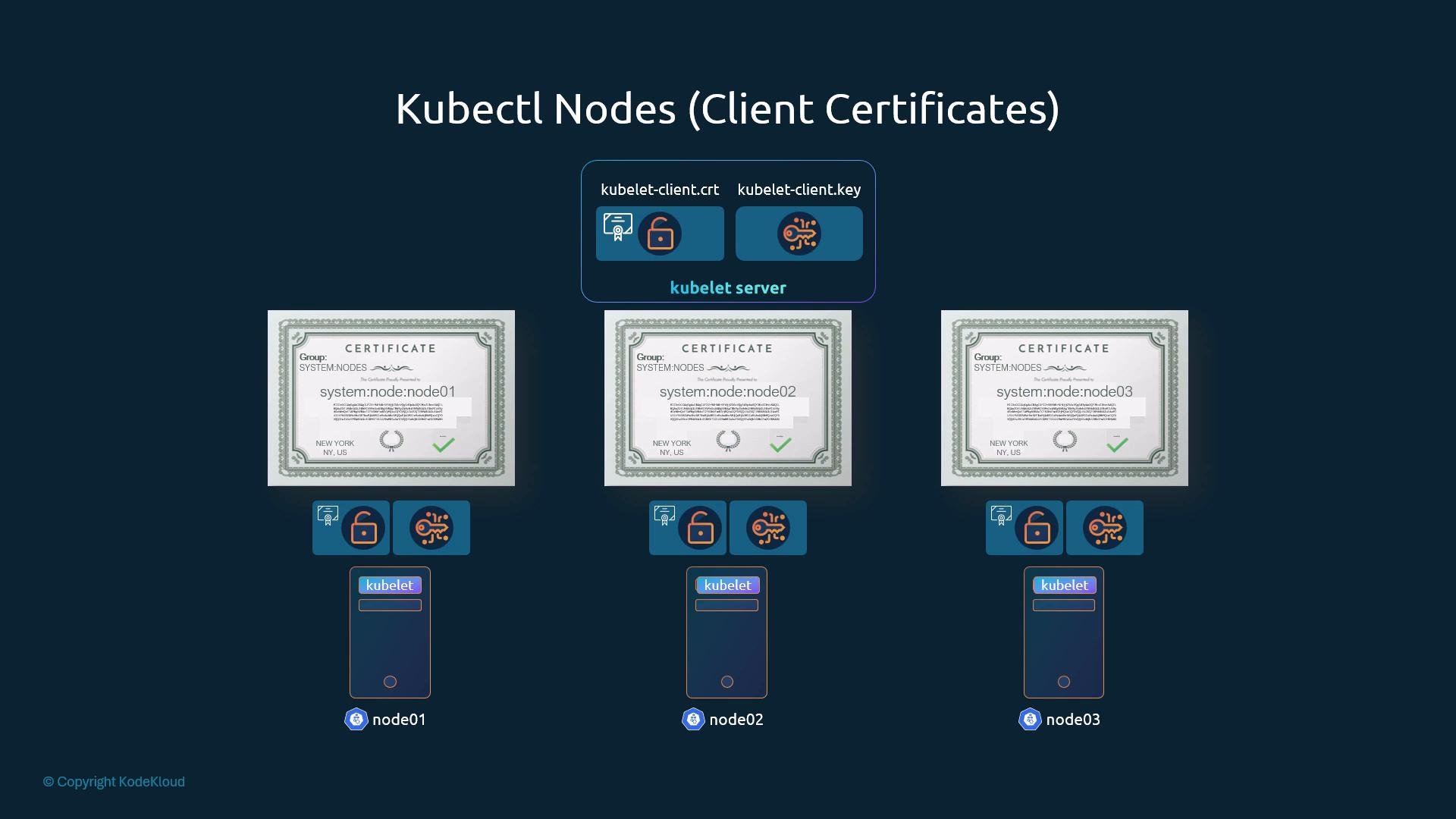
Each kubelet exposes an HTTPS endpoint on the node and therefore requires a server certificate that identifies the node (CN or SAN). Kubelets also act as clients (when making requests to the API server) and need client certs. Use thesystem:node:<nodeName> CN format and include the system:nodes group in OU for node client certs.
Example subject for a node client certificate:
/CN=system:node:node01/OU=system:nodes
ca.crt into the kubelet kubeconfig or provide them via kubelet flags.
Inspecting certificates
To view certificate details (SANs, issuer, validity), use OpenSSL:Final notes
- Distribute the CA root certificate (
ca.crt) to every component that must validate certificates. - Restrict access to private keys and use secure storage or secret management where possible.
- Always include all DNS names and IP addresses in SANs for server certificates — modern clients require SANs.
- Rotate certificates before expiration and maintain a certificate inventory.
Always include the correct Subject Alternative Names (SANs) in server certificates. Many TLS clients reject certificates that only set the CN and omit SANs.
- Kubernetes documentation — TLS bootstrapping and certificates
- OpenSSL documentation
- CFSSL (Cloudflare) — TLS toolkit