

video and wear—running in the app-space namespace. You’ll deploy the controller, expose it via a Service, create an Ingress resource with path rules, and troubleshoot a common redirect issue.
Prerequisites
- A running Kubernetes cluster with
kubectlconfigured to connect to the control plane. videoandwearapps already deployed in theapp-spacenamespace (services namedvideo-serviceandwear-servicelistening on port8080).
Quick alias for kubectl
For convenience, aliaskubectl to k:
Using an alias like
k speeds up interactive work. If you want this alias to persist, add the alias command to your shell profile (e.g. ~/.bashrc or ~/.profile).Verify application Pods
Confirm the application Pods are running:Step 1 — Create namespace for the Ingress controller
Create a dedicated namespace for the Ingress controller objects:Step 2 — Create the NGINX ConfigMap
The controller needs a ConfigMap for configuration settings:Step 3 — Check RBAC objects for the Ingress controller
Verify the Role and RoleBinding that grant the controller the necessary permissions:Step 4 — Deploy the Ingress Controller Deployment
The supplied deployment YAML had YAML syntax/typo issues (example of common errors):This example shows typical YAML pitfalls: incorrect key casing (
tempLate), misspelled keys (tabels), and wrong indentation. Such typos cause kubectl to fail with YAML parsing errors. Always validate YAML (e.g., kubectl apply --dry-run=client -f <file>) before creating resources.template, metadata, indentation, and include metadata.namespace: ingress-space) and apply it. After creating the corrected Deployment, the Ingress controller Pod should start in ingress-space.
If you encountered a parsing error like this when creating the resource:
Step 5 — Expose the Ingress Controller with a Service
Expose the controller so external traffic can reach it. A quick method iskubectl expose:
32741. If you need a specific NodePort, edit the Service and set spec.ports[0].nodePort:
Step 6 — Create the Ingress resource to route requests to the apps
Create an Ingress in theapp-space namespace that routes:
/wear->wear-service:8080/watch->video-service:8080
kubectl create with rules:
Step 7 — Verify traffic and troubleshoot redirects
When accessing the Ingress in a browser, you might see a redirect error (ERR_TOO_MANY_REDIRECTS). This commonly occurs when the NGINX Ingress Controller automatically redirects HTTP requests to HTTPS while your Ingress or clients are not configured for TLS, causing a redirect loop. Example browser screenshot showing the error: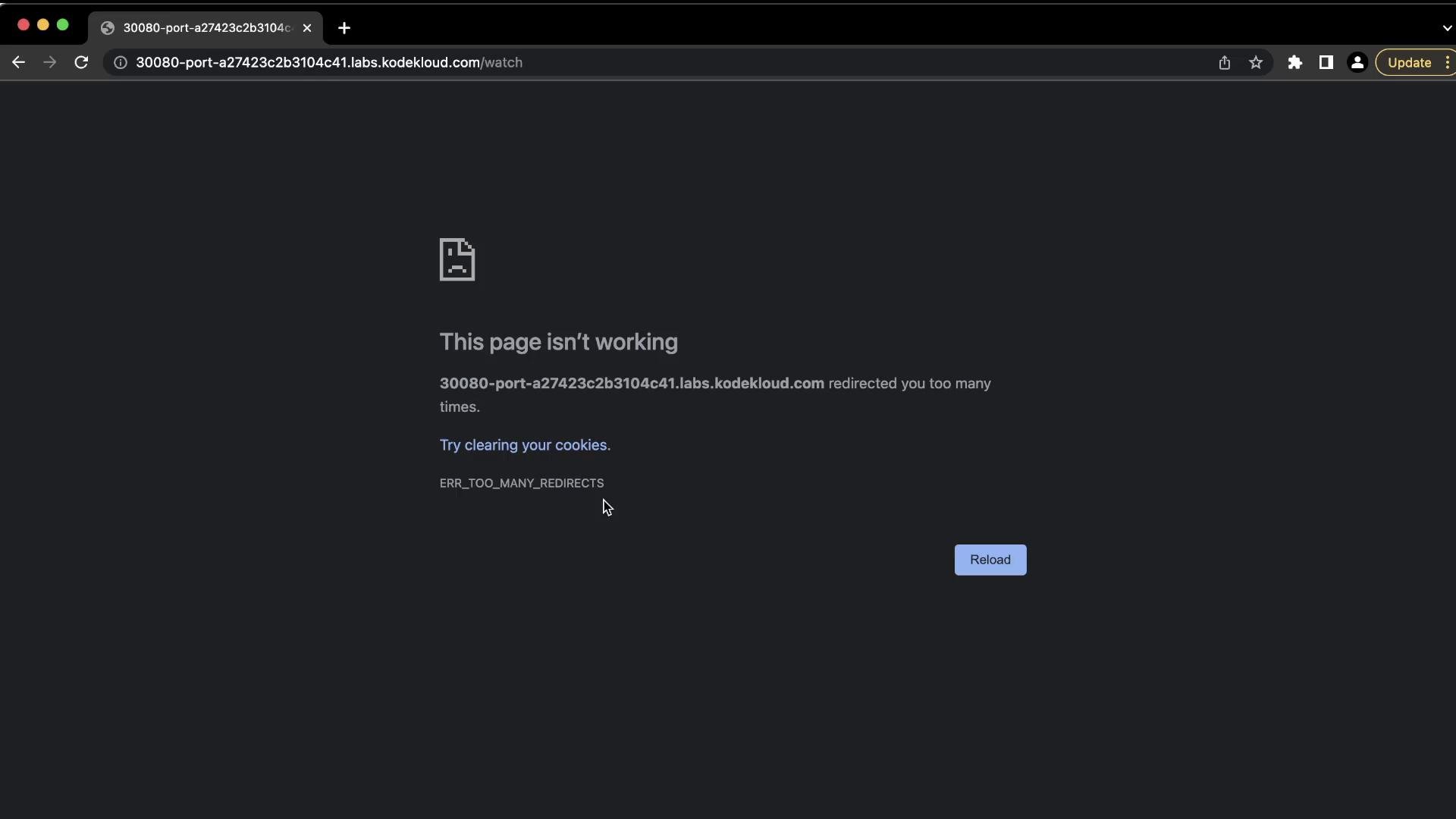
nginx.ingress.kubernetes.io/ssl-redirect: "false" (and add a rewrite target if required). Example Ingress YAML with the fix:
/watch should display the application content (the lab demonstrates a live-stream page):

Summary — Key points and troubleshooting checklist
- Validate your Ingress Controller Deployment YAML for correct keys (
template), spelling and indentation before applying. - The NGINX Ingress Controller may enforce SSL redirects by default. If you don’t have TLS configured, set the annotation
nginx.ingress.kubernetes.io/ssl-redirect: "false"on the Ingress to prevent HTTP→HTTPS redirect loops. - Use
kubectl exposeto quickly create a Service, thenkubectl edit svcto set a specificnodePortif necessary. - To troubleshoot routing issues:
- Verify Services and Endpoints:
kubectl get svc -n <ns>,kubectl get endpoints -n <ns> - Inspect the Ingress:
kubectl describe ingress -n <ns> - Check controller logs for redirect/route errors.
- Check application logs to ensure the app is listening on the expected port.
- Verify Services and Endpoints:
Reference links
Quick resource table
This completes the ingress networking lab with path-based routing, controller deployment, service exposure, and a common SSL redirect troubleshooting example.