

kubectl get, the data is retrieved from this data store.
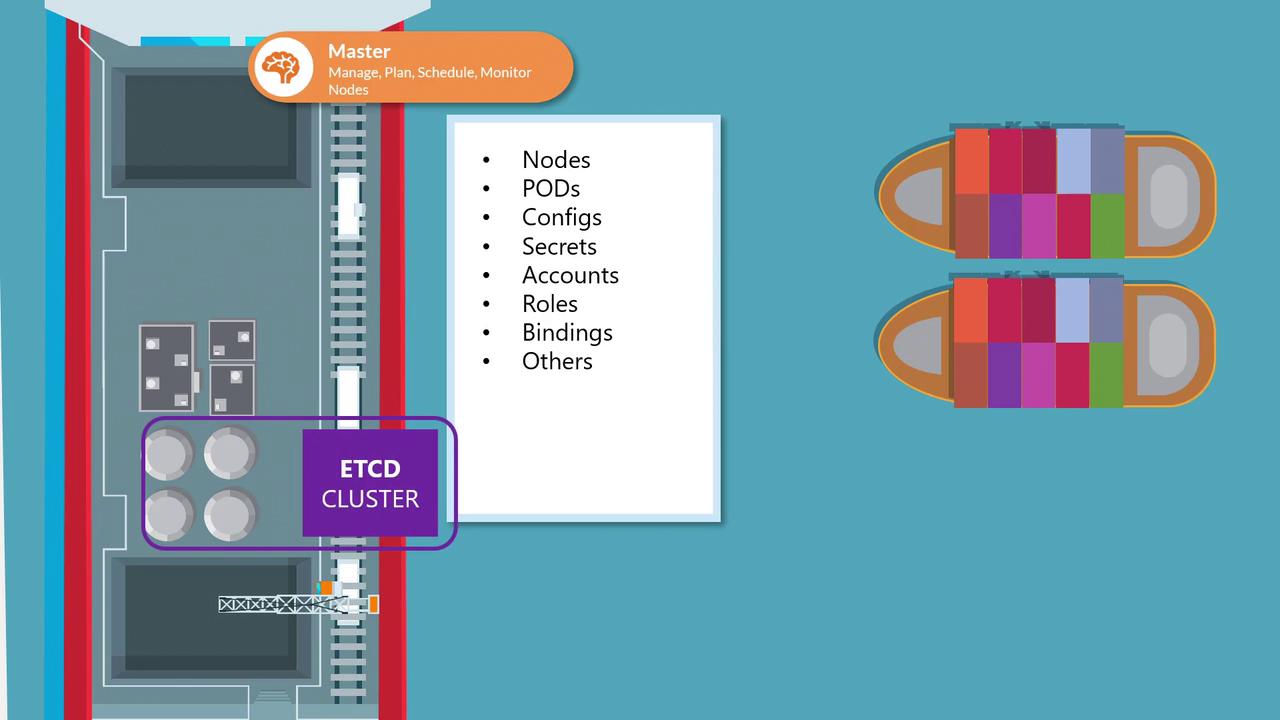
The etcd server typically listens on port 2379 for client requests. Ensuring that the advertised client URL (via the
--advertise-client-urls option) is correctly configured is crucial for proper communication between the Kubernetes API Server and etcd.Deployment Methods
Depending on your Kubernetes setup, you can deploy etcd in two primary ways: manually from scratch or automatically with kubeadm. Each method has its use cases, with manual setups providing a deeper understanding of etcd configurations and kubeadm streamlining the deployment process.Deploying etcd from Scratch
When setting up your cluster manually, you’ll need to download the etcd binaries, install them, and configure etcd as a service on your master node. Manual deployment gives you more control over configuration options, particularly for setting up TLS certificates. Below is an example of how you might download the etcd binaries and configure the etcd service:For detailed information on configuring TLS certificates, refer to the Kubernetes documentation on TLS Configuration. Adjust certificate parameters according to your security requirements.
High Availability Considerations
In a production Kubernetes environment, high availability (HA) is paramount. By running multiple master nodes with corresponding etcd instances, you ensure that your cluster remains resilient even if one node fails. To enable HA, each etcd instance must know about its peers. This is achieved by configuring the--initial-cluster parameter with the details of each member in the cluster. For example:
In some deployments, you may use separate certificate files for peer communications (e.g.,
/etc/etcd/peer.pem and /etc/etcd/peer-key.pem). Always tailor these settings to match your desired security posture.