

- What to back up
- CLI and UI backup methods
- Step-by-step restore procedures
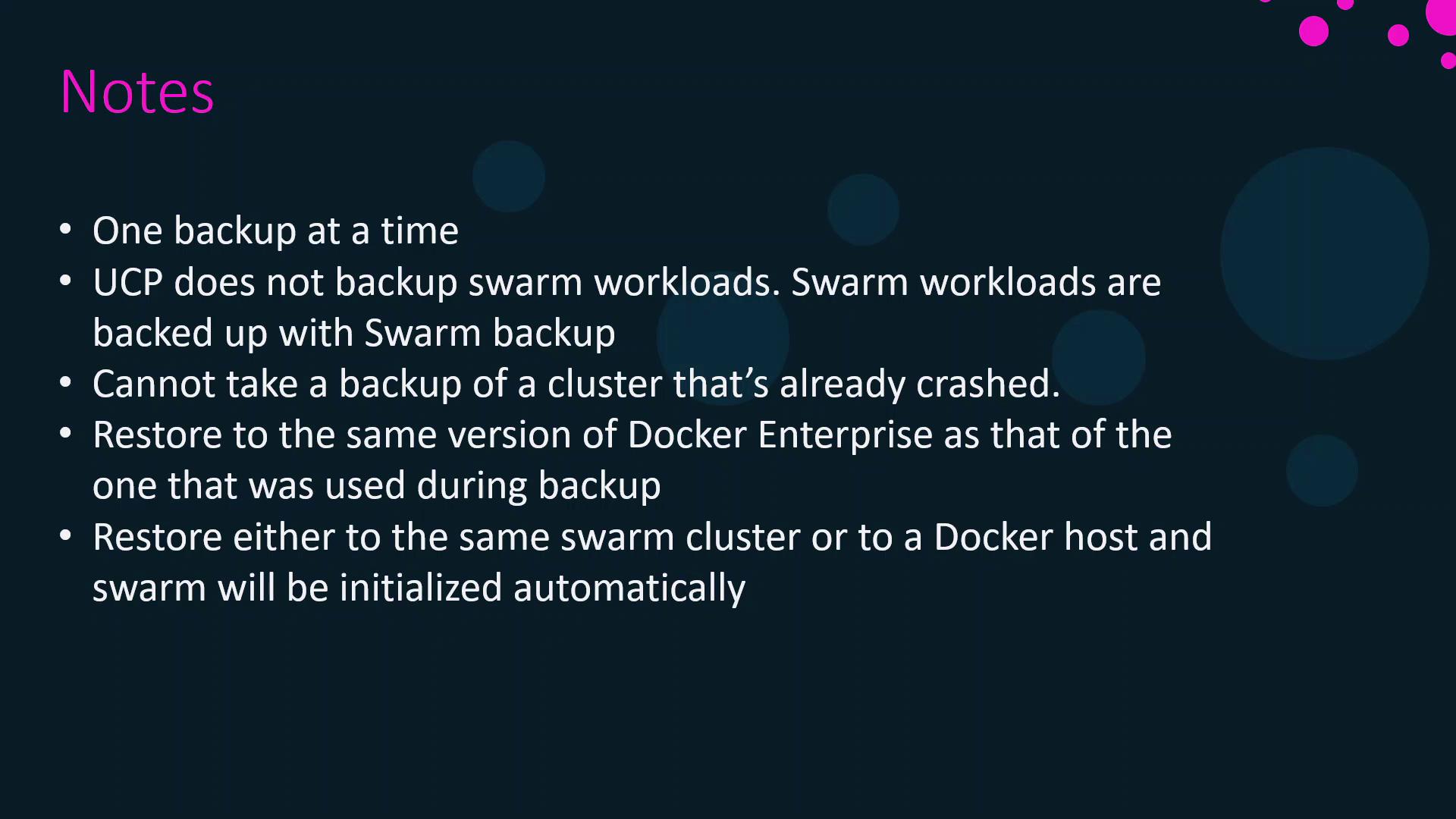
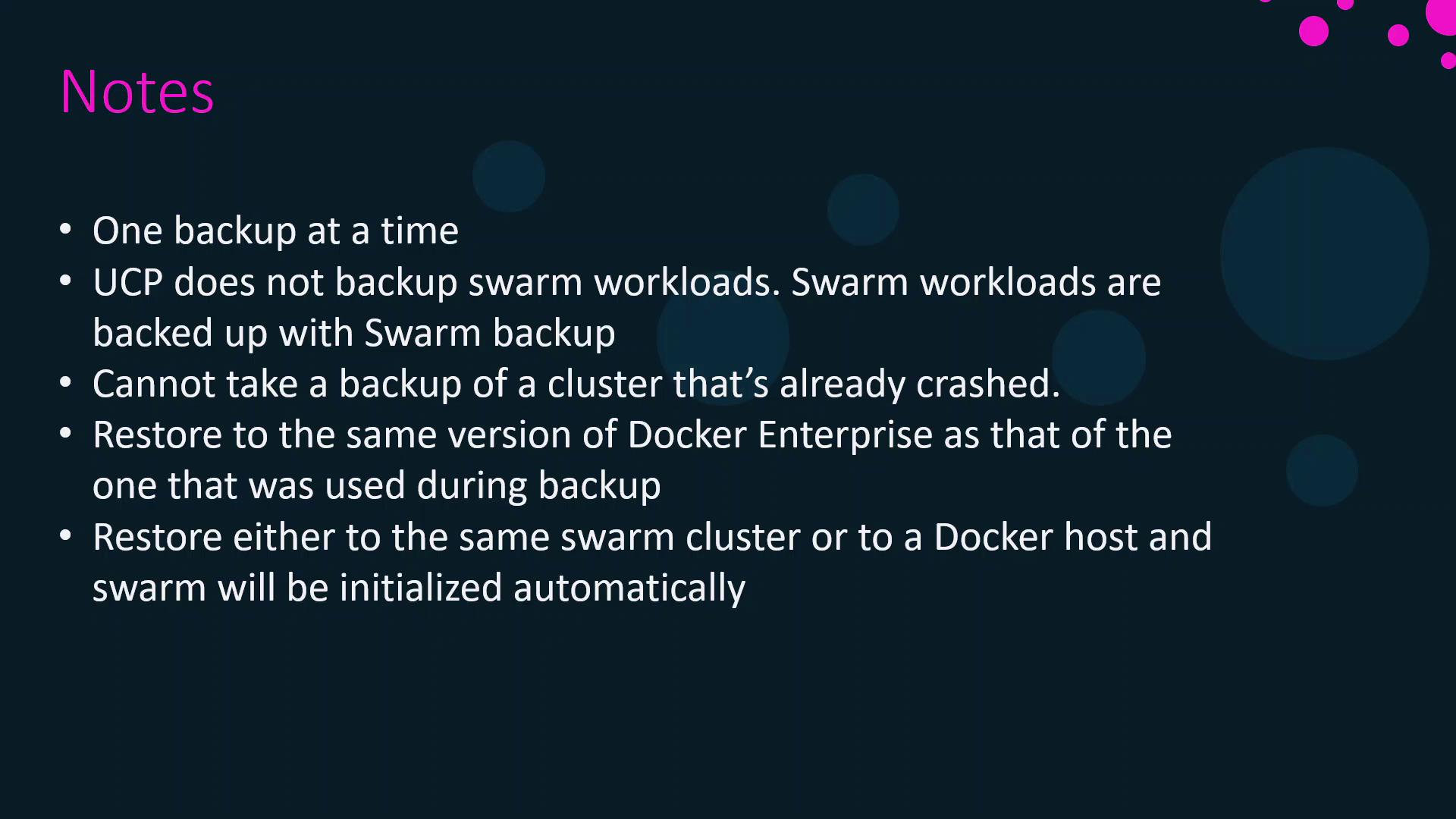
- Key considerations and best practices
Components to Back Up
Protect the following UCP components to guarantee a smooth recovery:UCP does not back up Docker Swarm services, configs, or overlay networks. Use Docker Swarm tools for those workloads.
Backing Up UCP
You can perform backups via the CLI or the UCP web interface.1. Backup with the CLI
Run the official UCP image in backup mode. Mount the Docker socket and a host directory to store the archive:--filespecifies the output archive path--passphraseencrypts the backup--include-logstoggles container logs (default: true)
2. Backup via UCP Web UI
- Log in as an admin.
- Navigate to Admin Settings → Backup.
- Click Start Backup, set a passphrase, and monitor progress.
Restoring UCP
Follow these two main steps to restore UCP from a backup:Step 1. Uninstall Any Existing UCP
If UCP is already installed, remove it cleanly:Step 2. Perform the Restore
Pipe the backup archive into the UCP restore command:- Reuse the same Swarm cluster
- Provision a new Swarm cluster
- Restore onto a standalone Docker host (UCP initializes Swarm automatically)
Key Considerations
Always verify that your passphrase and backup archive are accessible before starting a restore.
References
- Docker UCP Backup & Restore Documentation
- Docker Swarm Backup Strategies
- Docker Certified Associate Exam Guide