

1. Prepare the Docker Compose File (Version 3)
Below is the upgraded Compose file in version 3 format. Save this asdocker-stack.yml on your Swarm manager:
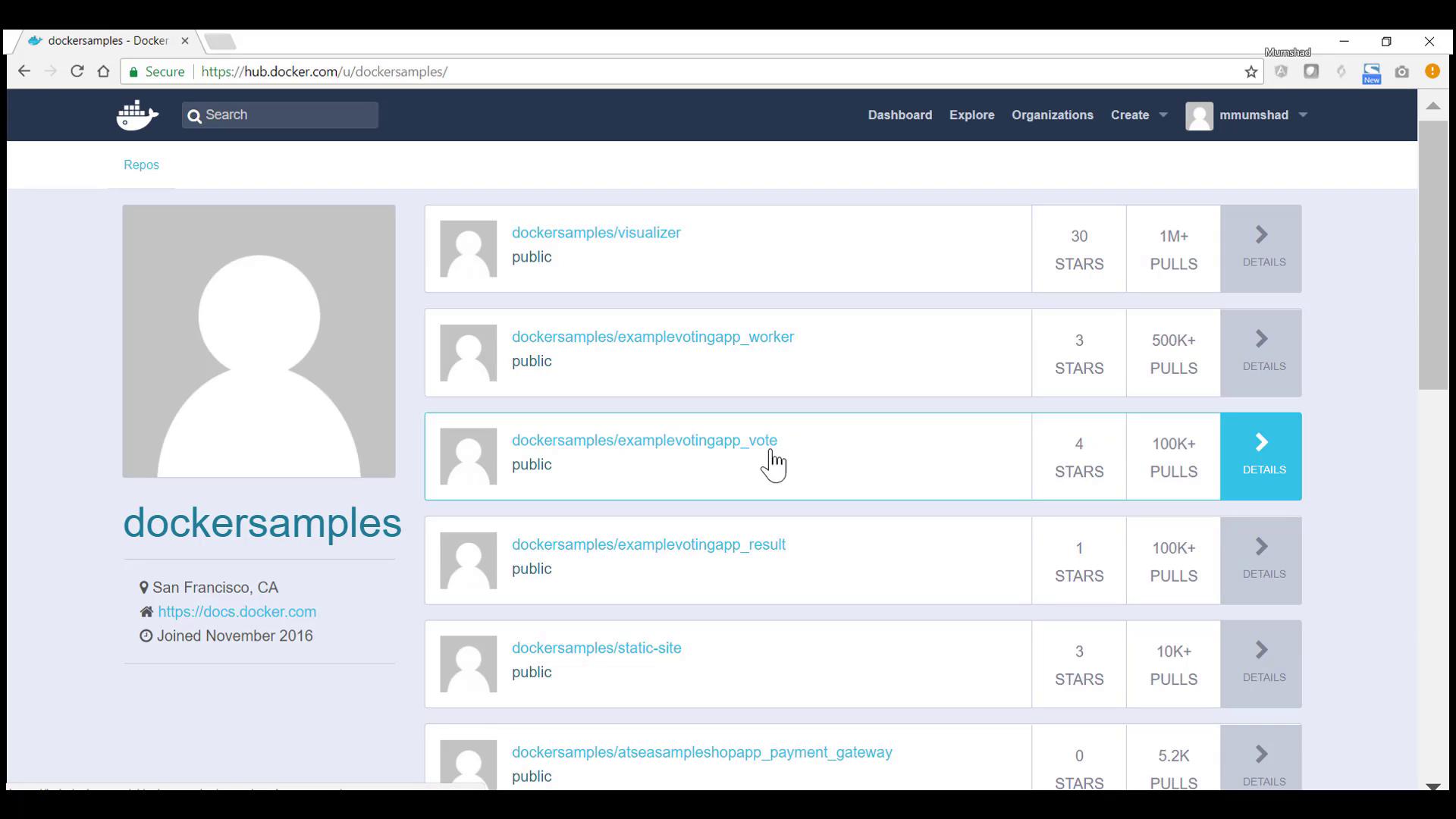
dockersamples images are available on Docker Hub.
Make sure Docker Swarm is initialized on your manager node:
2. Deploy the Stack
- SSH into your Swarm manager and create a project directory:
- Place the
docker-stack.ymlfile in this directory. - Deploy the stack:
You should see output similar to:Compose
3. Inspect Running Tasks
On any manager or worker node, list the active containers to ensure tasks are distributed:4. Access the Voting Application
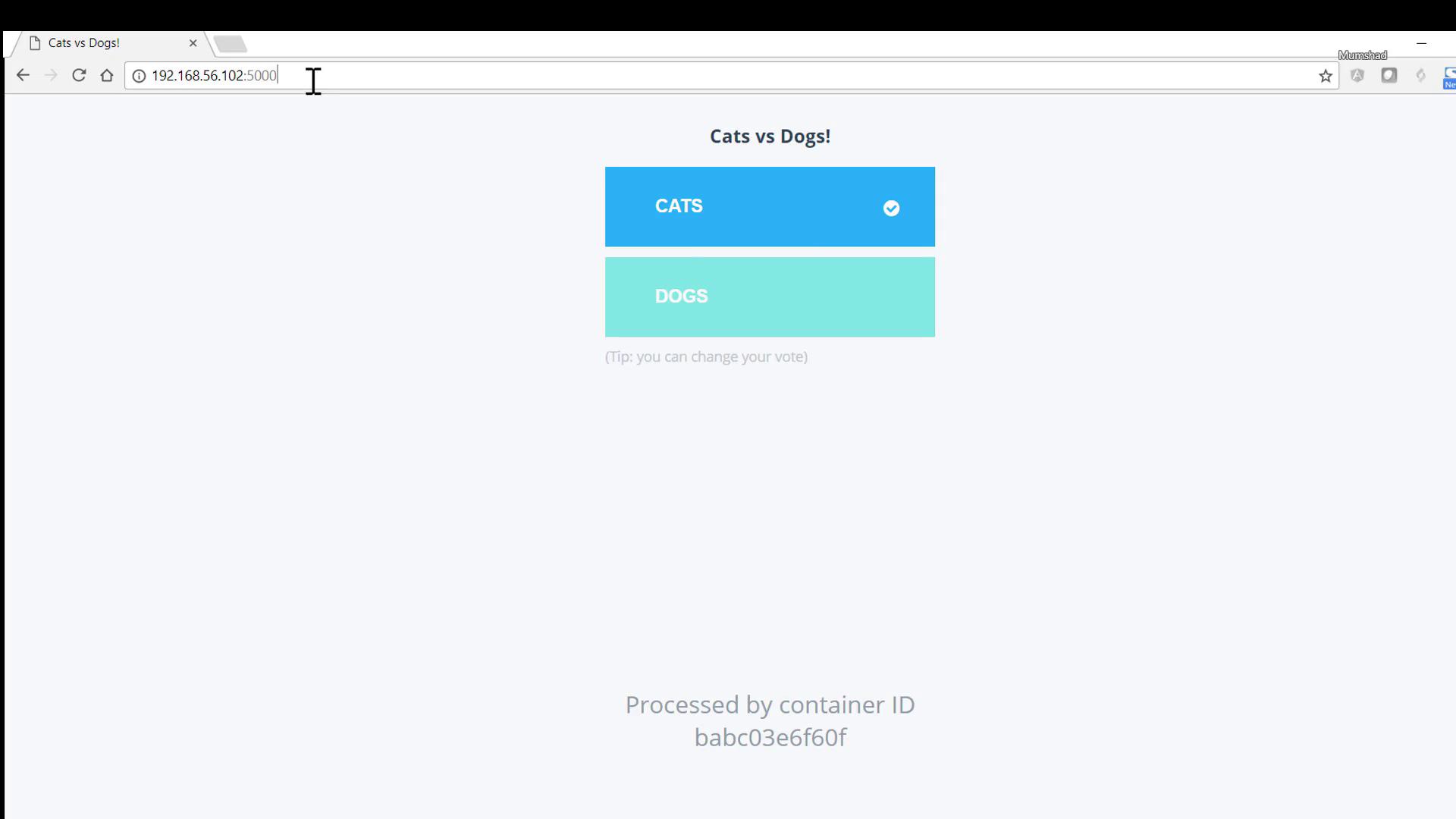
Open a browser and navigate to:- Voting interface: http://<manager-ip>:5000
- Results dashboard: http://<manager-ip>:5001
5. Scale the Voting Service
To handle higher traffic, updatedocker-stack.yml by adding the deploy.replicas setting under the vote service:
Inspect each task: