

- A PersistentVolume (PV) is a cluster-level resource representing a piece of storage provisioned by an administrator.
- A PersistentVolumeClaim (PVC) is a user’s request for storage, specifying capacity, access modes, and optional selectors.
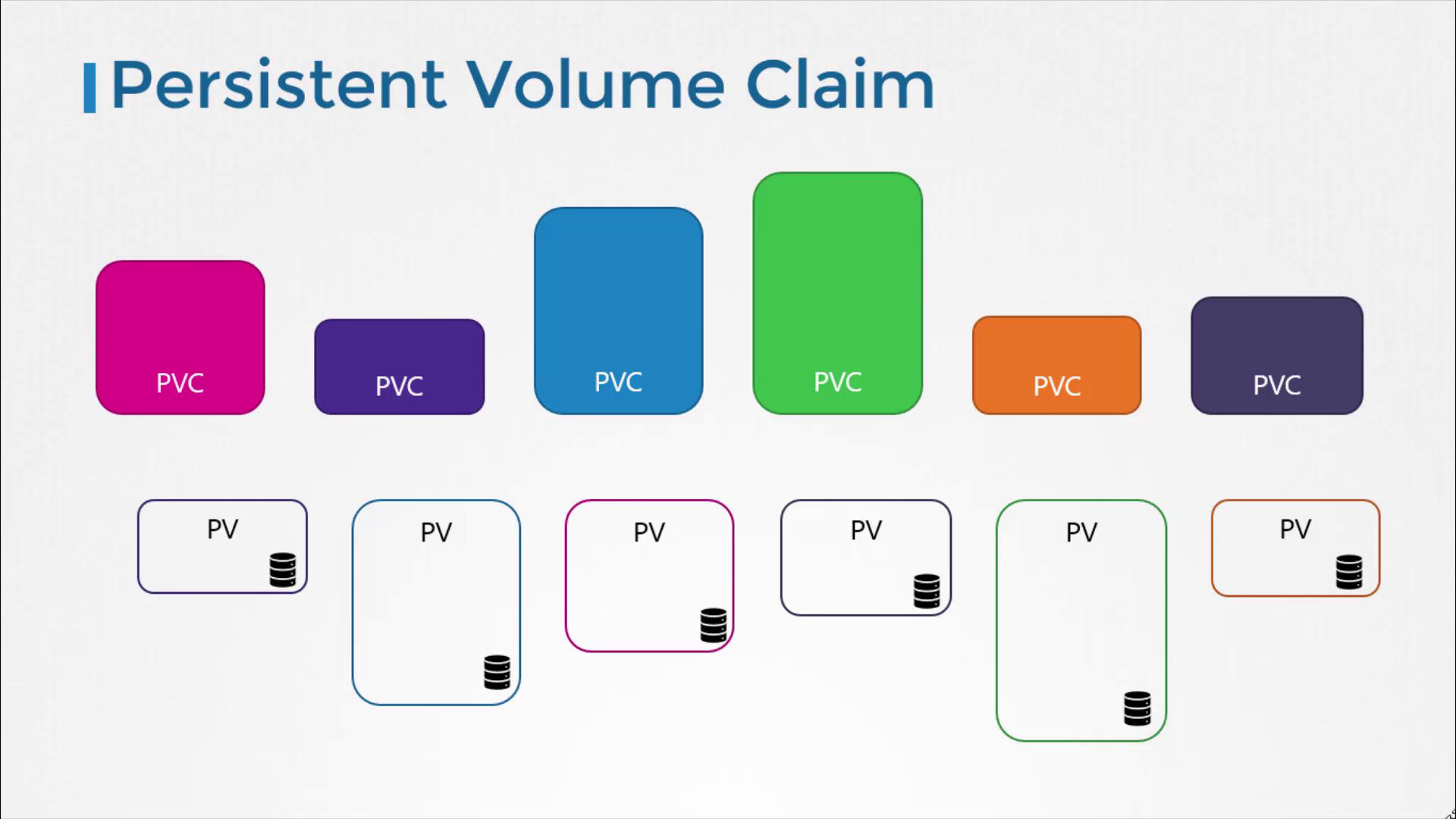
How PV-PVC Binding Works
The binding process evaluates several criteria to find a suitable PV for a PVC:- Capacity: PV storage ≥ PVC request
- Access Modes: e.g.,
ReadWriteOnce,ReadOnlyMany - Volume Mode: e.g.,
FilesystemorBlock - Storage Class: must match if specified
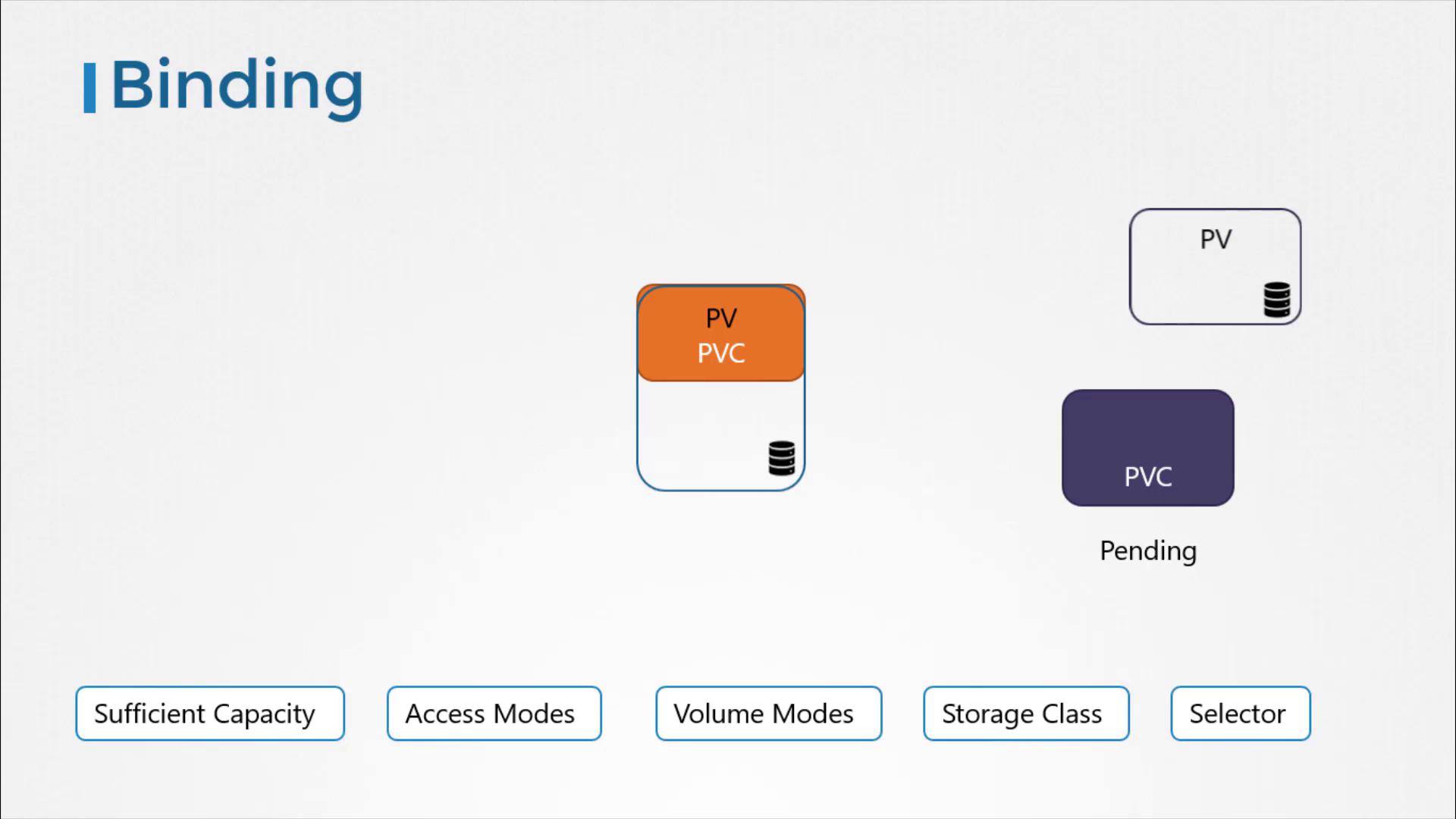
- Label Selectors (optional): target specific volumes
Using Label Selectors
You can refine binding with labels on both PVC and PV: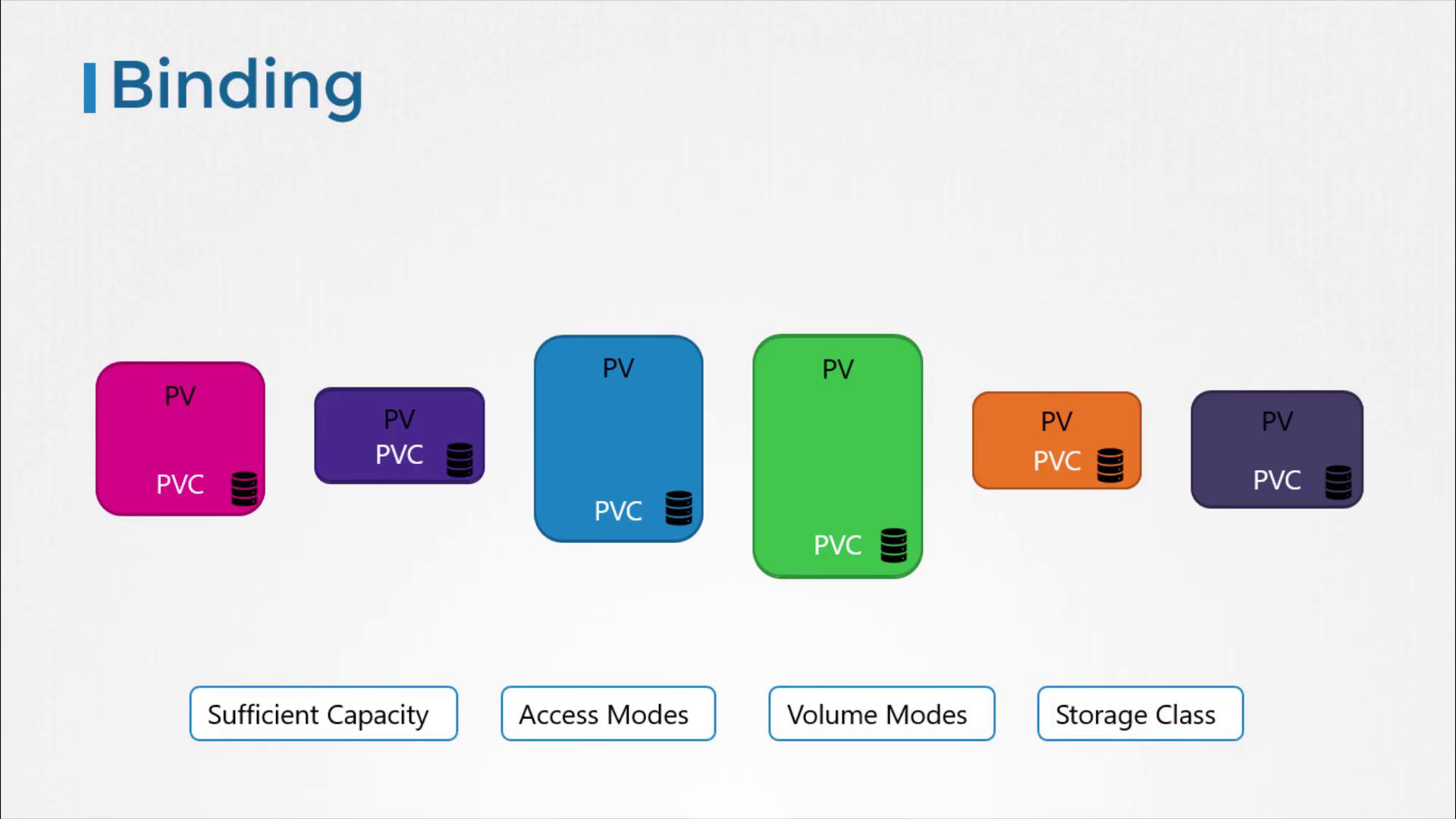
A PVC binds to only one PV and vice versa. If a PV is larger than the requested size, the leftover space remains unused and cannot be shared.
Step-by-Step: Creating a PersistentVolumeClaim
-
Define the PVC
Save the following manifest aspvc-definition.yaml: -
Apply the PVC
-
Verify Status
Once a matching PV is available, the PVC transitions to
Bound:
If your cluster supports dynamic provisioning, you can skip creating a PV manually. Just specify a
storageClassName in the PVC.Reclaim Policies
When a PVC is deleted, the PV’s reclaim policy determines what happens to the underlying storage:
To set a reclaim policy, include it in the PV spec:
Cleaning Up
Remove the PVC when you no longer need it:Links and References
- Kubernetes Persistent Volumes
- Persistent Volume Claims
- Storage Classes
- AWS Elastic Block Store (EBS)