

Docker vs. Kubernetes
Docker and Kubernetes often appear together, but they serve different purposes:- Docker provides a container runtime for packaging and running individual containers.
- Kubernetes is an orchestration system that automates deployment, scaling, and management of containerized applications across a cluster.
Kubernetes supports multiple container runtimes. While Docker is the most common, you can also use CRI-O or containerd via the Container Runtime Interface (CRI).
1. Nodes and Cluster
A node is a physical or virtual machine that runs containerized workloads. You group multiple nodes into a cluster to achieve high availability and fault tolerance. If one node fails, other nodes continue serving your application.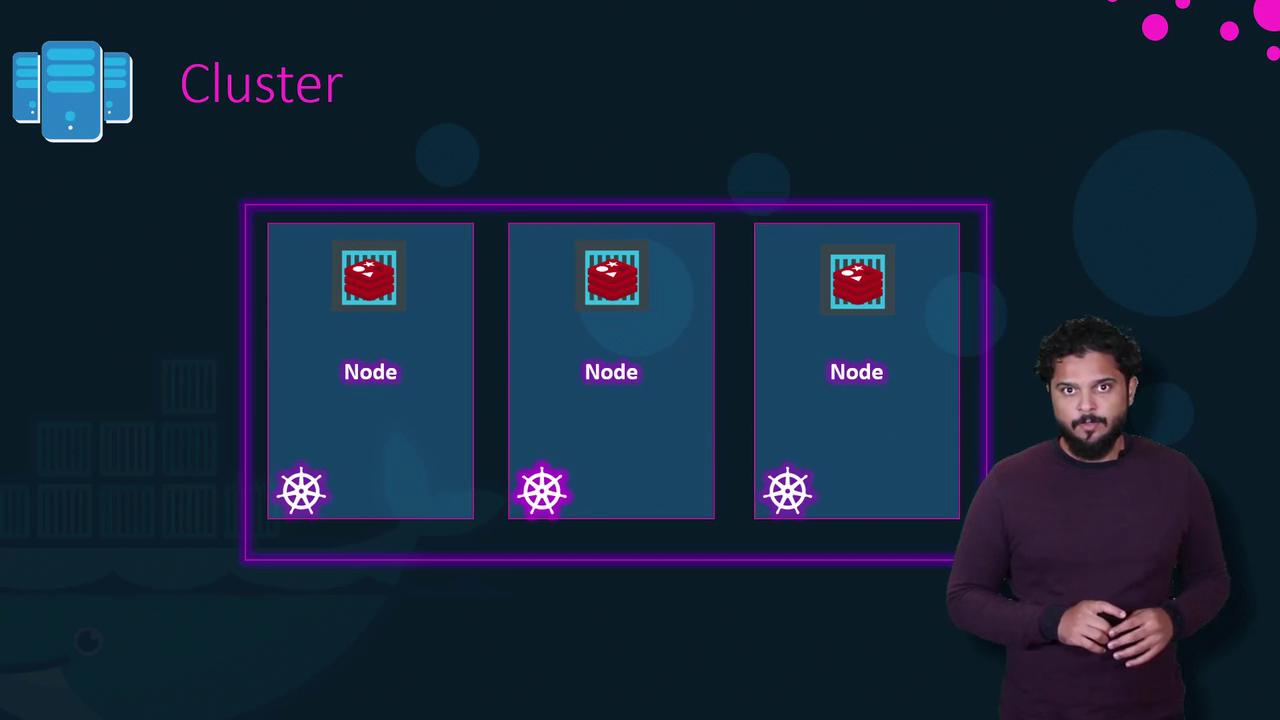
2. Control Plane Components
The control plane (formerly called “master”) runs components that maintain the cluster’s desired state: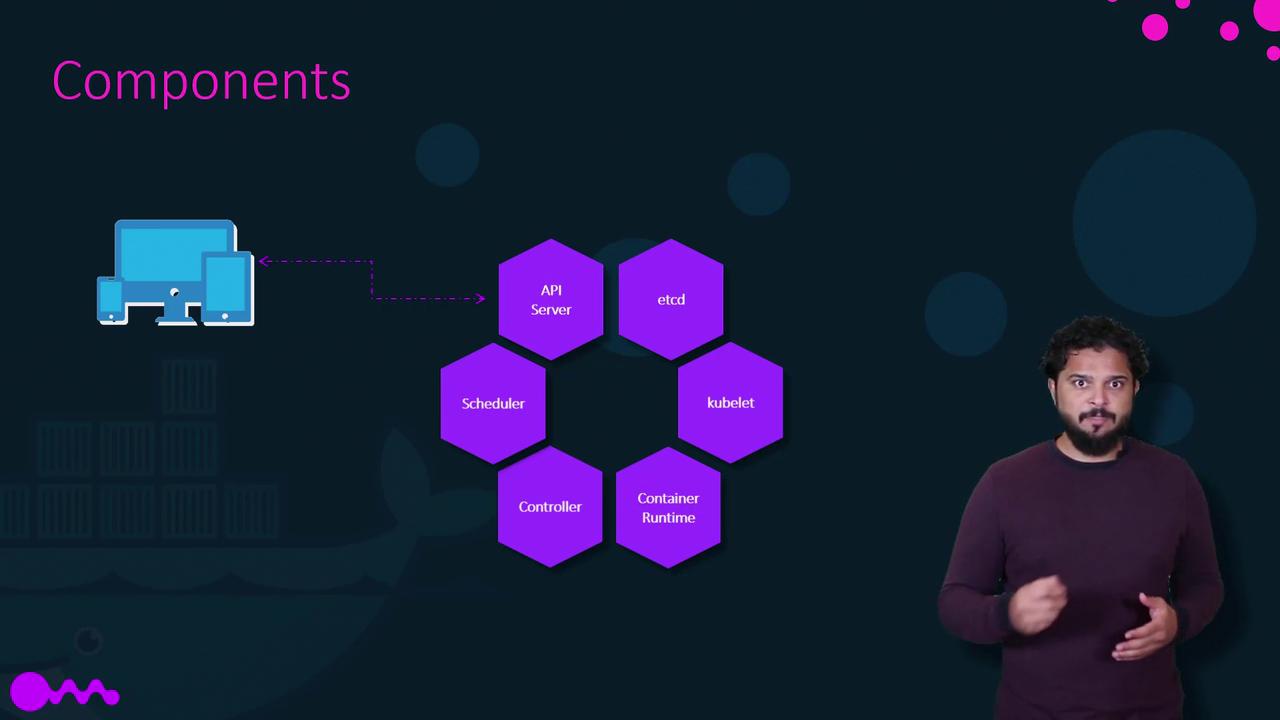
Data in etcd is critical: back it up regularly. Loss of etcd data can render your cluster unusable.
3. Kubernetes CLI (kubectl)
kubectl is the primary command-line tool to interact with the Kubernetes API. Here are common commands:
Example Workflow
You can also configure Horizontal Pod Autoscaler to automatically adjust replica counts based on CPU or custom metrics. See Horizontal Pod Autoscaling for details.
Ready to dive deeper? Explore our in-depth Kubernetes courses to master topics like Networking, Storage, Security, and become a certified Kubernetes Administrator (CKA).