Overview

Namespaces partition Kubernetes clusters into virtual sub-clusters, simplifying resource management and isolation for teams or environments. This guide covers core concepts, commands, and best practices for working with namespaces.

The House Analogy

Imagine two boys named Mark living in separate houses. To avoid confusion, one is called Mark Smith and the other Mark Williams. Inside each house, family members use only first names; outsiders always use the full name. Each house maintains its own rules and resources.
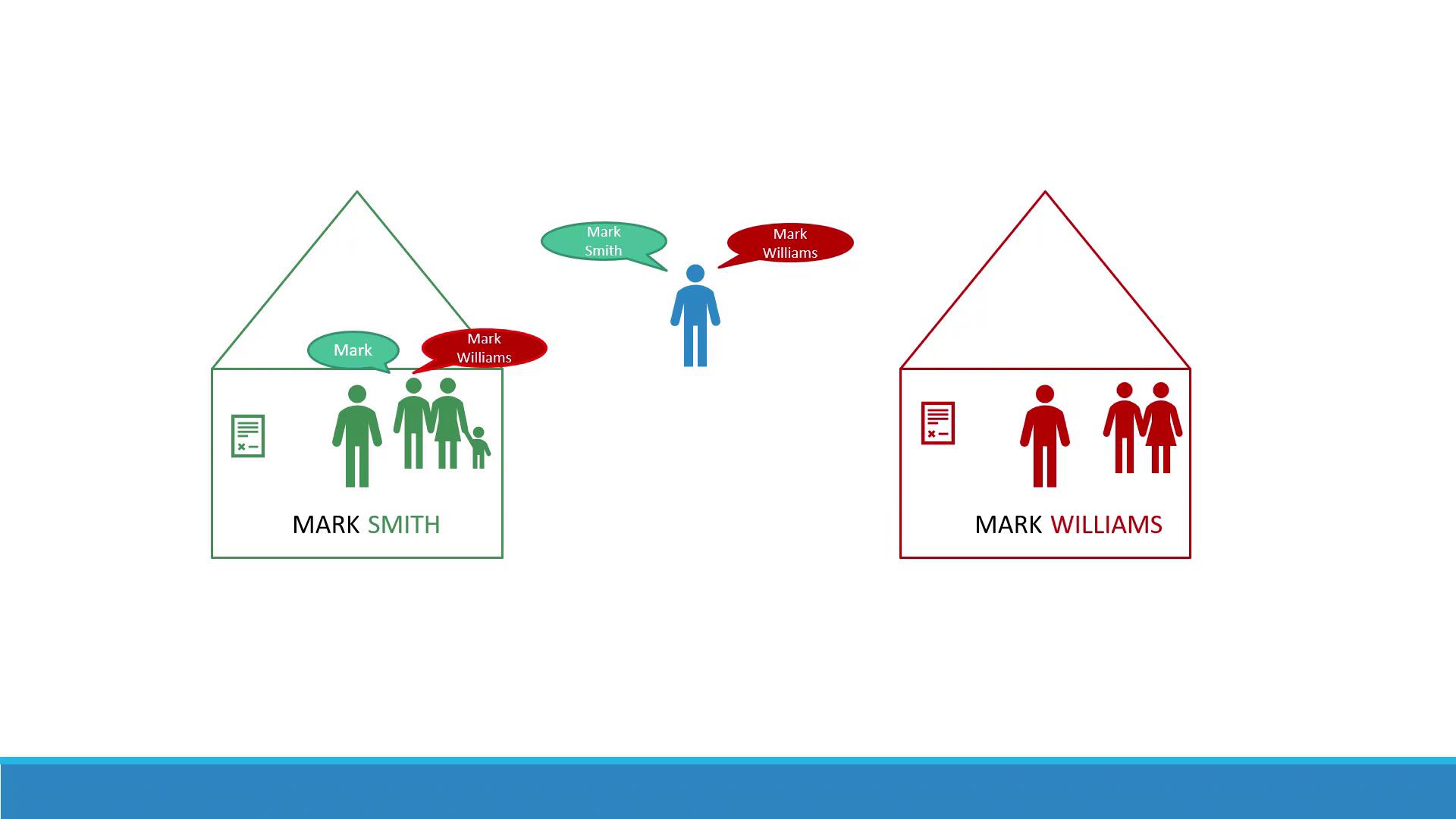
The image shows two houses labeled "Mark Smith" and "Mark Williams," each containing figures representing people. A central figure is depicted with speech bubbles indicating the names "Mark Smith" and "Mark Williams."
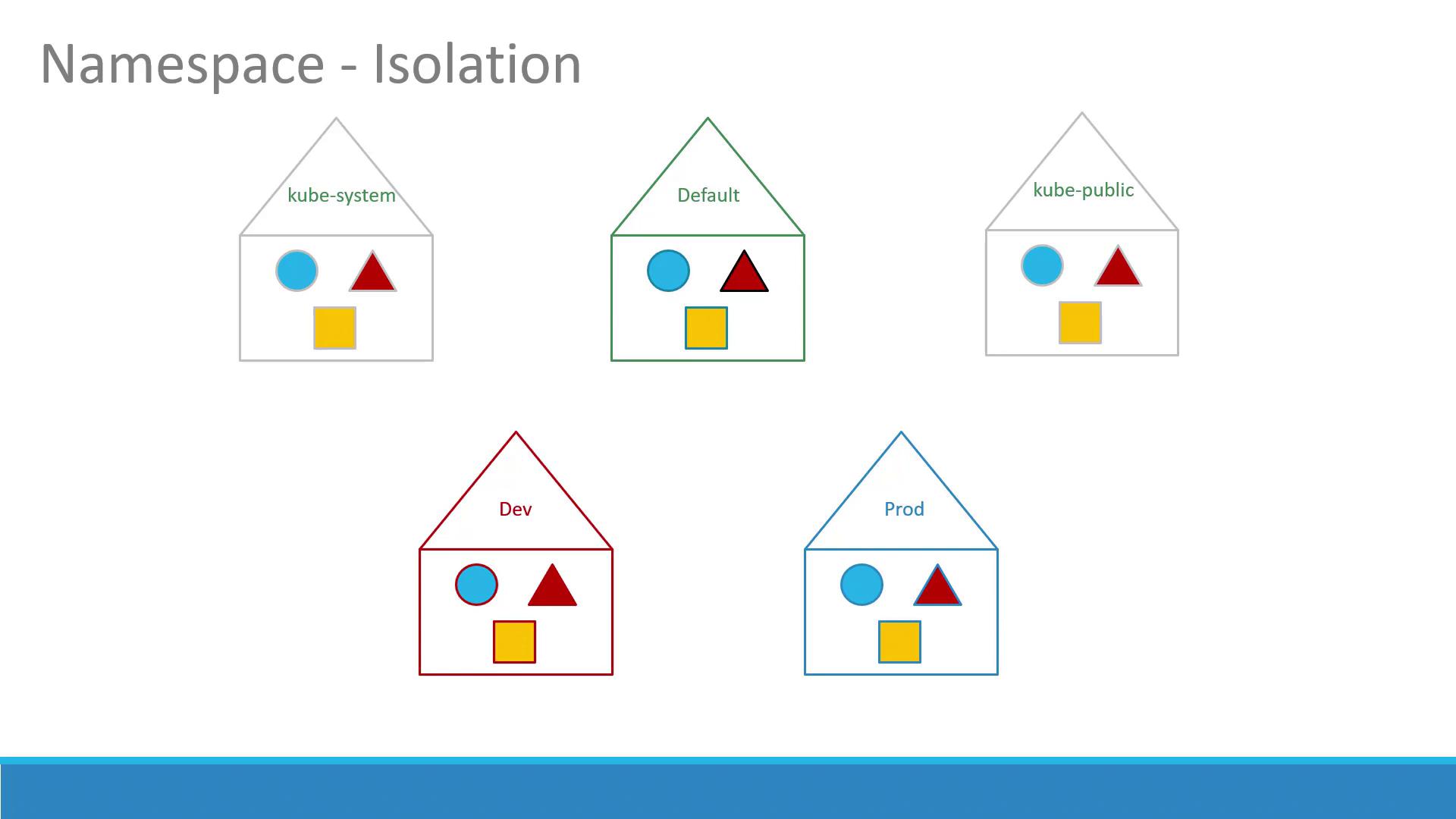
In Kubernetes, a namespace is like a house. Every Pod, Deployment, and Service lives in one namespace. By default, clusters include:
Avoid modifying resources in the kube-system namespace directly; changes can disrupt critical cluster services.

Custom Namespaces

For development, testing, or multi-tenant clusters, create additional namespaces (e.g., dev, prod) to isolate:
  • Resources
  • Policies (RBAC rules)
  • Quotas
The image illustrates the concept of namespace isolation using house-shaped diagrams, each containing a circle, triangle, and square, labeled with different namespaces like "kube-system," "Default," "kube-public," "Dev," and "Prod."

RBAC and Resource Quotas

You can enforce per-namespace access control with RoleBindings and restrict resource usage using ResourceQuotas:
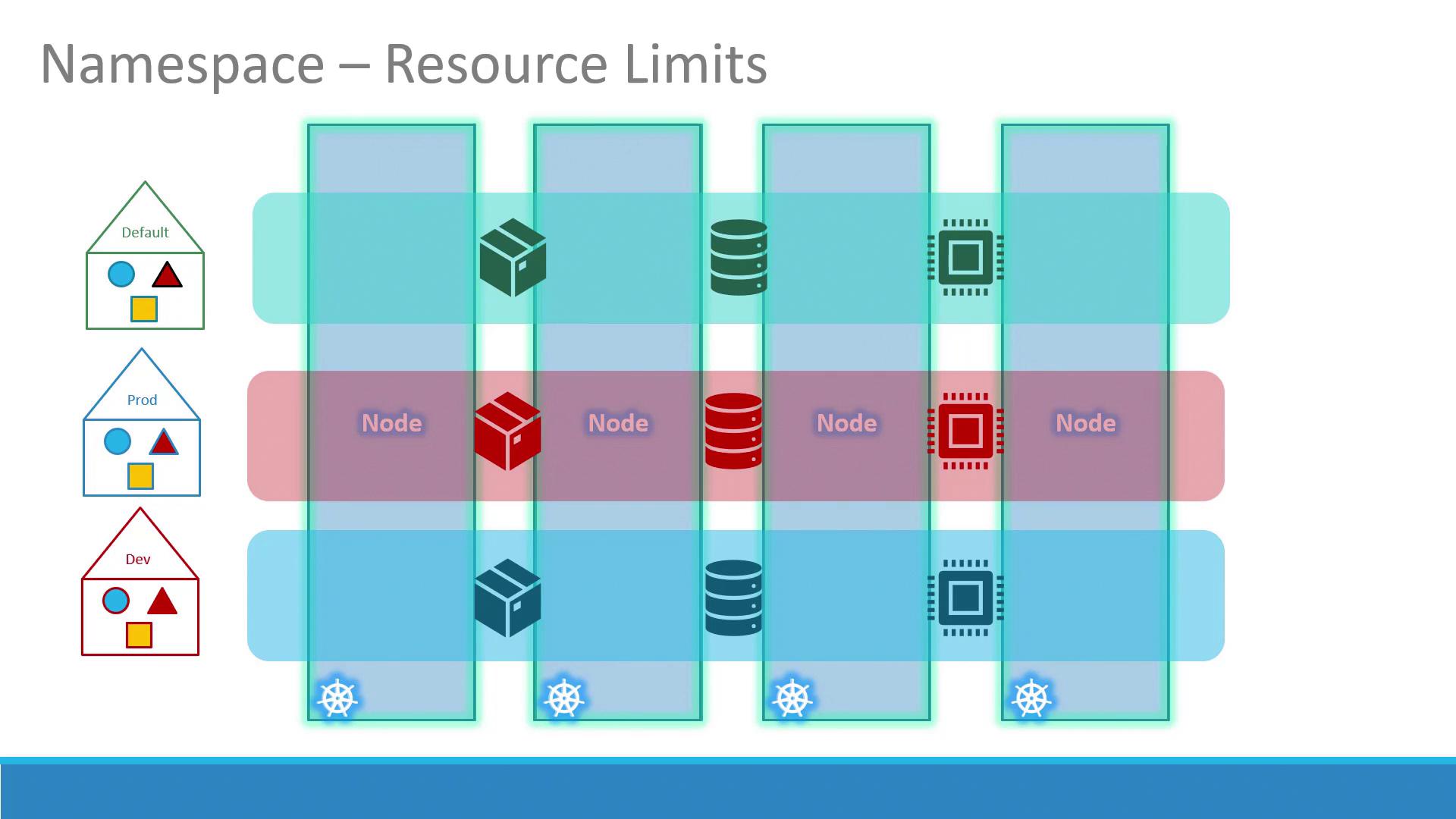
The image illustrates a Kubernetes namespace resource limits concept, showing different environments (Default, Prod, Dev) with nodes and containers represented by various icons. It highlights how resources are allocated and managed across these environments.

Service Discovery Across Namespaces

Within the same namespace, Services resolve by name:
To reach a Service in another namespace, use its fully qualified domain name (FQDN):
DNS format:
By default, cluster-domain is cluster.local and svc is the Services subdomain.
You can customize the cluster-domain in kube-DNS/CoreDNS configuration if needed.

Working with Namespaces in kubectl

Common Operations

Listing Pods

Creating a Pod in a Specific Namespace

Override the namespace via CLI:
Or specify within the manifest:
Then apply:

Switching the Current Namespace

Set your default namespace for the current context:
Now, kubectl get pods targets dev by default.

Defining Resource Quotas

Limit resource usage per namespace with a ResourceQuota manifest:
Apply it:

Summary

Namespaces are fundamental for organizing, isolating, and managing resources in Kubernetes. Use them to separate environments, enforce policies, and allocate quotas. Practice creating namespaces, deploying workloads, and exploring cross-namespace Service discovery to master this concept.

References

Watch Video