

If you’re already familiar with Docker storage drivers, feel free to skip ahead to the Volume Driver Plugins section.
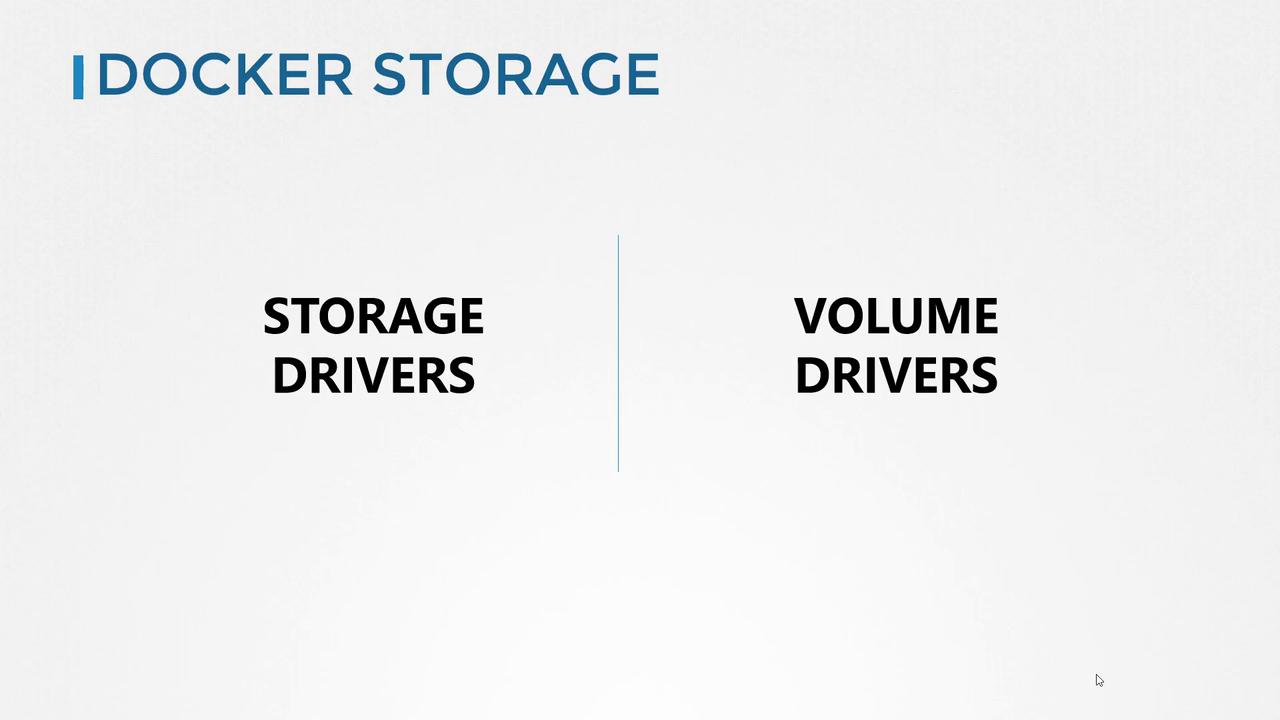
Key Docker Storage Mechanisms
Docker storage relies on two core components:- Storage Drivers: Manage how image and container layers are stored on the host filesystem.
- Volume Driver Plugins: Provide integration with external block, file, or distributed storage solutions.
Storage Drivers
Storage drivers determine how Docker writes and manages the union filesystem for images and containers. They affect performance, stability, and compatibility. Docker supports multiple drivers; choosing the right one depends on your host OS and workload requirements.Popular Storage Drivers
- overlay2: Default on most Linux distributions.
- aufs: Supported on older kernels; deprecated in many distros.
- devicemapper: Uses block devices; suited for environments needing thin provisioning.
Not all storage drivers work on every kernel version. Check your OS documentation before switching drivers.
Volume Driver Plugins
Volume driver plugins enable Docker to mount volumes from external storage backends. This approach decouples container data from the host, making it easier to manage persistence, backups, and scaling.
Refer to the Docker Volume plugins documentation for a full list of supported drivers and configuration options.