

Subjects
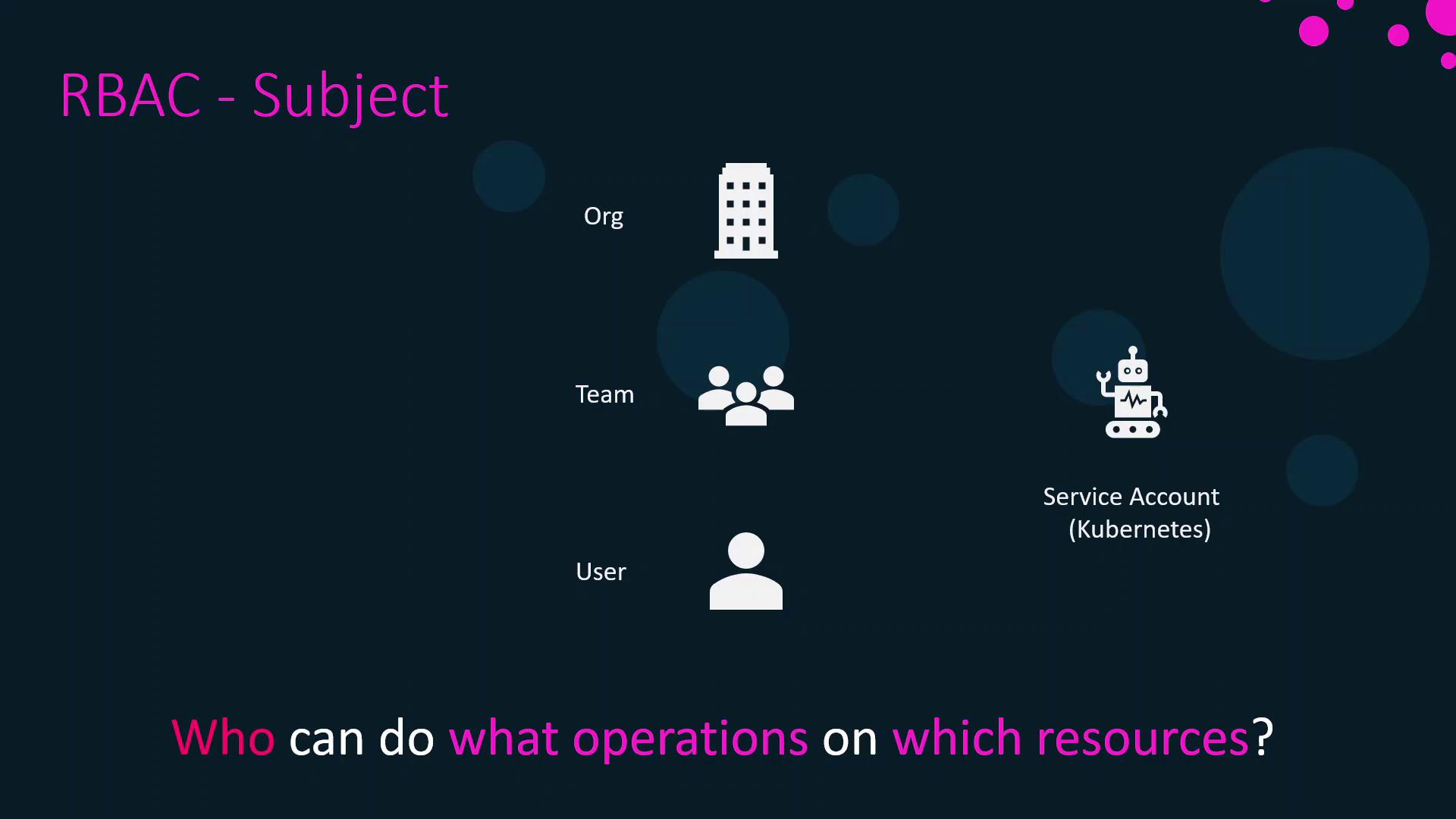
A subject is the actor requesting access. Docker Enterprise supports these subject types:- User: An individual account with credentials and profile information.
- Team: A logical grouping of users for shared permissions.
- Organization: A higher-level grouping of teams.
- Service Account: A Kubernetes object enabling workloads to authenticate to the cluster.
Service Accounts are Kubernetes-native identities used by pods and controllers. They allow automation to interact with the API without human credentials.
Roles
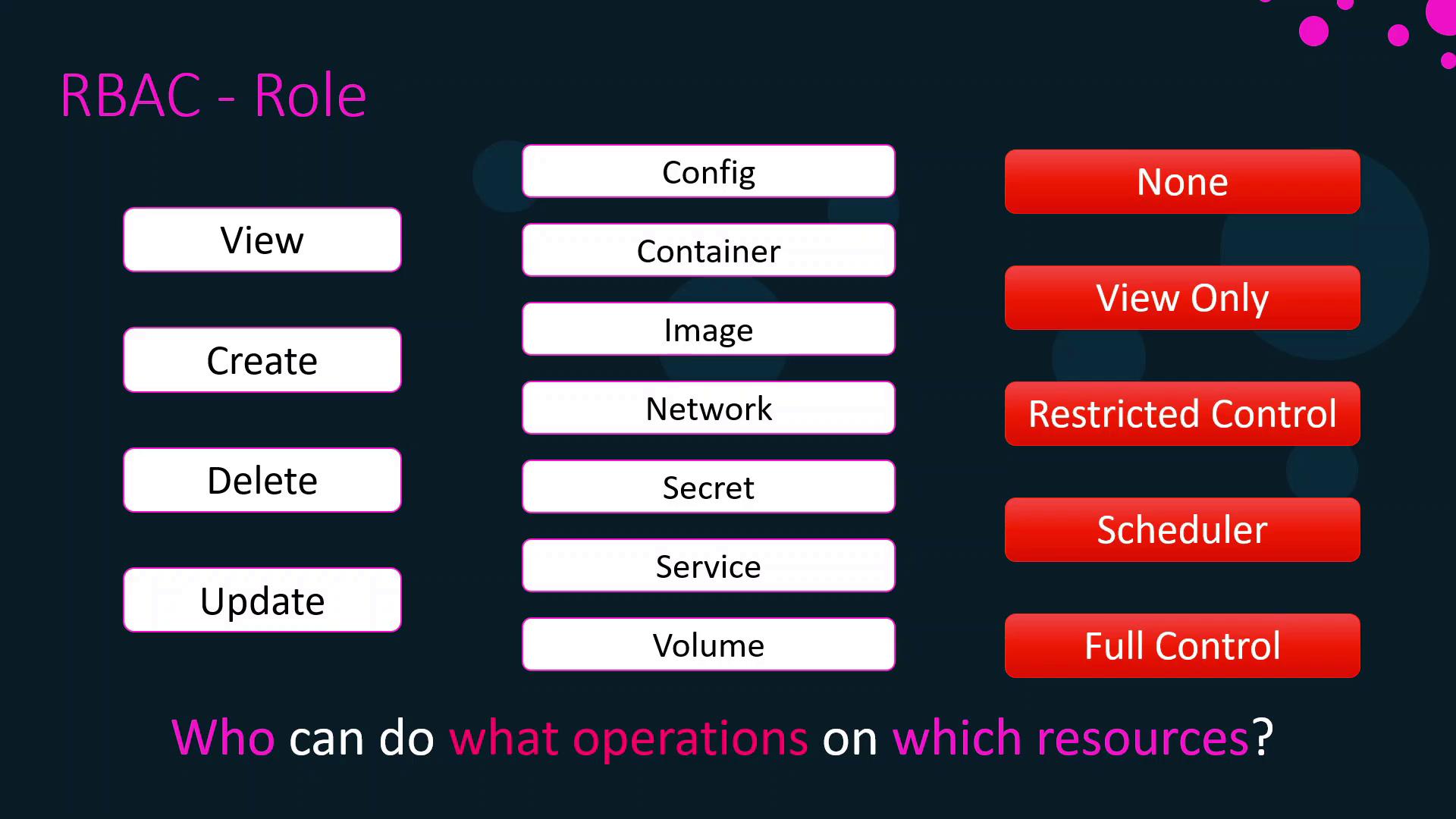
A role specifies which operations a subject can execute on particular resource types. Common operations include:- View (read-only)
- Create
- Update
- Delete
Grant Full Control sparingly. Excessive privileges can lead to unintended changes or security risks.
Resource Sets
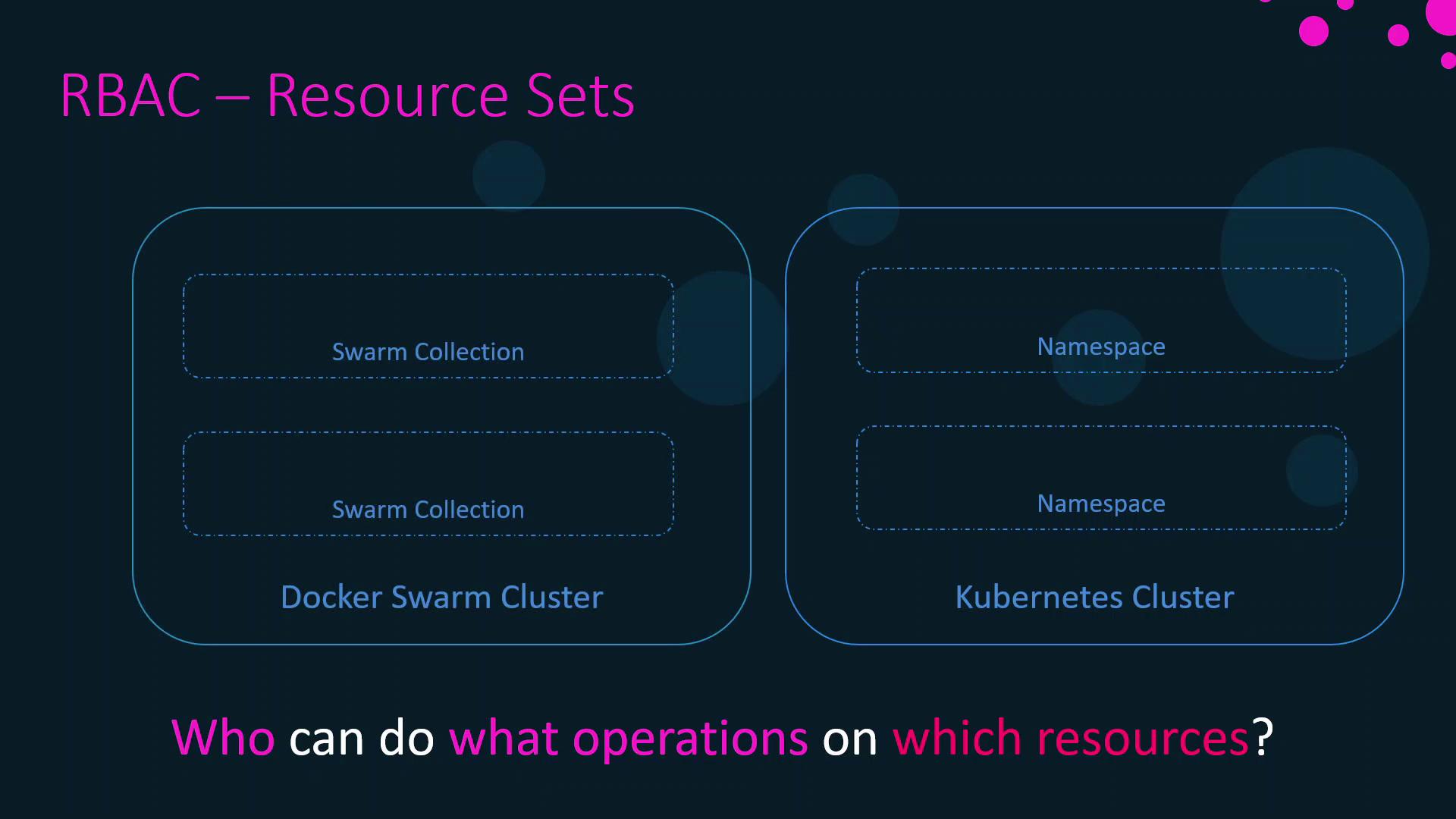
A resource set defines the scope where a role applies:- Kubernetes Namespaces: Logical partitions within a cluster.
- Swarm Collections: Groups of nodes, services, volumes, and networks in UCP.
Grants
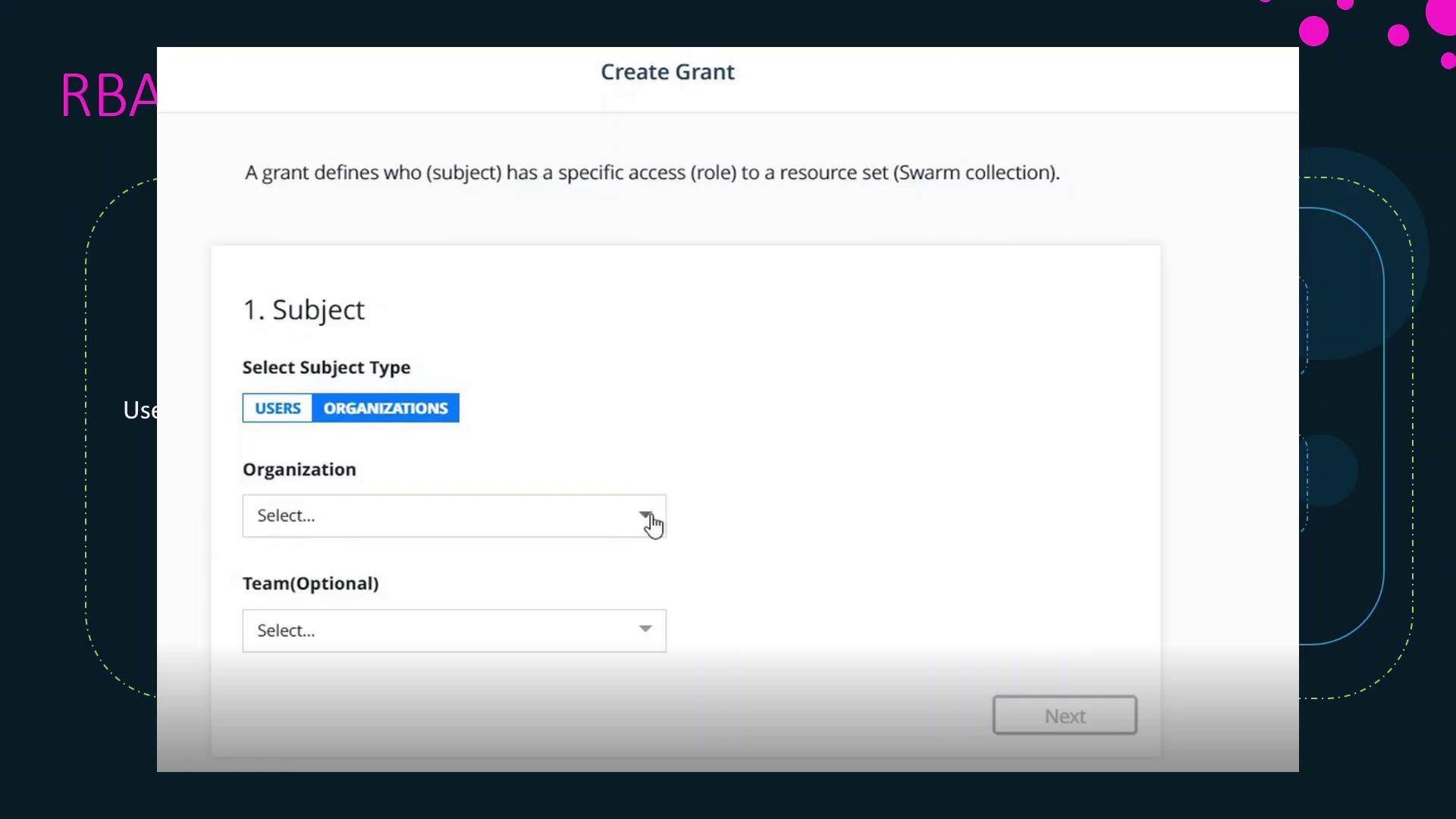
A grant binds together a subject, a role, and a resource set to enforce permissions. To create a grant in UCP:- Navigate to Access Control > Grants.
- Select the Subject (user, team, organization, or service account).
- Choose the Role (built-in or custom).
- Pick the Resource Set (Swarm collection or Kubernetes namespace).
- Save the grant to apply the permissions.
Summary & Best Practices
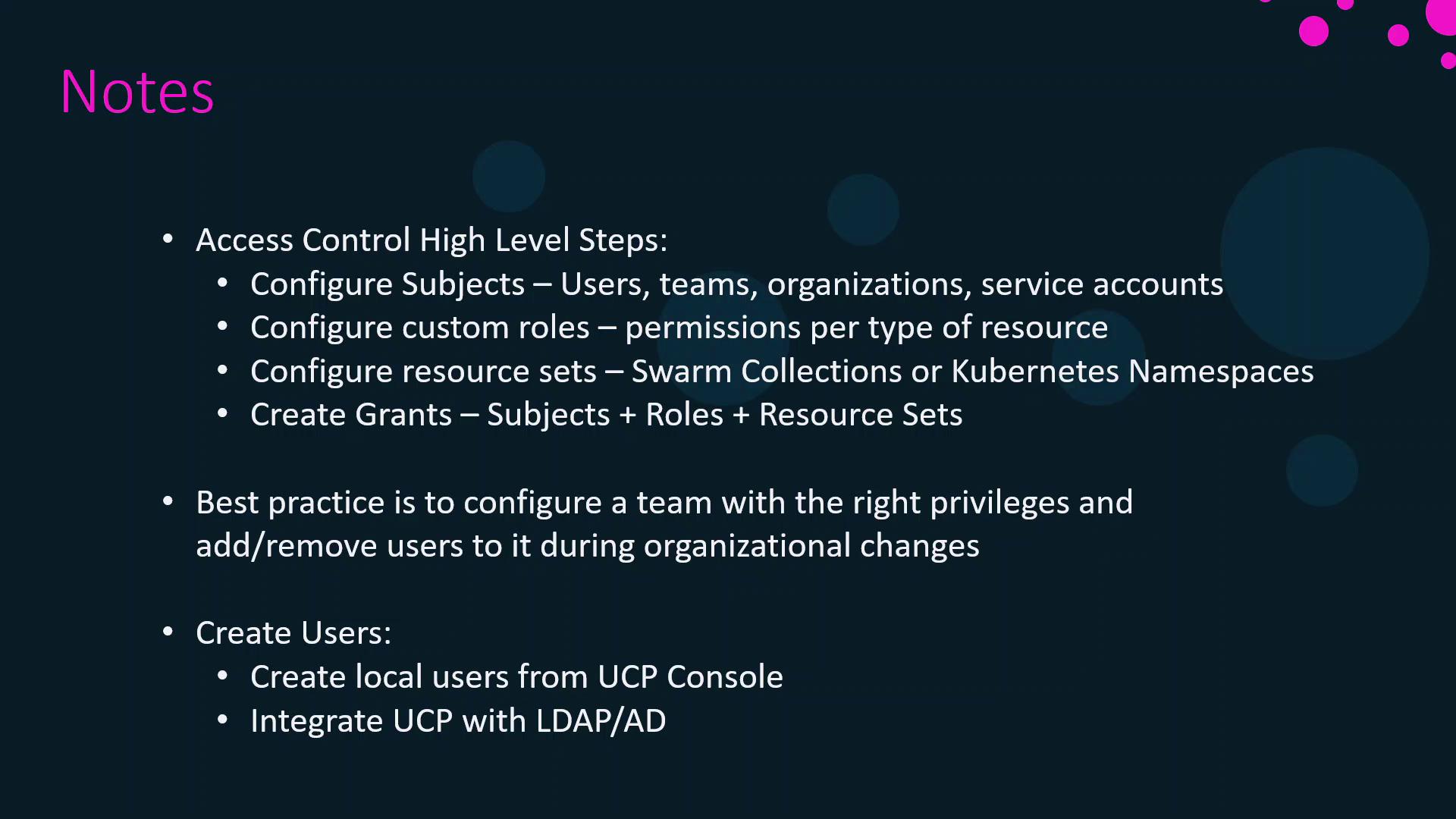
- Configure Subjects
- Define users, teams, organizations, or service accounts in UCP.
- Define Roles
- Use built-in roles or create custom roles tailored to your security requirements.
- Create Resource Sets
- Organize workloads into Swarm collections or Kubernetes namespaces.
- Grant Access
- Combine subject + role + resource set to enforce least privilege.
- Segment large teams into multiple groups with narrow privileges.
- Manage team membership rather than assigning permissions per user.
- Integrate UCP with LDAP or Active Directory for centralized identity management.
- Regularly review and audit grants to maintain a secure environment.
In the next section, we will demonstrate creating users, custom roles, Swarm collections, and grants in action.