

And services such as:
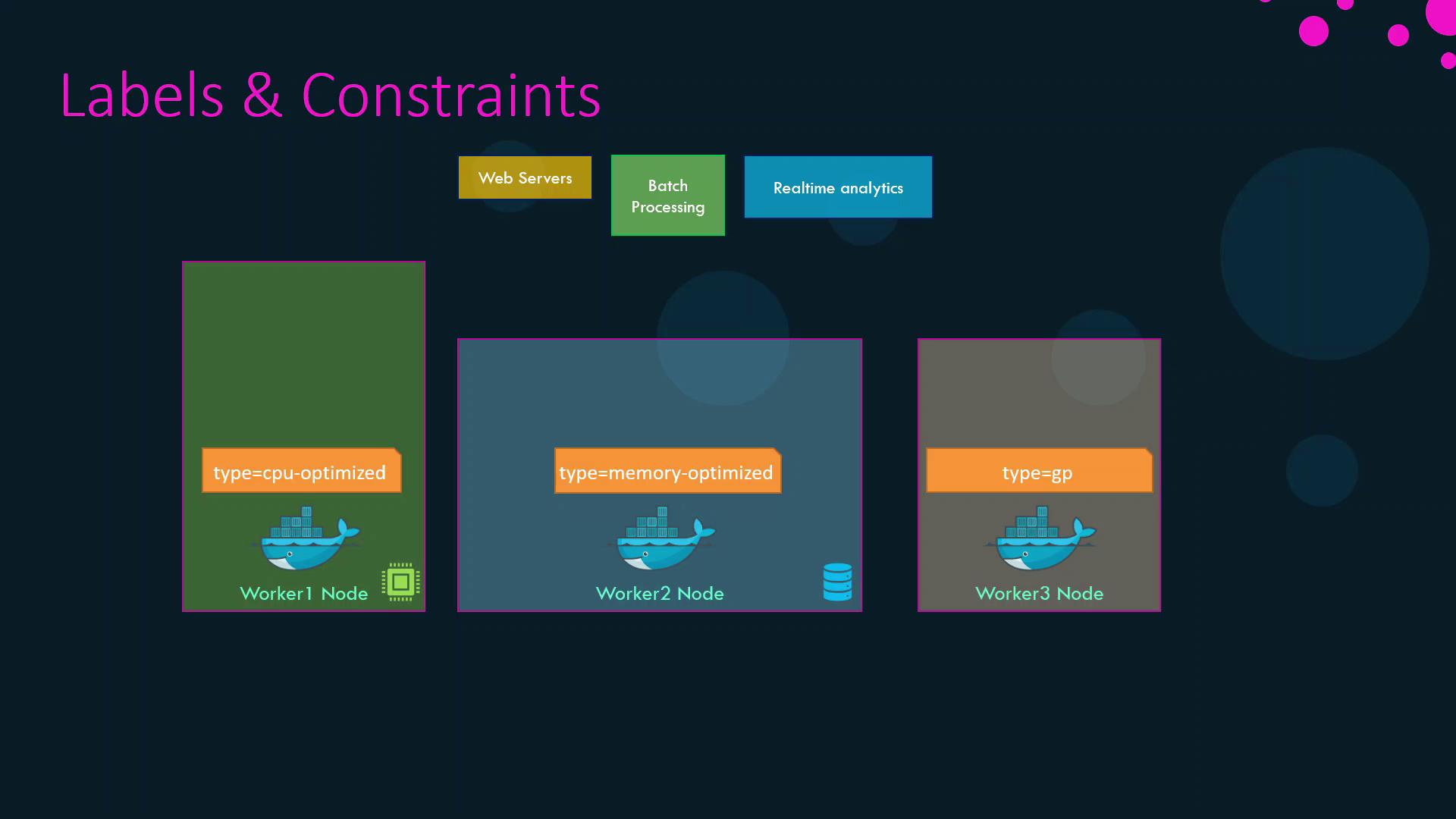
Without explicit placement constraints, Swarm might schedule a CPU-heavy task on a memory-optimized node or vice versa, causing contention and inefficiency.
1. Labeling Nodes
Assign key-value labels to each node to reflect its resource profile:After labeling, confirm with:
2. Applying Placement Constraints
Use the--constraint flag with docker service create to bind services to nodes based on labels or built-in properties.
2.1 Match a Label
Schedule CPU-intensive and memory-intensive services on their respective optimized nodes:2.2 Exclude a Label
Prevent the web service from running on memory-optimized nodes:web is placed on either the CPU-optimized or general-purpose node.
Constraint expressions are case-sensitive and must be enclosed in quotes.
For more options, see the Service Create reference.
For more options, see the Service Create reference.
2.3 Using Built-in Node Properties
You can also constrain by node role. For example, to run a service only on worker nodes (excluding managers):3. Summary of Constraints
By combining node labels with placement constraints, you guarantee that each workload in your Swarm cluster runs on the most suitable hardware, improving both performance and resource utilization.